> For the complete documentation index, see [llms.txt](https://docs.cloudeka.ai/llms.txt). Markdown versions of documentation pages are available by appending `.md` to page URLs; this page is available as [Markdown](https://docs.cloudeka.ai/cloudeka-api-list/command-reference/cldkctl-flexi/instance/console.md).
# console
Get console url of a flexi instance in your project. This command allows you to get console url of a flexi instance.
## Usage
```
cldkctl flexi instance console [name] [flags]
```
## Steps
Follow the steps below to run and view the result of this command:
1. Run the following command in your terminal:
```
cldkctl flexi instance console [instance-name]
```
2. Replace **\[instance-name]** with the name of the instance.
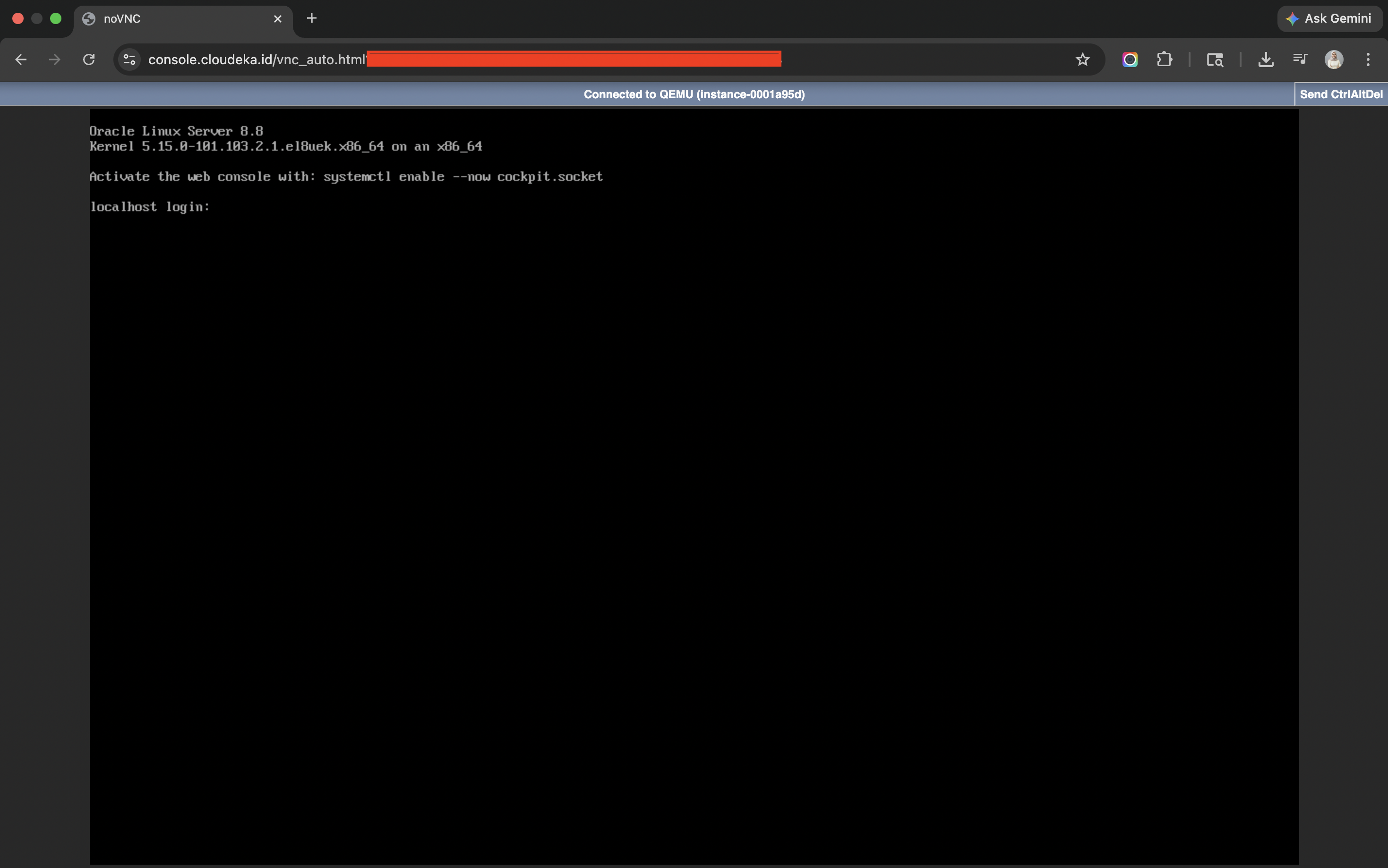
3. The terminal displays the **console URL**.
4. Open the **console URL** in your web browser to access the instance console.
## Flags
{% hint style="info" %}
This command supports [global flags](/cloudeka-api-list/global-flags.md). Refer to the Global Flags section for details
{% endhint %}
| Flag | Shorthand | Description |
| ---------------- | --------- | ----------------------------- |
| --help | -h | Help for the console command. |
| --project string | -p | Specify project ID. |