> For the complete documentation index, see [llms.txt](https://docs.cloudeka.ai/llms.txt). Markdown versions of documentation pages are available by appending `.md` to page URLs; this page is available as [Markdown](https://docs.cloudeka.ai/deka-cdn/deploy-deka-cdn.md).
# Deploy Deka CDN
Service Portal Cloudeka automatically starts the system after you finish saving the configuration. However, a Deploy button is provided to start the system manually if you want to ensure a saved configuration, you can use the Deploy feature by following these steps:
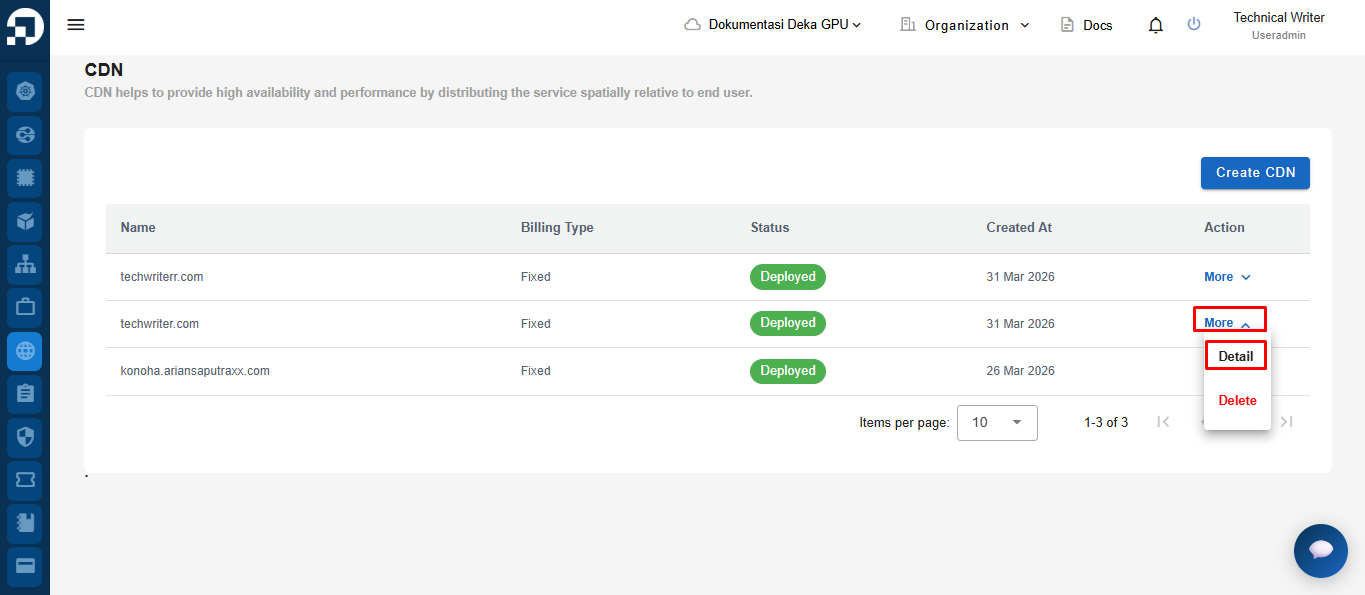
On the CDN menu page, in the Action column click the More button and select Details.
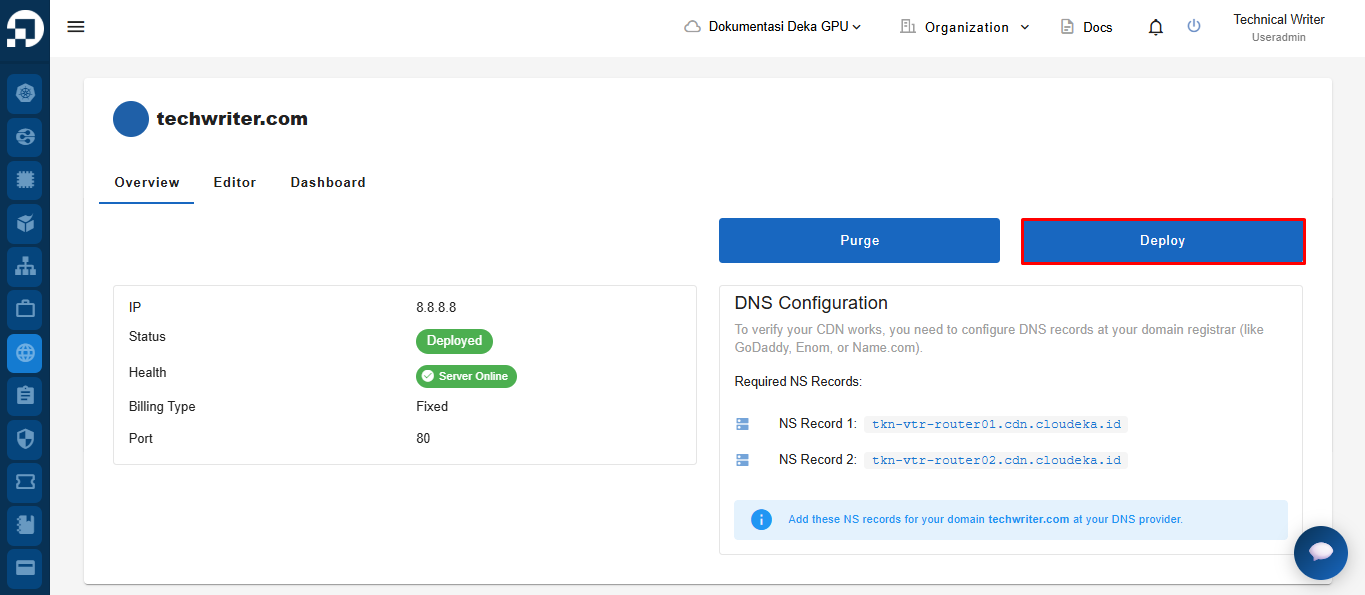
On the Overview tab click the Deploy button.
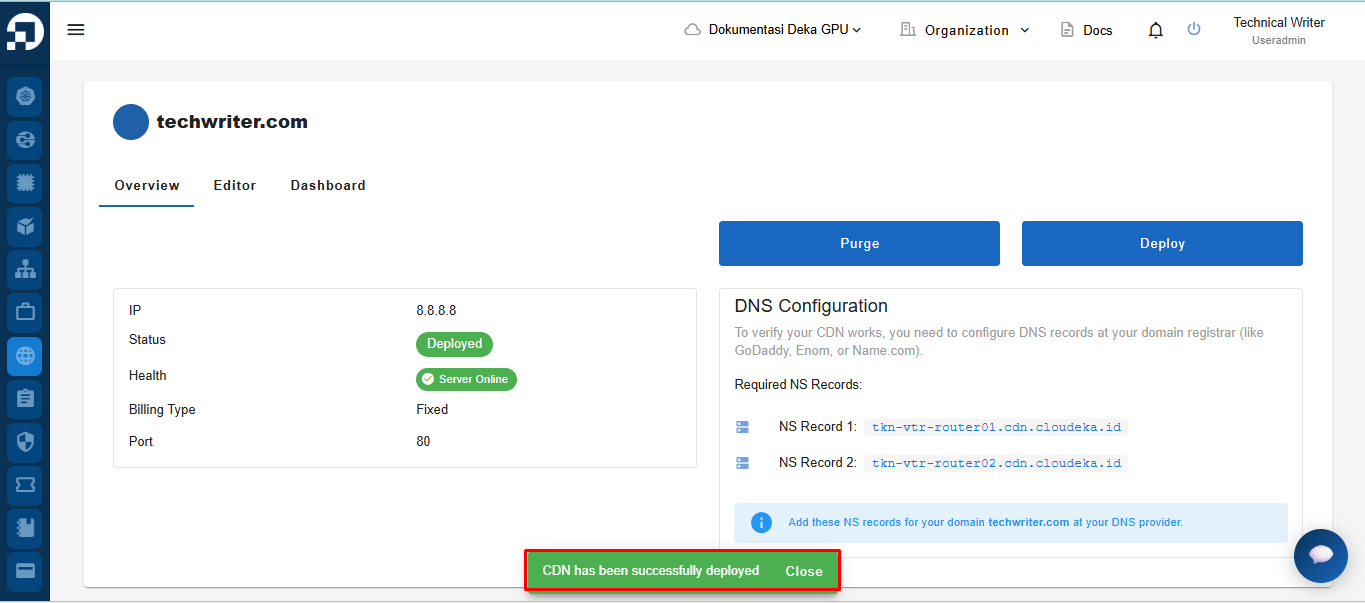
The "Deploying CDN" notification displays wait until the process completes until the **"CDN techwriter.com has been successfully deployed"** notification displays stating that the **techwrite** CDN configuration has been saved.