> For the complete documentation index, see [llms.txt](https://docs.cloudeka.ai/llms.txt). Markdown versions of documentation pages are available by appending `.md` to page URLs; this page is available as [Markdown](https://docs.cloudeka.ai/deka-claw/create-deka-claw/connect-your-ai-set-up-llm-api-key.md).
# Connect Your AI (Set Up LLM API Key)
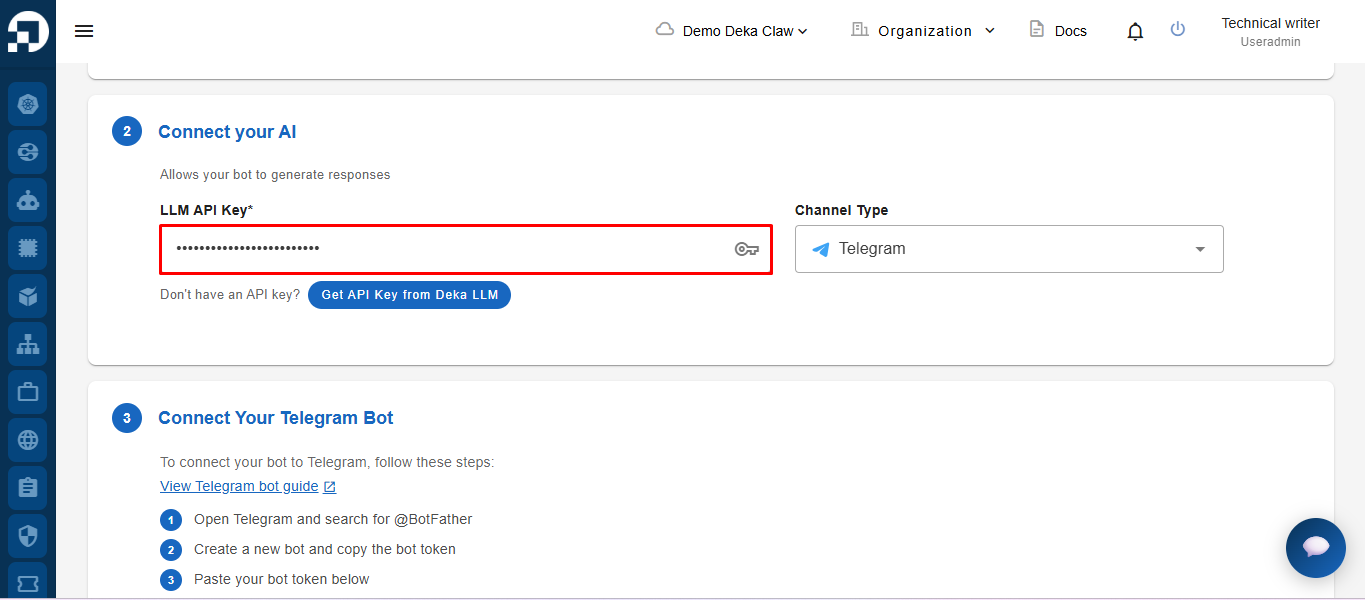
Next, go to the **Connect Your AI** section. To run the bot, you need to fill in the **LLM API Key**, which is used to connect to the AI service.\
To get your LLM API Key, you can refer to the guide in the [Keys Tab](/deka-llm/detail-deka-llm/keys-tab.md)
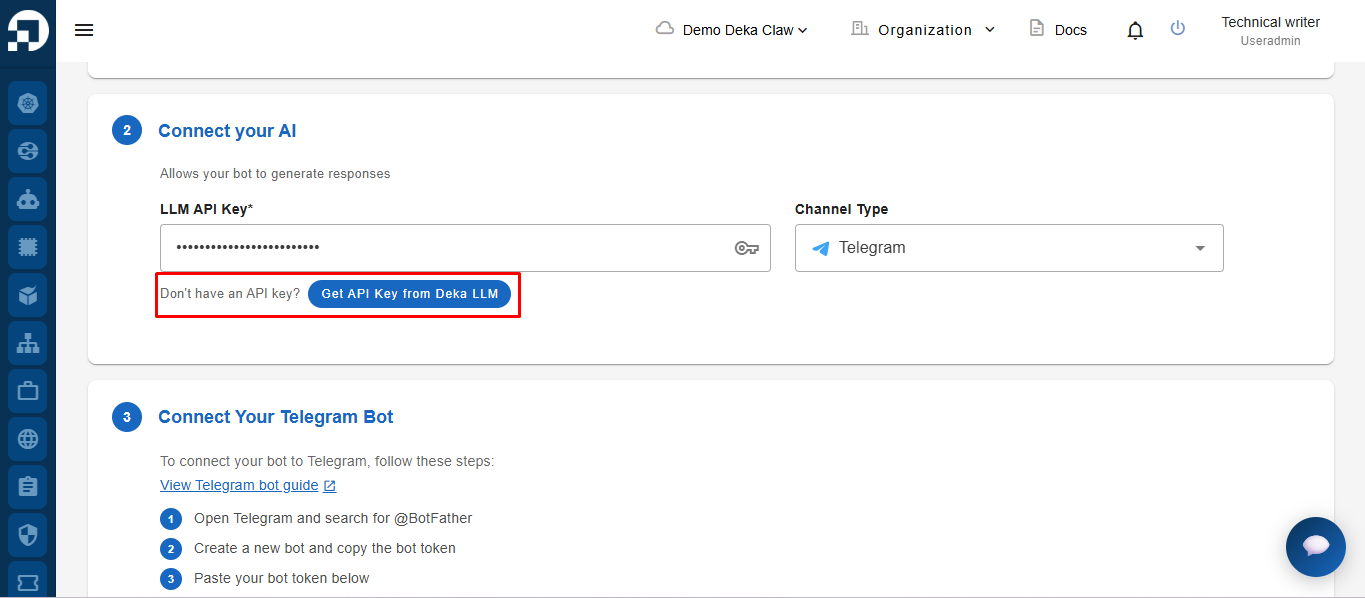
If the user does not yet have an **LLM API Key**, the user can follow the guide in the [**\[Keys Tab\]**](/deka-llm/detail-deka-llm/keys-tab.md). menu to create an API Key first. In addition, the user can also directly click the **Get API Key from Deka LLM** button in the **Connect your AI** section, which will redirect the user to the API Key creation page.
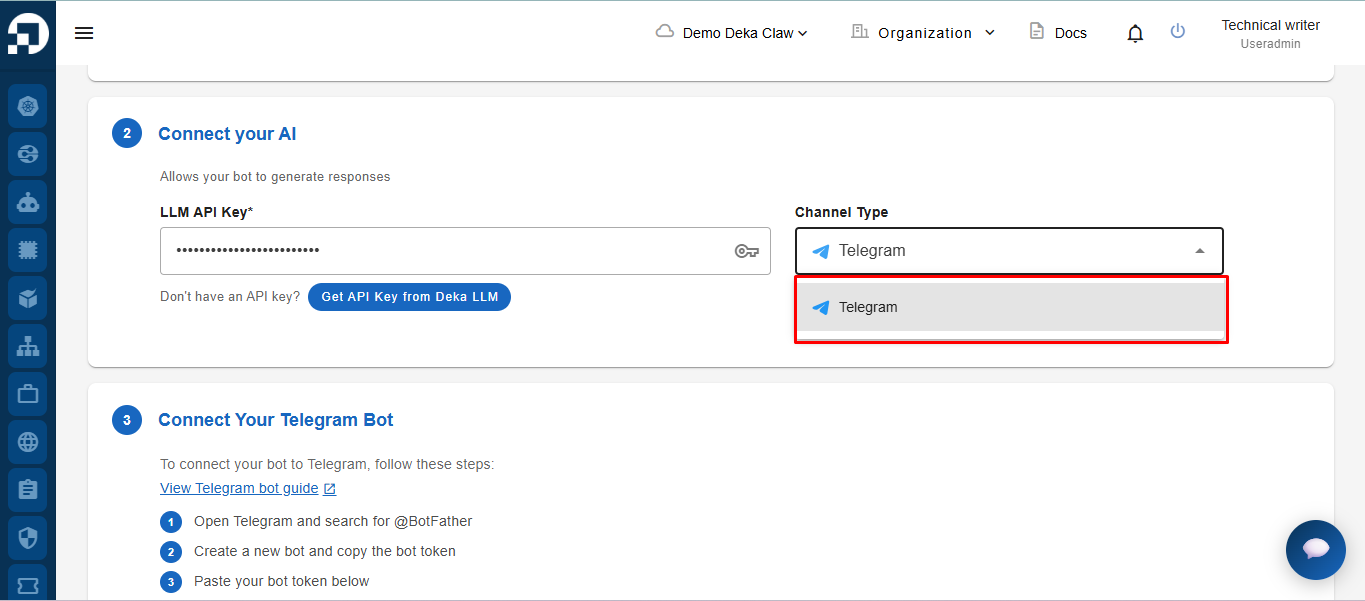
In the **Channel** section, select the channel to be used. Currently, the only available channel is **Telegram**.