> For the complete documentation index, see [llms.txt](https://docs.cloudeka.ai/llms.txt). Markdown versions of documentation pages are available by appending `.md` to page URLs; this page is available as [Markdown](https://docs.cloudeka.ai/deka-claw/create-deka-claw/select-instance-type.md).
# Select Instance Type
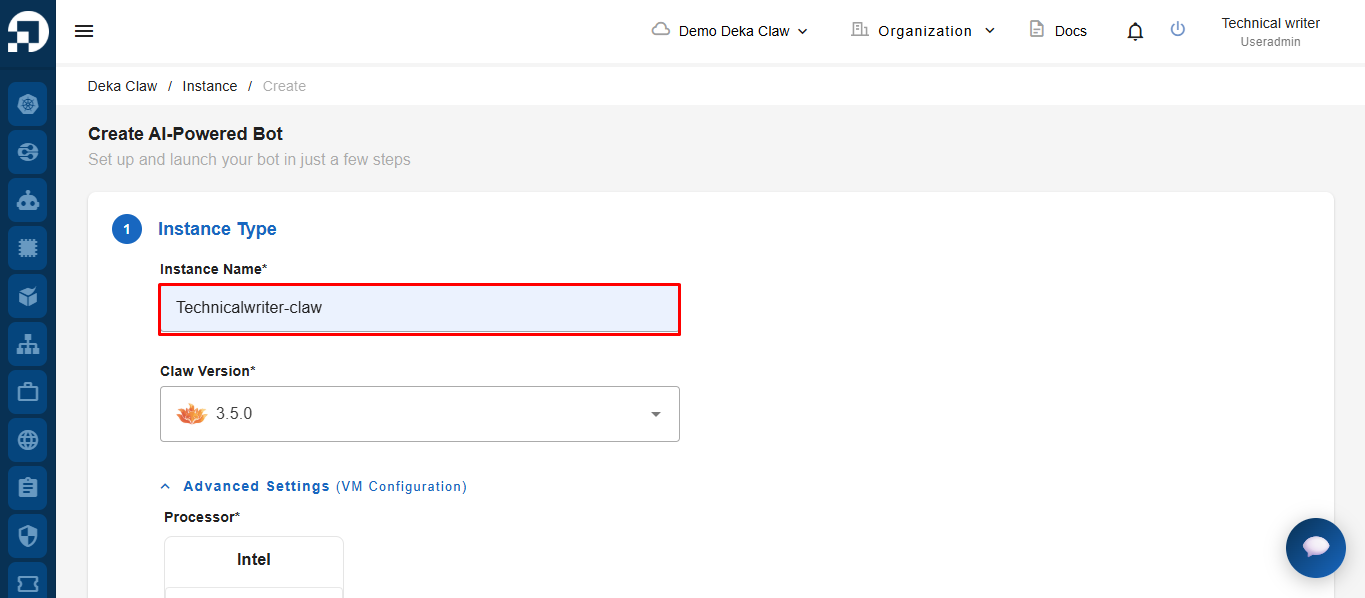
In the **Instance Type** step, enter the instance name in the **Instance Name** field.
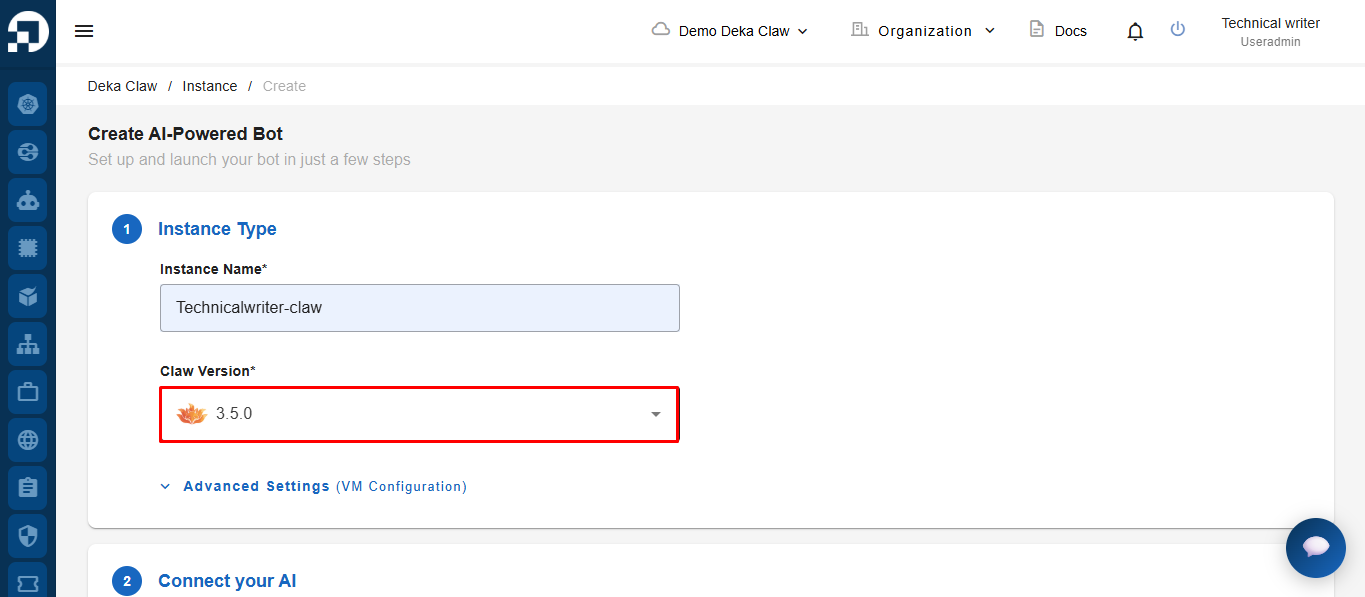
Select the Deka Claw version you want to use from the **Claw Version** dropdown menu.
### Advance settings
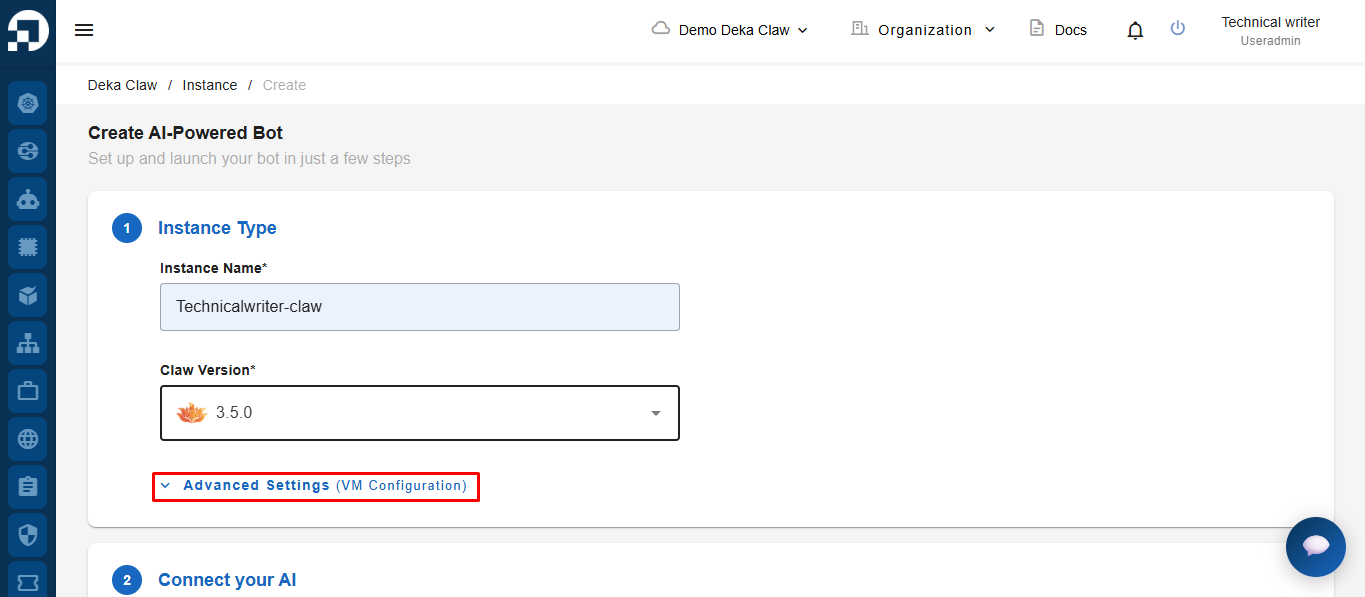
Click Advanced Settings to customize your configuration further.
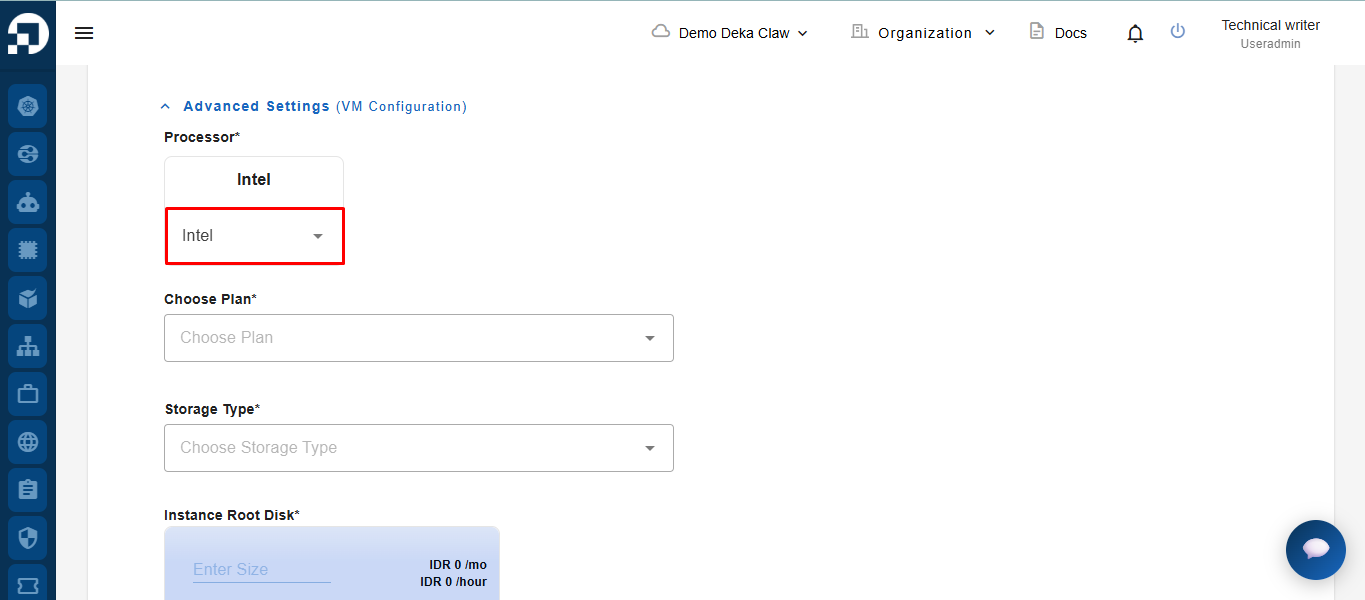
Select the processor type to be used for the instance.
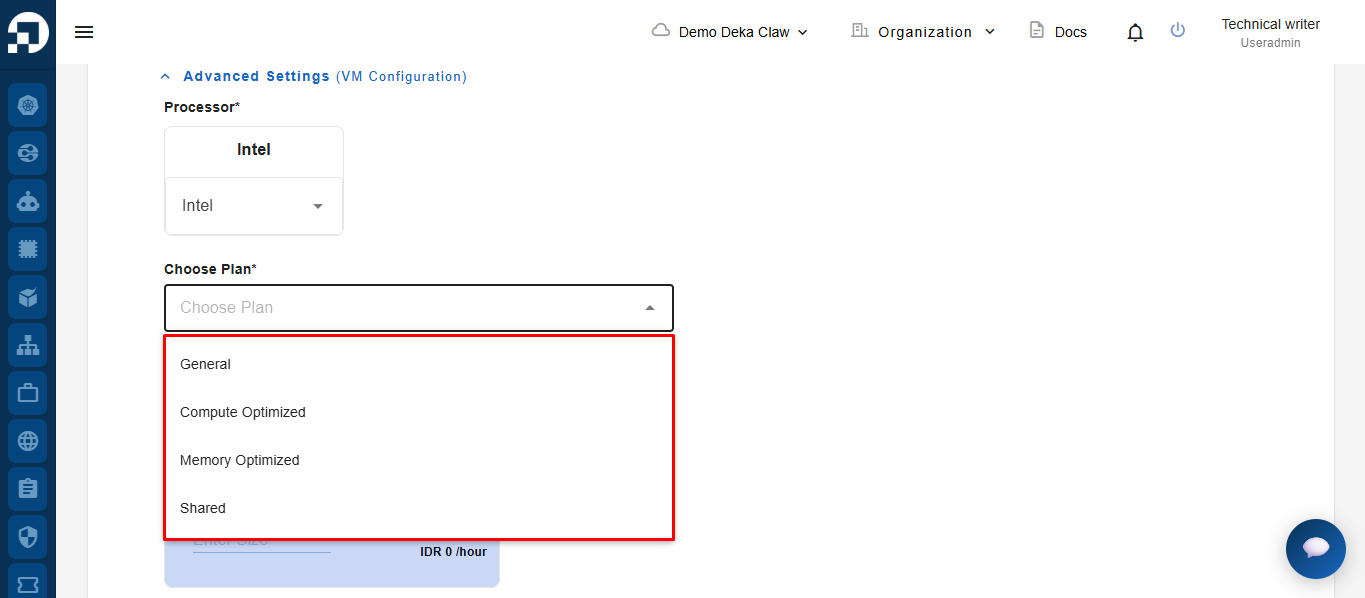
Select a plan from the **Choose Plan** dropdown menu based on your resource requirements.
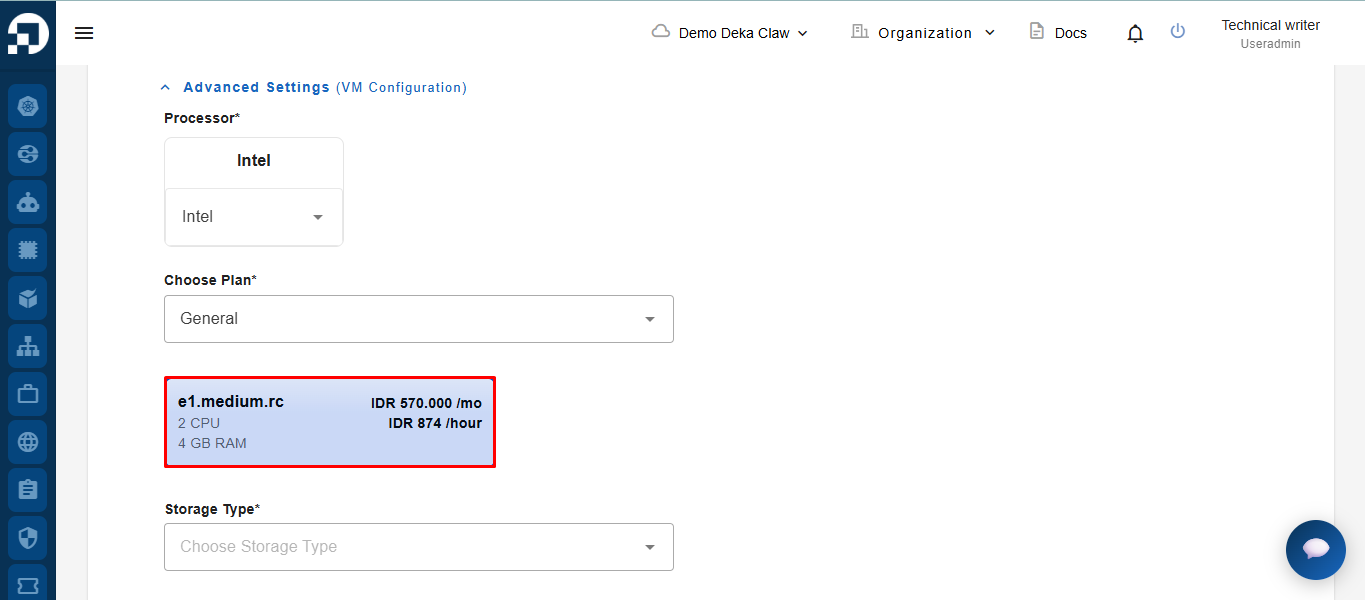
After selecting a plan, the system will display the available instance specifications and pricing details. Select the instance specification that matches your requirements.
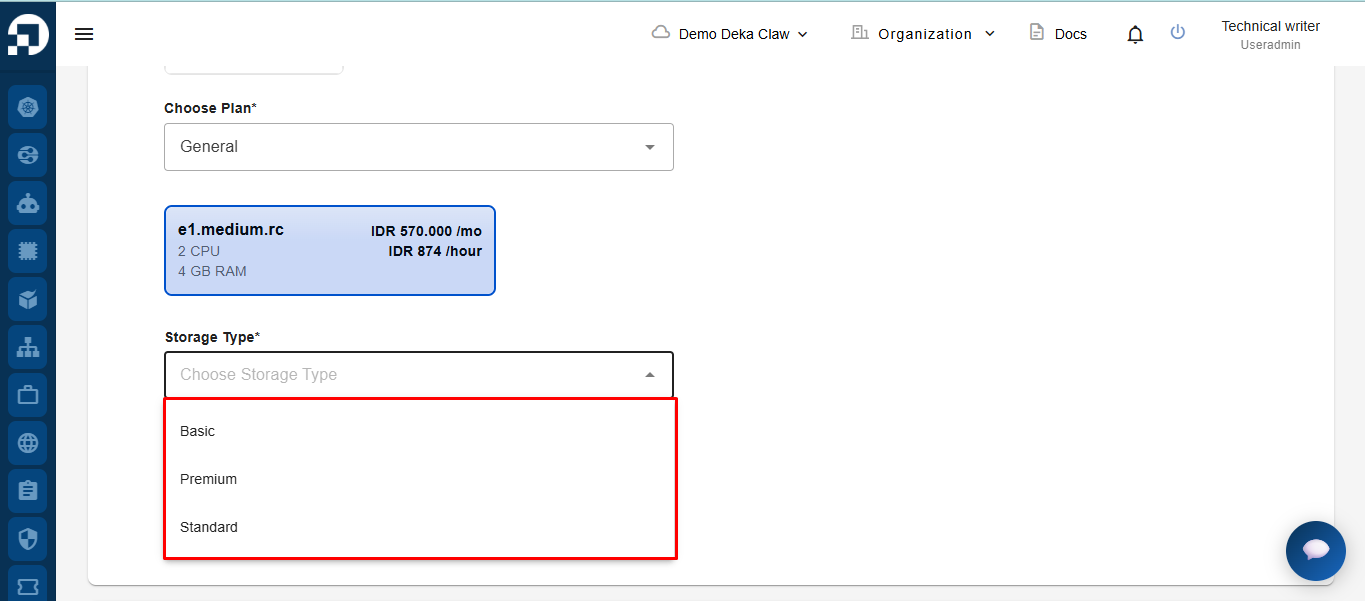
Select the storage type to be used for the instance.
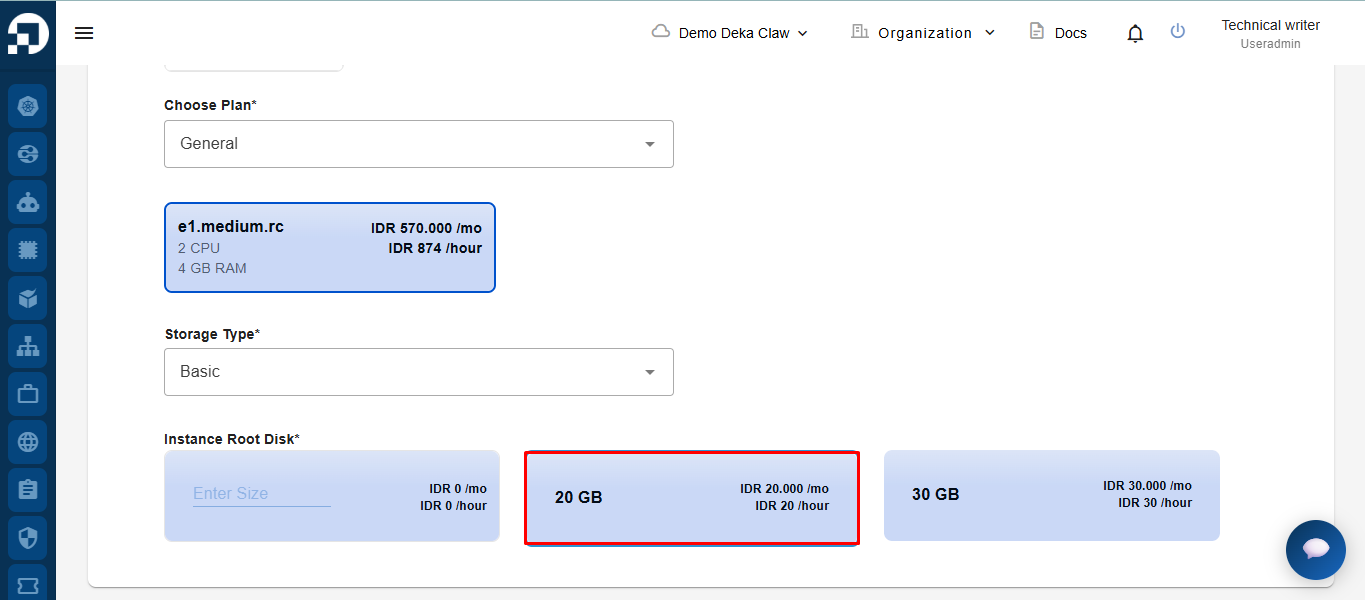
After selecting the storage type, the system will display the available root disk capacity options along with the pricing details. Select the **root disk capacity** that matches your requirements.