> For the complete documentation index, see [llms.txt](https://docs.cloudeka.ai/llms.txt). Markdown versions of documentation pages are available by appending `.md` to page URLs; this page is available as [Markdown](https://docs.cloudeka.ai/deka-claw/detail-deka-claw/skill.md).
# Skill
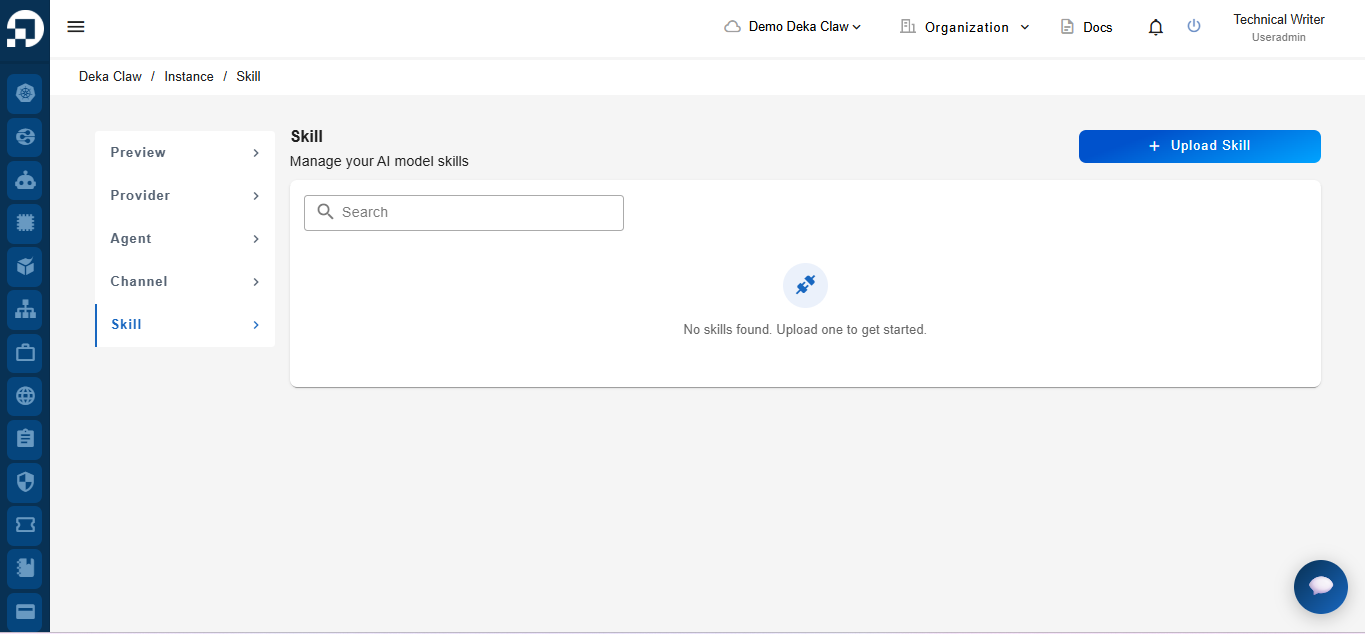
The **Skill** feature in Deka Claw lets you upload and manage AI model skills that extend agent capabilities within an instance. Each skill must be uploaded as a ZIP file containing a **SKILL.md** file with the required YAML frontmatter, such as the skill name, description, and slug. After the upload, Deka Claw registers the skill, making it available for agents to perform supported tasks. From the **Skill** page, you can upload new skills, view skill details, change the skill status, edit skill information, and delete existing skills.
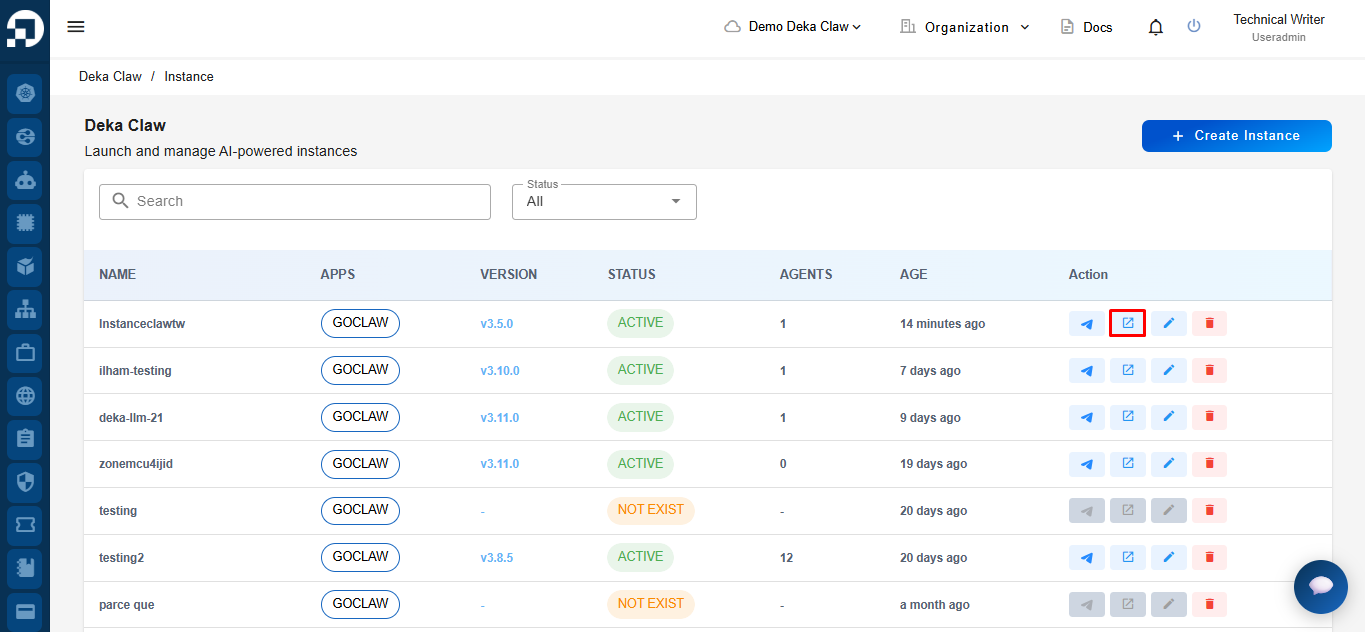
On the **Deka Claw Instance** page, locate the instance you want to manage. Then, click the **Details** icon in the **Action** column.
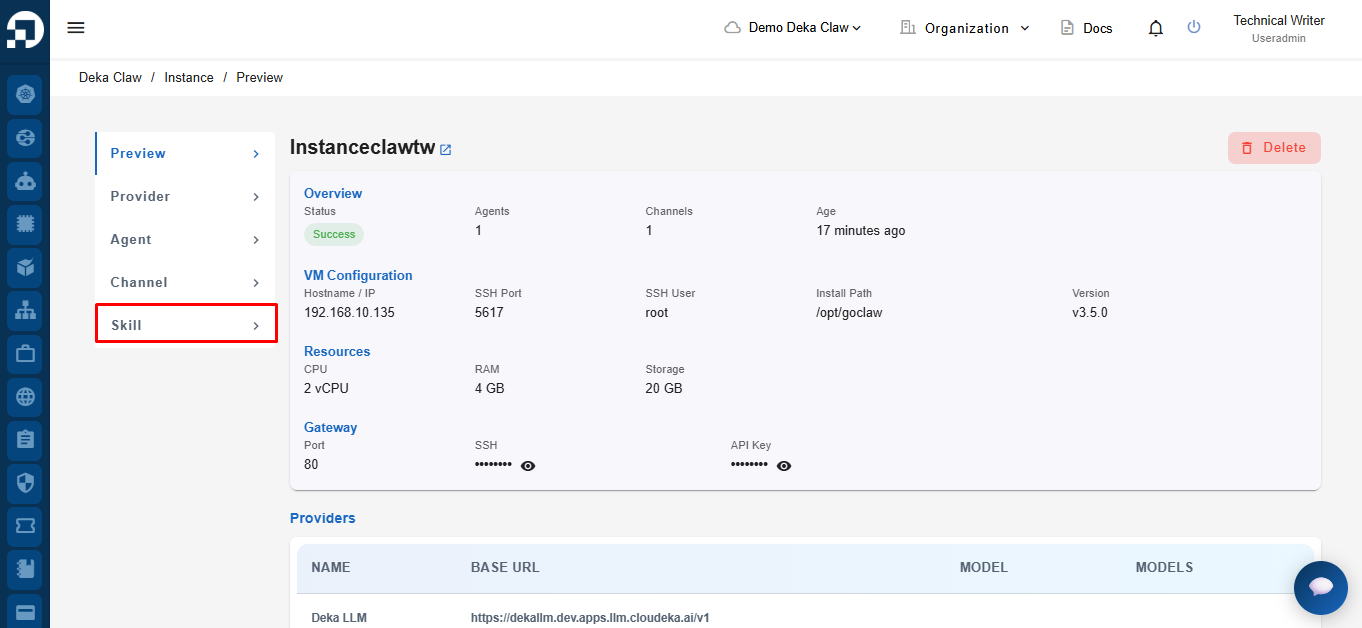
The **Instance Details** page opens. From the navigation menu on the left, click **Skill**.
The **Skill** page opens.