> For the complete documentation index, see [llms.txt](https://docs.cloudeka.ai/llms.txt). Markdown versions of documentation pages are available by appending `.md` to page URLs; this page is available as [Markdown](https://docs.cloudeka.ai/deka-dns/create-deka-dns.md).
# Create Deka DNS
The **Create Deka DNS** feature is used to create and manage DNS configurations that link domain names to available resources or services, enabling easy and consistent access through the specified domain.
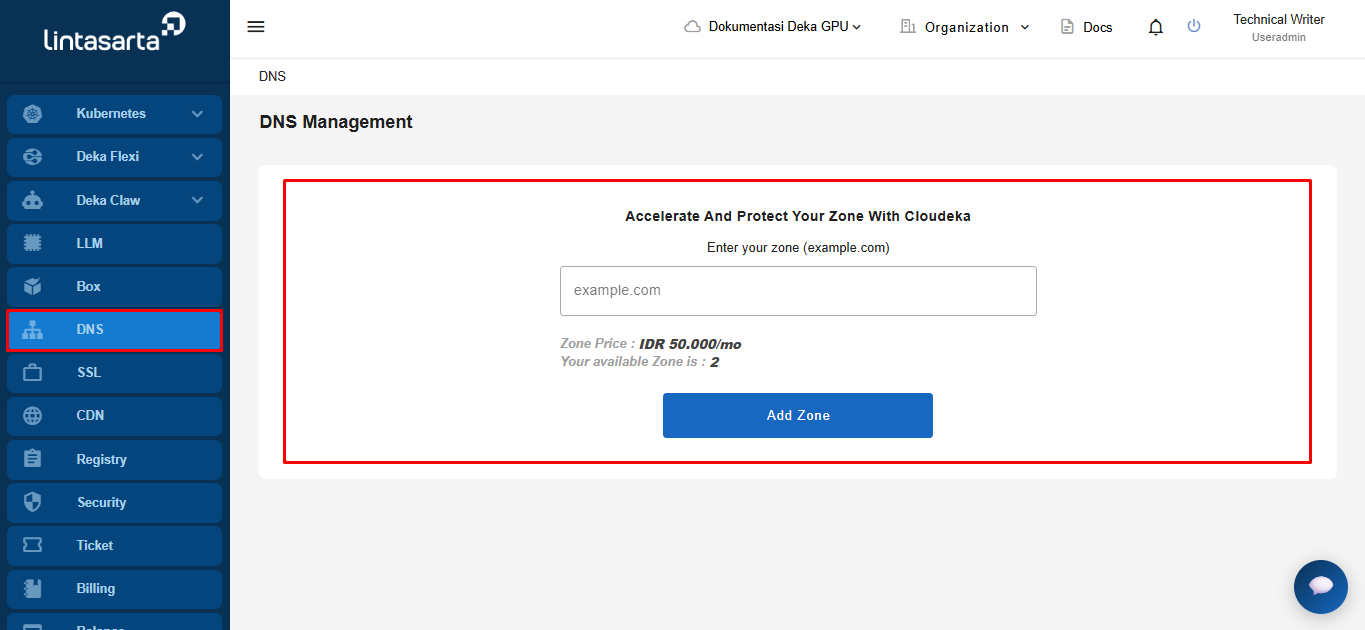
On the **Create Deka DNS** page, select the **DNS** module. The system will then automatically display the **Create Deka DNS** page.
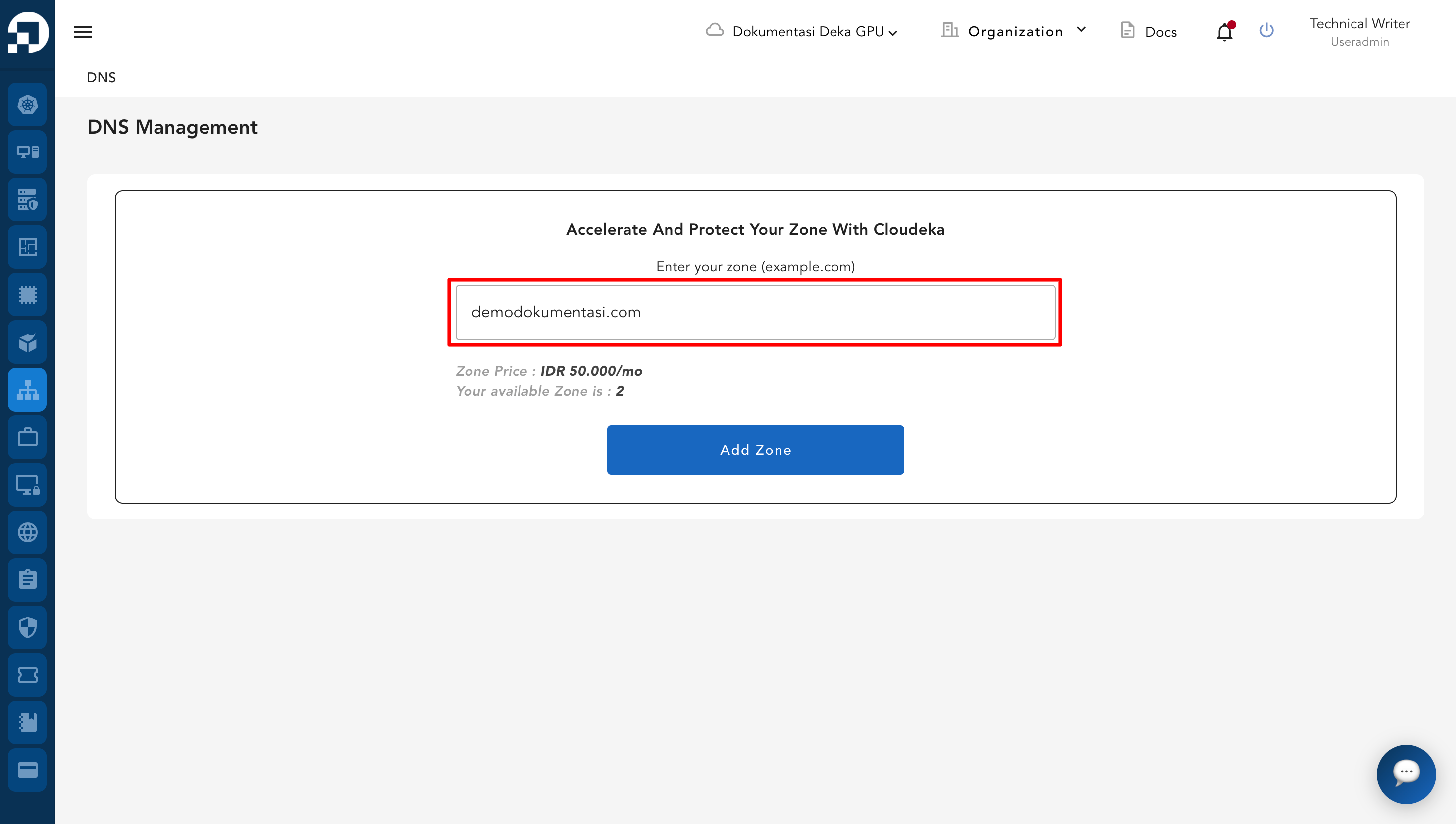
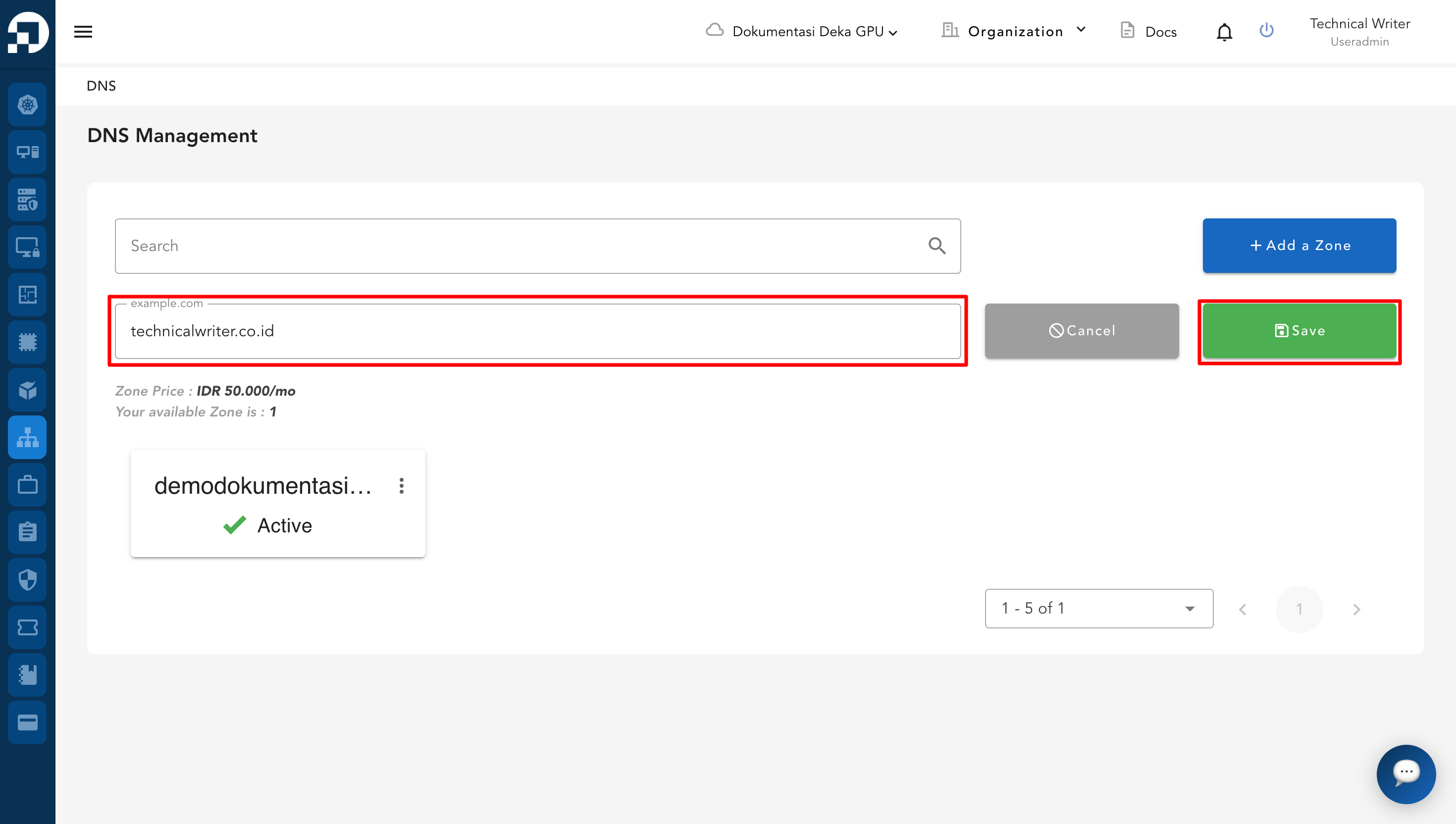
On the **Create DNS** page, please enter the **domain name (zone)** you want to manage in the provided field (e.g., demodokumentasi`.com`). Ensure the domain name is entered correctly, then click **Add Zone** to proceed with DNS setup and management.
{% hint style="success" %}
**Note :**
1. **Zone Price** indicates the monthly subscription cost for each zone/domain added to the DNS management service.
2. **Your Available Zone** shows the remaining number of zones that can be added under your current account plan.
{% endhint %}
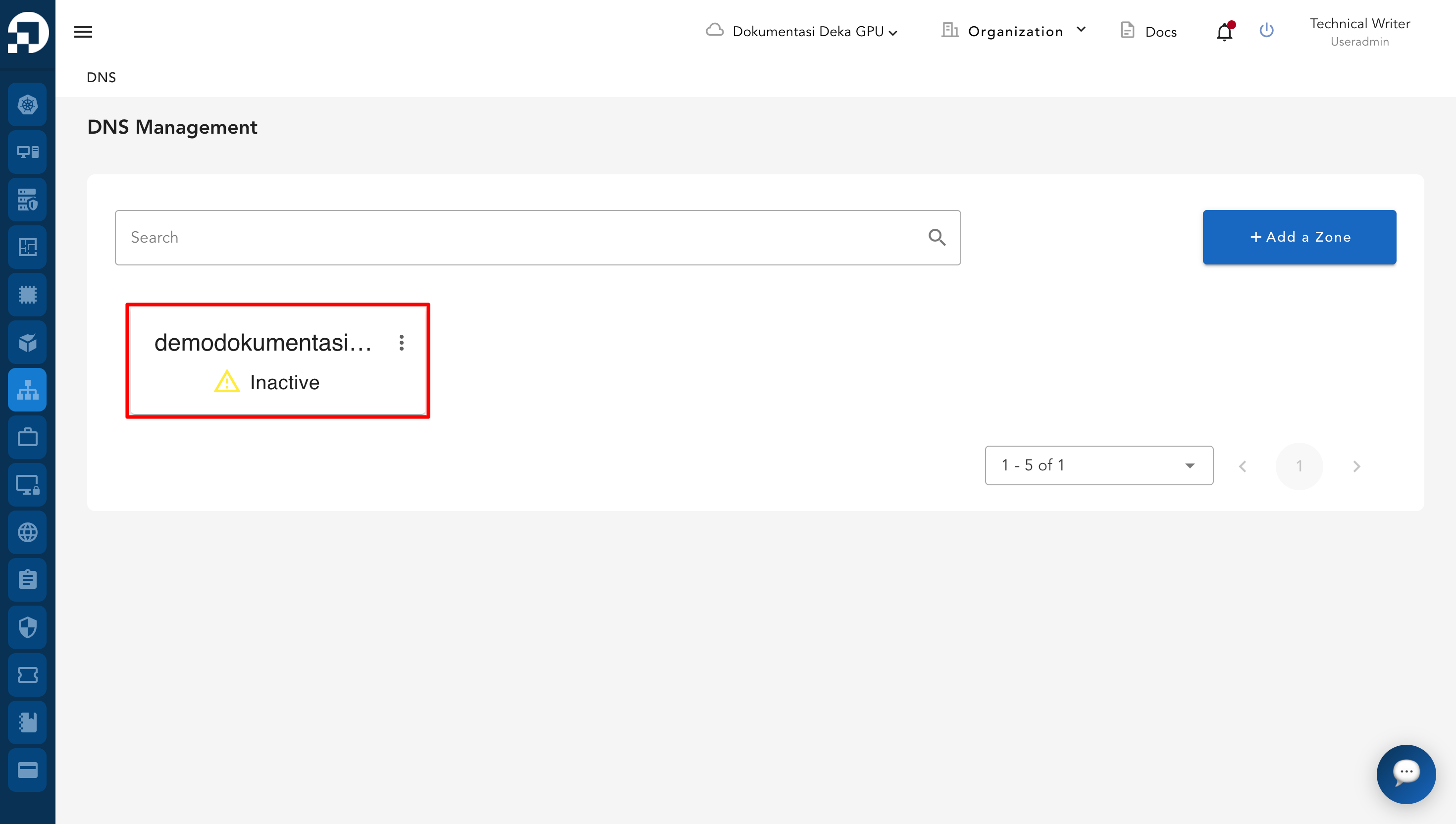
Click the DNS name that has been created to display the Create Overview page.
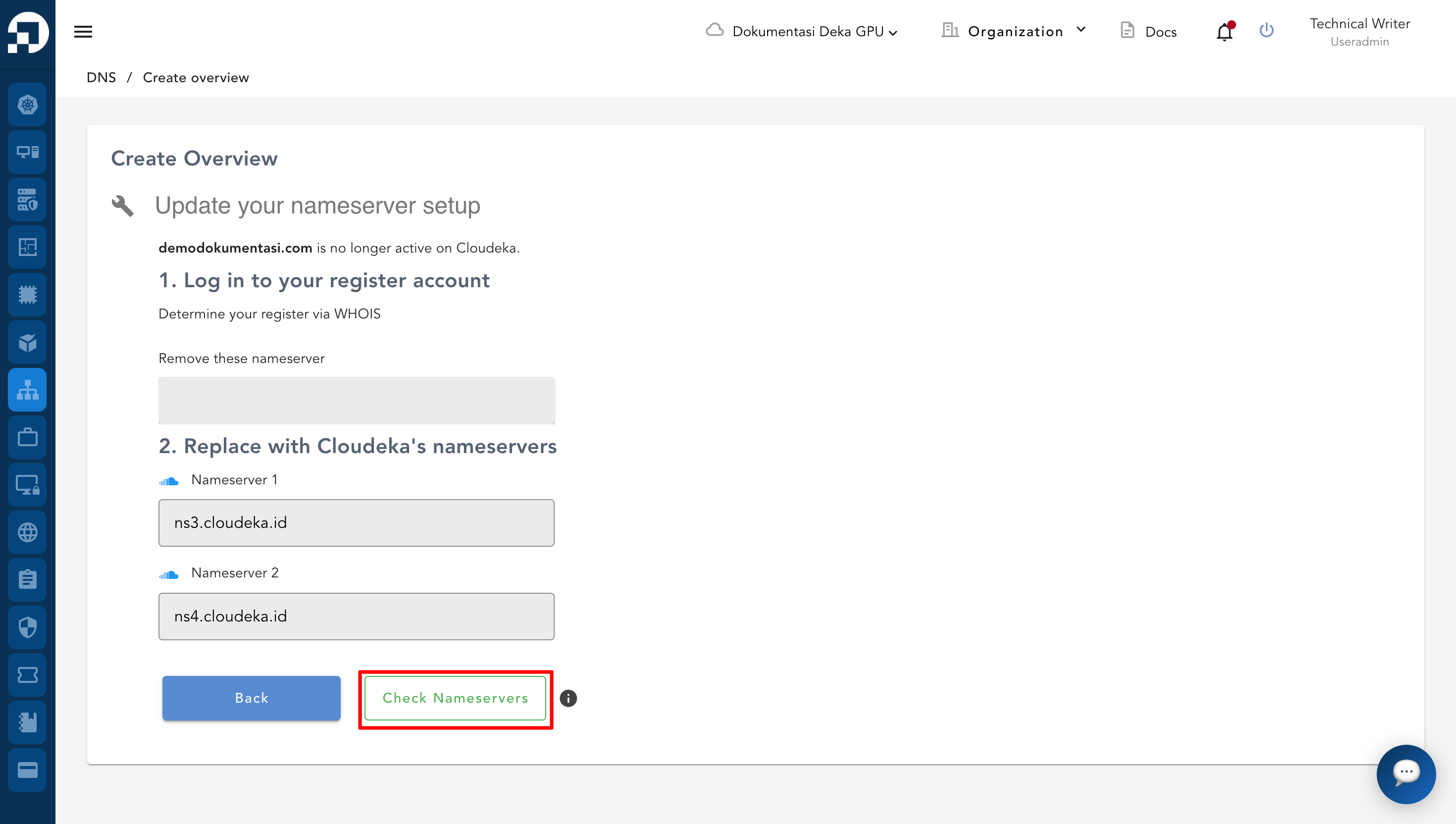
Then the **Create Overview** page will appear. There is cloudeka nameserver information used by the DNS. The user must change the nameservers and then click **Check Nameservers**. After changing the nameservers click **Back.**
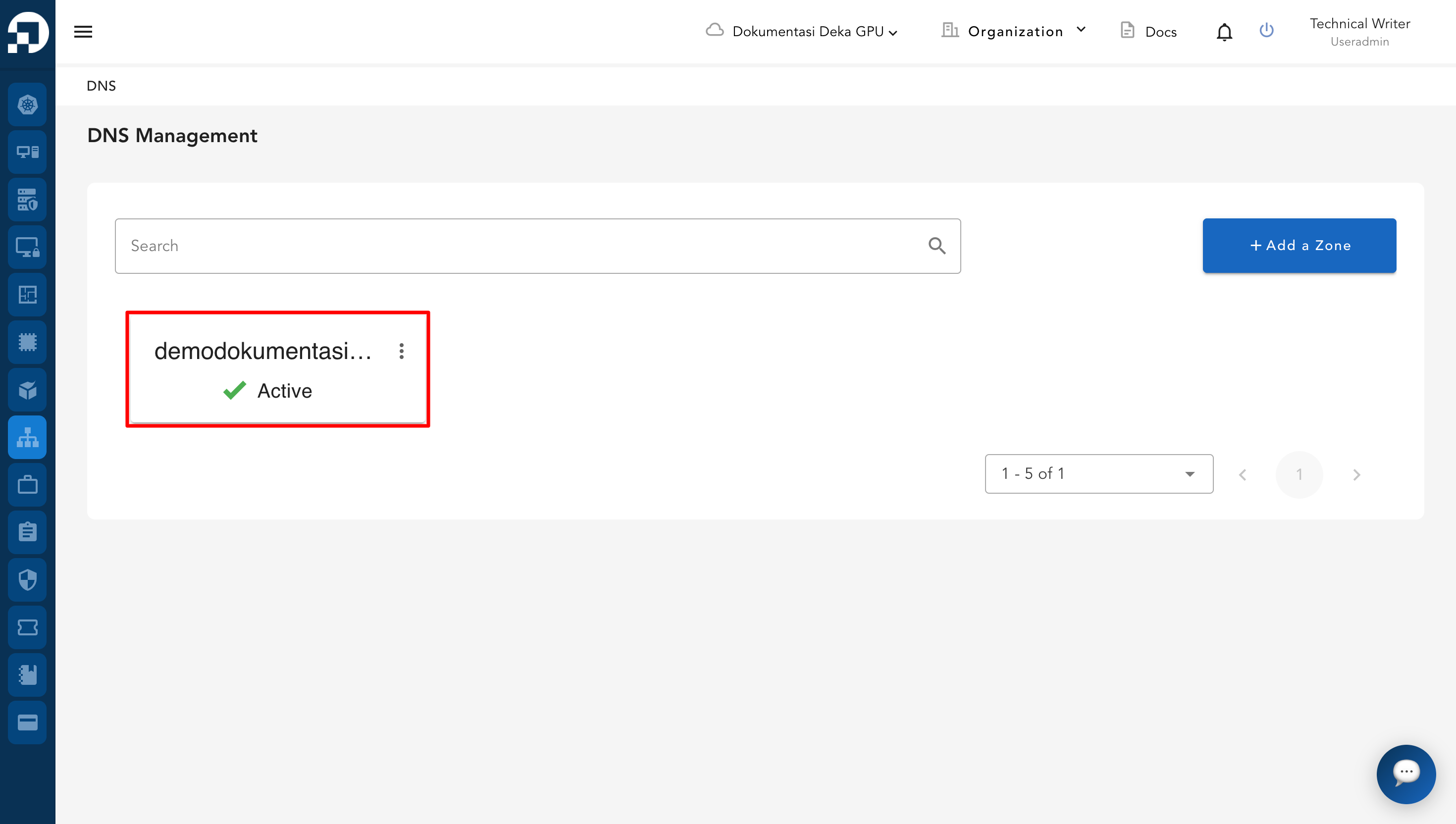
It can be seen **demodokumentasi.com** status is **Active** on **DNS Management** page.
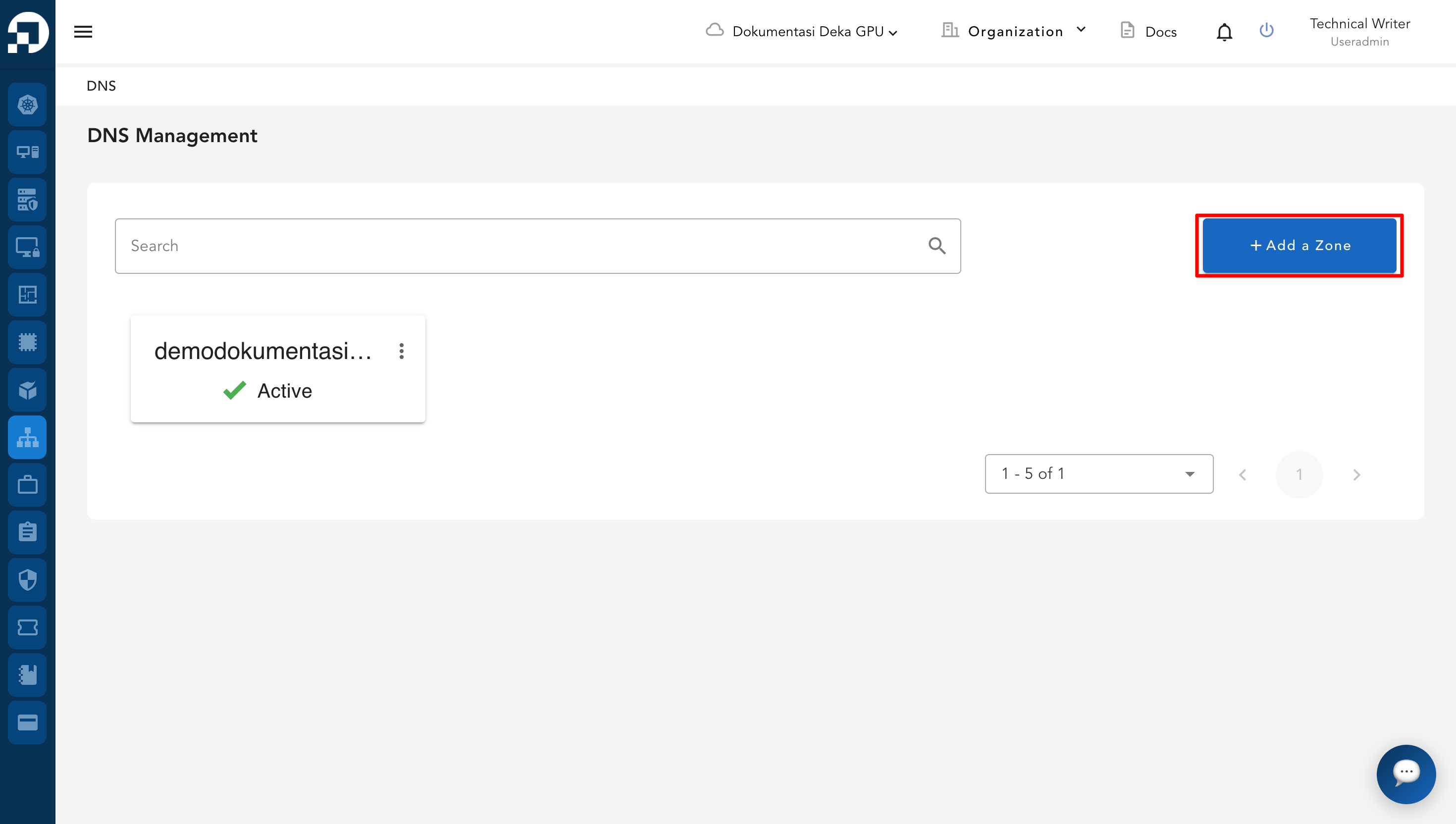
After the first zone is created, additional zones can be added from the DNS Management page using the **+Add a Zone** button.
Enter the domain name and save to create the new zone.