> For the complete documentation index, see [llms.txt](https://docs.cloudeka.ai/llms.txt). Markdown versions of documentation pages are available by appending `.md` to page URLs; this page is available as [Markdown](https://docs.cloudeka.ai/deka-gpu-documentations/panduan-untuk-enterprise/deka-box/manage-access-key/delete-access-key.md).
# Menghapus Access Key
{% hint style="success" %}
Anda hanya dapat menghapus access key yang ditambahkan melalui bagian [***Menambahkan Access Key***](/deka-gpu-documentations/panduan-untuk-enterprise/deka-box/manage-access-key/add-access-key.md)*.*
{% endhint %}
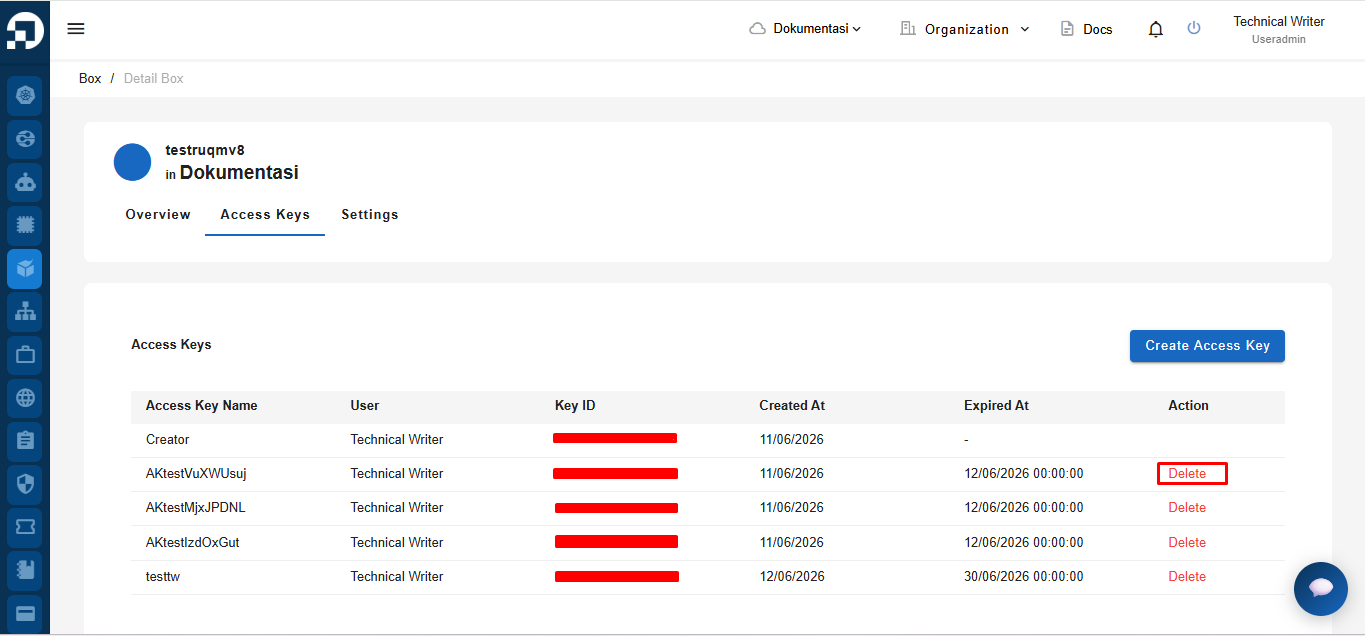
Untuk menghapus access key yang tidak digunakan dari Deka Box di *Service Portal* Cloudeka, buka tab ***Access Keys***, lalu pilih pengguna yang ingin dihapus dengan mengklik ***Delete***.
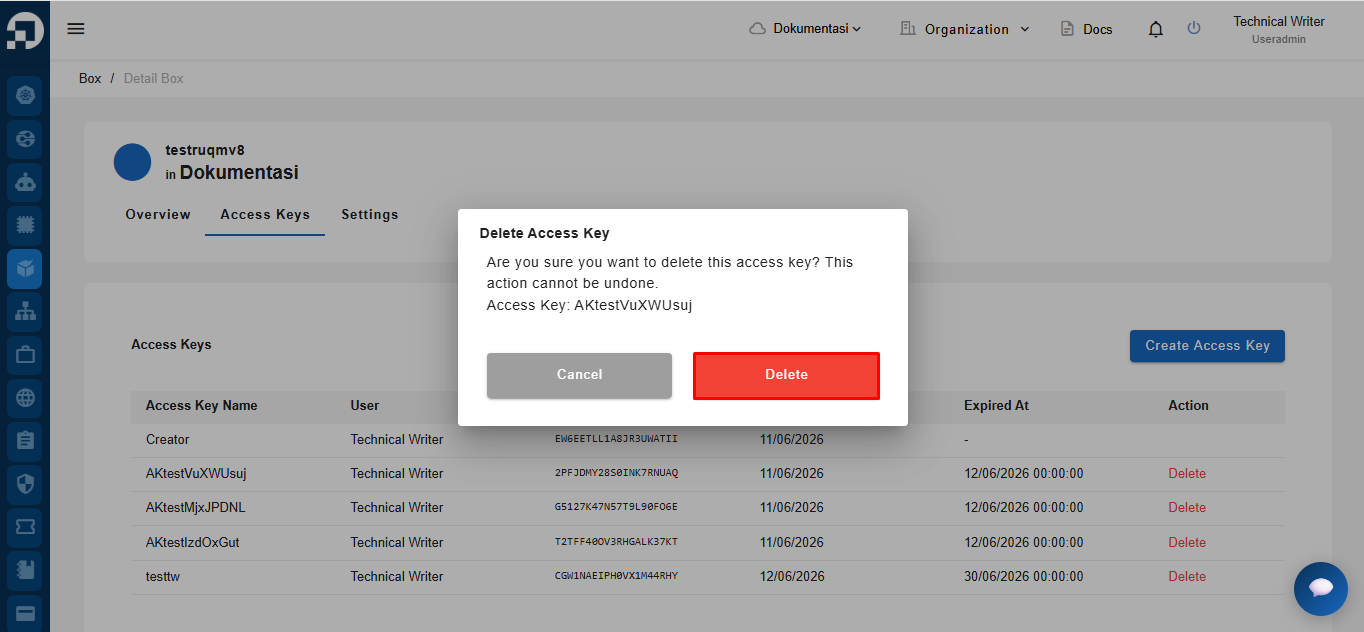
Jendela konfirmasi ***Delete Access Key*** akan muncul. Klik ***Delete*** untuk menghapus access key yang tidak lagi digunakan.
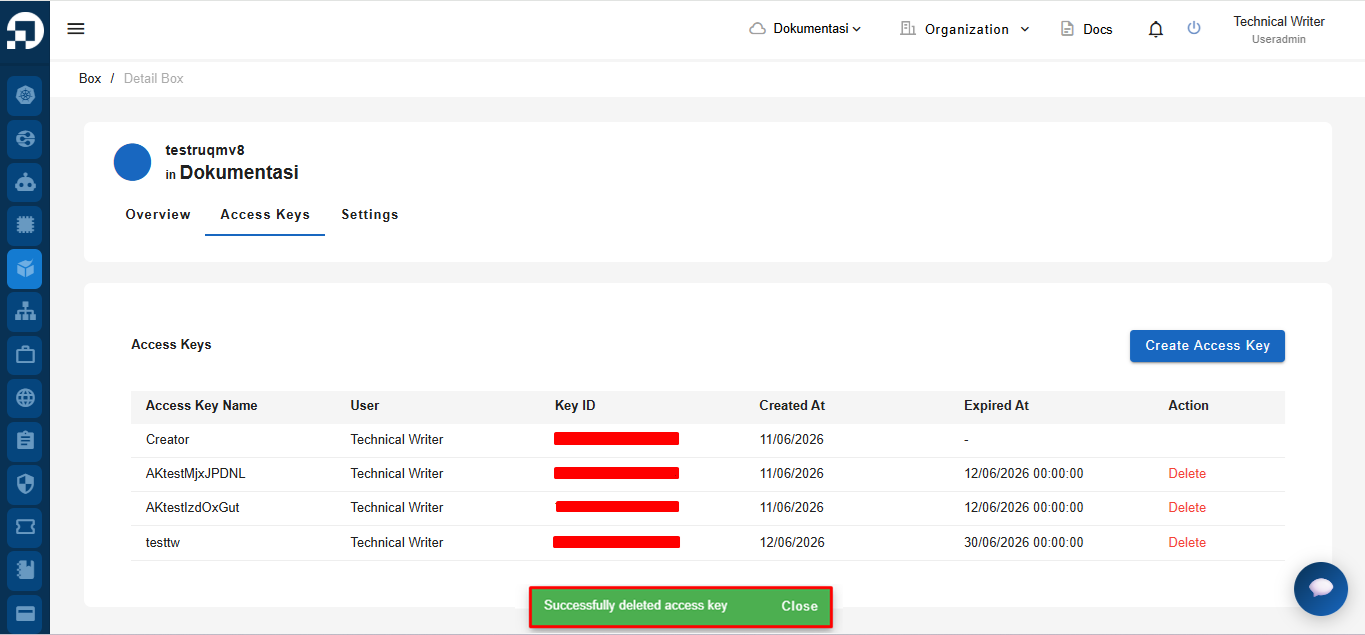
Jika access key berhasil dihapus, notifikasi **"*****Successfully deleted access key.*****"** akan muncul.