> For the complete documentation index, see [llms.txt](https://docs.cloudeka.ai/llms.txt). Markdown versions of documentation pages are available by appending `.md` to page URLs; this page is available as [Markdown](https://docs.cloudeka.ai/deka-gpu-documentations/panduan-untuk-enterprise/deka-claw/create-deka-claw/connect-your-ai-set-up-llm-api-key.md).
# Menghubungkan AI Anda (menyiapkan LLM API Key)
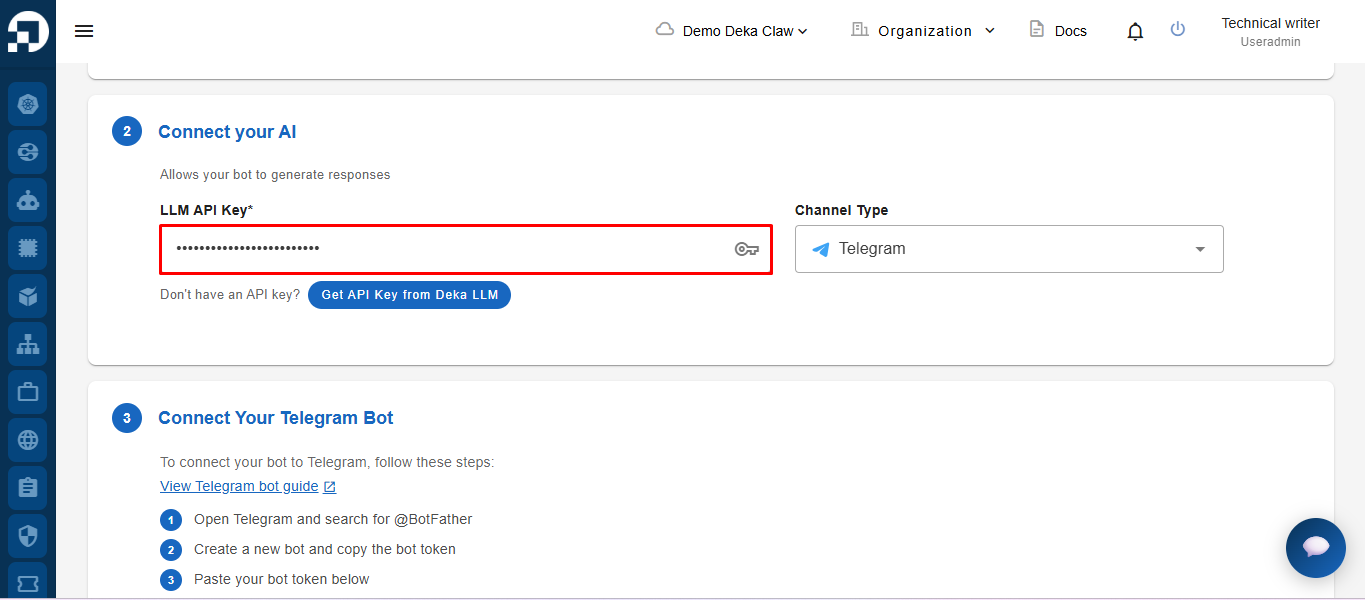
Selanjutnya, buka bagian ***Connect Your AI**.* Untuk menjalankan bot, isi ***LLM API Key*** yang digunakan untuk terhubung ke layanan AI.\
Untuk mendapatkan LLM API Key, lihat panduan pada [Keys Tab](/deka-gpu-documentations/panduan-untuk-enterprise/deka-llm/detail-deka-llm/keys-tab.md).
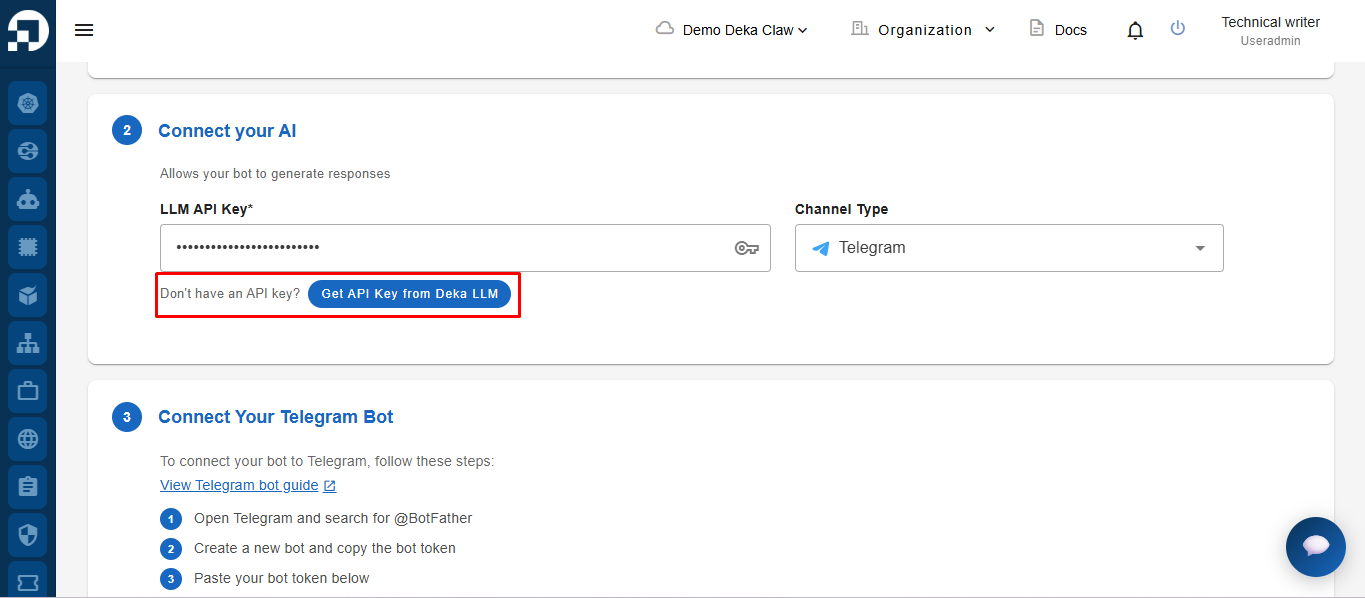
Jika belum memiliki ***LLM API Key**,* ikuti panduan pada menu [**Keys Tab**](/deka-gpu-documentations/panduan-untuk-enterprise/deka-llm/detail-deka-llm/keys-tab.md) untuk membuat API Key terlebih dahulu. Anda juga dapat langsung mengklik ***Get API Key from Deka LLM*** pada bagian ***Connect your AI**.* Tombol ini mengarahkan Anda ke halaman pembuatan API Key.
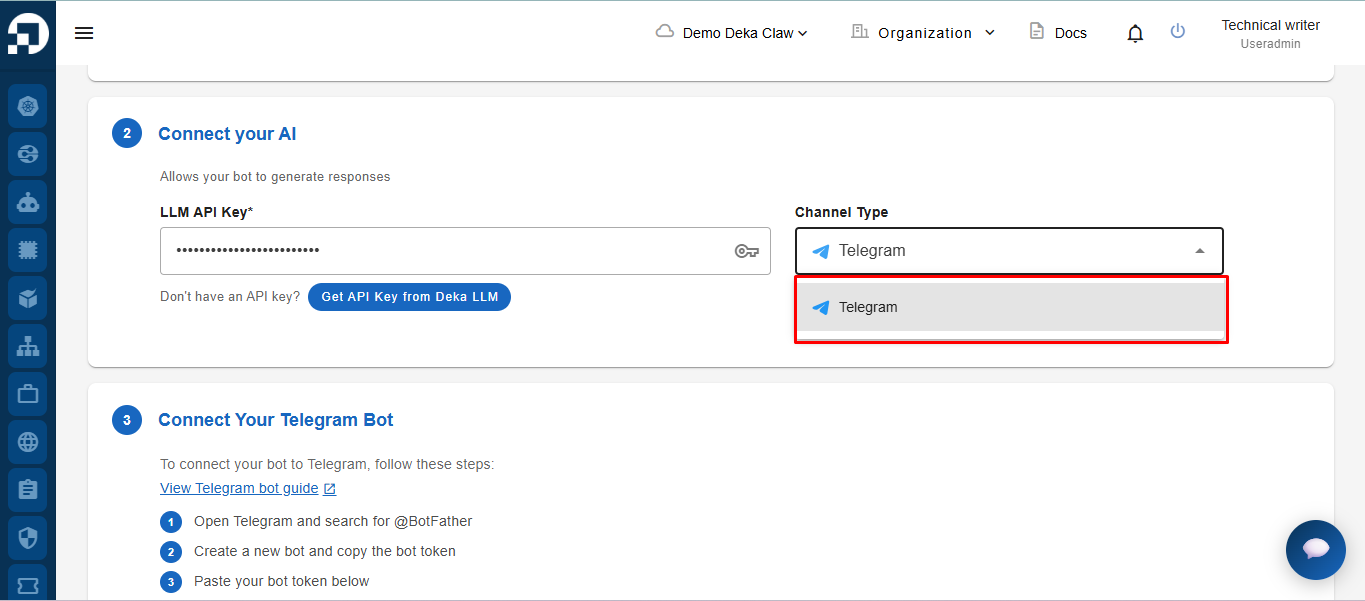
Pada bagian **Channel**, pilih saluran yang akan digunakan. Saat ini, satu-satunya saluran yang tersedia adalah **Telegram**.