> For the complete documentation index, see [llms.txt](https://docs.cloudeka.ai/llms.txt). Markdown versions of documentation pages are available by appending `.md` to page URLs; this page is available as [Markdown](https://docs.cloudeka.ai/deka-gpu-documentations/panduan-untuk-enterprise/deka-gpu/deka-gpu-kubernetes/resources/ingresses/create-a-new-ingresses.md).
# Buat Ingresses Baru
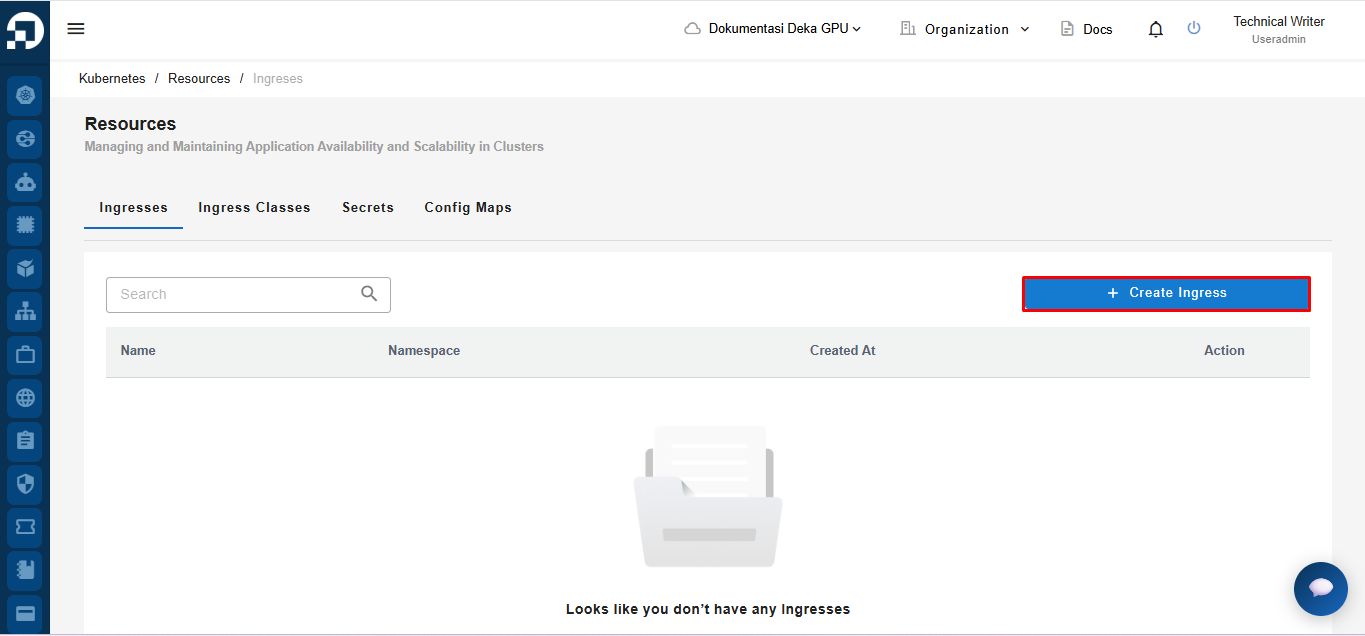
*Create a New Ingresses* adalah fitur untuk membuat *Ingresses* baru di *Service Portal* Cloudeka. Pada tab *Ingresses* di halaman *Resources*, tekan tombol *+ Create Ingresses*.
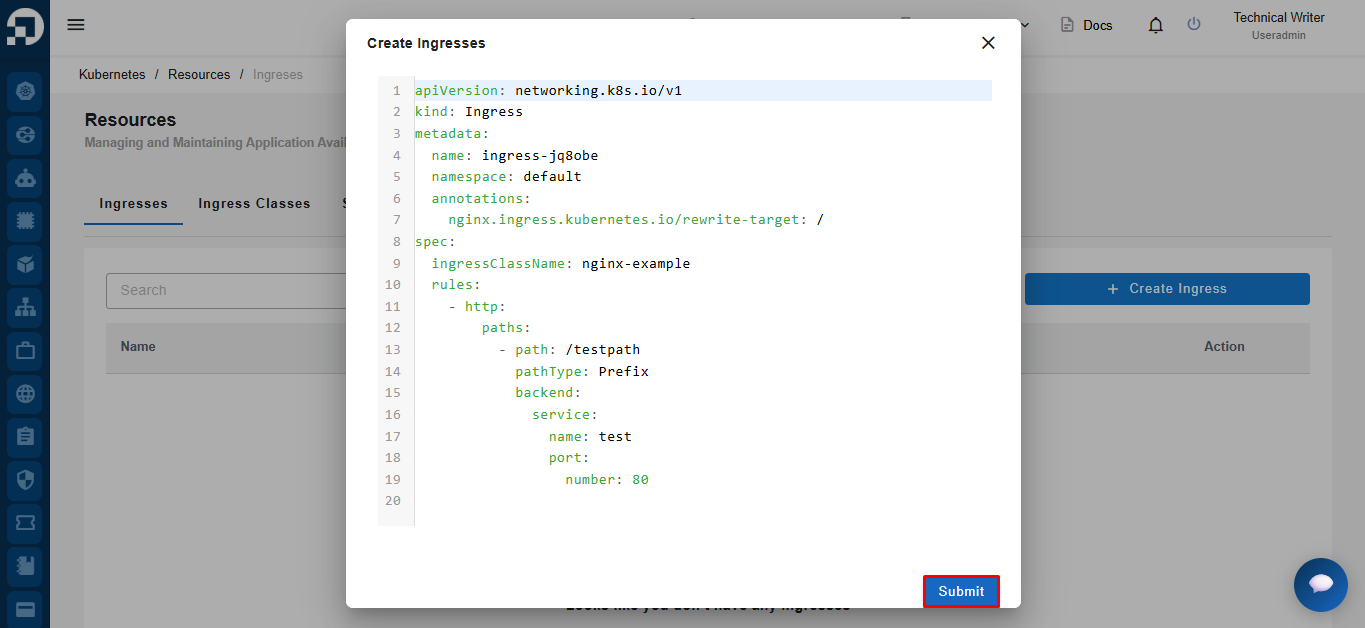
Jendela *Create Ingresses* menampilkan formulir *YAML* untuk membuat objek *Ingress* di *Kubernetes*. Klik tombol *Submit*.
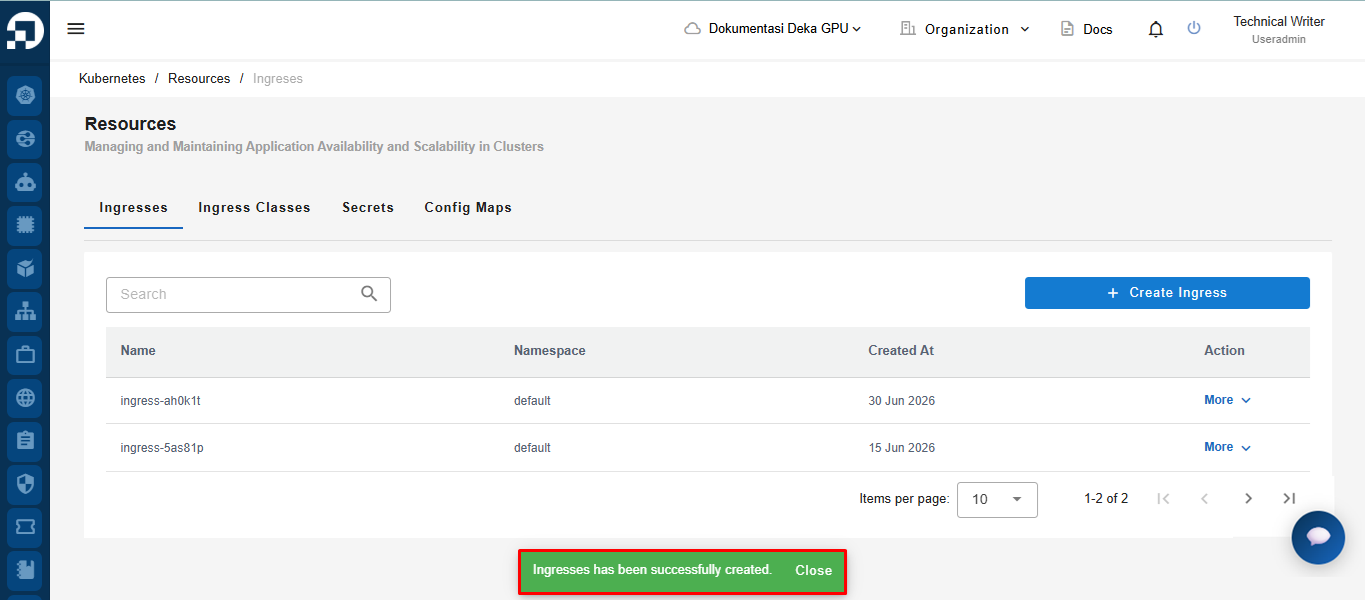
Notifikasi *Ingresess has been successfully created* akan muncul.