> For the complete documentation index, see [llms.txt](https://docs.cloudeka.ai/llms.txt). Markdown versions of documentation pages are available by appending `.md` to page URLs; this page is available as [Markdown](https://docs.cloudeka.ai/deka-gpu-documentations/panduan-untuk-enterprise/deka-gpu/deka-gpu-vms/how-to-manually-create-a-virtual-machine/download-kube-config.md).
# Mengunduh Konfigurasi Kube
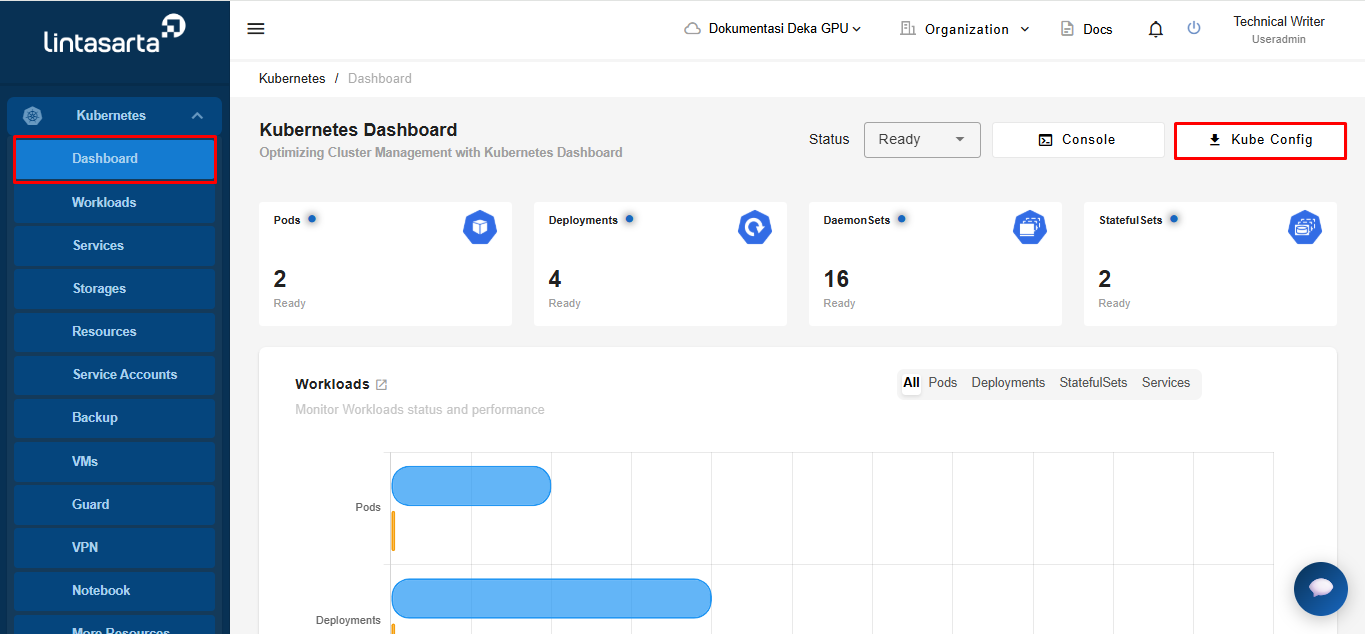
Pada halaman *Service Portal* Cloudeka, pilih menu *Dashboard* di Kubernetes. Klik tombol *Kube Config* untuk mengunduh file.
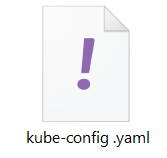
Tunggu hingga unduhan konfigurasi kube selesai. File `kube-config.yaml` akan tersedia di komputer Anda.