> For the complete documentation index, see [llms.txt](https://docs.cloudeka.ai/llms.txt). Markdown versions of documentation pages are available by appending `.md` to page URLs; this page is available as [Markdown](https://docs.cloudeka.ai/deka-gpu-mlops/endpoints/create-endpoint.md).
# Create Endpoint
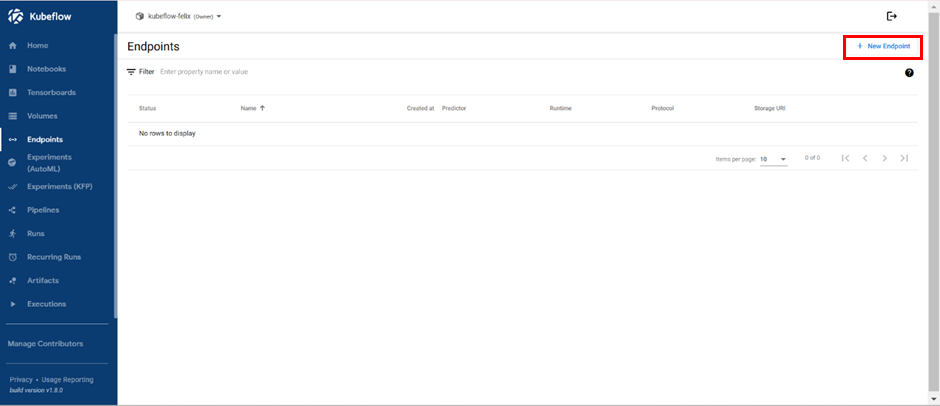
Create Endpoints is used to create new endpoints on the Deka MLOps Portal Service. On the Endpoints page press the button “+ New Endpoint”.
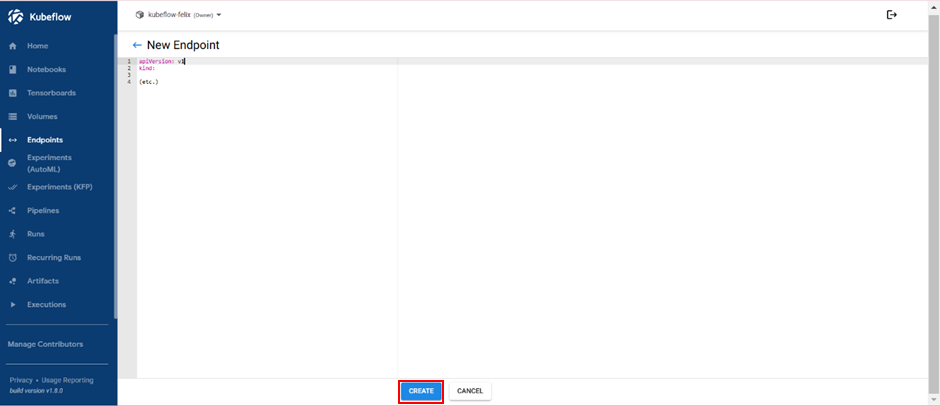
The page for creating a new Inference Service allows you to input the YAML configuration for the Inference Service you want to set up. It's important to note that the backend will automatically replace the **.metadata.namespace** field in the submitted configuration to ensure that users cannot create Inference Services in namespaces other than their own. Press the “Create” button when you have finished writing the configuration.