> For the complete documentation index, see [llms.txt](https://docs.cloudeka.ai/llms.txt). Markdown versions of documentation pages are available by appending `.md` to page URLs; this page is available as [Markdown](https://docs.cloudeka.ai/deka-gpu-mlops/manage-notebook-schedules.md).
# Manage Notebook Schedules
The Manage Notebook Schedules page allows you to create and manage automated schedules for notebook operations. You can configure schedules to automatically start or stop notebooks and manage notebook culling schedules to optimize resource usage.
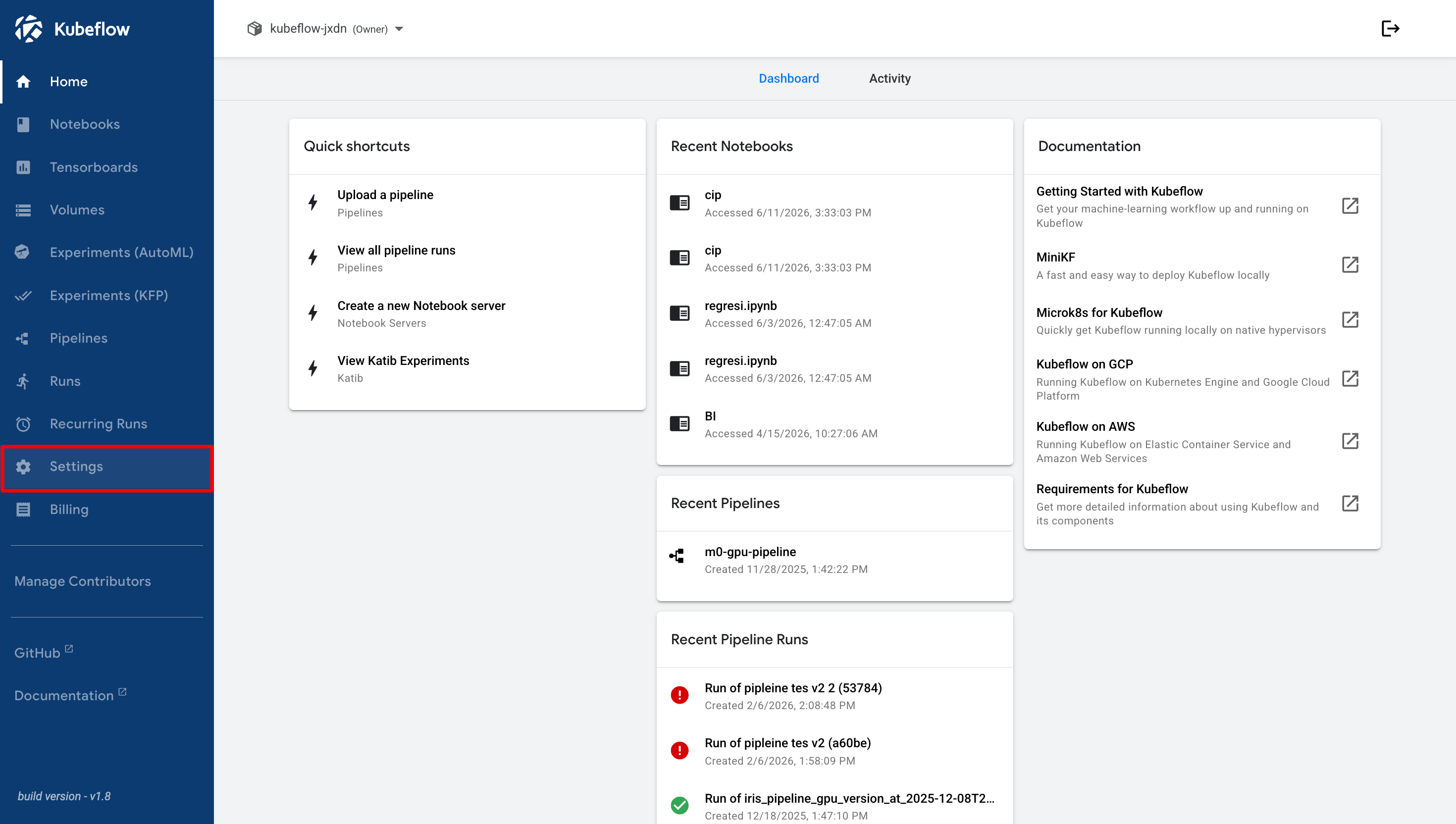
From the Kubeflow dashboard, click **Settings** in the navigation menu.
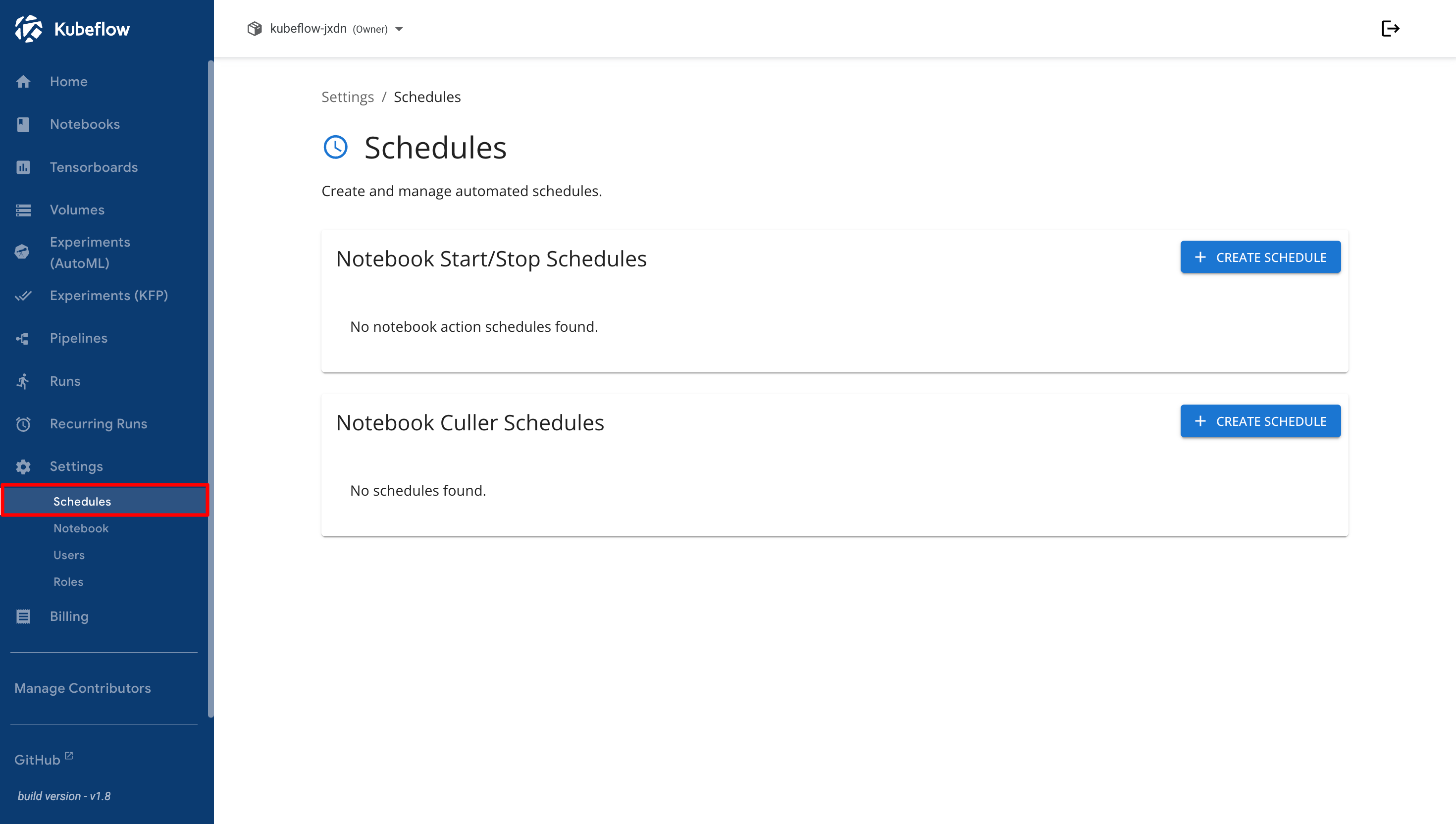
Under the Settings menu, select **Schedules** to open the notebook scheduling management page.
The Schedules page provides two scheduling options.
* [**Notebook Start/Stop Schedules**](/deka-gpu-mlops/manage-notebook-schedules/notebook-start-stop-schedules.md) can be used to automate notebook startup and shutdown activities.
* [**Notebook Culler Schedules**](/deka-gpu-mlops/manage-notebook-schedules/notebook-culler-schedules.md) can be used to automatically stop idle notebooks based on the configured schedule.