> For the complete documentation index, see [llms.txt](https://docs.cloudeka.ai/llms.txt). Markdown versions of documentation pages are available by appending `.md` to page URLs; this page is available as [Markdown](https://docs.cloudeka.ai/deka-gpu/deka-gpu-kubernetes/resources/ingresses/create-a-new-ingresses.md).
# Create a New Ingresses
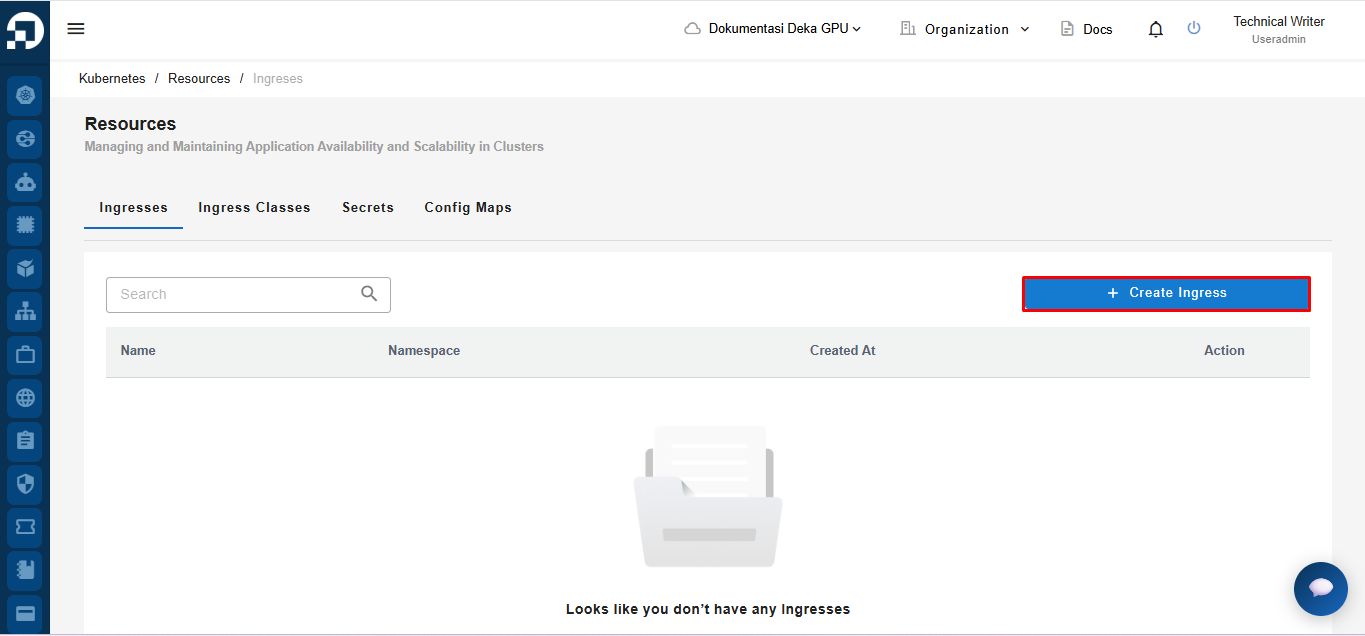
Create a New Ingresses is a feature used to create new Ingresses in the Service Portal Cloudeka. On the Ingresses tab of the Resources page press the “+ Create Ingresses” button.
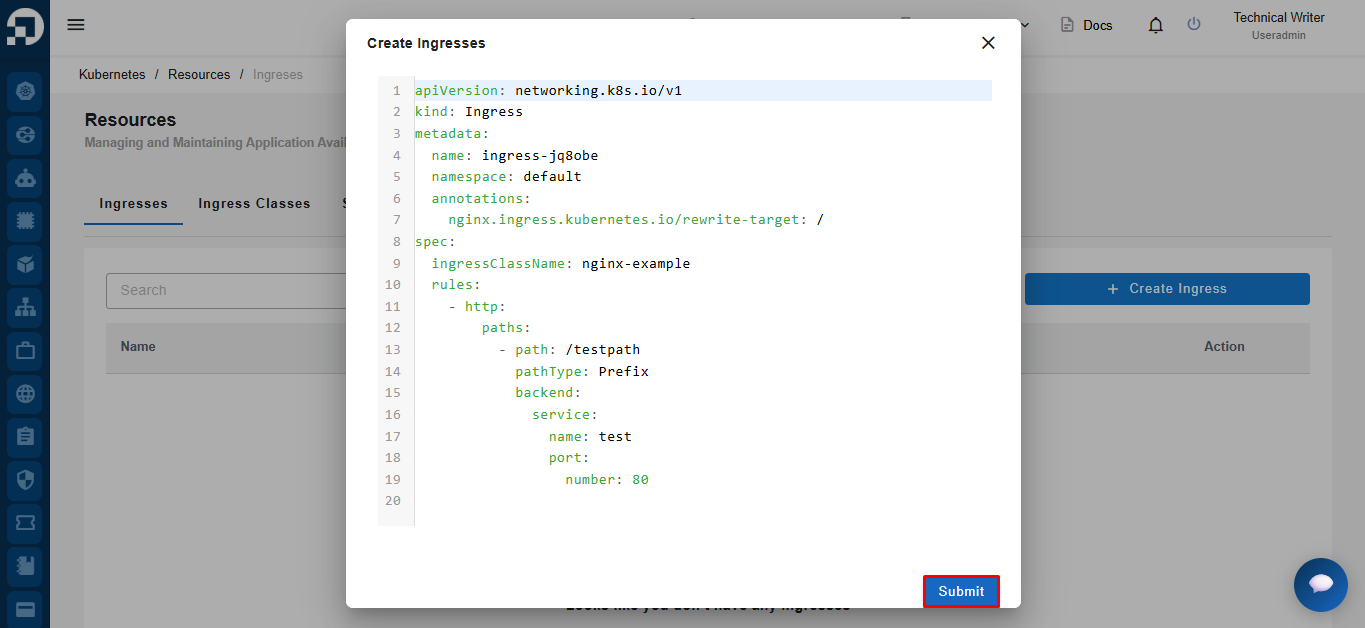
The Create Ingresses window displays a YAML form to create an Ingress object in Kubernetes. Click the **Submit** button
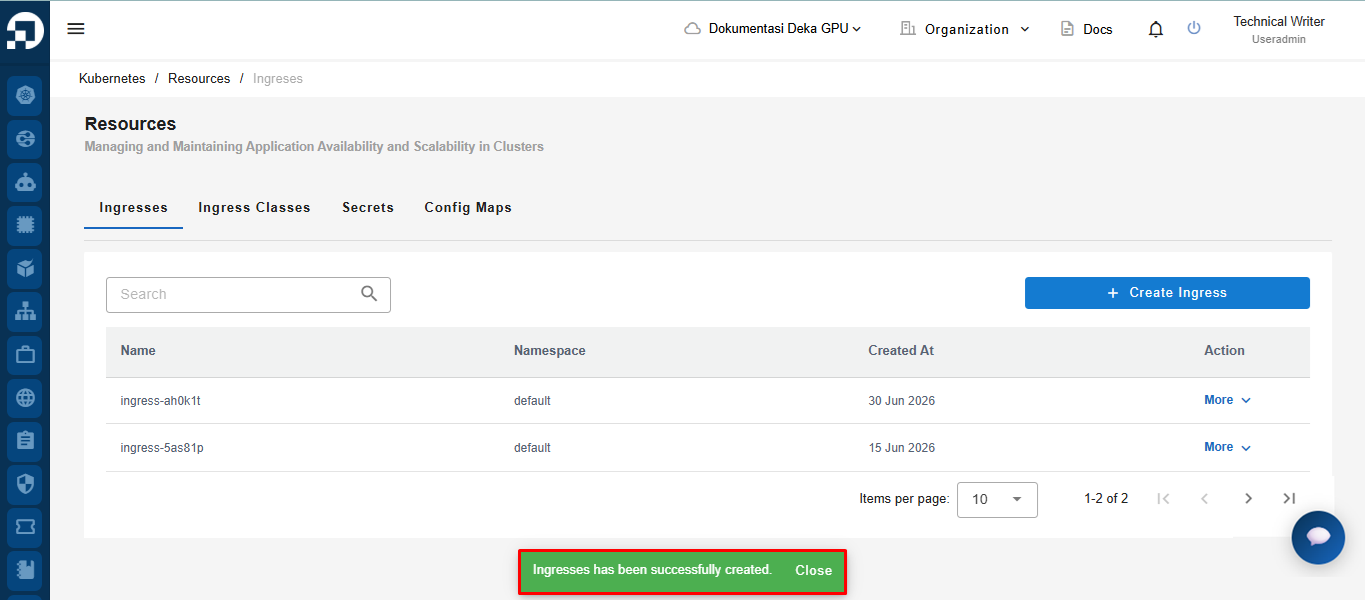
The notification **"Ingresess has been successfully created".**