> For the complete documentation index, see [llms.txt](https://docs.cloudeka.ai/llms.txt). Markdown versions of documentation pages are available by appending `.md` to page URLs; this page is available as [Markdown](https://docs.cloudeka.ai/deka-gpu/deka-gpu-kubernetes/services-account/tab-cluster-role-bindings/create-cluster-role-bindings.md).
# Create Cluster Role Bindings
Cluster Role Bindings are used to assign Cluster Roles to users, groups, or service accounts, enabling them to access resources across all namespaces within a Kubernetes cluster.
\
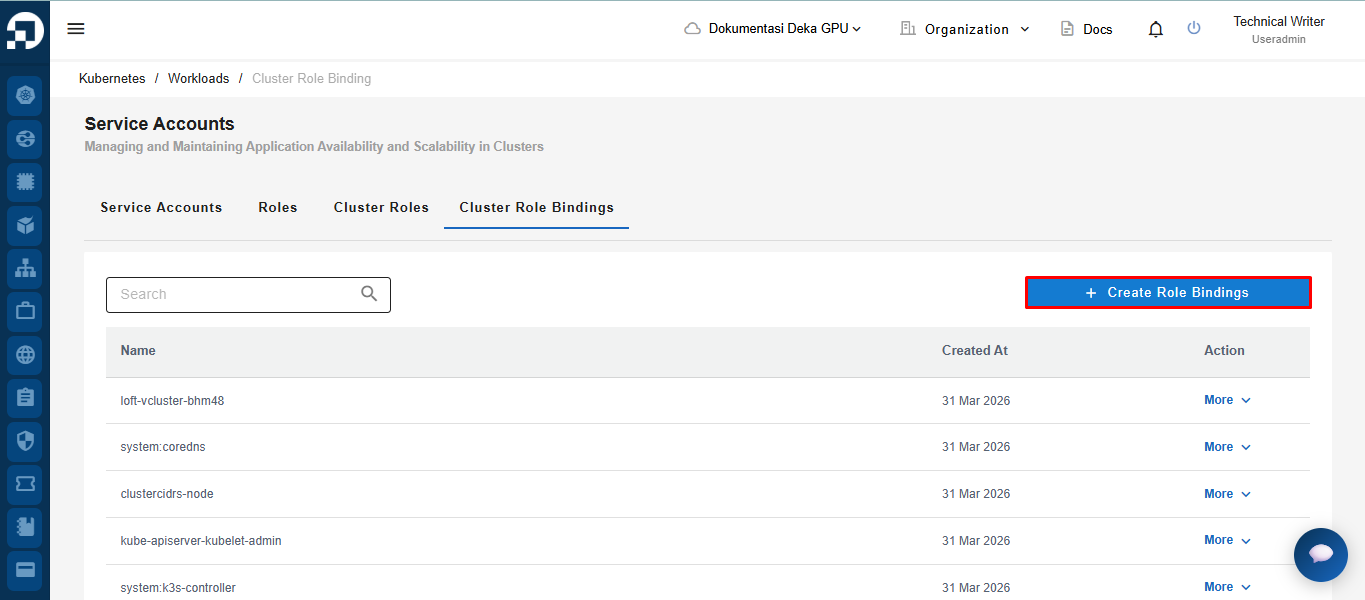
To create a new cluster role bindings, click the ***Create Cluster Role Bindings***** button.**
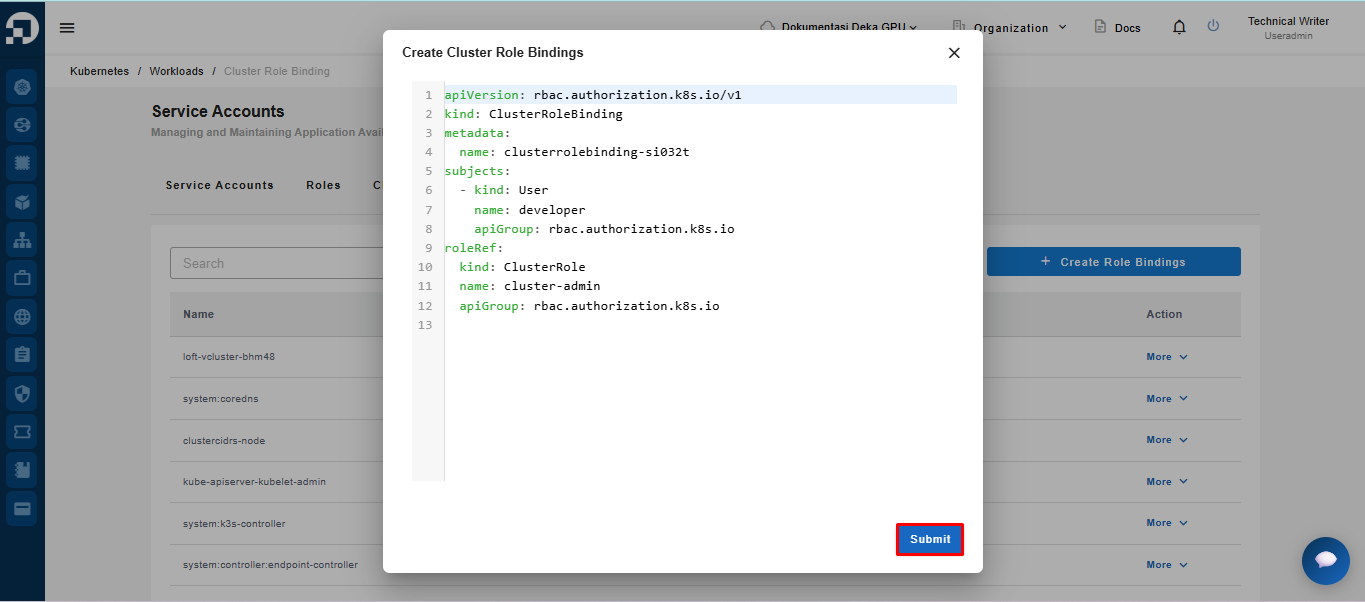
After clicking the *Create Cluster Role Bindings* button, the system will display an editable YAML form. Users can adjust the configuration values as needed, then click the ***Submit*** button to save the data.
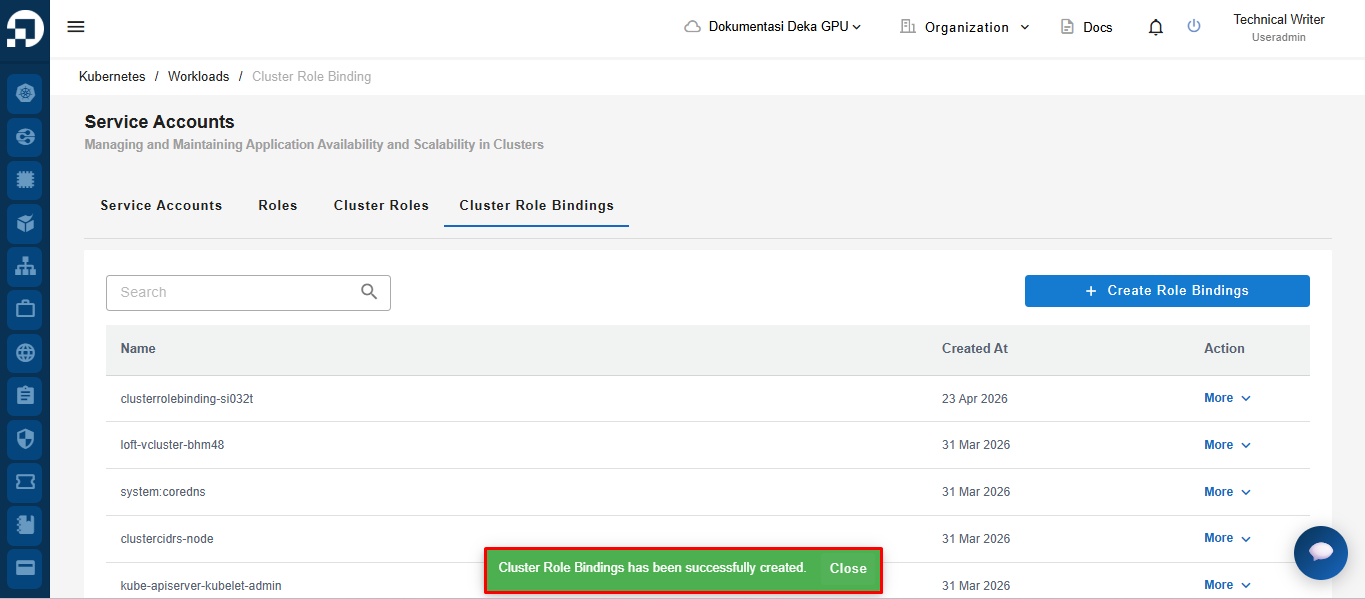
Once the process is successful, the system will display a notification stating that the ***Cluster Role Bindings has been successfully created*****.**