> For the complete documentation index, see [llms.txt](https://docs.cloudeka.ai/llms.txt). Markdown versions of documentation pages are available by appending `.md` to page URLs; this page is available as [Markdown](https://docs.cloudeka.ai/deka-gpu/deka-gpu-kubernetes/storages/data-volume/update-kubernetes-yaml.md).
# Update Kubernetes YAML
**Update Kubernetes YAML** is used to view and modify the configuration of an existing Data Volume in YAML format. This feature allows users to update the required configuration values and apply the changes directly to the Data Volume resource.
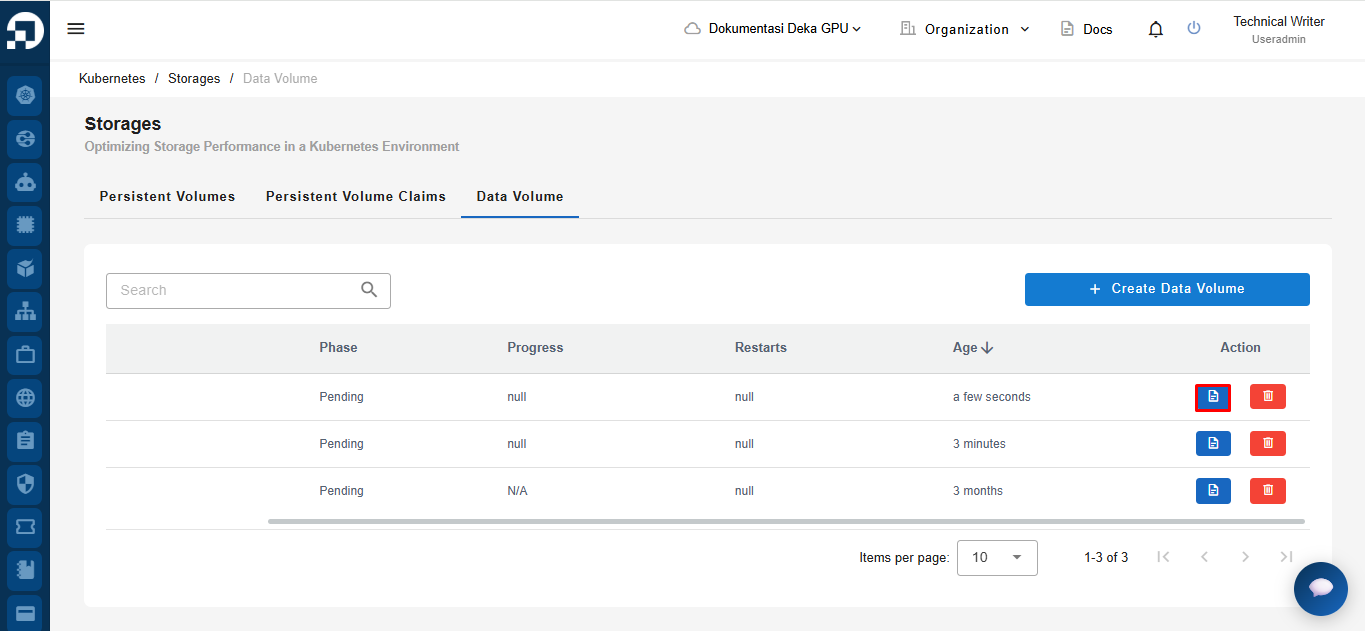
To update a Data Volume, click the **Show YAML** icon corresponding to the Data Volume that you want to modify.
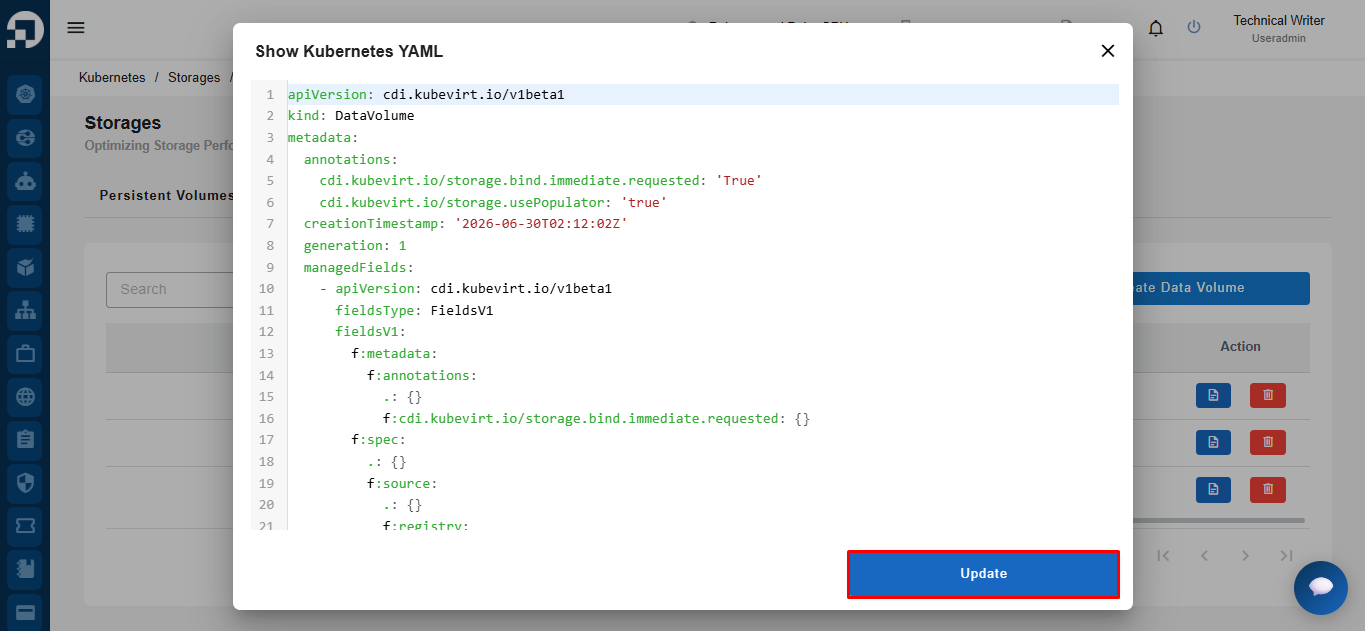
The **Show Kubernetes YAML** window will appear, displaying the current Data Volume configuration in YAML format. Modify the required configuration values as needed, then click **Update** to apply the changes.
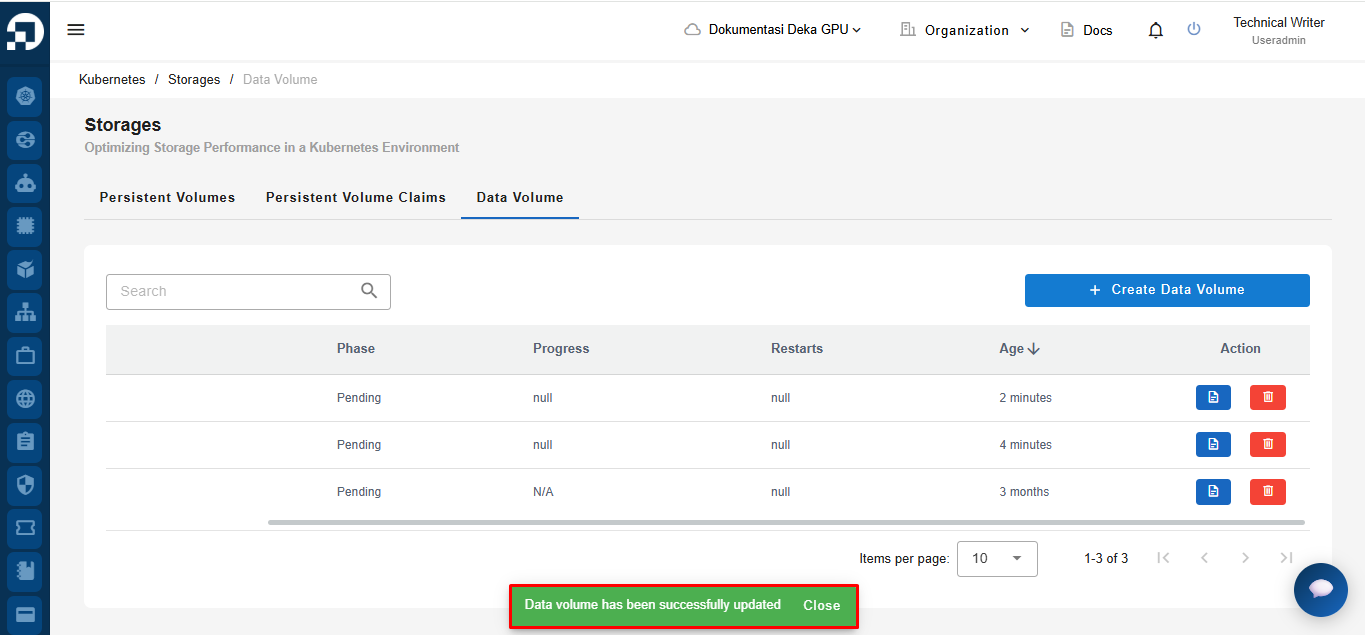
After the update process is completed successfully, the system will display a notification stating **"Data volume has been successfully updated"**.