> For the complete documentation index, see [llms.txt](https://docs.cloudeka.ai/llms.txt). Markdown versions of documentation pages are available by appending `.md` to page URLs; this page is available as [Markdown](https://docs.cloudeka.ai/deka-gpu/deka-gpu-vms/how-to-manually-create-a-virtual-machine/download-kube-config.md).
# Download Kube Config
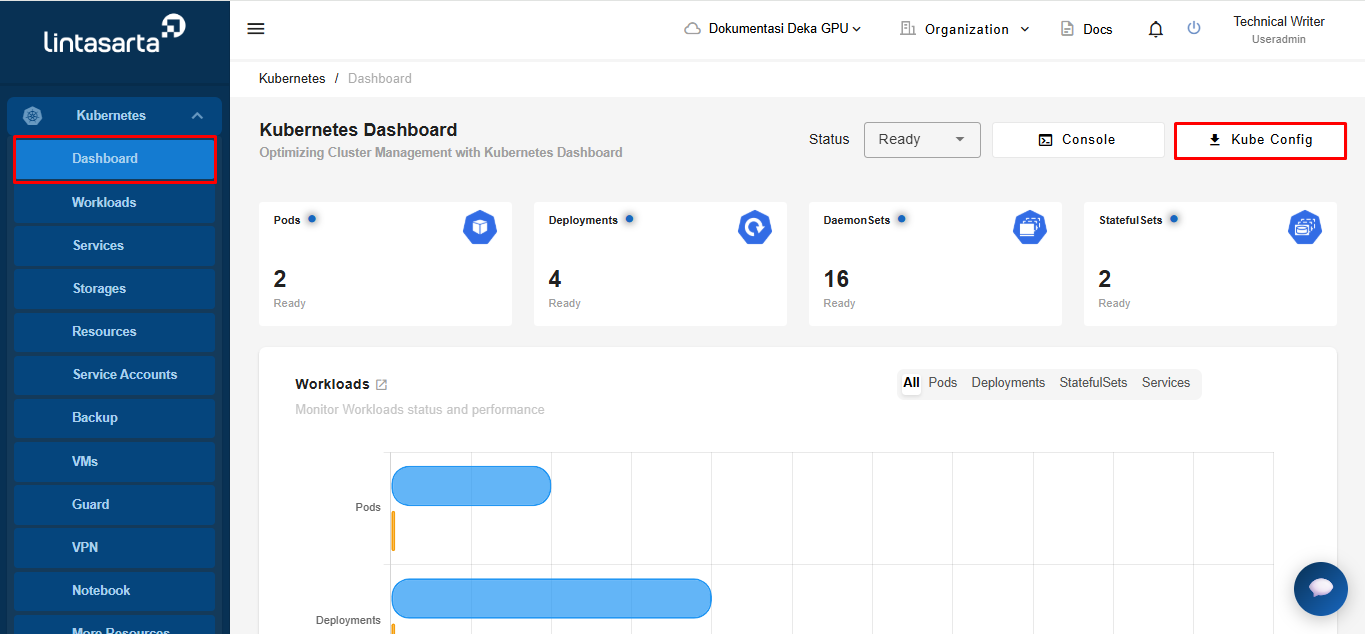
On the Deka GPU page, select the Dashboard menu in Kubernetes. Click the Kube Config button to download the file.
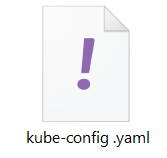
Wait until the kube configuration download is complete and available on your computer with the file name is kube-config.yaml.