> For the complete documentation index, see [llms.txt](https://docs.cloudeka.ai/llms.txt). Markdown versions of documentation pages are available by appending `.md` to page URLs; this page is available as [Markdown](https://docs.cloudeka.ai/guideline-for-enterprise/deka-notebook/view-notebook.md).
# View Notebook
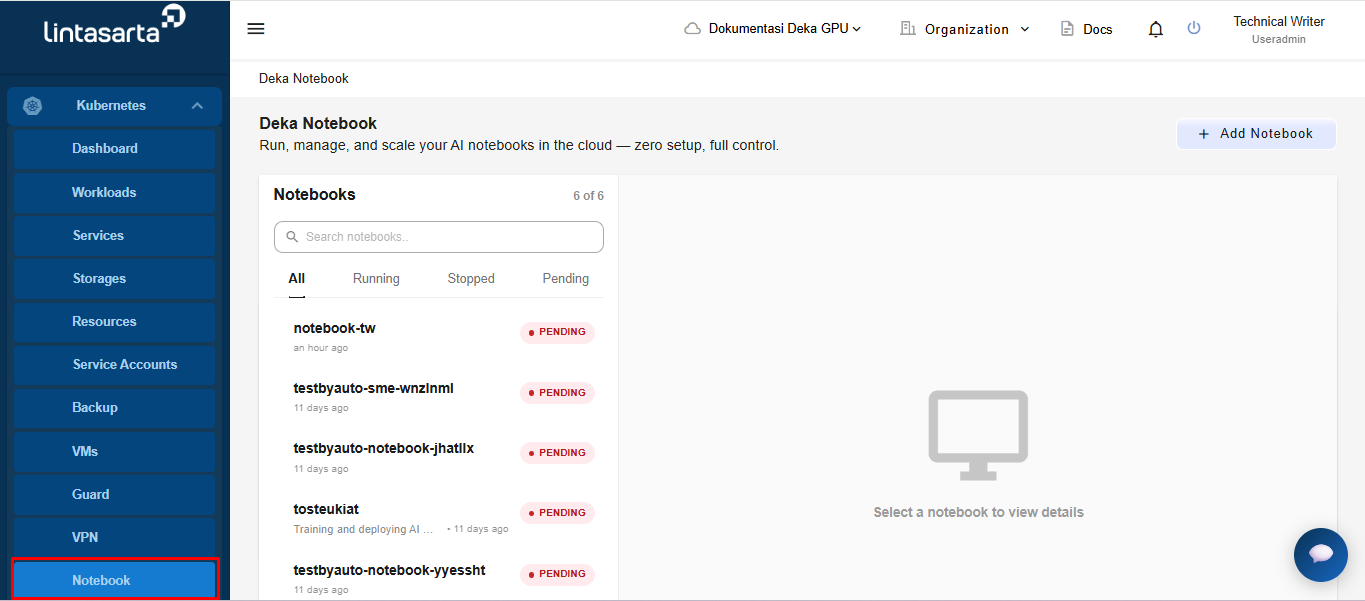
To view the notebook page, select the **Kubernetes** menu from the sidebar, then select the **Notebook** module. The system will display the Deka Notebook page containing the list of available notebooks along with their detailed information.
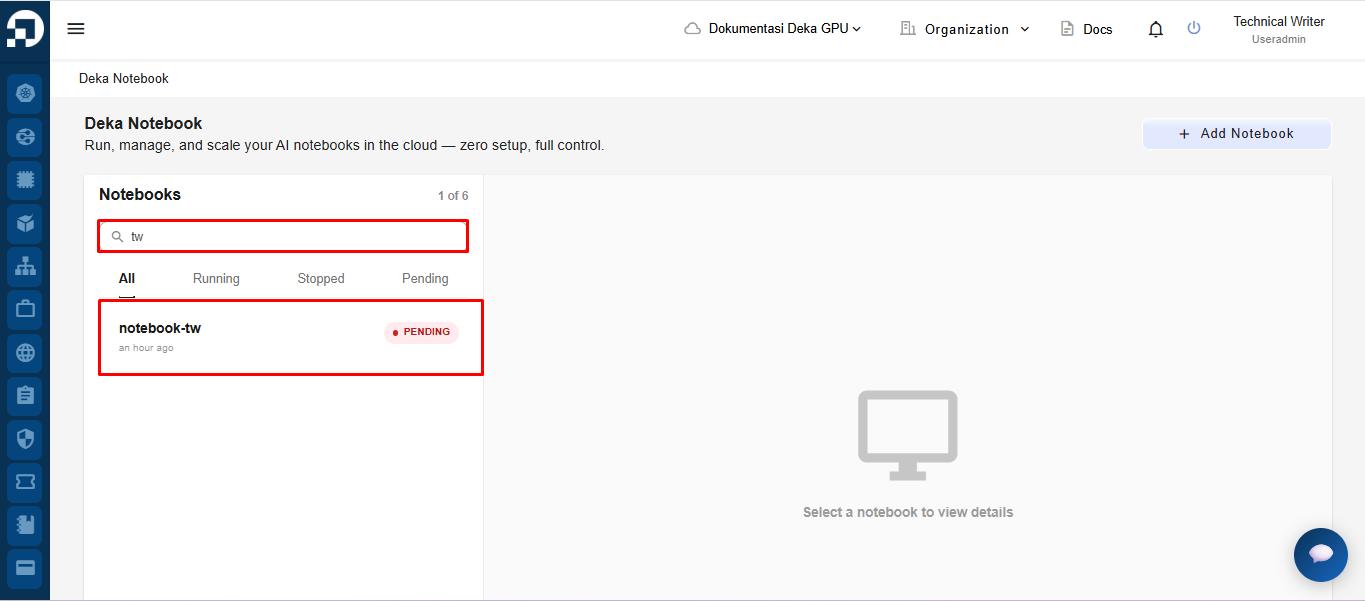
On the Deka Notebook page, users can use the search field to filter and quickly find a specific notebook. Enter the **desired keyword in the search field,** then the system will automatically display notebooks that match the entered keyword.
On the Deka Notebook page, there are several notebook status filter tabs that can be used to display notebooks based on their current status:
* **All** : Displays all available notebooks.
* **Running** : Displays notebooks that are currently running.
* **Stopped** : Displays notebooks that are currently stopped or inactive.
* **Pending** : Displays notebooks that are still in the initialization or waiting process.
Users can click each tab to filter the notebook list according to the selected status.