> For the complete documentation index, see [llms.txt](https://docs.cloudeka.ai/llms.txt). Markdown versions of documentation pages are available by appending `.md` to page URLs; this page is available as [Markdown](https://docs.cloudeka.ai/guideline-for-enterprise/deka-registry/resize-storage-registry.md).
# Resize Storage Registry
You can adjust the storage quota for your registry in the Deka GPU Service within the **Service Portal Cloudeka**.
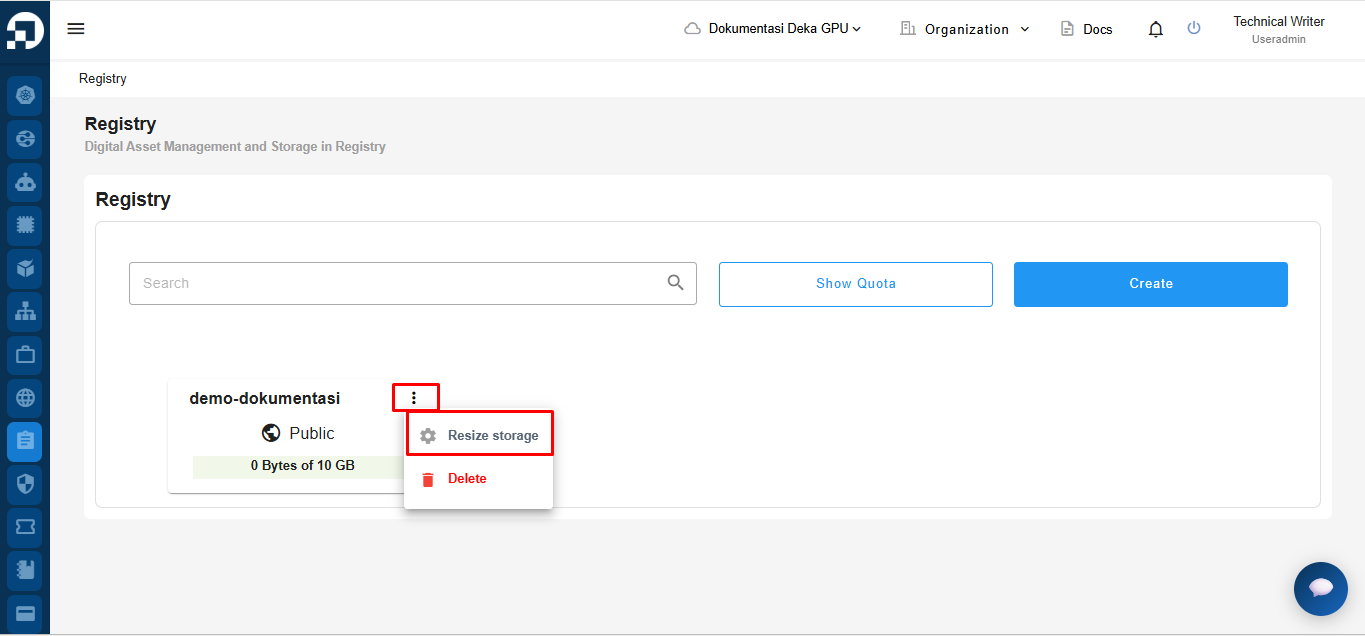
On the **Registry** page, locate the registry whose storage quota you want to adjust, click **More**, then select **Resize Storage**.
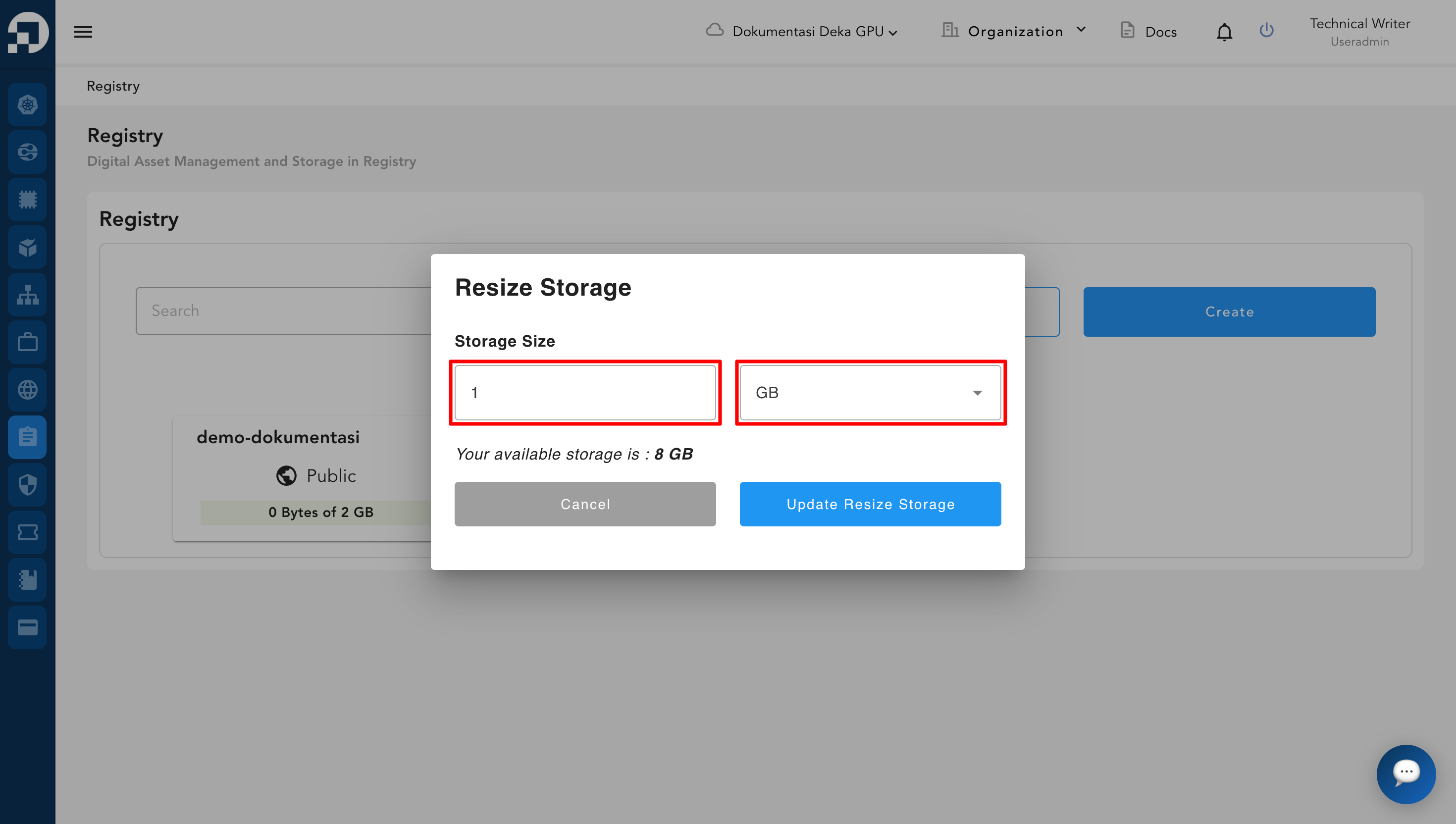
The Resize Storage window appears, you can set the storage size and the unit of storage capacity measurement that will be used. There are three types of storage capacity sizes available, namely MiB (Mebibyte), GiB (Gibibyte), and TiB (Tebibyte).
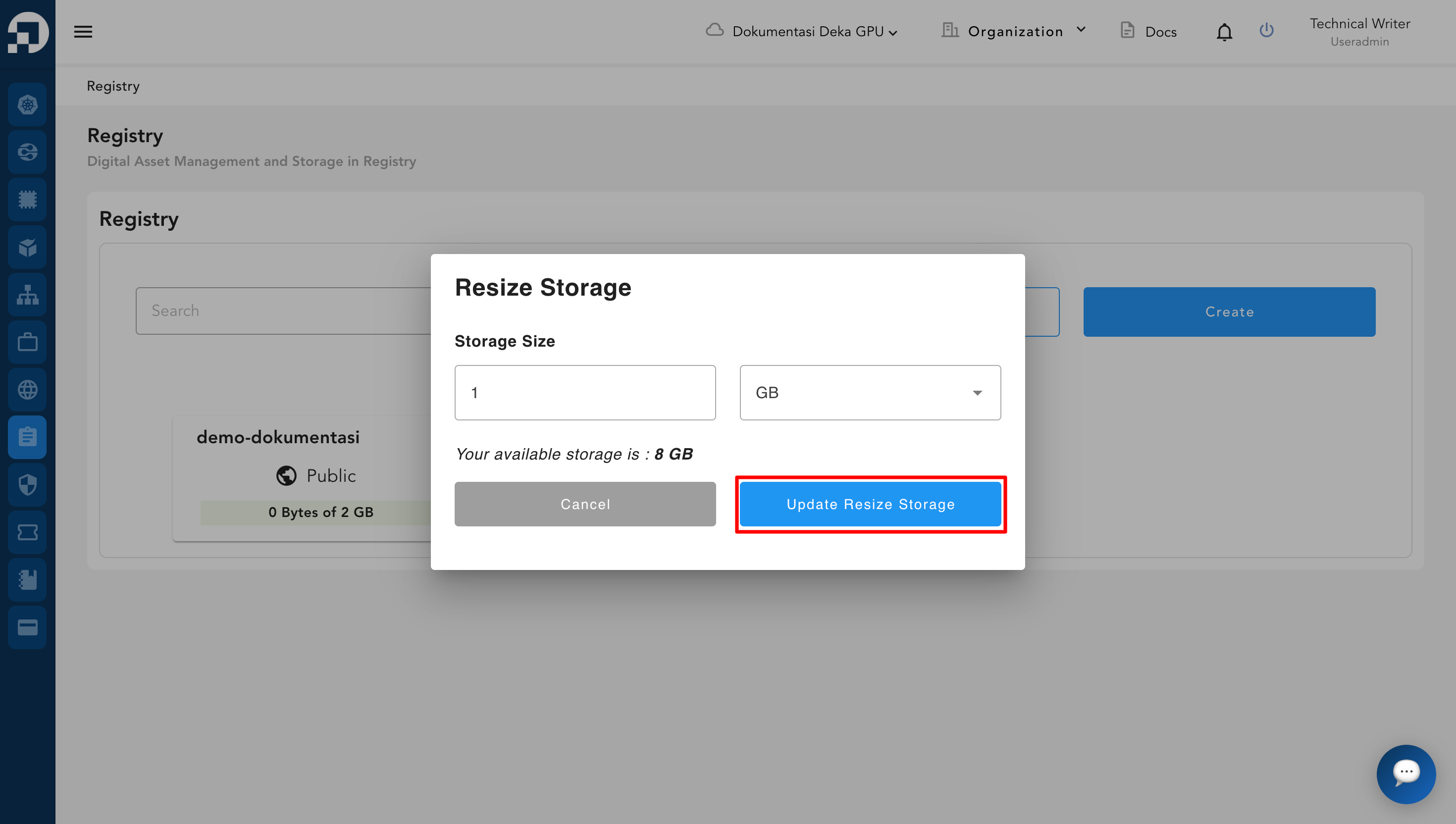
If you have set the storage size and the unit of measurement to be used, click the Update Resize Storage button.
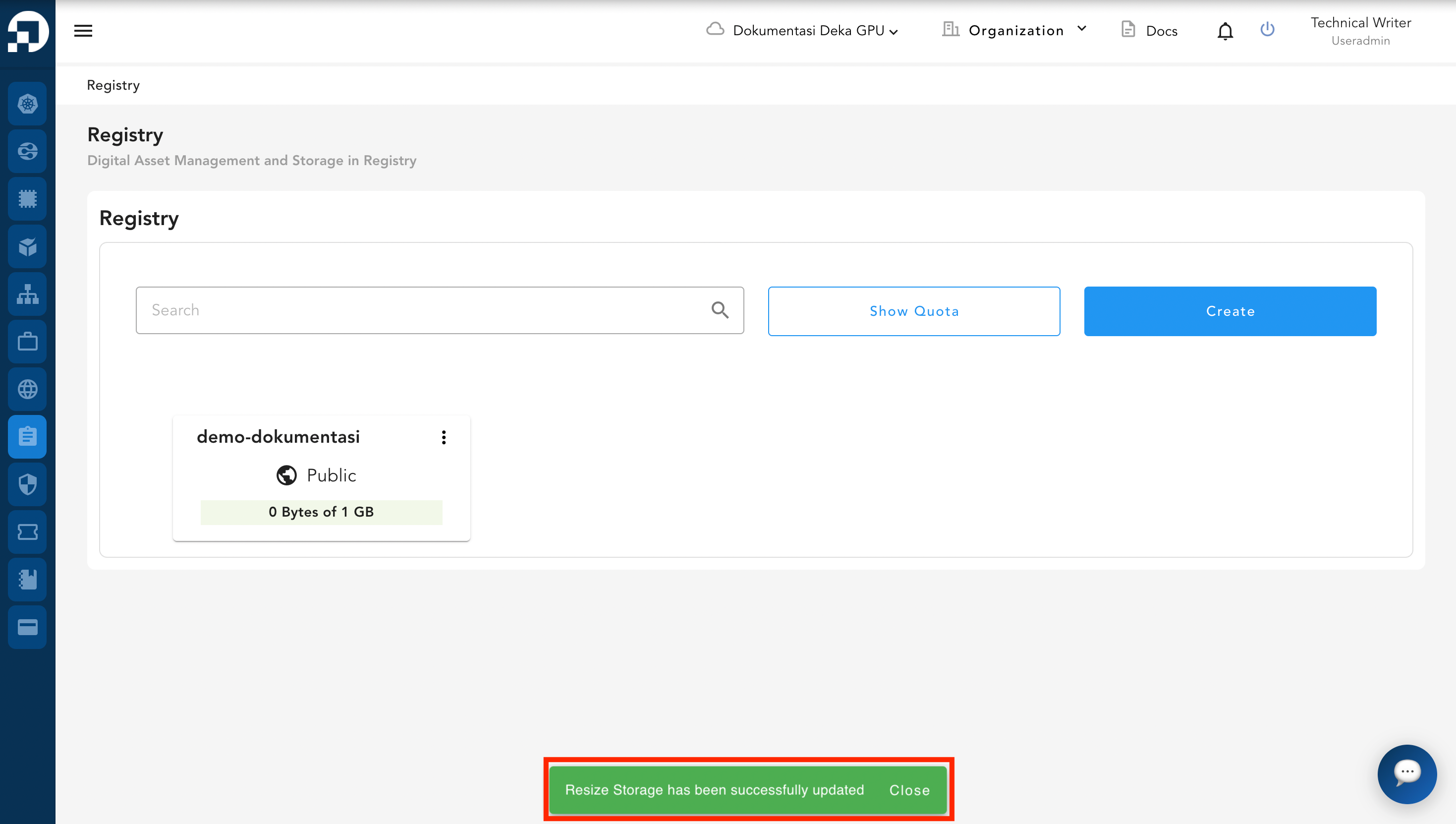
A success notification will appear indicating that the storage has been successfully updated.