> For the complete documentation index, see [llms.txt](https://docs.cloudeka.ai/llms.txt). Markdown versions of documentation pages are available by appending `.md` to page URLs; this page is available as [Markdown](https://docs.cloudeka.ai/guide-for-individual/bahasa/deka-box/overview-deka-box/delete-bucket.md).
# Delete Bucket
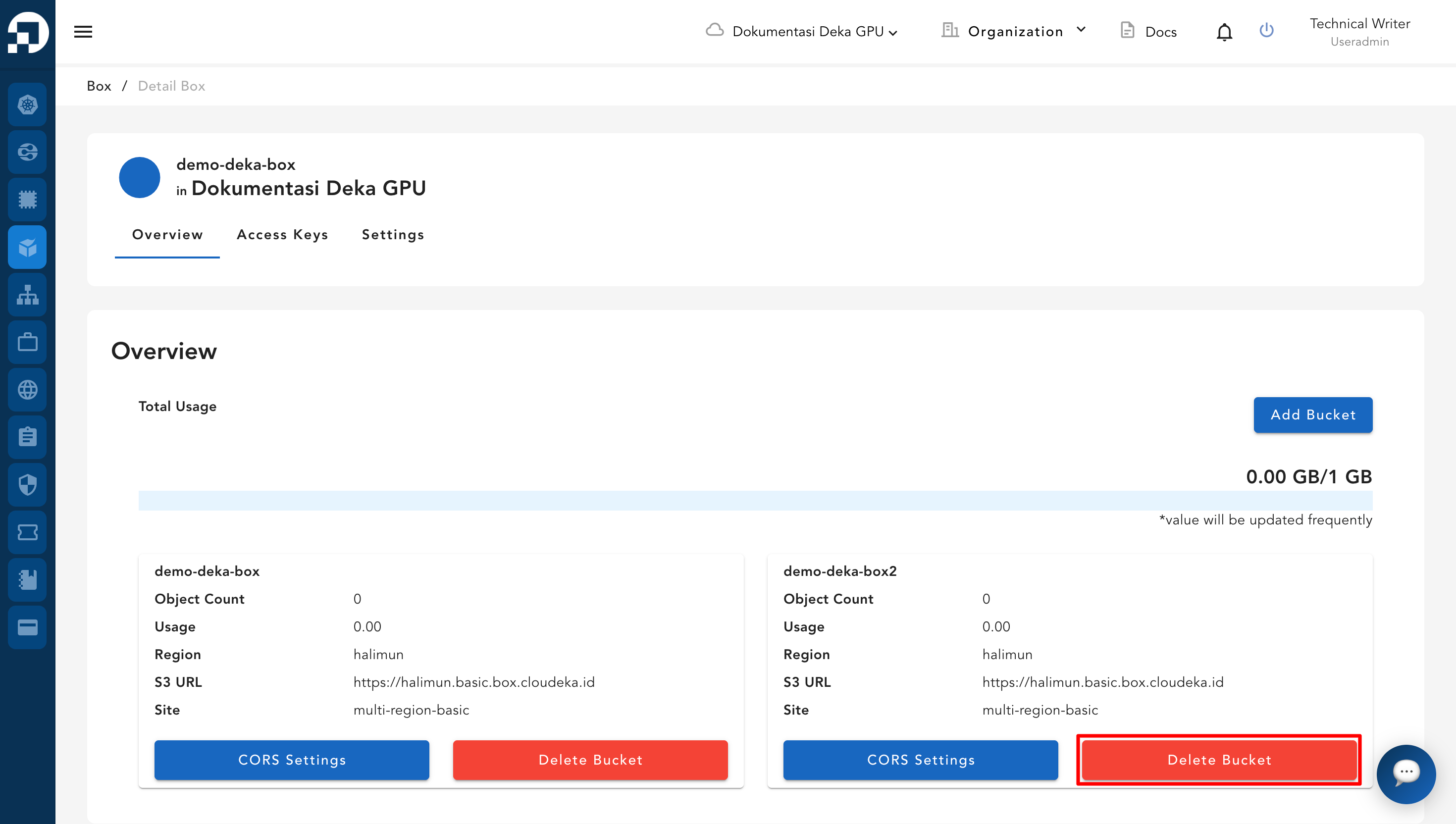
To delete an unused bucket via the Service Portal AI, tentukan bucket yang Anda akan hapus dengan clik tombol Delete Bucket.
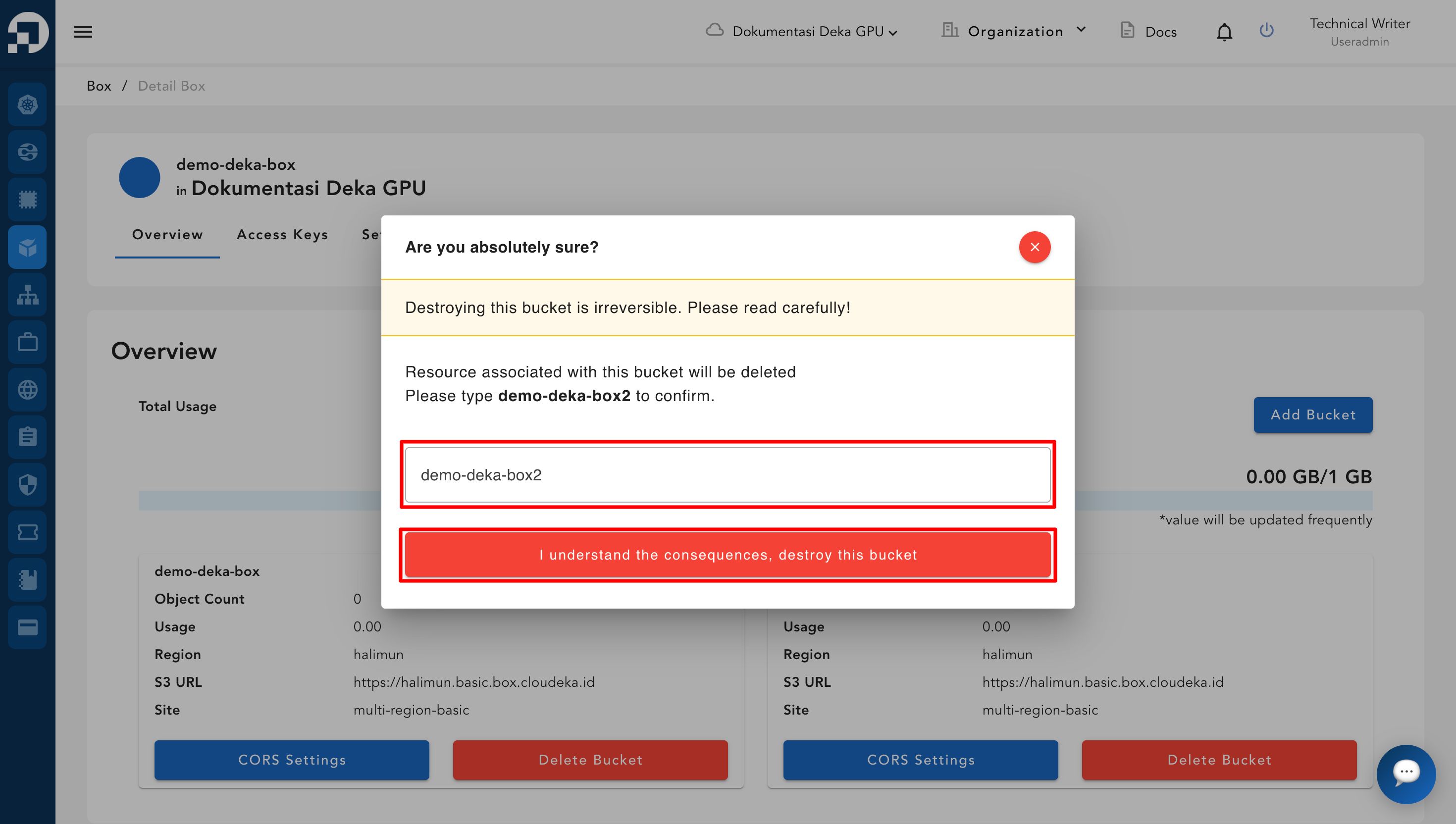
The Delete Bucket window appears, fill in the name of the bucket to be deleted and press the "I understand the consequences, delete this bucket" button.
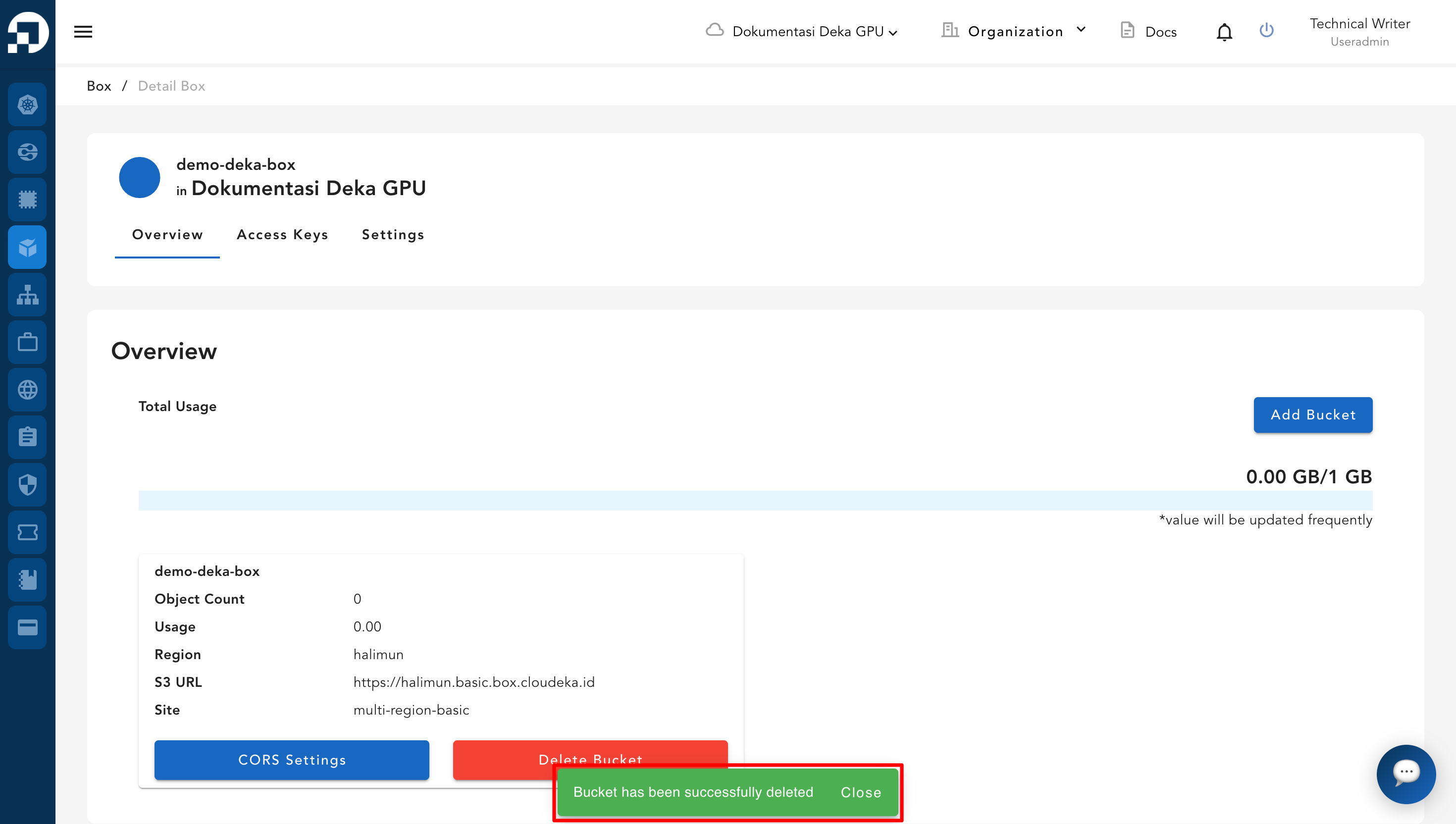
A Success Delete Bucket notification appears that the bucket has been successfully deleted.