> For the complete documentation index, see [llms.txt](https://docs.cloudeka.ai/llms.txt). Markdown versions of documentation pages are available by appending `.md` to page URLs; this page is available as [Markdown](https://docs.cloudeka.ai/guide-for-individual/bahasa/deka-claw/detail-deka-claw/channel.md).
# Channel
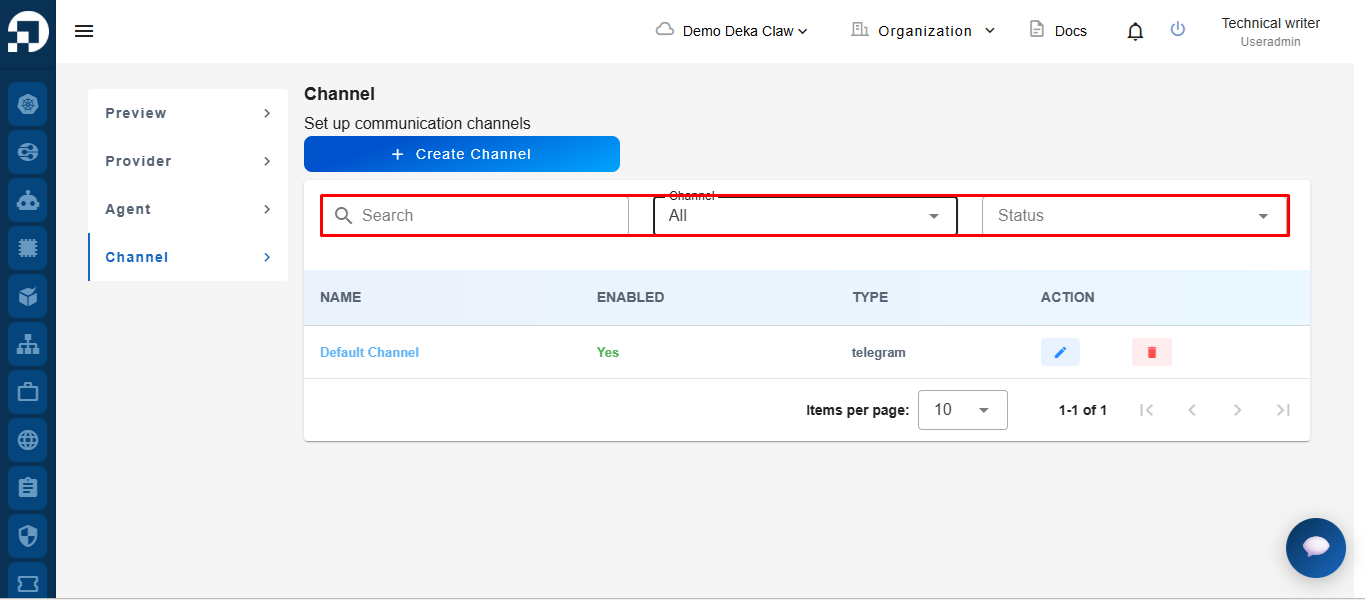
The **Channel** menu is used to manage communication channels connected to Deka Claw. By configuring a channel, Agents can interact with users through supported messaging platforms such as Telegram.
The **Channel Filter** feature can be used to filter channels based on specific criteria, such as channel name and status, making it easier to locate the desired channel.
\
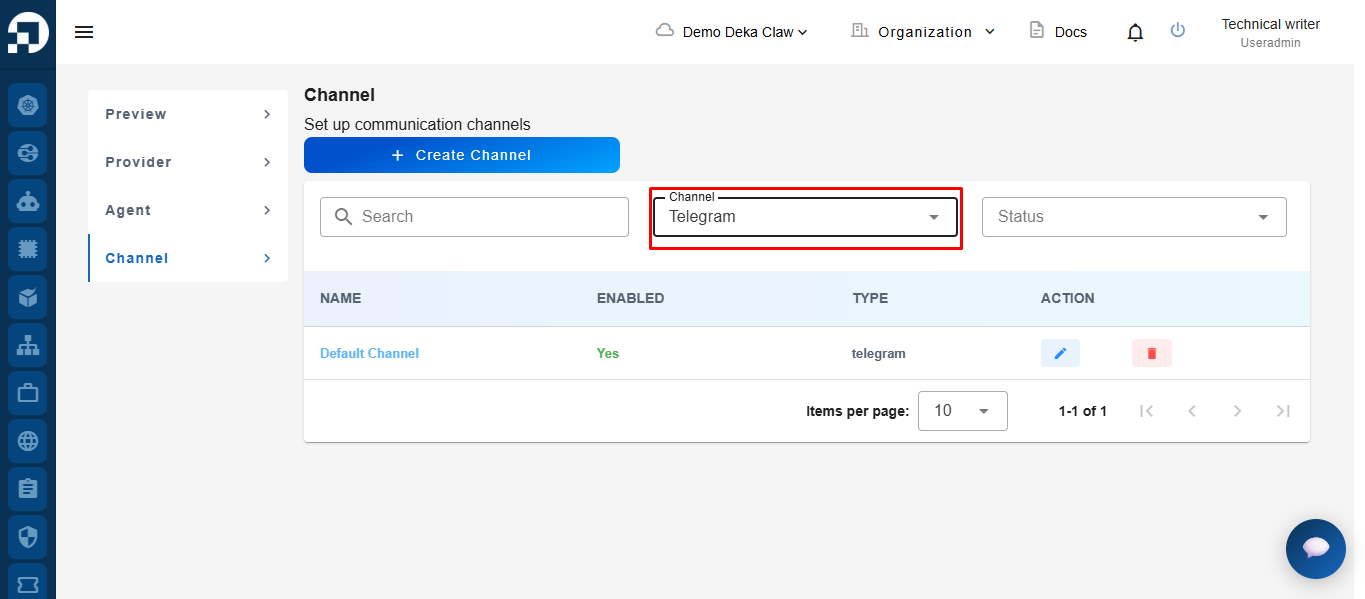
Click the **Channel** dropdown to select a specific Channel.
\
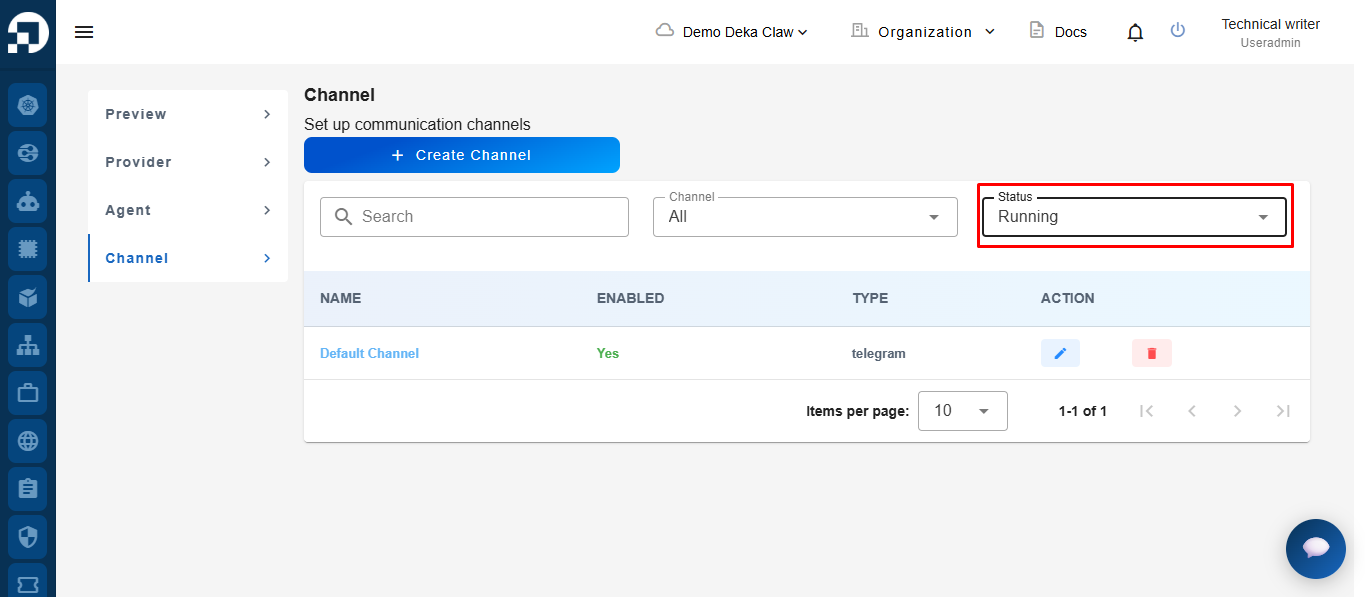
Click the **Status** dropdown to filter by status **(Running/Stopped).** The Channel list will automatically update based on the selected filters.