> For the complete documentation index, see [llms.txt](https://docs.cloudeka.ai/llms.txt). Markdown versions of documentation pages are available by appending `.md` to page URLs; this page is available as [Markdown](https://docs.cloudeka.ai/guide-for-individual/bahasa/deka-flexi/deka-flexi-instance/details-instance/reboot-instance.md).
# Reboot Instance
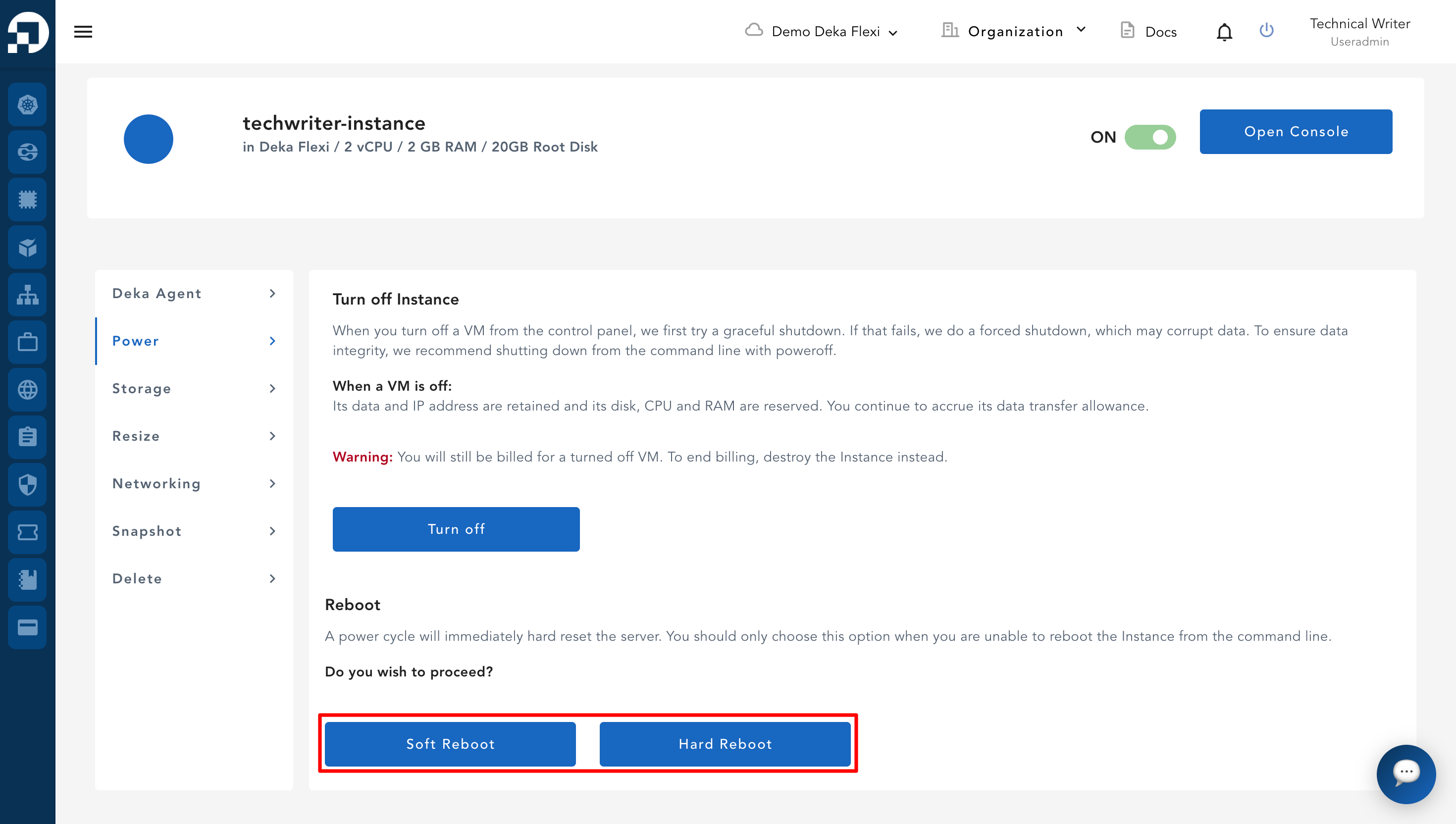
To reboot an instance, there are two types of reboot available: **Soft Reboot** and **Hard Reboot**. **Soft Reboot** is used to restart the VM system gracefully by stopping all running processes one by one. **Hard Reboot** is used to force restart the system when the instance is not responding.
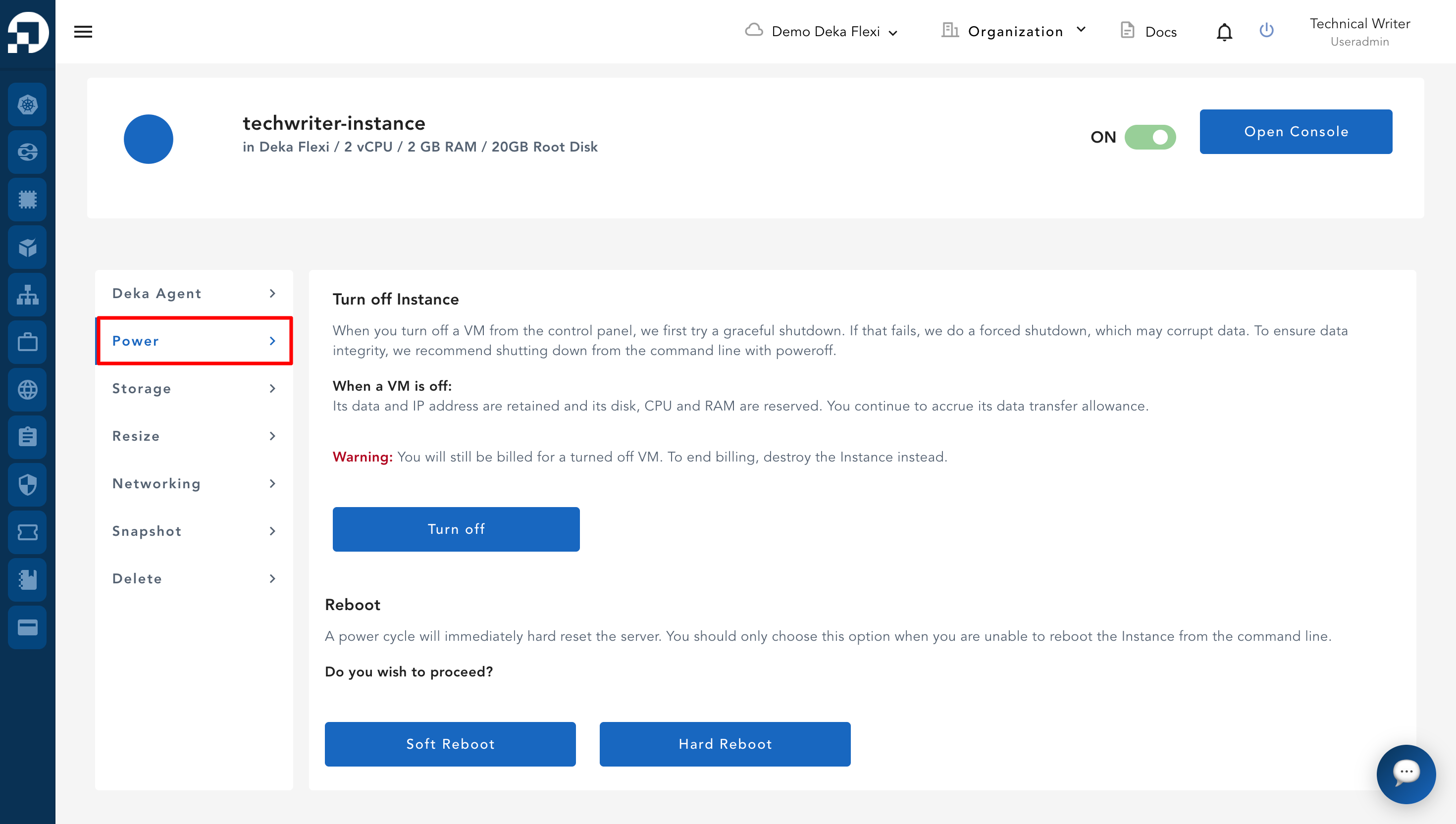
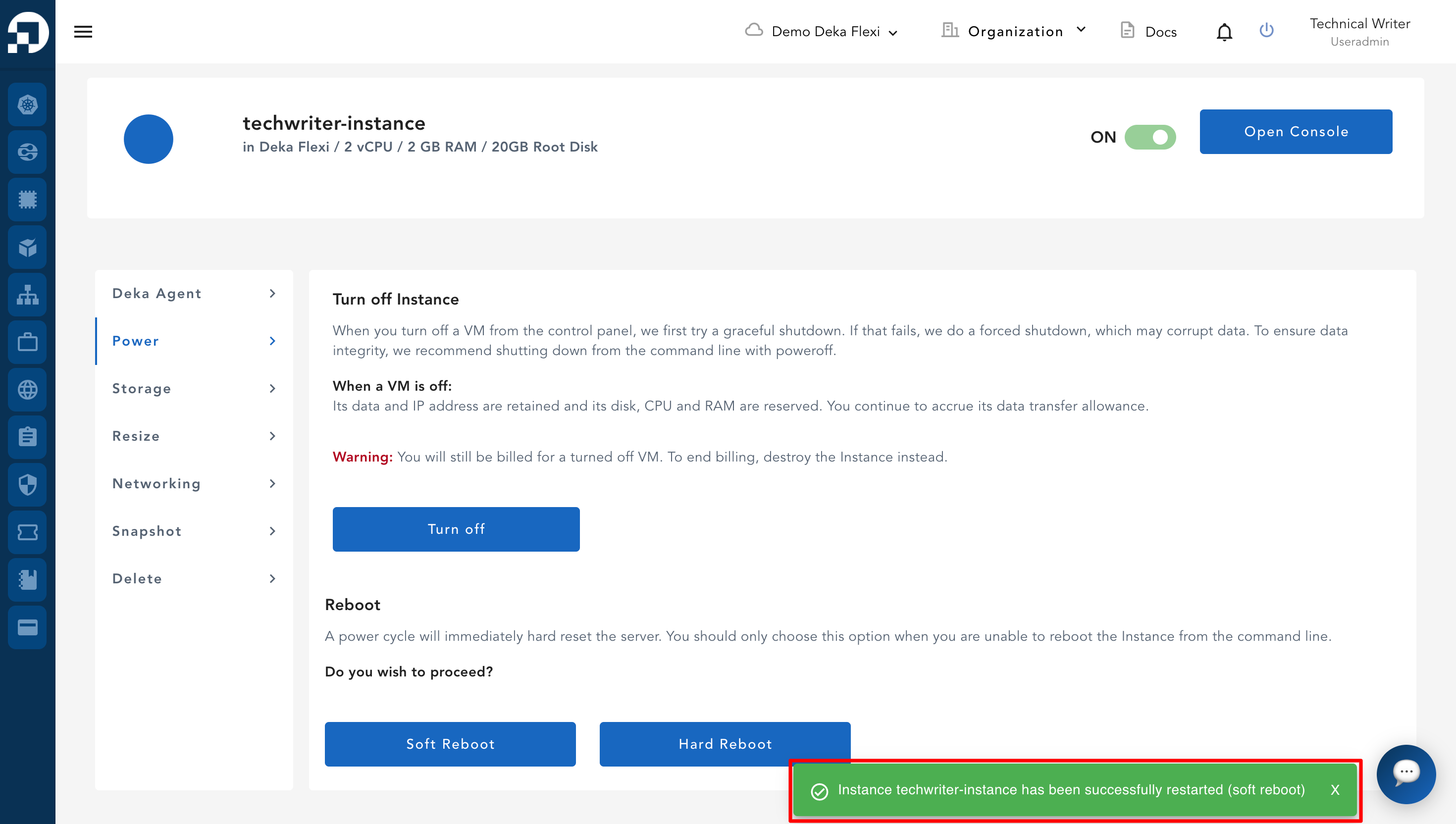
* To access **Soft Reboot** and **Hard Reboot**, click the **Power** menu. This option can be found in the **Reboot** section.
* To restart the VM system by stopping all running processes one by one, click the **Soft Reboot** button. To force restart the VM system, click the **Hard Reboot** button.
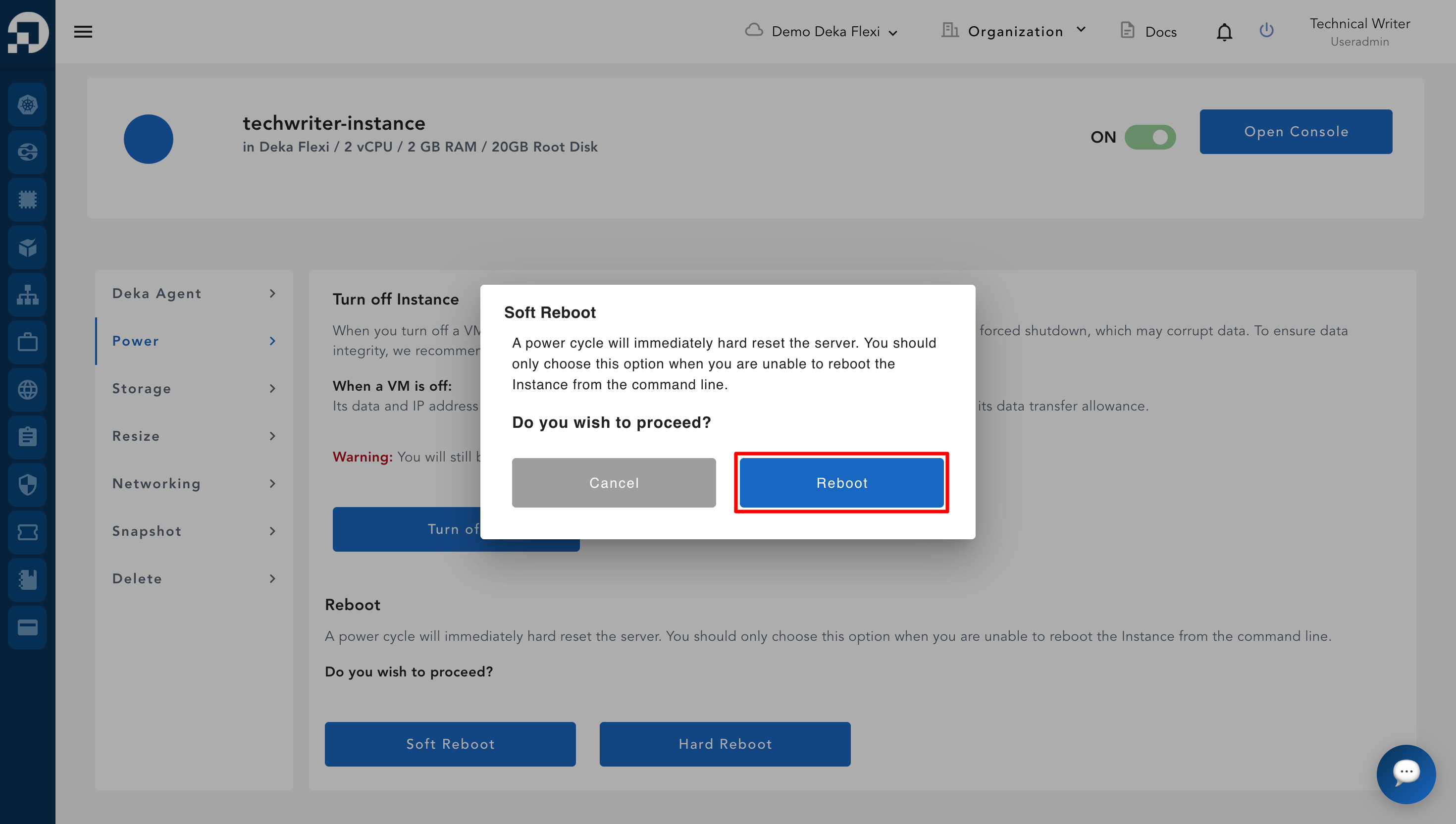
* A confirmation window will appear to confirm the reboot action. Then click **Reboot**.
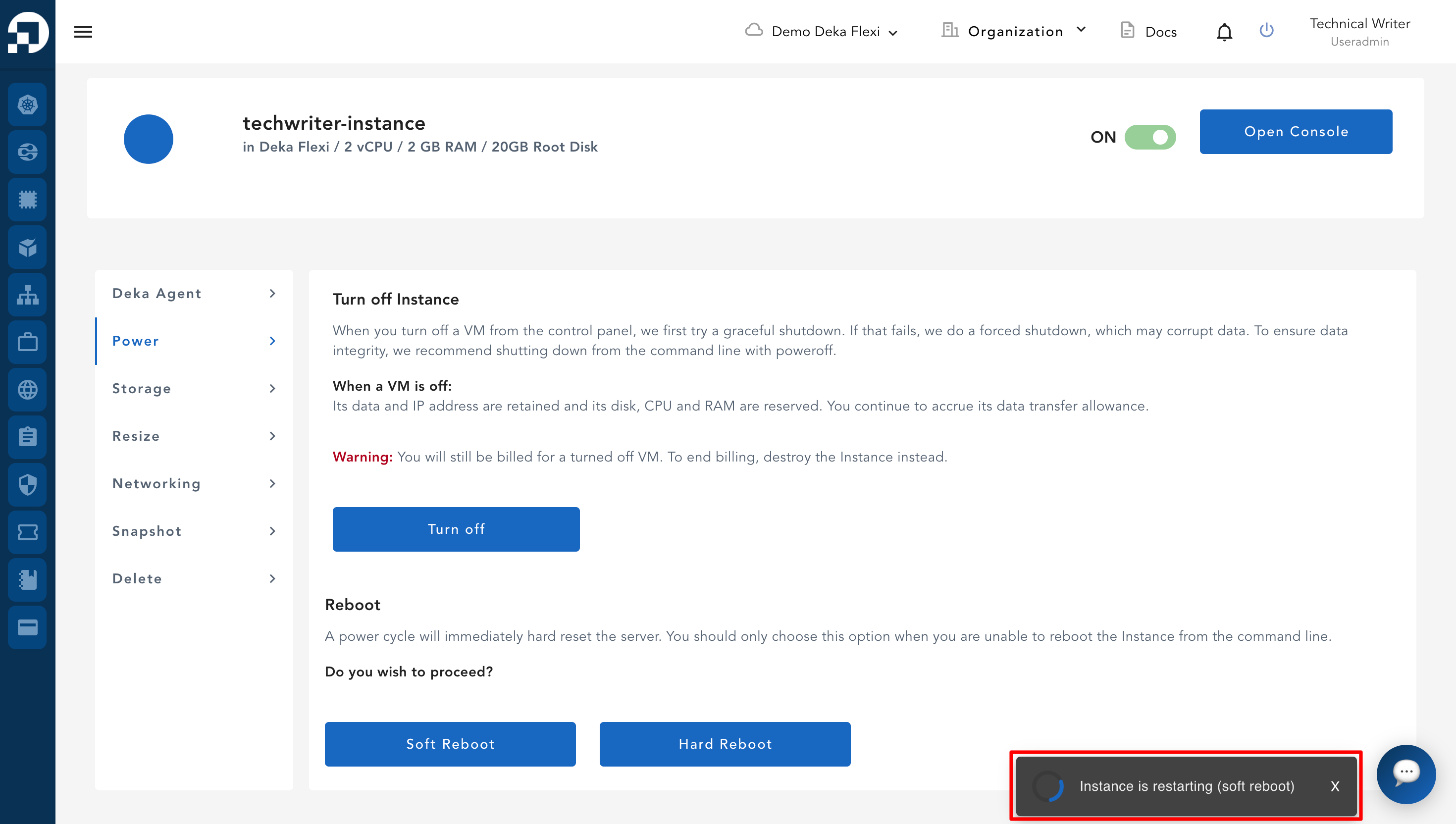
* A **Restarting the instance** notification will appear indicating that the VM is being restarted.
* If the VM is successfully restarted, a notification will appear: **Instance \[your-instance-name] has been successfully restarted.**