> For the complete documentation index, see [llms.txt](https://docs.cloudeka.ai/llms.txt). Markdown versions of documentation pages are available by appending `.md` to page URLs; this page is available as [Markdown](https://docs.cloudeka.ai/guide-for-individual/bahasa/deka-gpu/deka-gpu-kubernetes/resources/config-maps/create-a-new-config-maps.md).
# Create a New Config Maps
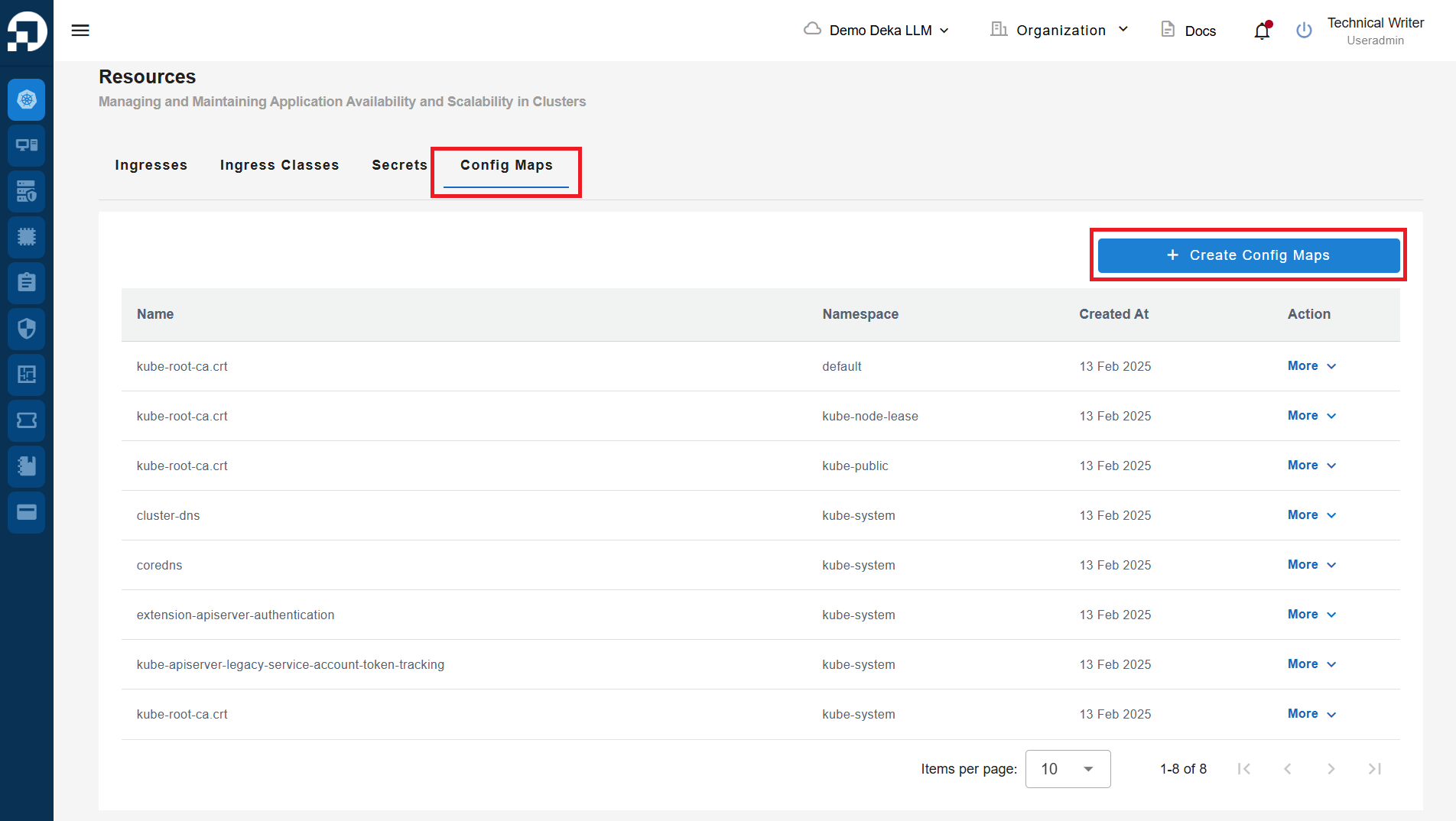
Create a New Config Map is a feature used to create new Ingress in the Service Portal Cloudeka. On the Config Maps tab of the Resources page click the "+ Create Config Maps" button.
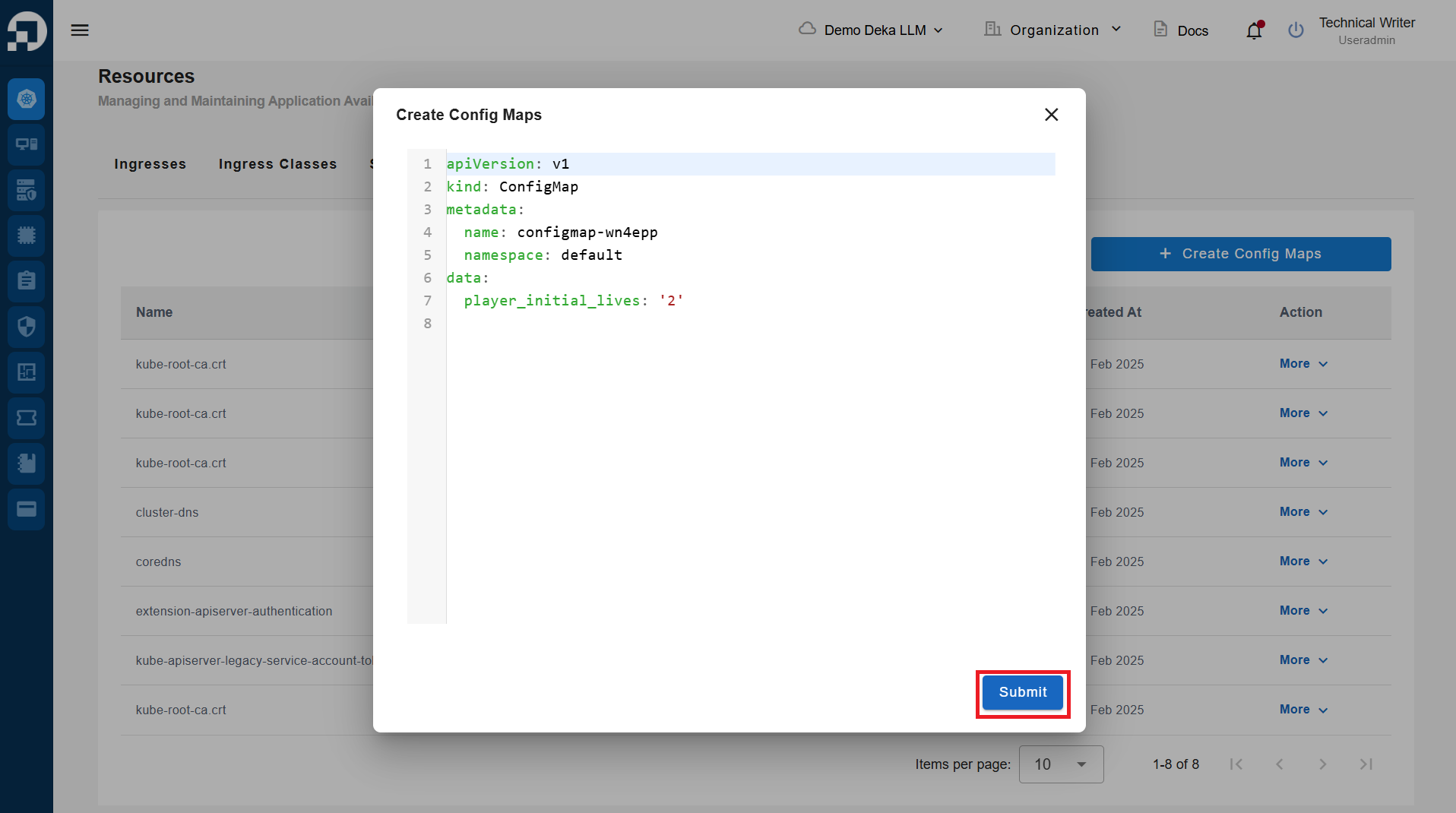
The Create Config Maps window displays the YAML form for creating Config Maps objects in Kubernetes. Click the Submit button.
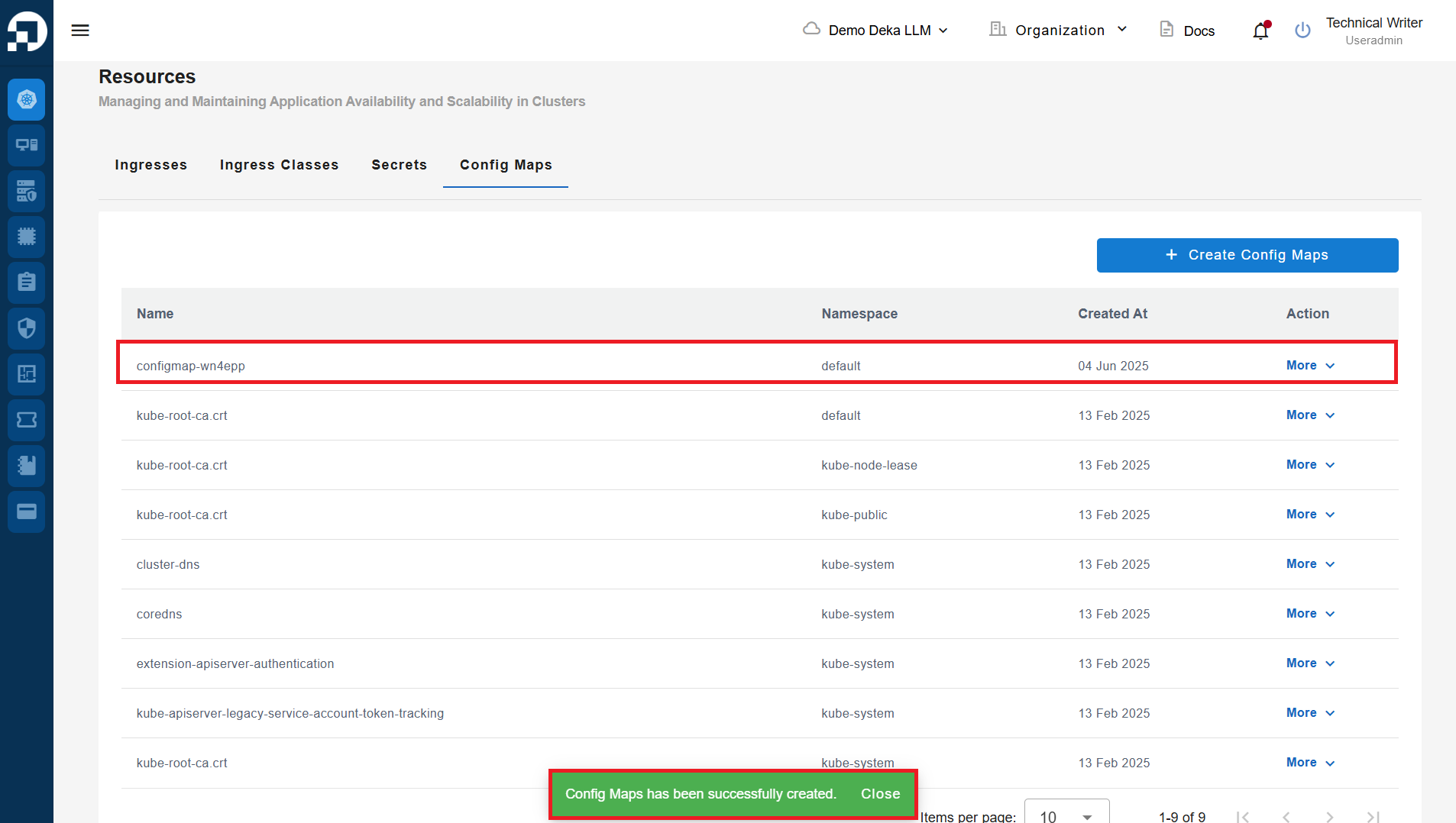
The notification "Config Maps has been successfully created".