> For the complete documentation index, see [llms.txt](https://docs.cloudeka.ai/llms.txt). Markdown versions of documentation pages are available by appending `.md` to page URLs; this page is available as [Markdown](https://docs.cloudeka.ai/guide-for-individual/bahasa/deka-ssl/renewal-deka-ssl.md).
# Renewal Deka SSL
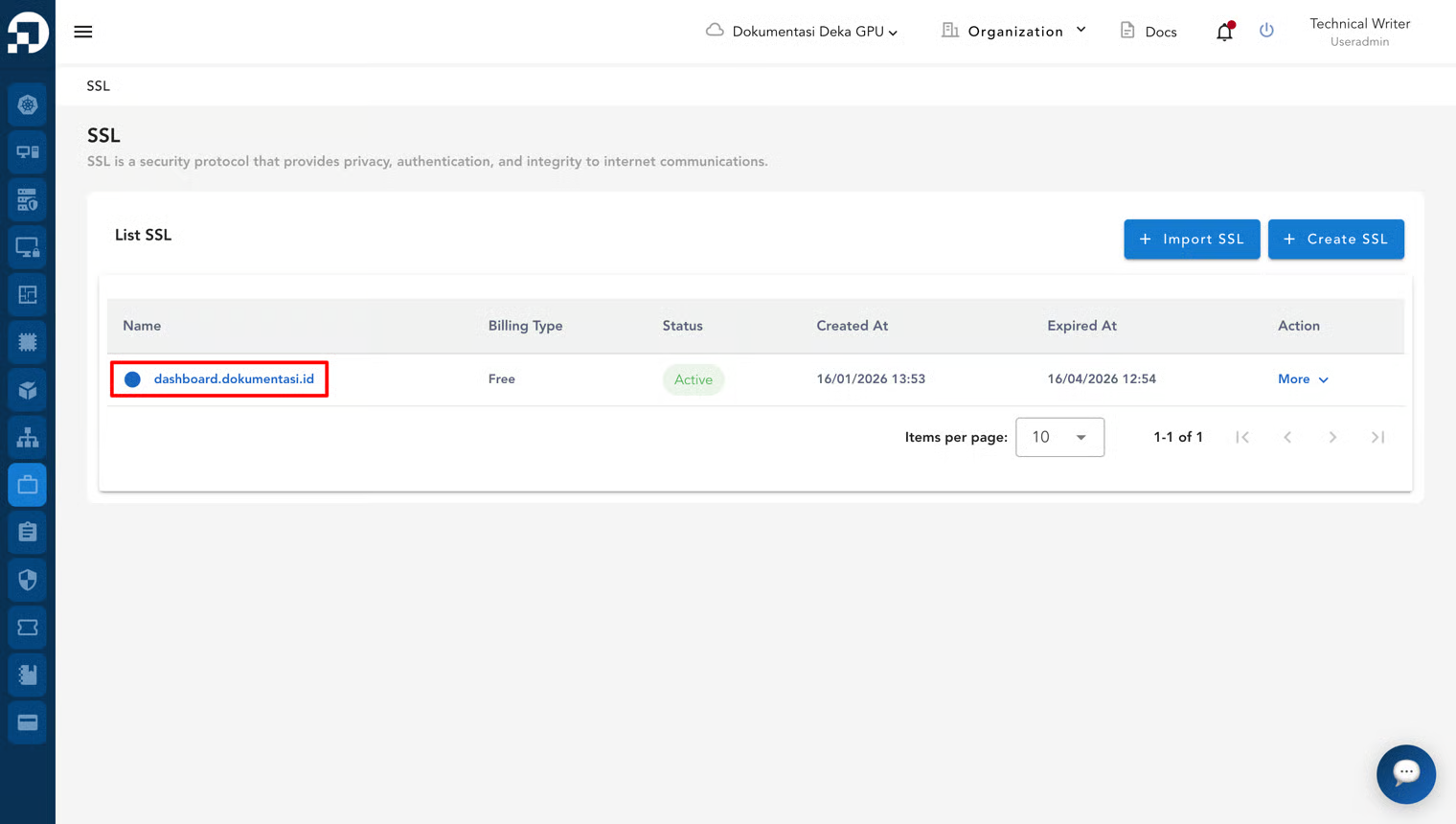
This section describes how to renew an existing Deka SSL. On the SSL page, select the SSL that was previously created.
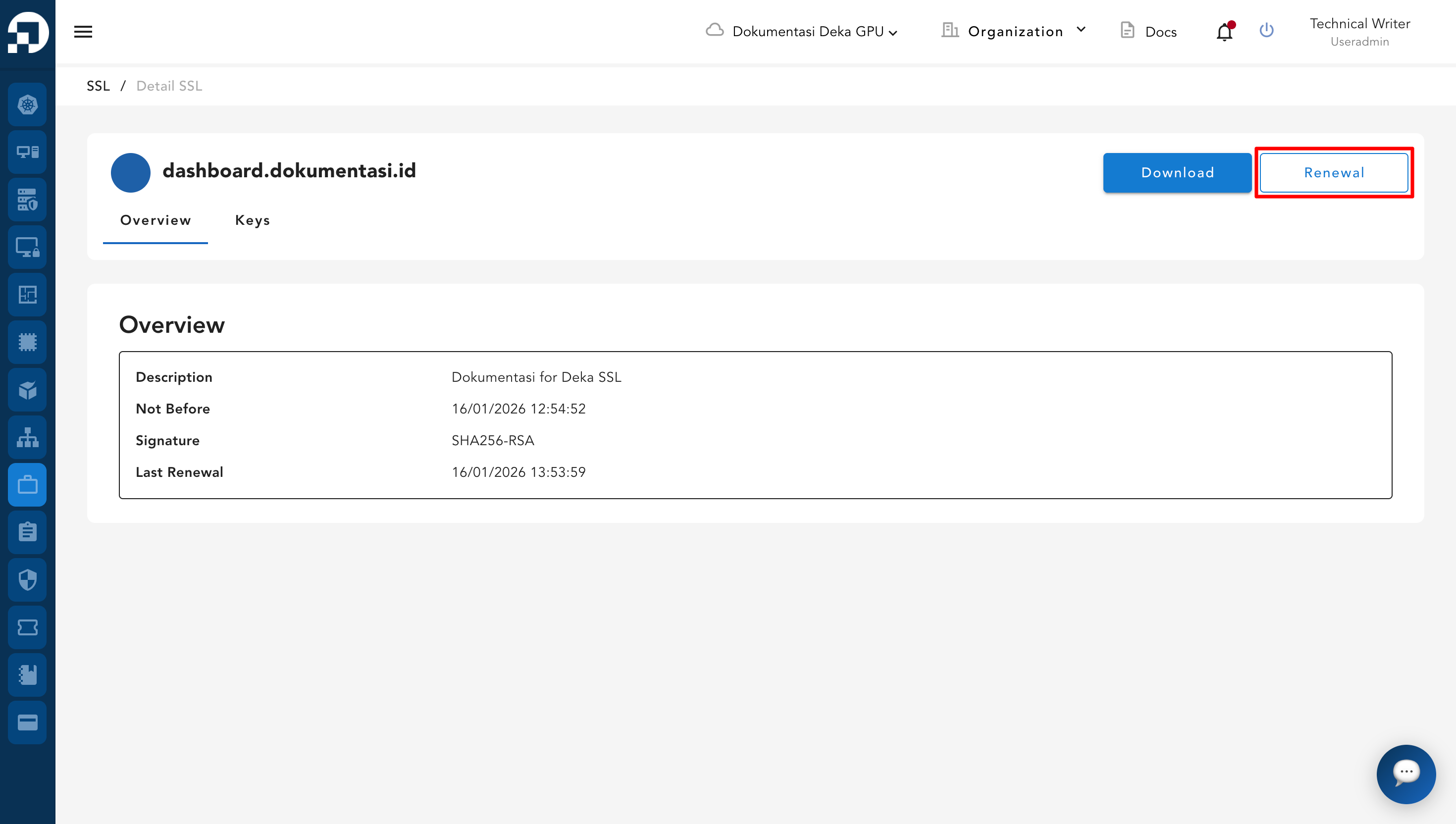
You are redirected to the SSL Details page. Click the **Renewal** button.
A renewal confirmation dialog appears. Click **Yes** to continue the renewal process.
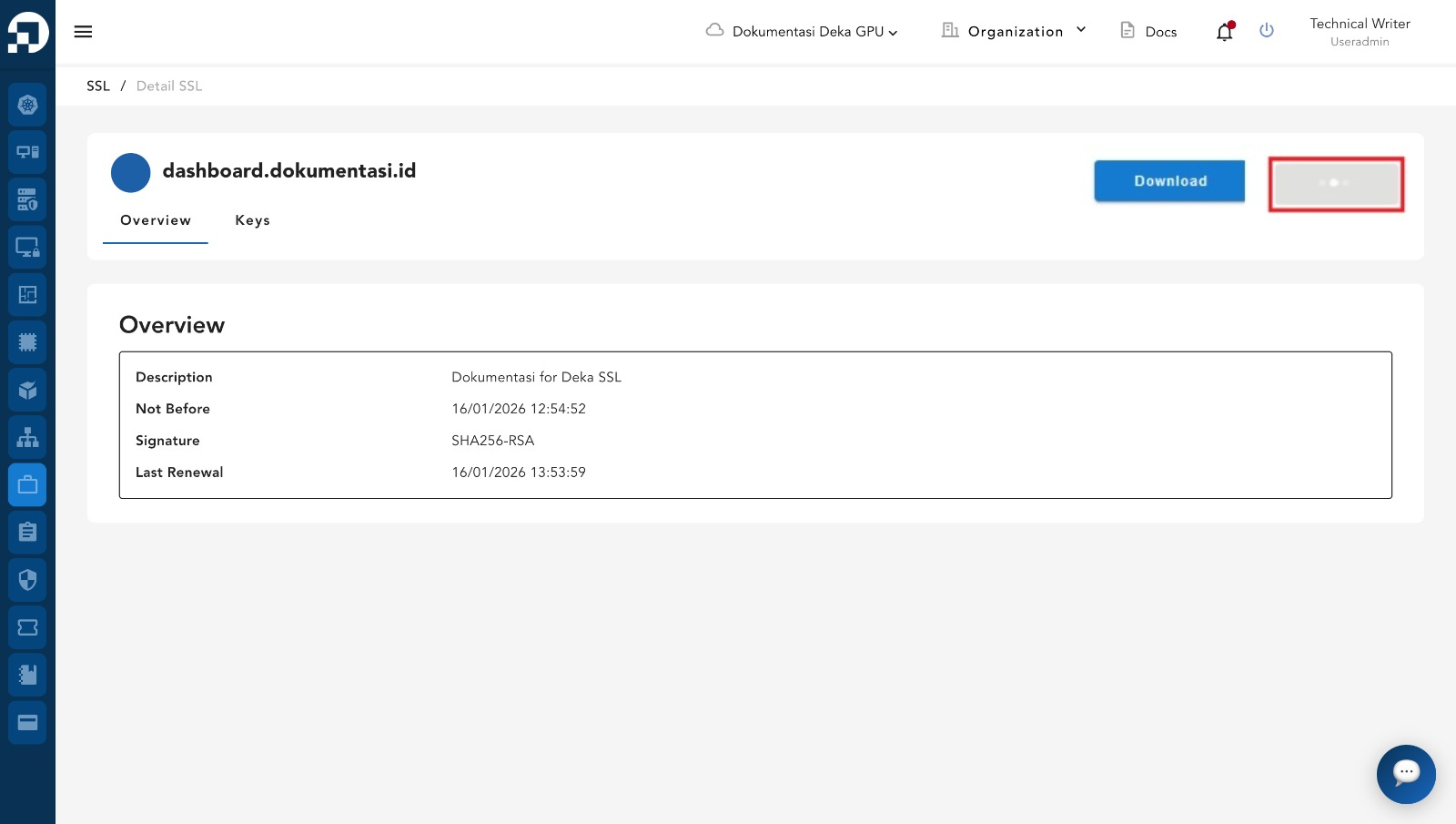
Wait until the renewal process is complete and the SSL is ready to be used again.
.png)