> For the complete documentation index, see [llms.txt](https://docs.cloudeka.ai/llms.txt). Markdown versions of documentation pages are available by appending `.md` to page URLs; this page is available as [Markdown](https://docs.cloudeka.ai/guide-for-individual/bahasa/service-portal-ai/ticket/discussion-with-team-support-cloudeka.md).
# Discussion with Team Support Cloudeka
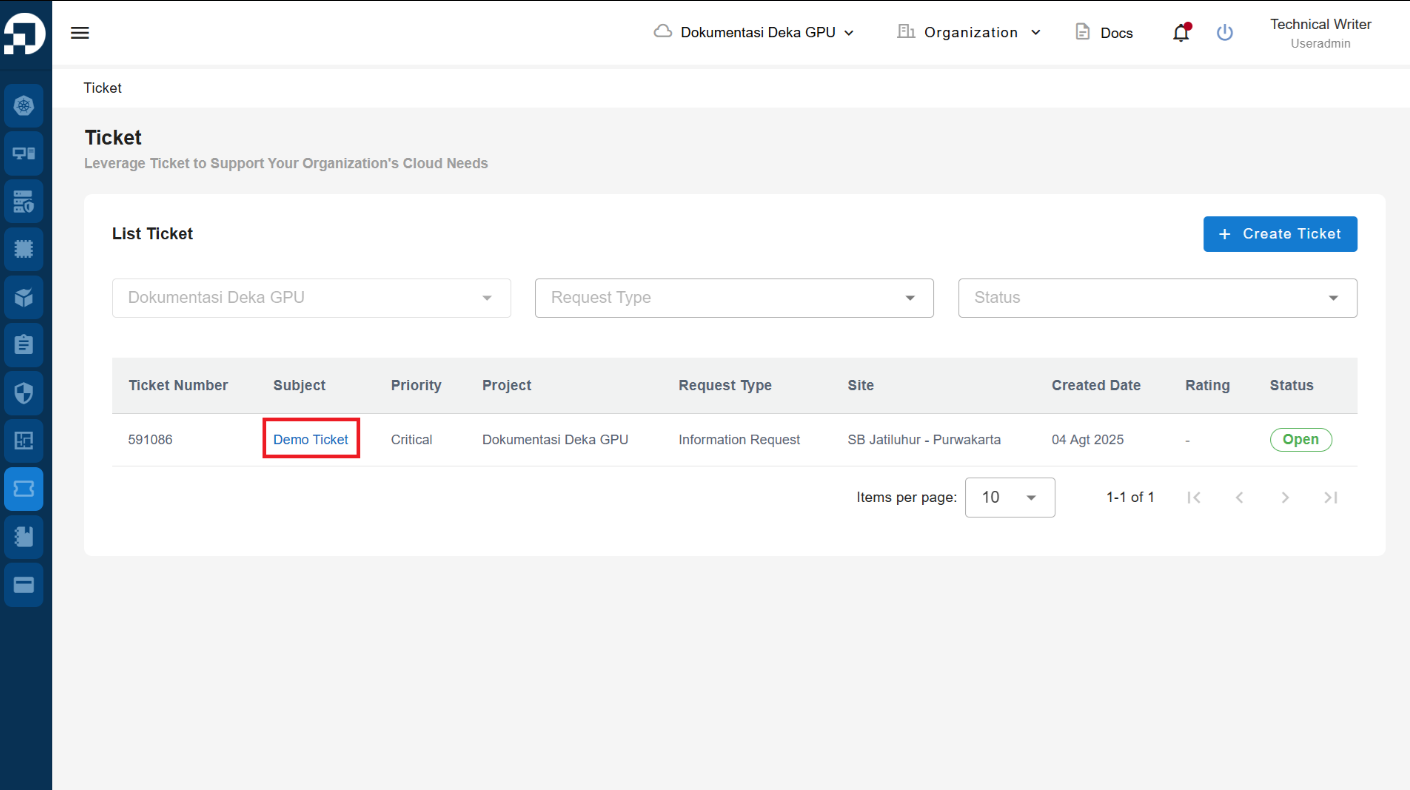
On the **Ticket** page, select the ticket for which you want to view data information by clicking the ticket label in the **Subject** column.
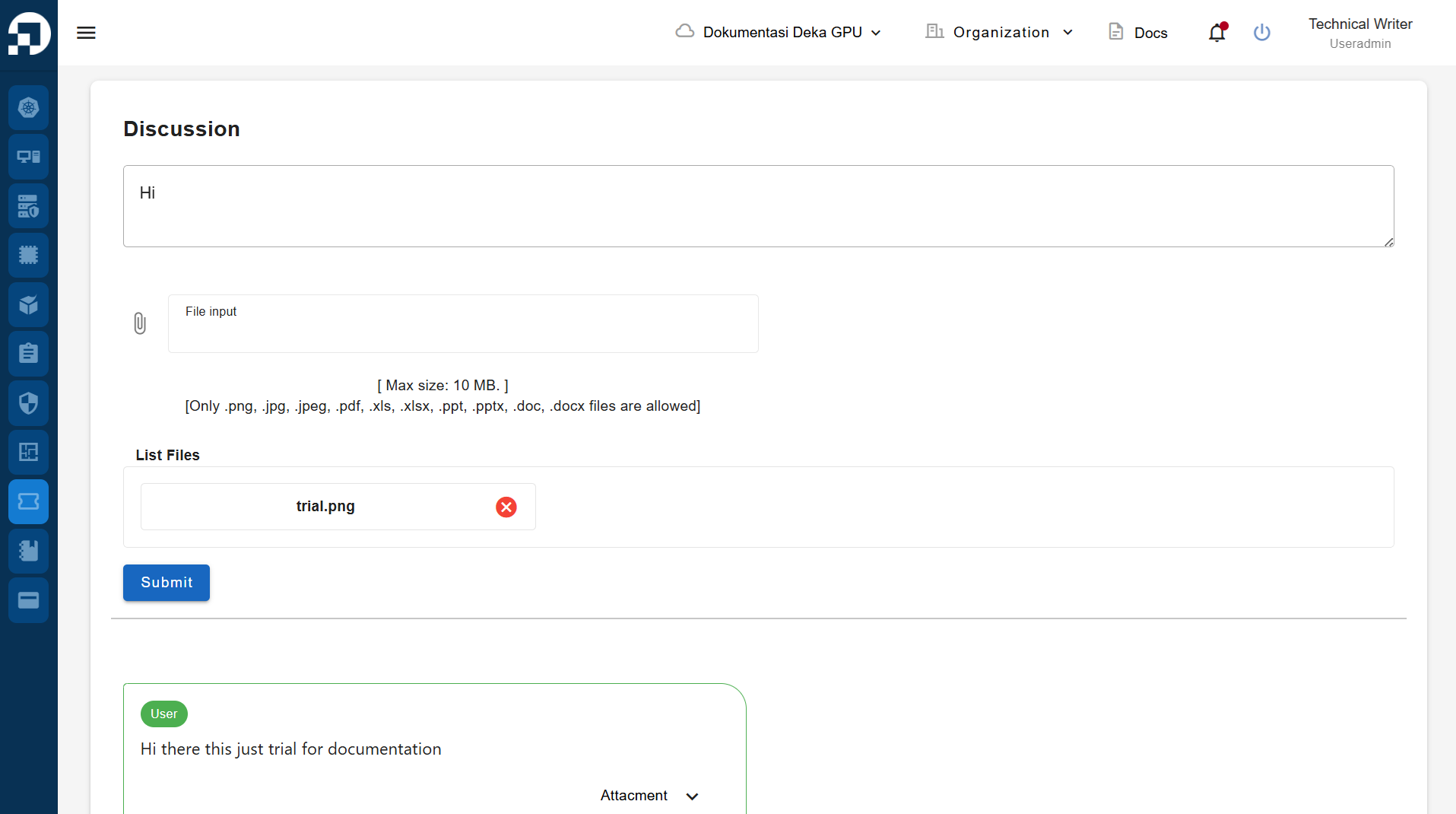
On the **Ticket Details** page, you can send a message to the Cloudeka Support Team and upload files related to the issue you are experiencing while using the Service Portal AI. Press the **Submit** button to send.
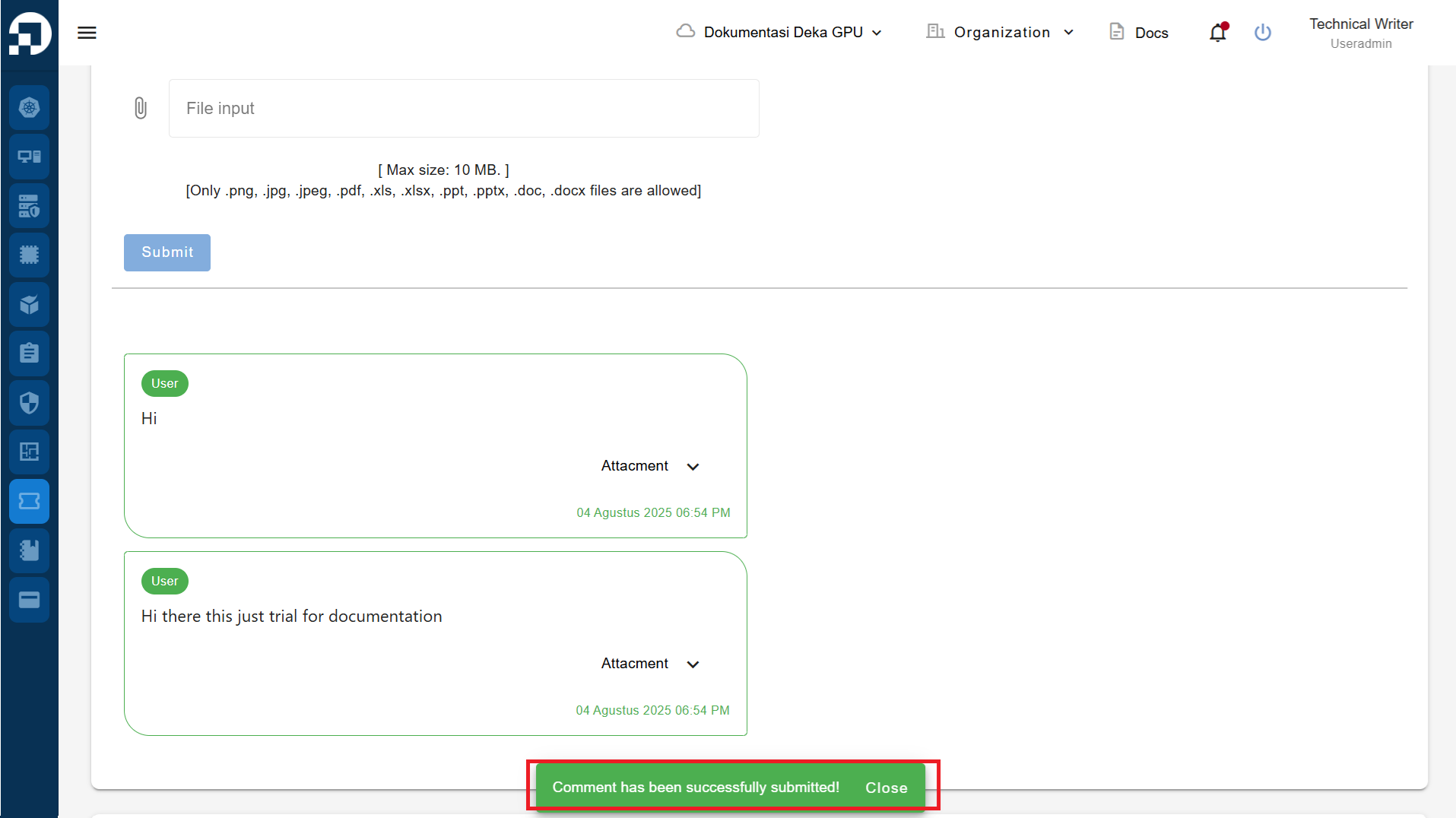
A notification will appear *"Comment has been successfully submitted!".* You can then wait for a response from the team to resolve the issue you are currently facing.