> For the complete documentation index, see [llms.txt](https://docs.cloudeka.ai/llms.txt). Markdown versions of documentation pages are available by appending `.md` to page URLs; this page is available as [Markdown](https://docs.cloudeka.ai/guide-for-individual/bahasa/starter-guide/masuk.md).
# Masuk
Untuk mengakses *Service Portal* Cloudeka, Anda harus masuk ke akun terlebih dahulu. Buka situs web *Service Portal* Cloudeka di [https://ai.cloudeka.id](https://ai.cloudeka.id/) menggunakan browser. Pada halaman *Sign In*, masukkan alamat *email* dan *password* yang terkait dengan akun Anda, lalu klik ***Sign In***.
Anda akan diarahkan ke halaman *TOTP Verification*. Masukkan kode TOTP yang Anda terima pada perangkat Anda.
"
Buka aplikasi *MFA Authenticator* dan periksa kode verifikasi TOTP. Masukkan kode tersebut ke kolom TOTP yang tersedia.
"
Setelah berhasil masuk, jendela ***Select Project*** akan ditampilkan. Jendela ini mencantumkan proyek yang terkait dengan akun Anda, termasuk nama proyek, ID proyek, dan tanggal pembuatan. Pilih proyek yang sesuai untuk melanjutkan.
"
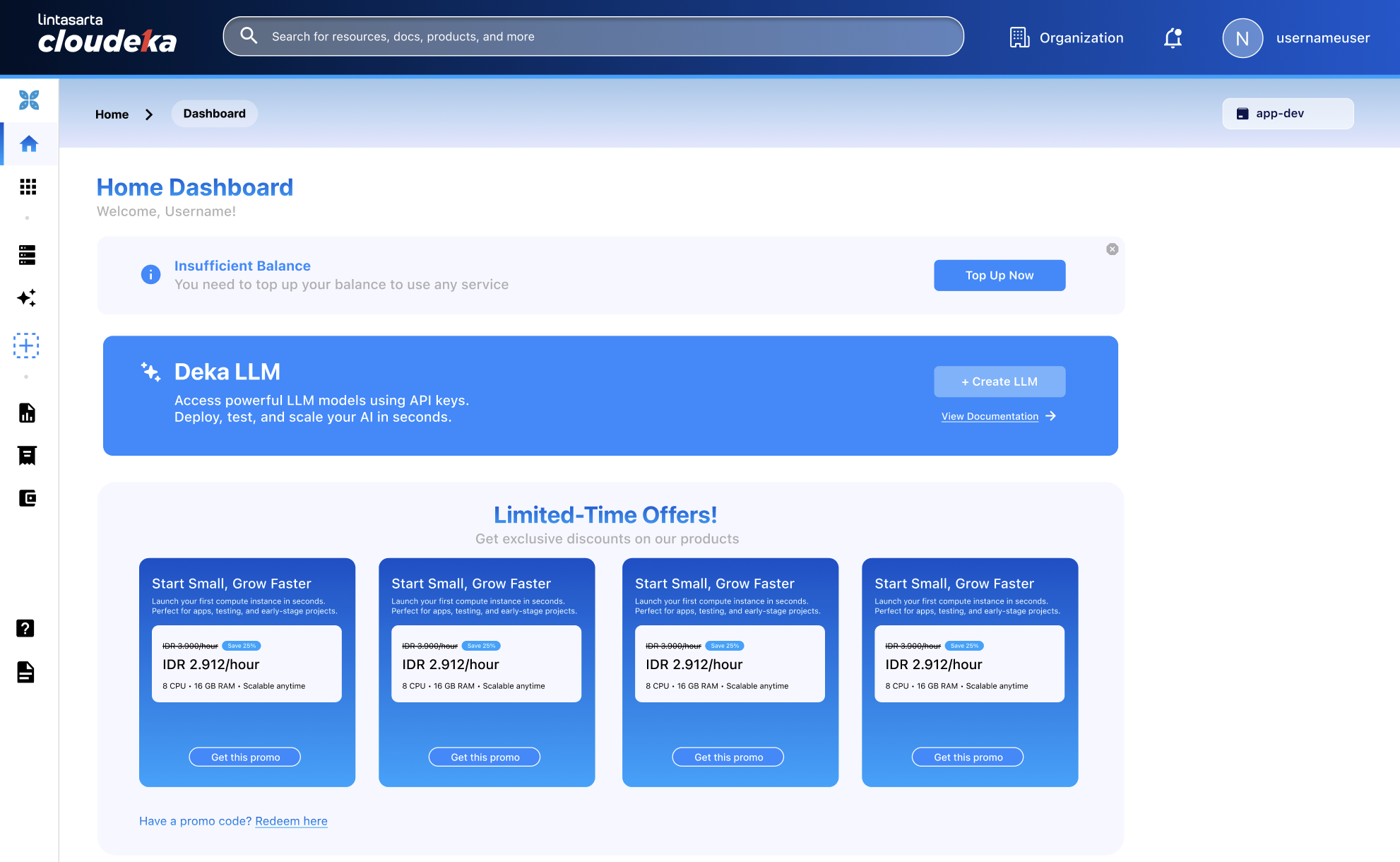
Setelah memilih proyek, Anda akan diarahkan ke dashboard *Service Portal* Cloudeka.
%20copy.png)