> For the complete documentation index, see [llms.txt](https://docs.cloudeka.ai/llms.txt). Markdown versions of documentation pages are available by appending `.md` to page URLs; this page is available as [Markdown](https://docs.cloudeka.ai/guideline-for-enterprise/cloudeka-service-portal/balancece/history-balance.md).
# History Balance
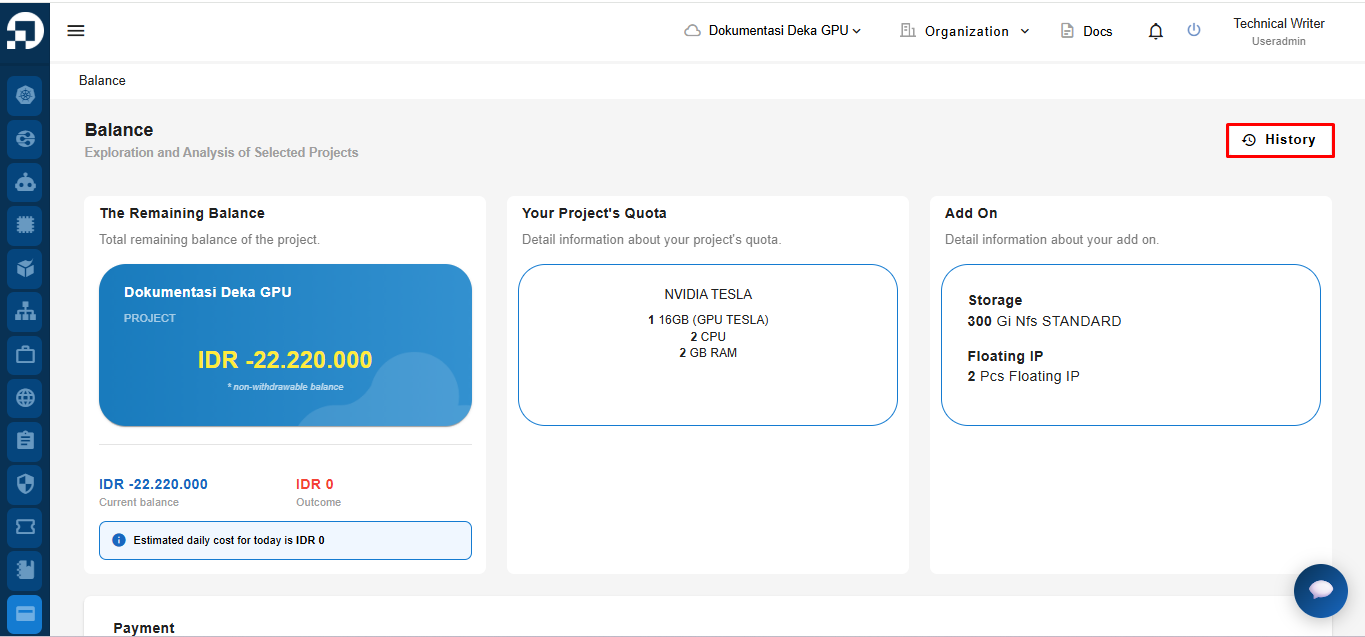
To go to the History page on the Deka GPU, select the Balance menu, click the History button.
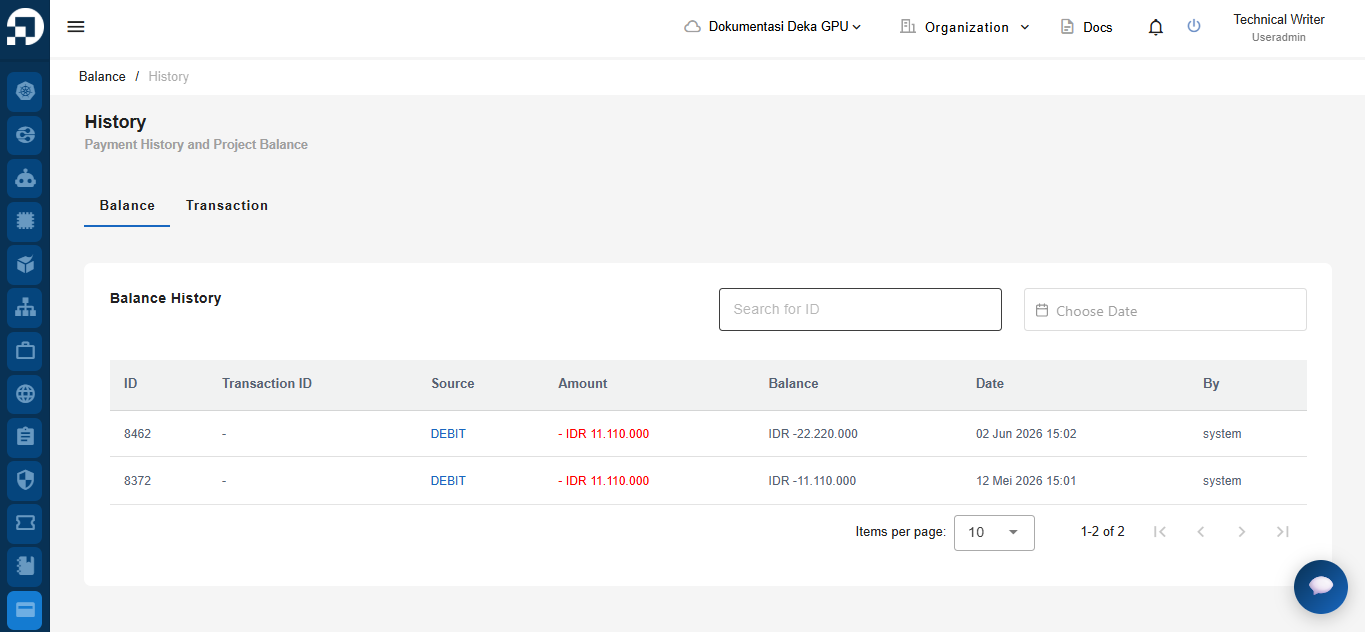
On the History page there are two tabs available, namely the Balance tab and the Transaction tab.