> For the complete documentation index, see [llms.txt](https://docs.cloudeka.ai/llms.txt). Markdown versions of documentation pages are available by appending `.md` to page URLs; this page is available as [Markdown](https://docs.cloudeka.ai/guideline-for-enterprise/cloudeka-service-portal/organization-settings/edit-organization.md).
# Edit Organization
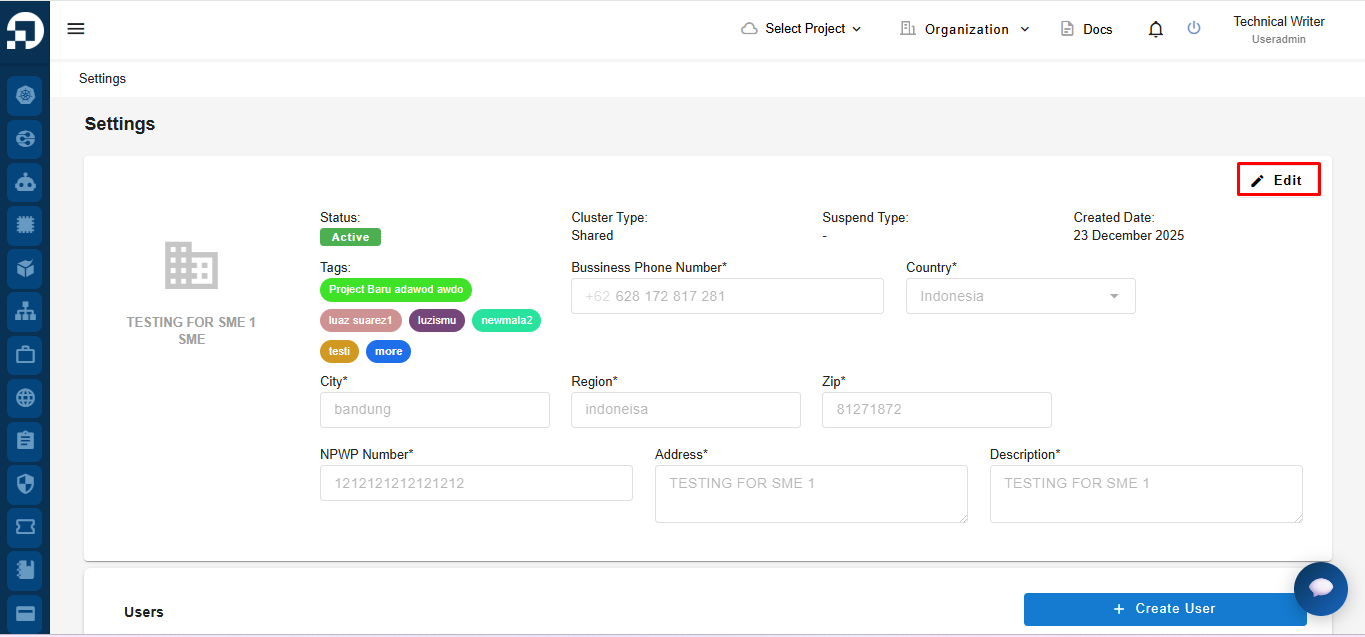
Click the **Edit** button located at the top-right corner of the page.
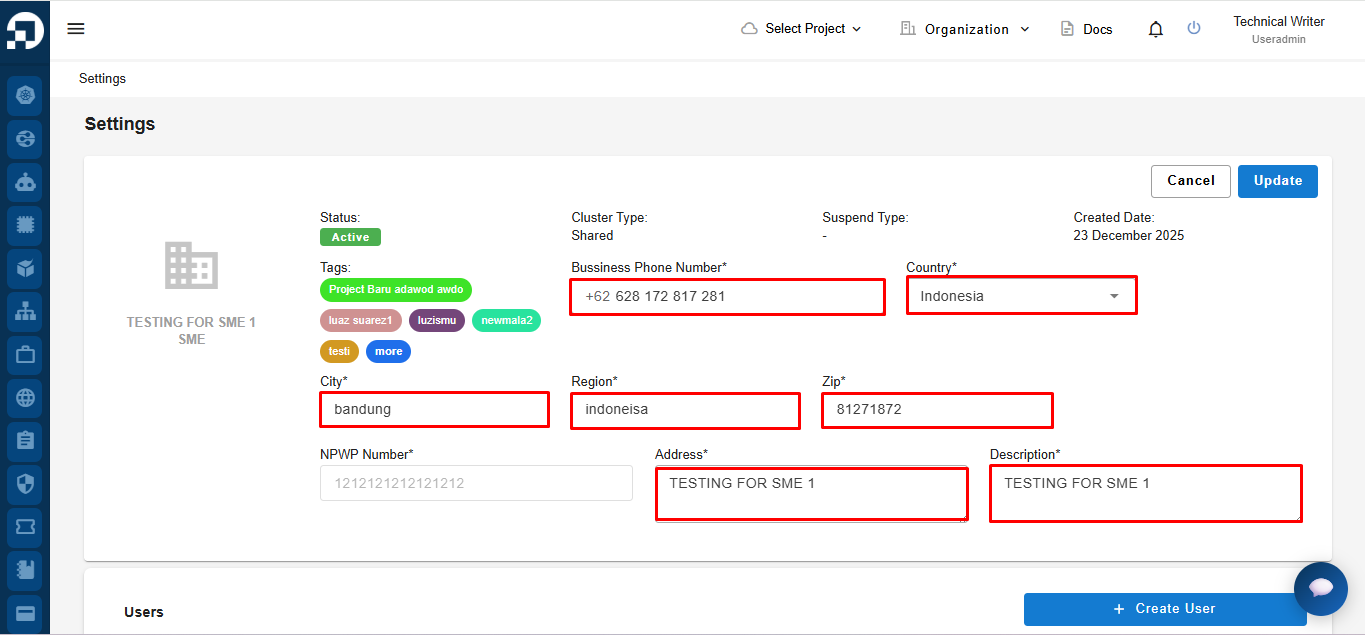
After clicking **Edit**, the **Organization Settings** page switches to edit mode. In this mode, you can update the **Business Phone Number**, **Country**, **City**, **Region**, **ZIP**, **Address**, and **Description** fields. Fields that are greyed out cannot be modified.
The table below describes the fields that **can be edited** on the **Organization Settings Edit Mode** page.
| Column | Description |
| --------------------- | ---------------------------------------------------------------- |
| Business Phone number | Primary business contact number used for official communication. |
| Country | Country where the organization is registered or operates. |
| City | City where the organization is located. |
| Region | Administrative region or district of the organization’s address. |
| Zip | Postal or ZIP code of the organization’s location. |
| Address | Full physical address of the organization. |
| Description | Short description or organization name used for identification. |
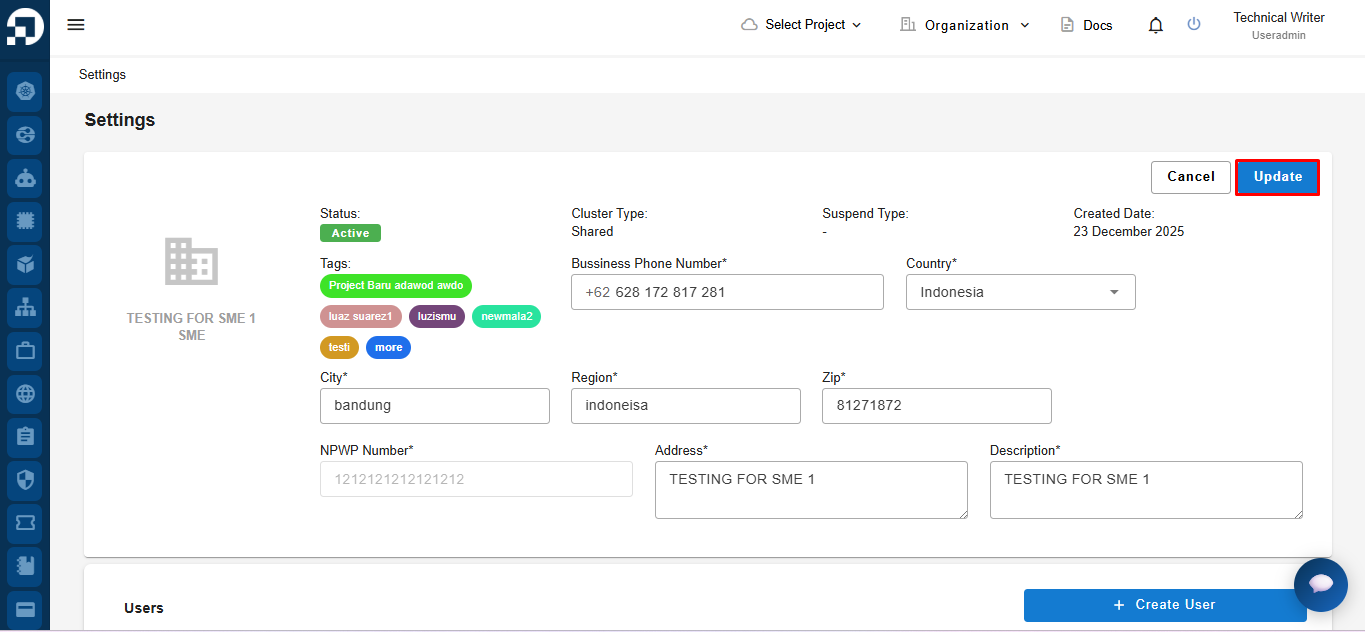
Make sure all mandatory fields **(marked with \* )** are filled in correctly, review the updated information, and click the **Update button** at the top-right corner of the page.