> For the complete documentation index, see [llms.txt](https://docs.cloudeka.ai/llms.txt). Markdown versions of documentation pages are available by appending `.md` to page URLs; this page is available as [Markdown](https://docs.cloudeka.ai/guideline-for-enterprise/deka-box/manage-access-key/delete-access-key.md).
# Delete Access Key
{% hint style="success" %}
You can only delete an Access Key added through the Add Access Key section.
{% endhint %}
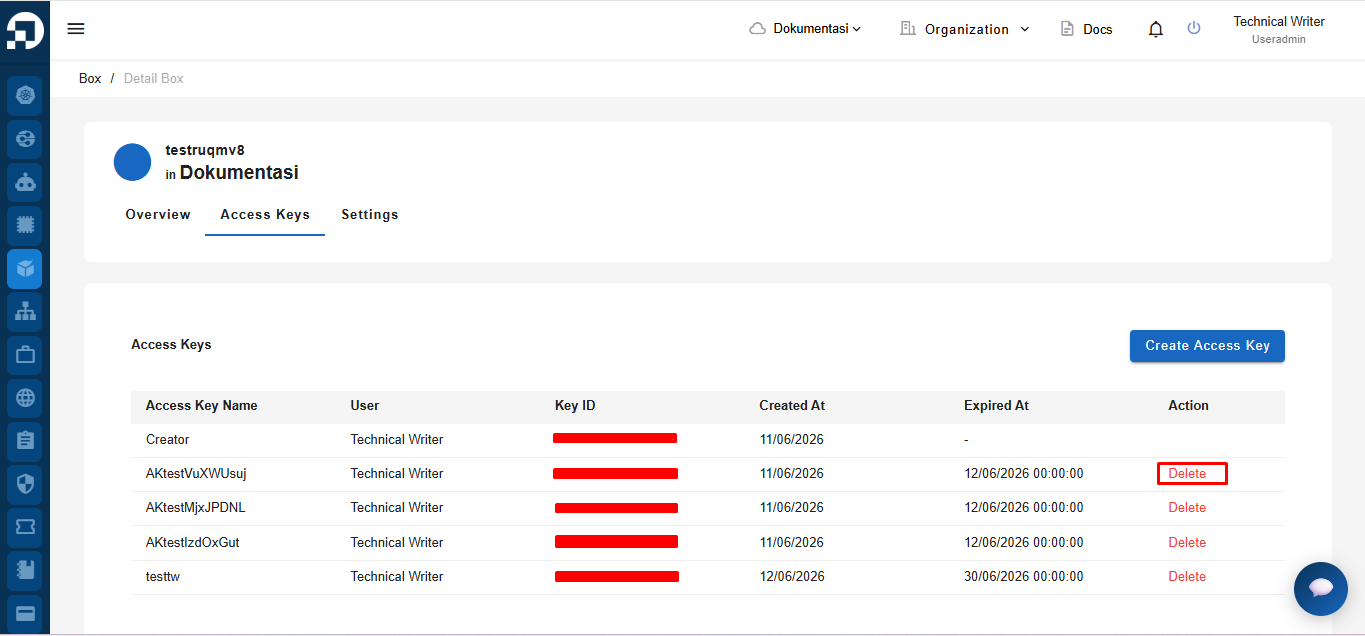
To delete an unused Access Key from the Deka Box in the Service Portal Cloudeka, go to the **Access Keys** tab and select the user to be removed by clicking the **Delete** button.
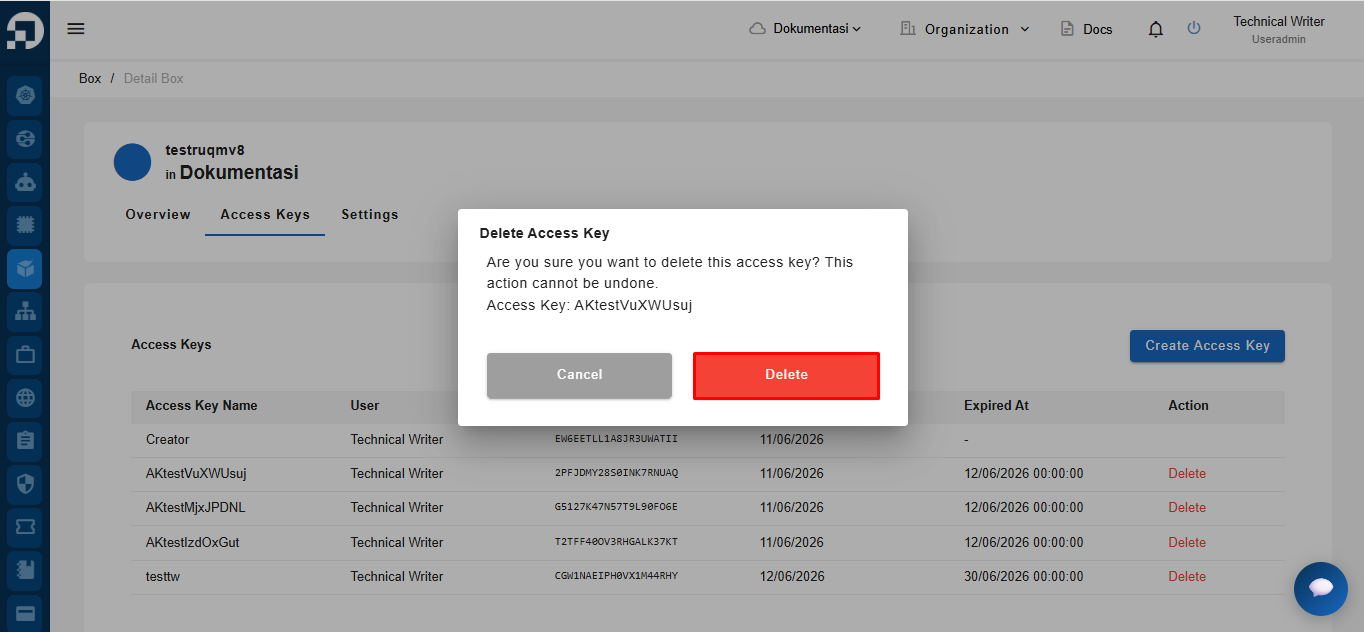
The **Delete Access Key** confirmation window will appear. Click the **Delete** button to proceed with removing the Access Key that is no longer in use.
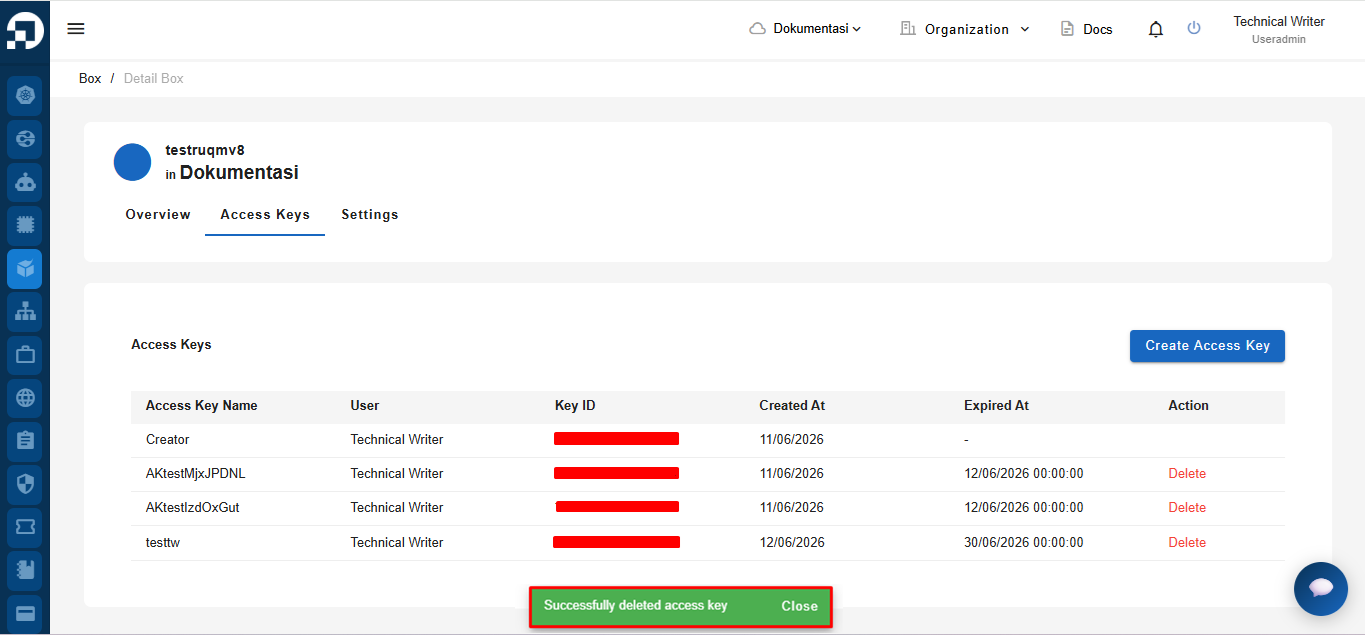
If the Access Key is successfully deleted, a notification will appear saying **"Successfully deleted access key."**