> For the complete documentation index, see [llms.txt](https://docs.cloudeka.ai/llms.txt). Markdown versions of documentation pages are available by appending `.md` to page URLs; this page is available as [Markdown](https://docs.cloudeka.ai/guideline-for-enterprise/deka-flexi/deka-vpn/openvpn-configuration/reset-password-and-exit-expiration-date.md).
# Reset Password And Exit Expiration Date
Here are the steps to change the validity period of an OpenVPN user account by following these steps:
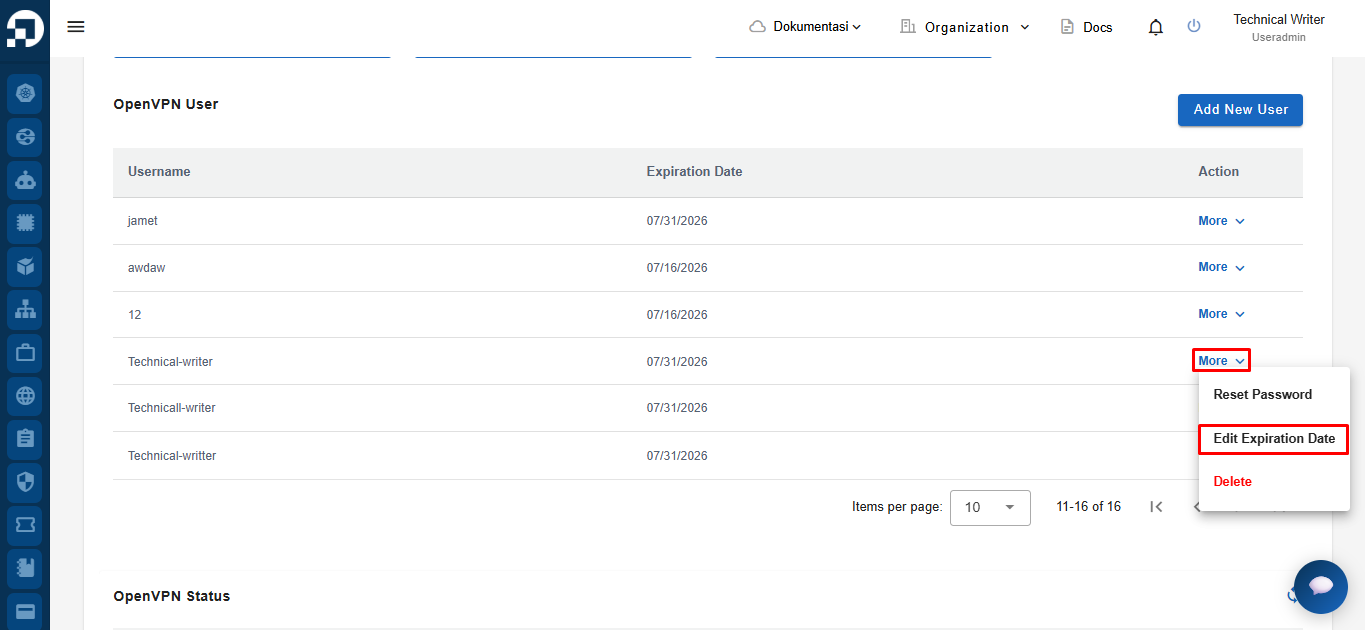
On the OpenVPN page, in the OpenVPN User section, select Edit Expiration Date in the More column.
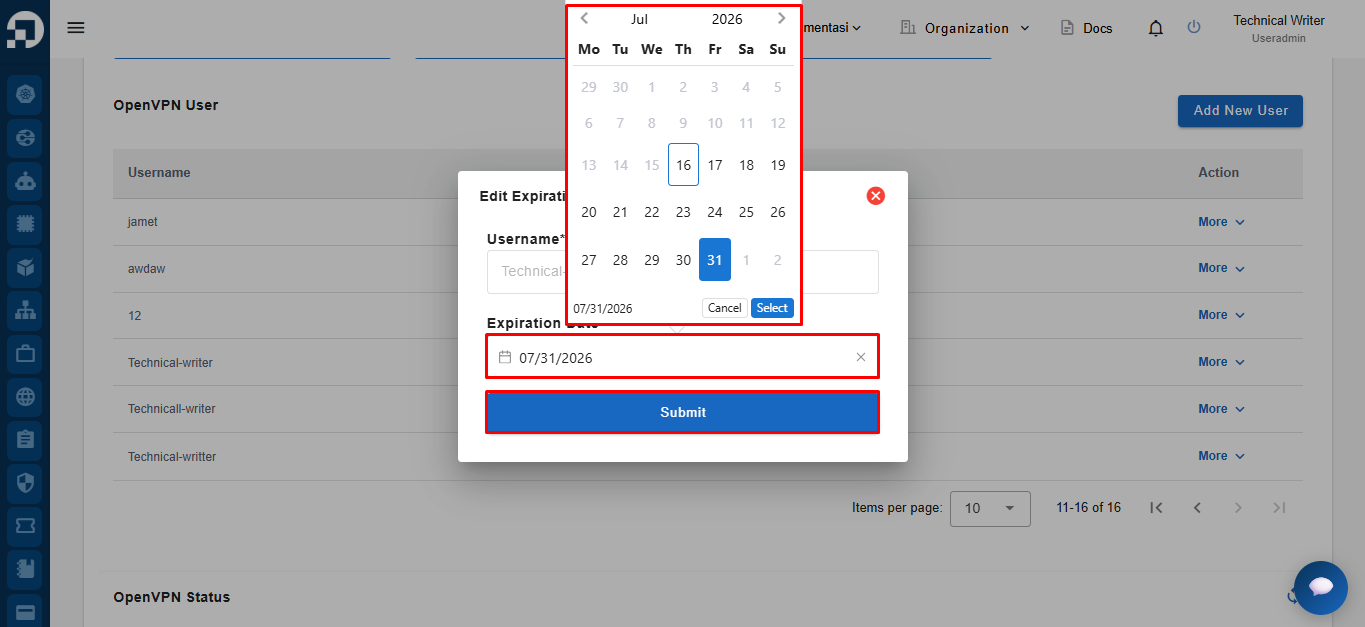
The Edit Expiration Date page appears, select the new validity period and click Update to continue the process.
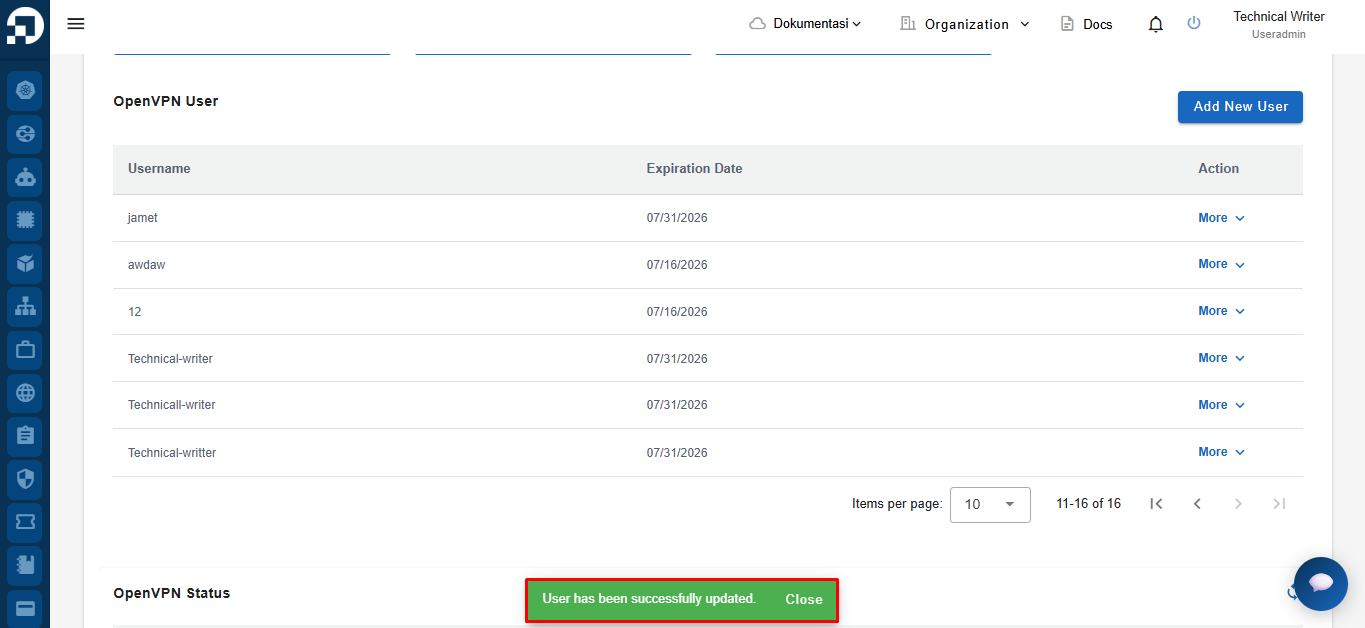
A notification "**OpenVPN user has been successfully updated"** appears.