> For the complete documentation index, see [llms.txt](https://docs.cloudeka.ai/llms.txt). Markdown versions of documentation pages are available by appending `.md` to page URLs; this page is available as [Markdown](https://docs.cloudeka.ai/guideline-for-enterprise/deka-gpu-mlops/introduction.md).

# Introduction

## Sign In

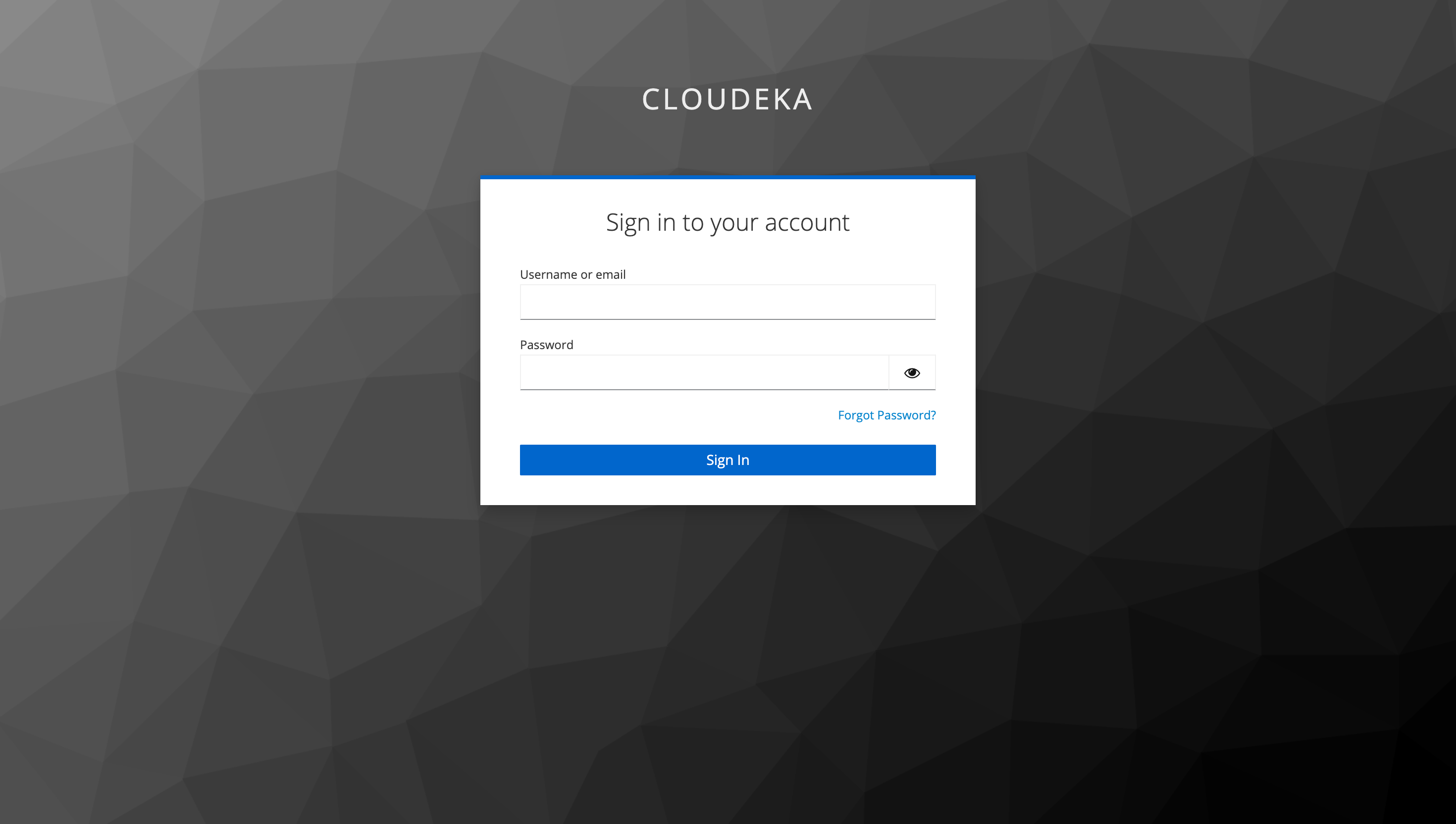
If you already have an account on the Cloudeka Deka MLOps Service Portal, access the portal [**Deka MLOps**](https://mlops.cloudeka.ai/) through your browser. The Sign In page will appear. Enter your Email Address and Password, then click the **Sign In** button.

<figure><img src="https://2882153758-files.gitbook.io/~/files/v0/b/gitbook-x-prod.appspot.com/o/spaces%2Fi9YWb69HFXLHYlXffReU%2Fuploads%2Fgit-blob-9d97f4244a0f5e34003b3a564acb902d1f3c8ea4%2Fimage.png?alt=media" alt=""><figcaption></figcaption></figure>

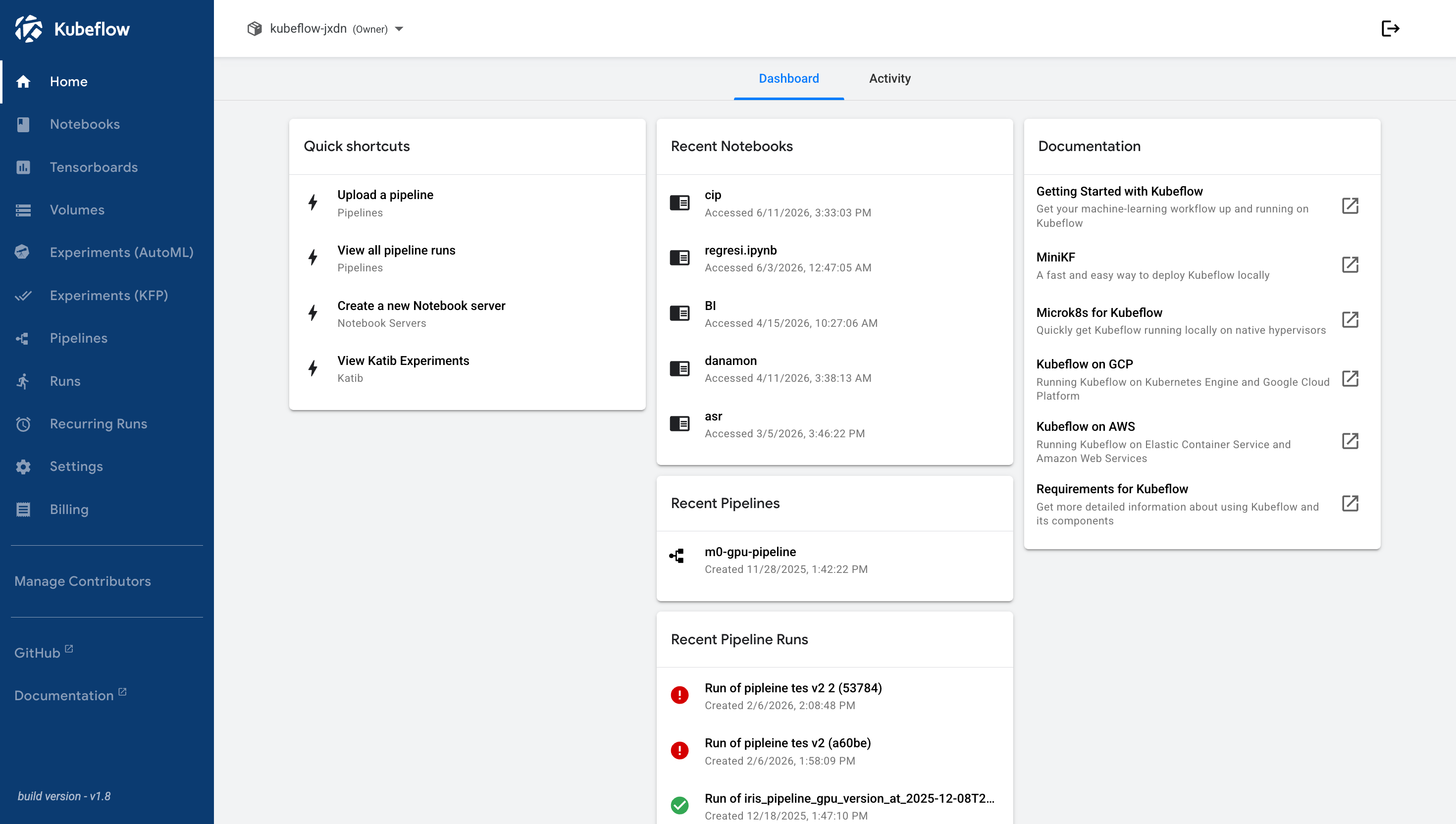
If you successfully sign in to the Cloudeka Deka MLOps Service Portal, you will be directed to the Home page.

<figure><img src="https://2882153758-files.gitbook.io/~/files/v0/b/gitbook-x-prod.appspot.com/o/spaces%2Fi9YWb69HFXLHYlXffReU%2Fuploads%2Fgit-blob-e955ab602651dc8799a4fcee98aca2b00256f7a1%2Fimage.png?alt=media" alt=""><figcaption></figcaption></figure>

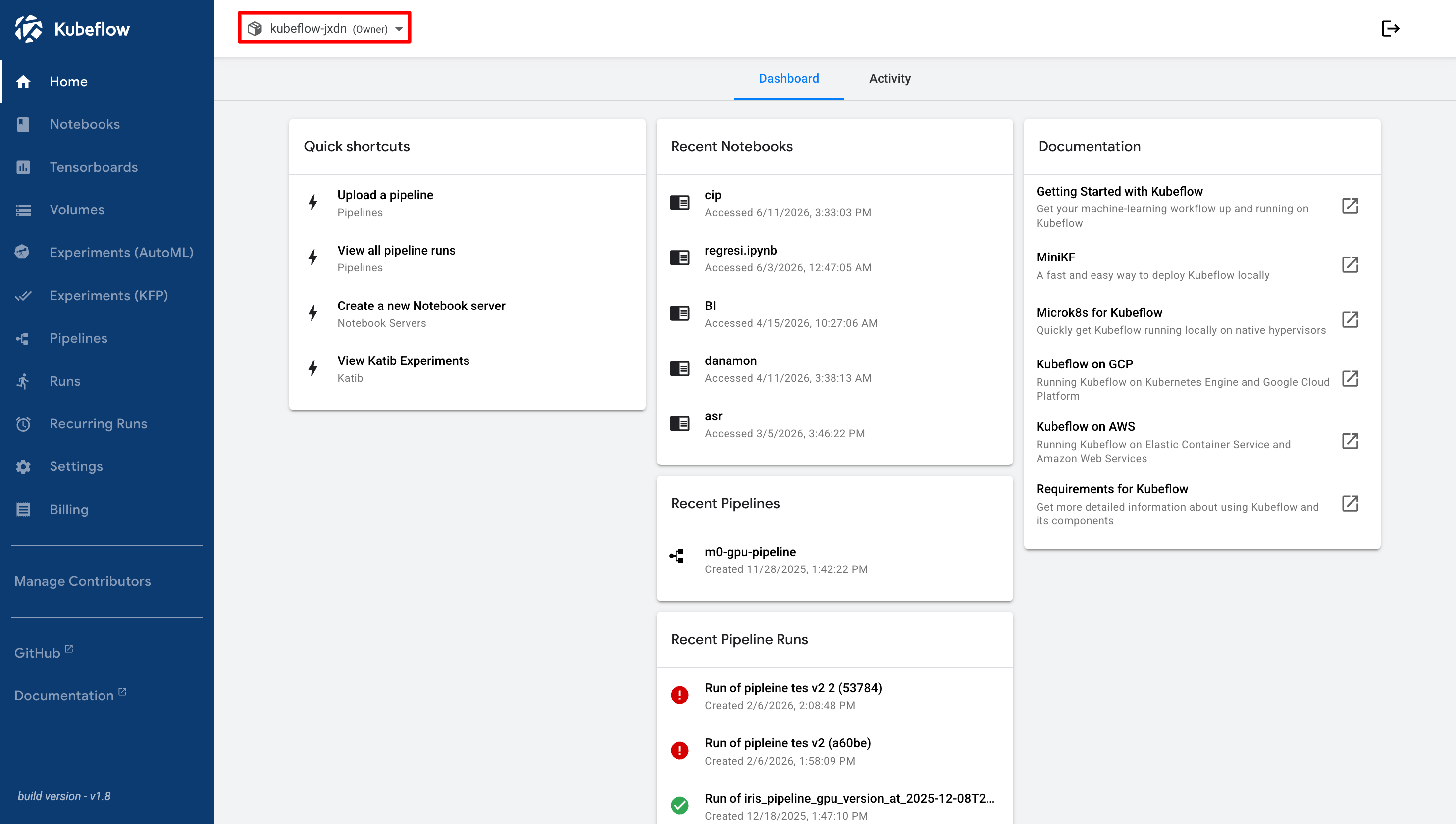
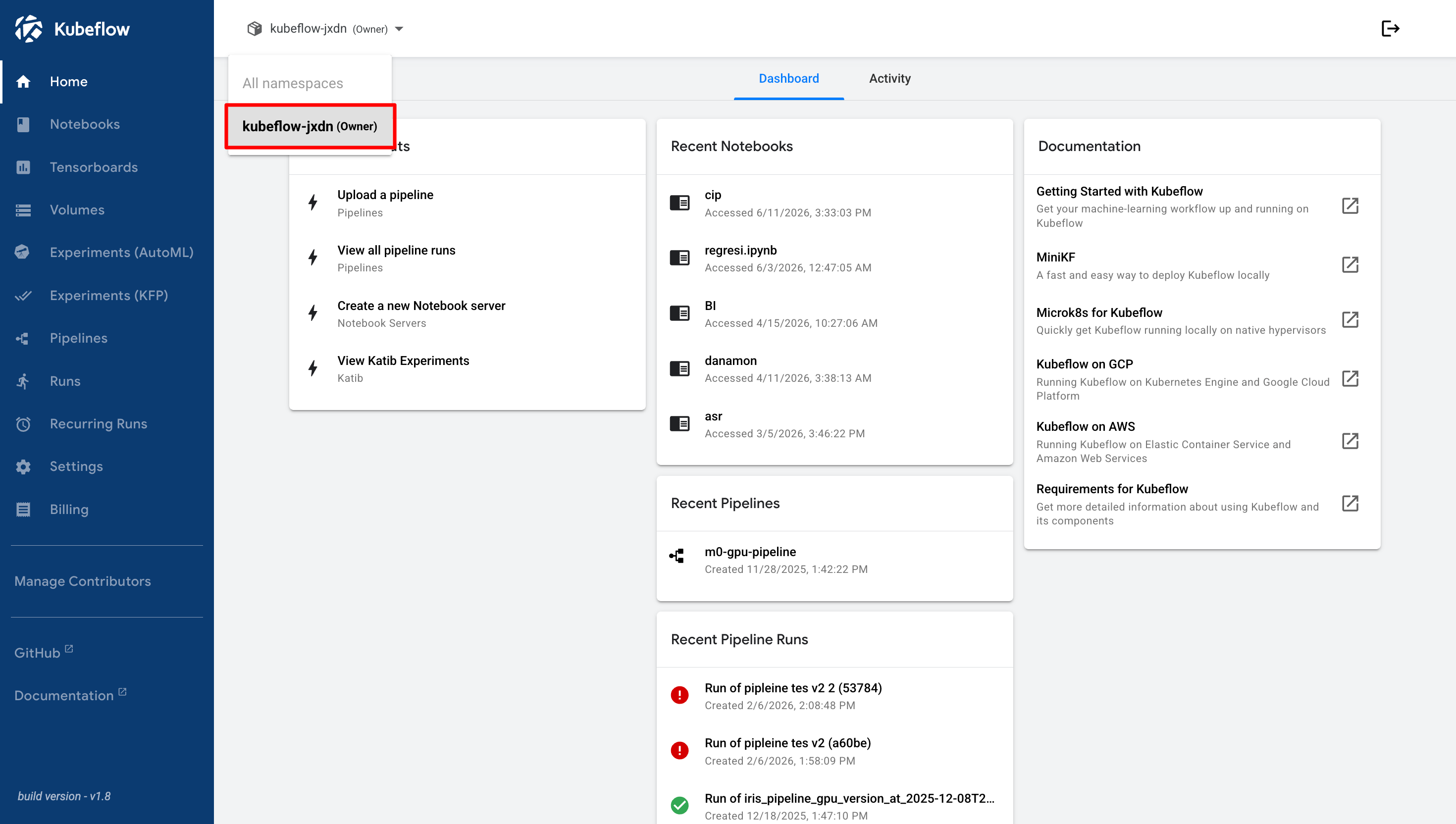
On each account, you can have multiple namespaces with resources that have been allocated according to the agreement. You can view them in the Namespace List.

<figure><img src="https://2882153758-files.gitbook.io/~/files/v0/b/gitbook-x-prod.appspot.com/o/spaces%2Fi9YWb69HFXLHYlXffReU%2Fuploads%2Fgit-blob-c569b157a1fbd8d09e20795c86f8fc3e2100164b%2Fimage.png?alt=media" alt=""><figcaption></figcaption></figure>

The Namespace List displays all namespaces available in your account. Select a namespace to access and manage its associated resources.

<figure><img src="https://2882153758-files.gitbook.io/~/files/v0/b/gitbook-x-prod.appspot.com/o/spaces%2Fi9YWb69HFXLHYlXffReU%2Fuploads%2Fgit-blob-f36af350b3a0bb31ba9c6bcd178224ae7c45a938%2Fimage.png?alt=media" alt=""><figcaption></figcaption></figure>

## Sign Out

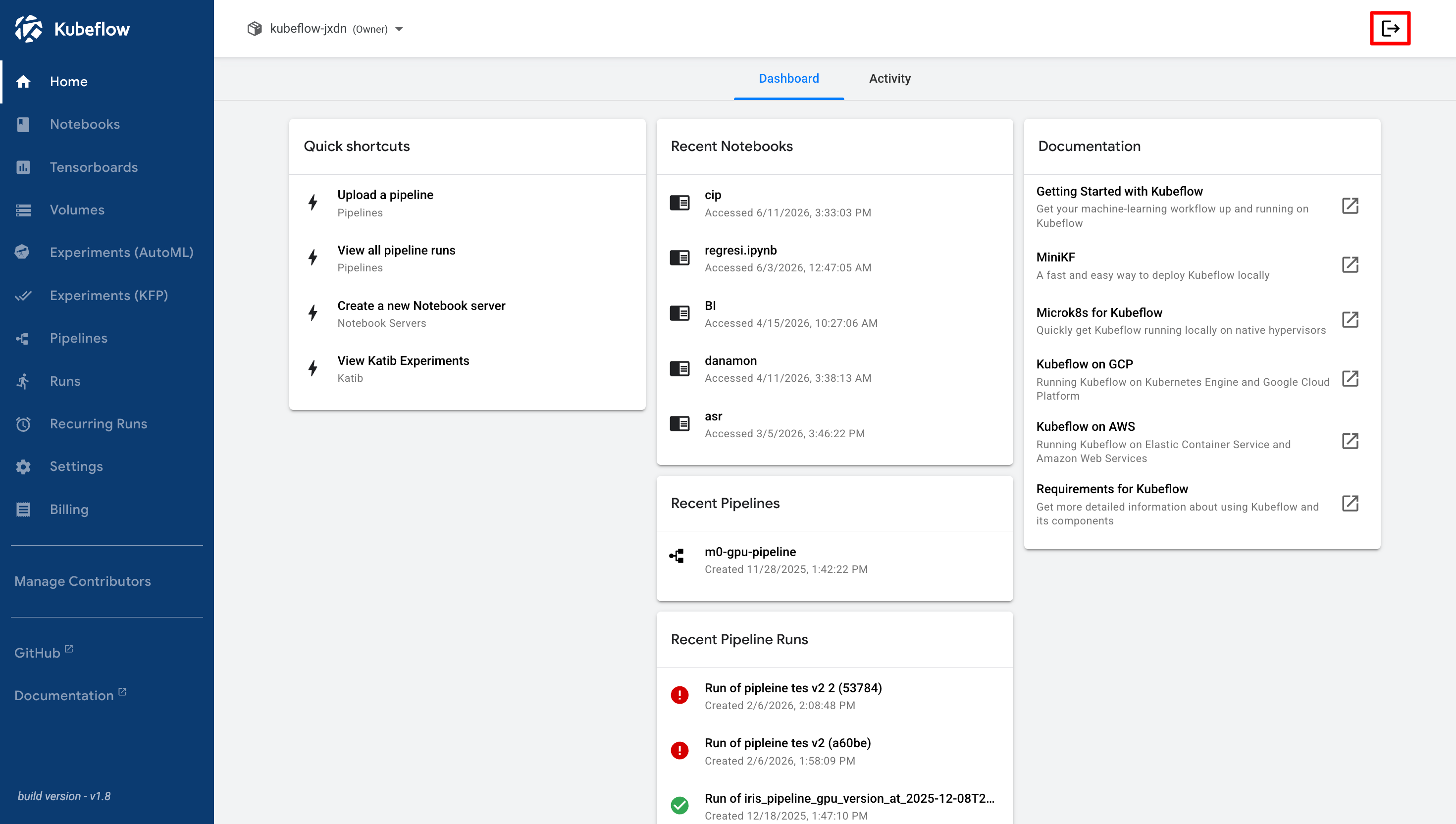
When you have finished using the Cloudeka Deka MLOps Service Portal, you can sign out by clicking the **Logout** button.

<figure><img src="https://2882153758-files.gitbook.io/~/files/v0/b/gitbook-x-prod.appspot.com/o/spaces%2Fi9YWb69HFXLHYlXffReU%2Fuploads%2Fgit-blob-a084ac5bff39f934b5ec1213fb40cf1e687198e7%2Fimage.png?alt=media" alt=""><figcaption></figcaption></figure>

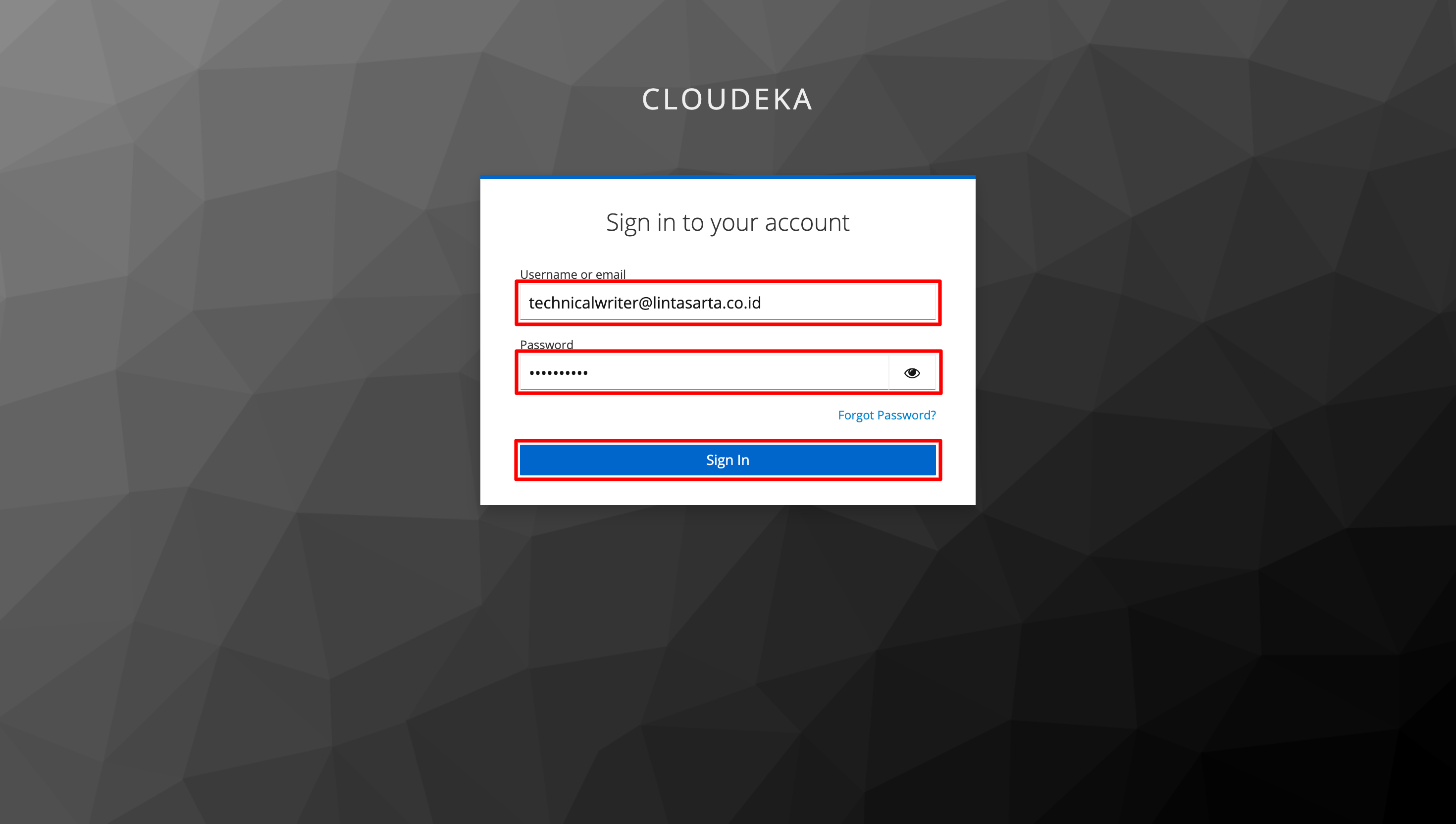
You will then be redirected to the Cloudeka Deka MLOps Service Portal Sign In page.
<figure><img src="https://2882153758-files.gitbook.io/~/files/v0/b/gitbook-x-prod.appspot.com/o/spaces%2Fi9YWb69HFXLHYlXffReU%2Fuploads%2Fgit-blob-d02e174df3b4f76ada01fd715f4af00479f47d29%2Fimage.png?alt=media" alt=""><figcaption></figcaption></figure>