> For the complete documentation index, see [llms.txt](https://docs.cloudeka.ai/llms.txt). Markdown versions of documentation pages are available by appending `.md` to page URLs; this page is available as [Markdown](https://docs.cloudeka.ai/guideline-for-enterprise/deka-metal/deka-metal-deka-registry/detail-registry.md).
# Detail Registry
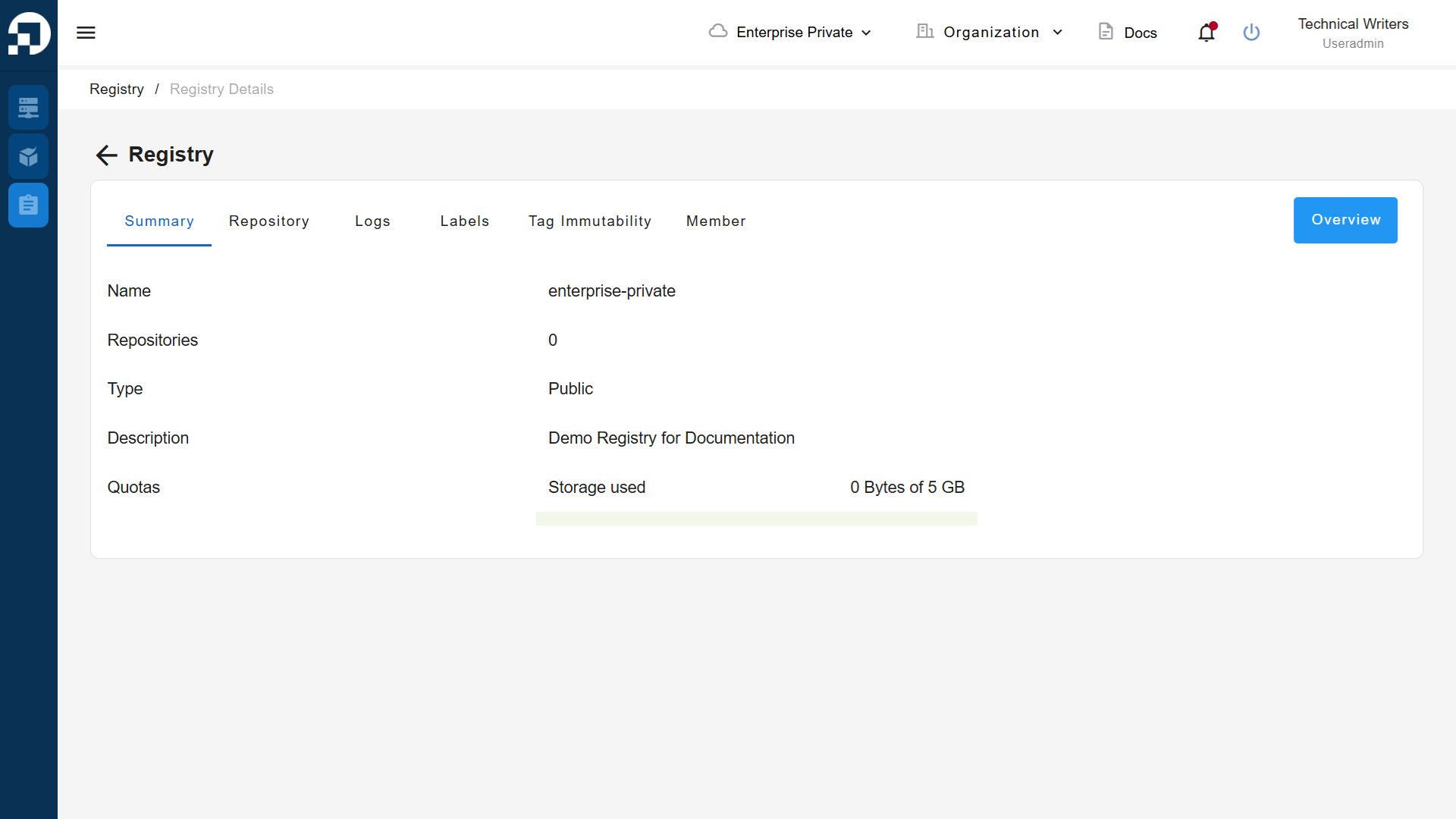
This guide explains the registry page which displays available registries along with detailed data, available quotas, and adding new registries in the Service Portal AI.
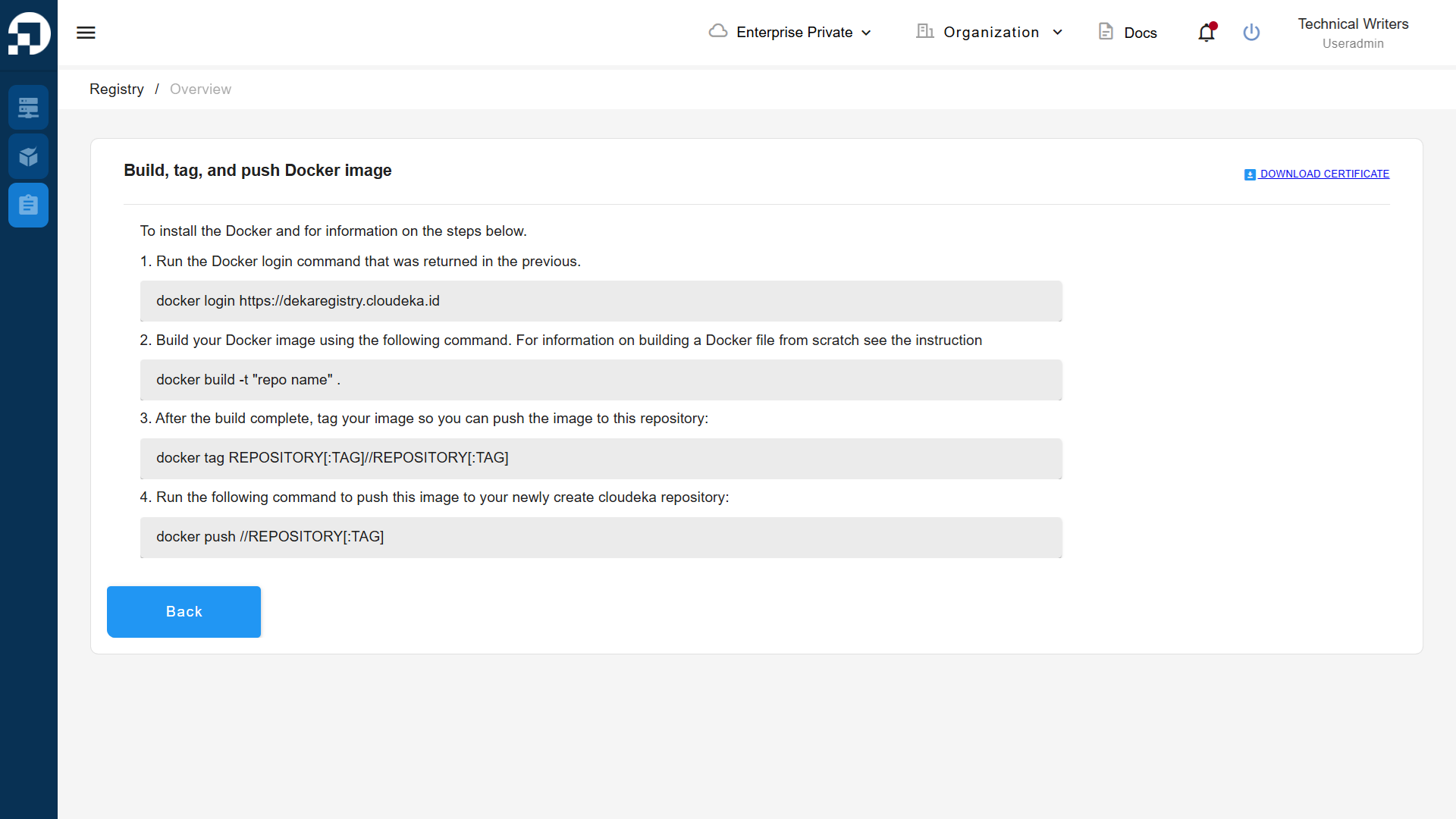
On the registry details page, there is an Overview button that you can use to access, create, and upload files using docker images on your computer.