> For the complete documentation index, see [llms.txt](https://docs.cloudeka.ai/llms.txt). Markdown versions of documentation pages are available by appending `.md` to page URLs; this page is available as [Markdown](https://docs.cloudeka.ai/guideline-for-enterprise/deka-registry/delete-registry.md).
# Delete Registry
To delete the registry that has been created in the Service Portal Cloudeka, make sure you have deleted the existing repository by following the Delete Repositories sub-chapter. The following are the steps for deleting the Registry in the Service Portal Cloudeka:
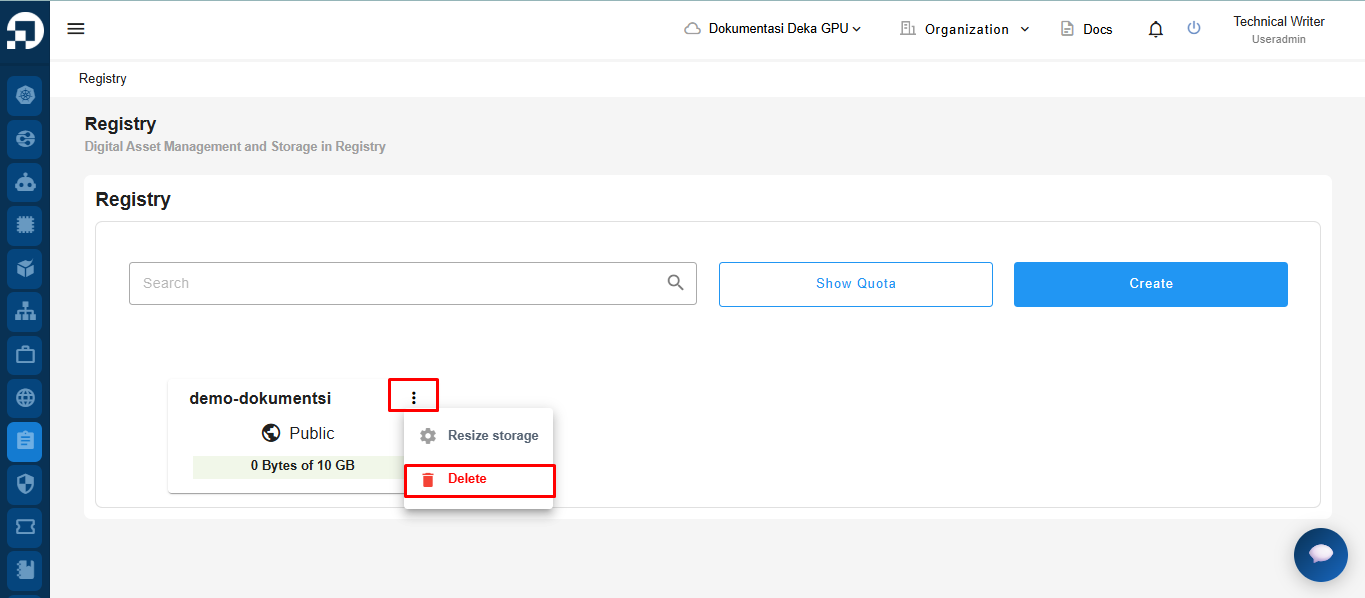
On the Registry page on the Service Portal Cloudeka, select the registry that you want to delete by pressing the three vertical dots, and select the Delete button.
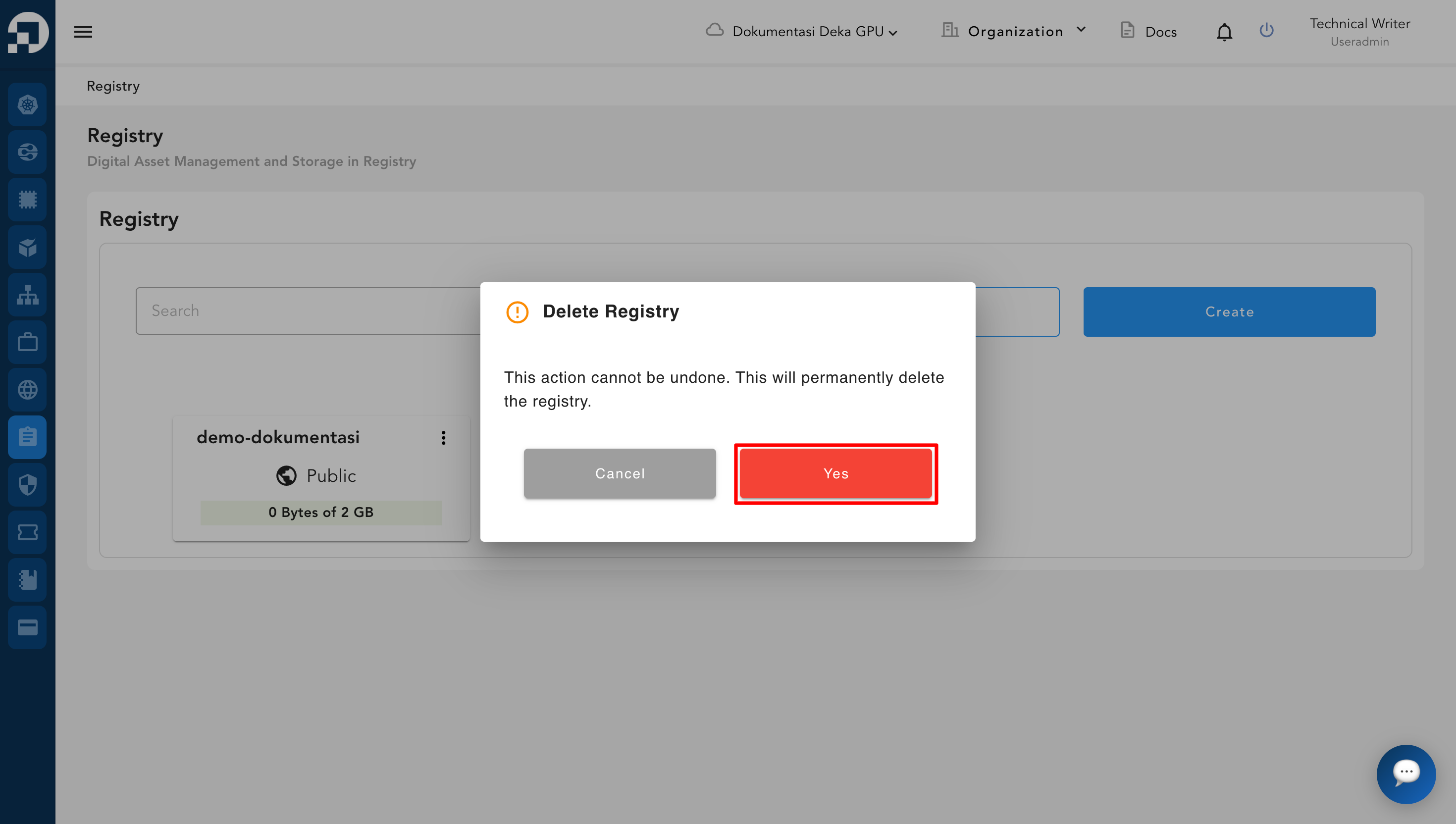
The Delete Label window appears, click the Yes button to continue the registry deletion process.
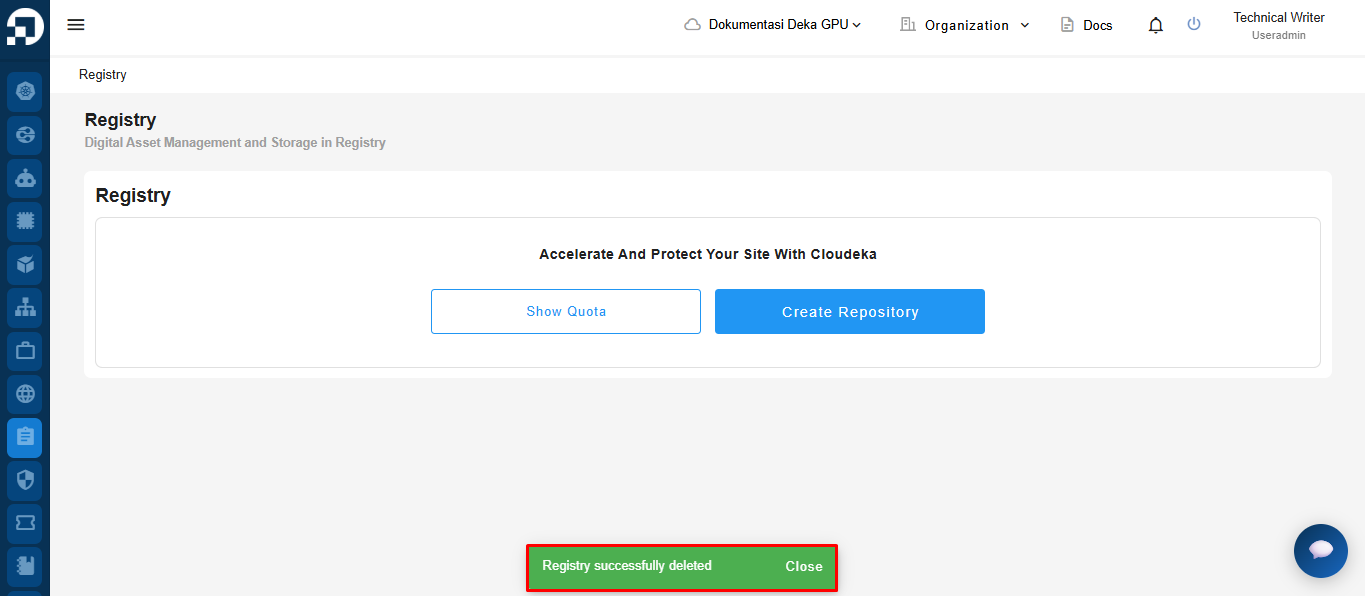
A success notification will appear indicating that the registry has been successfully deleted.