> For the complete documentation index, see [llms.txt](https://docs.cloudeka.ai/llms.txt). Markdown versions of documentation pages are available by appending `.md` to page URLs; this page is available as [Markdown](https://docs.cloudeka.ai/guideline-for-enterprise/panduan-untuk-enterprise/deka-flexi/deka-flexi-instance/details-instance/resize-instance.md).

# Mengubah Ukuran Instance

Anda dapat mengubah tipe mesin yang ada jika tidak lagi sesuai dengan beban kerja yang berjalan pada *VM*. Hal ini memungkinkan Anda menyesuaikan sumber daya *VM*, seperti *vCPU* dan memori, sesuai kebutuhan beban kerja.

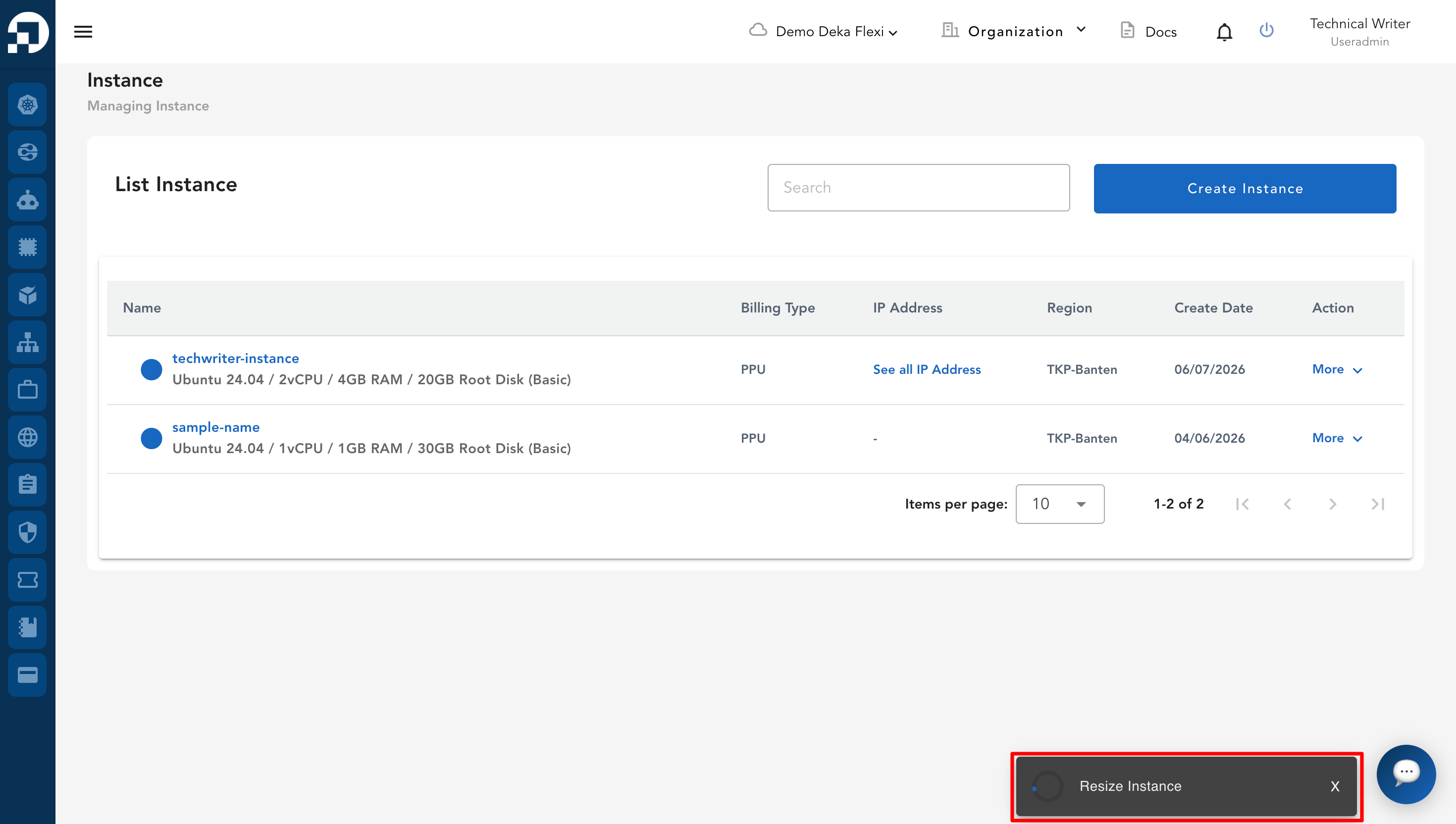
* Pada kolom ***Action***, klik ***More***, lalu pilih ***Resize Instance***.

<figure><img src="https://putri.box.cloudeka.id/cloudeka-assets/docs.cloudeka.ai/6dekaflexi/resizeinstance_01.png" alt=""><figcaption></figcaption></figure>

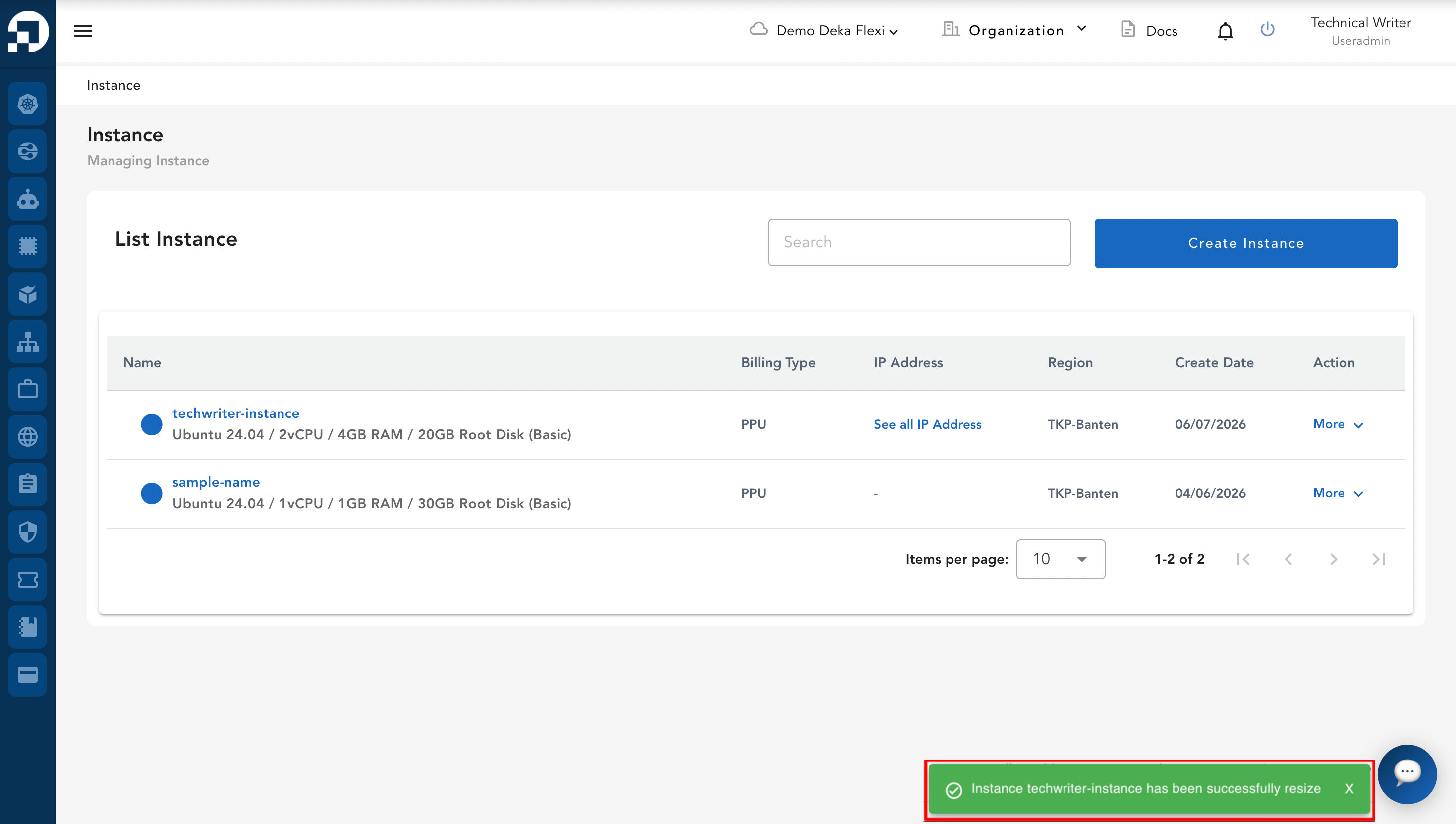
* Pilih ***machine type*** dan sesuaikan ***CPU*** serta ***memory*** sesuai kebutuhan, lalu klik tombol ***Resize***.

<figure><img src="https://putri.box.cloudeka.id/cloudeka-assets/docs.cloudeka.ai/6dekaflexi/resizeinstance_02.png" alt=""><figcaption></figcaption></figure>

<table data-header-hidden><thead><tr><th width="204.33333333333331"></th><th width="184"></th><th></th></tr></thead><tbody><tr><td><strong>Tipe</strong></td><td><strong>Deskripsi</strong></td><td><em><strong>vCPU/RAM</strong></em></td></tr><tr><td><em><strong>Shared</strong></em></td><td>Berdasarkan 1 <em>vCPU</em></td><td>1 <em>vCPU</em>/1GB, 1 <em>vCPU</em>/3GB,1 <em>vCPU</em>/4GB</td></tr><tr><td><em><strong>General</strong></em></td><td>Rasio <em>CPU</em>:<em>RAM</em> 1:2, 1:3</td><td>2<em>vCPU</em>/4GB, 2<em>vCPU</em>/6GB, 4<em>vCPU</em>/8GB, 4<em>vCPU</em>/12GB, 8<em>vCPU</em>/16GB, 8<em>vCPU</em>/24GB, 16<em>vCPU</em>/32GB, 16<em>vCPU</em>/48GB, 32<em>vCPU</em>/64GB, 32<em>vCPU</em>/96GB</td></tr></tbody></table>

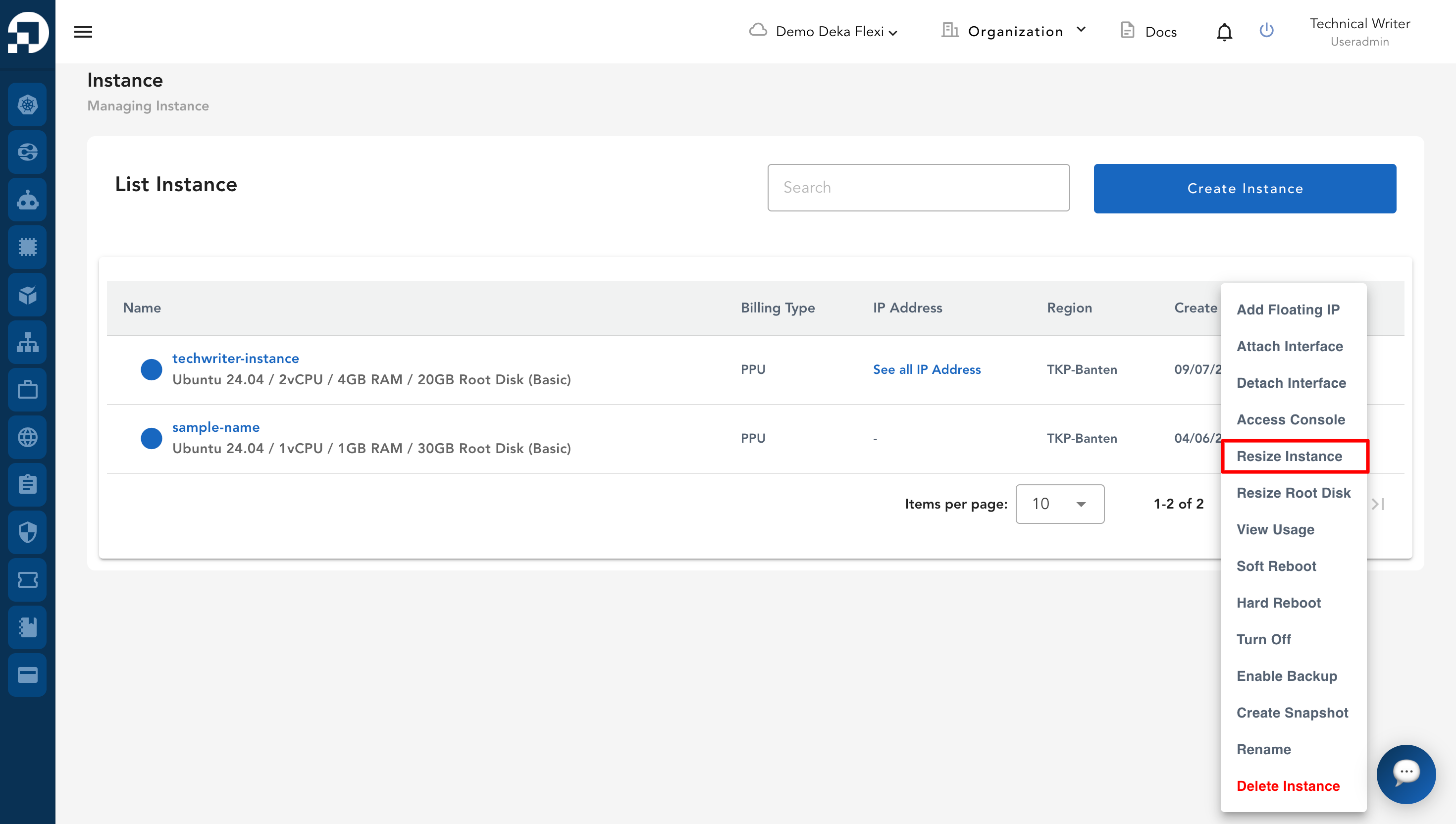
* Notifikasi akan muncul untuk menunjukkan bahwa ukuran *instance* sedang diubah.

<figure><img src="https://putri.box.cloudeka.id/cloudeka-assets/docs.cloudeka.ai/6dekaflexi/resizeinstance_03.png" alt=""><figcaption></figcaption></figure>

* Jika proses *resize* berhasil, notifikasi berikut akan muncul: ***"Instance has been successfully changed"***.
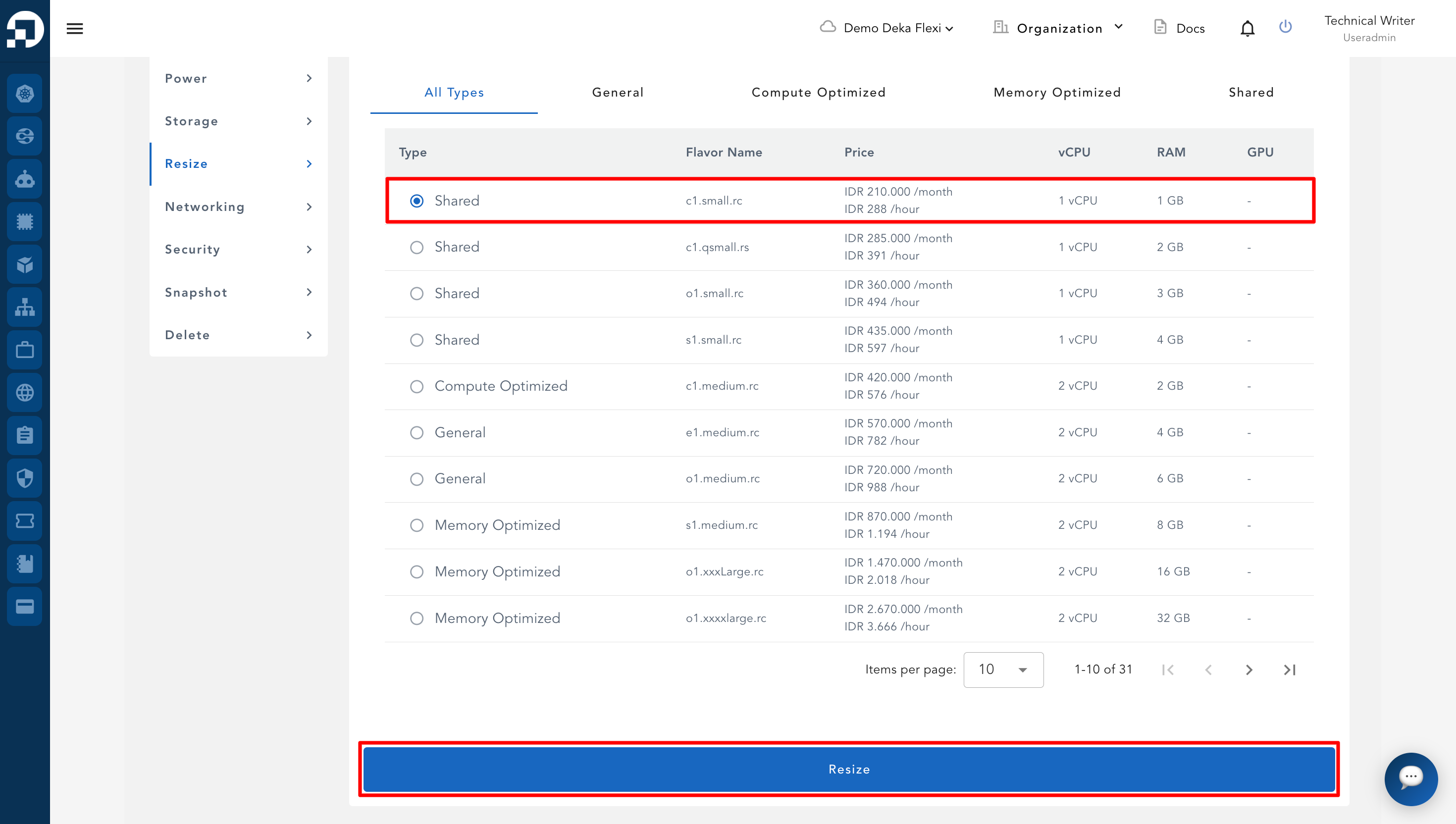
<figure><img src="https://putri.box.cloudeka.id/cloudeka-assets/docs.cloudeka.ai/6dekaflexi/resizeinstance_04.png" alt=""><figcaption></figcaption></figure>