> For the complete documentation index, see [llms.txt](https://docs.cloudeka.ai/llms.txt). Markdown versions of documentation pages are available by appending `.md` to page URLs; this page is available as [Markdown](https://docs.cloudeka.ai/guideline-for-enterprise/panduan-untuk-enterprise/deka-gpu/deka-gpu-kubernetes/workloads/deployments/delete-of-a-deployment.md).
# Hapus Deployment
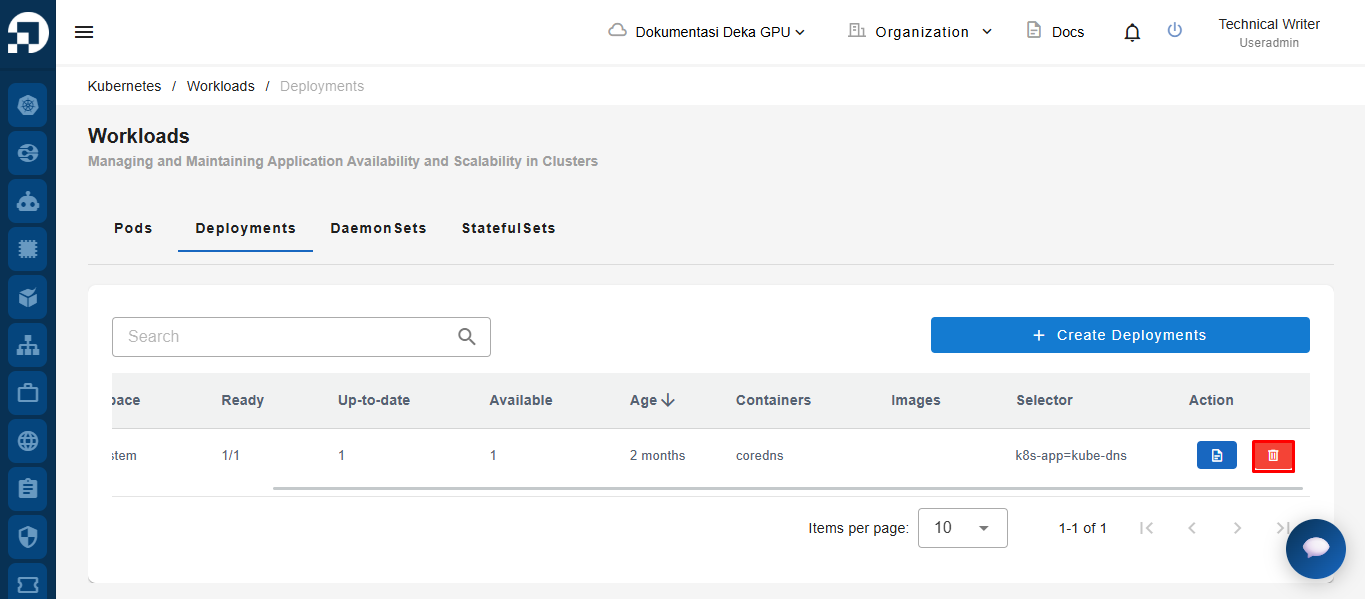
*Delete Deployments* adalah fitur ***Deka GPU*** untuk menghapus *Deployment* yang tidak digunakan. Pada tabel ***Deployments***, klik tombol ***trash icon*** di kolom *Action*.
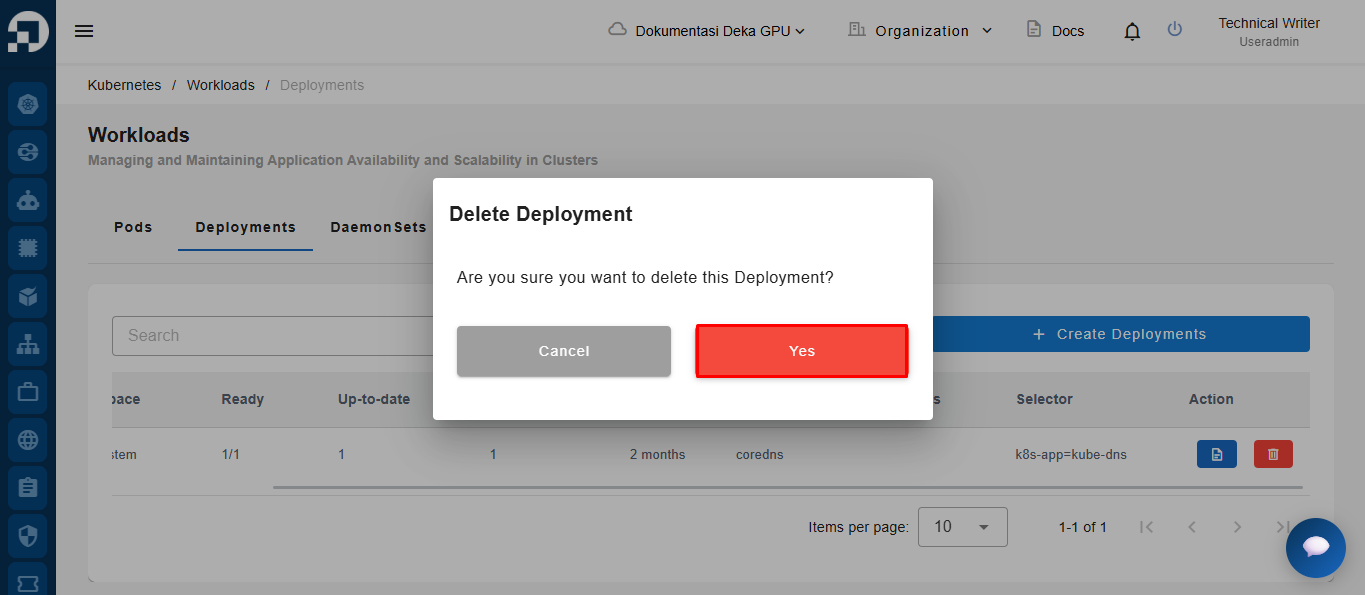
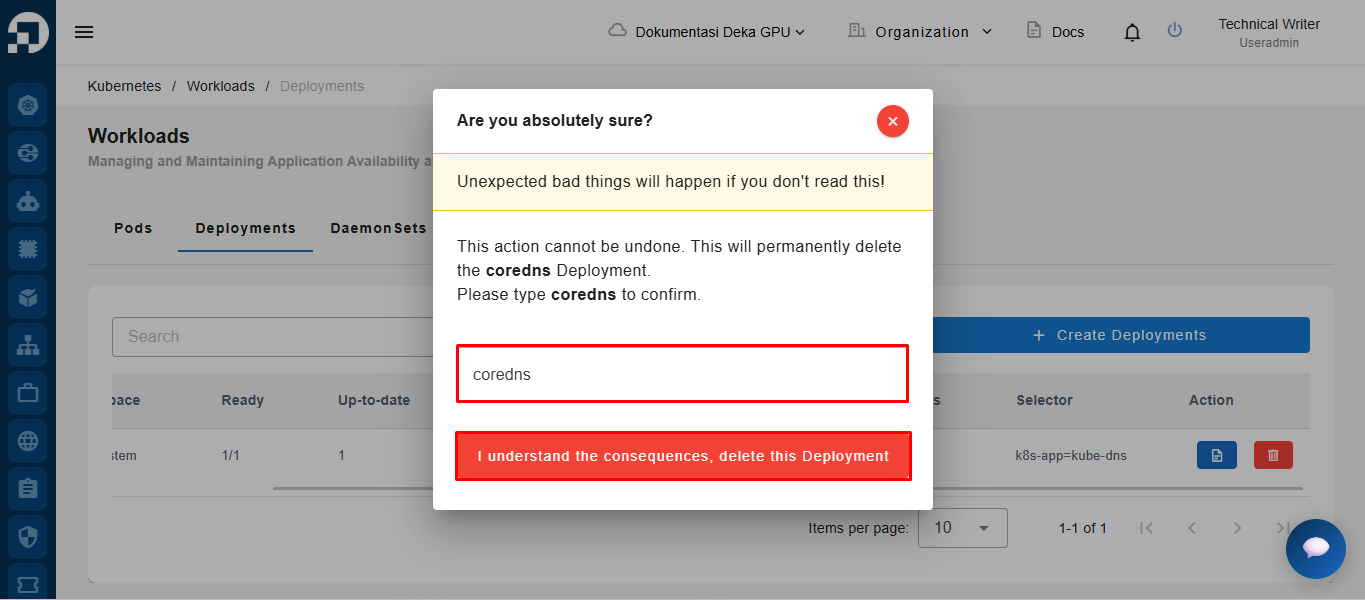
Jendela *Delete Pod* akan muncul. Klik tombol ***Yes*** untuk melanjutkan proses penghapusan. Masukkan kembali nama *Pod* pada kolom ***Input Name***, lalu klik tombol *"**I understand the consequences, delete this pod**"*.