> For the complete documentation index, see [llms.txt](https://docs.cloudeka.ai/llms.txt). Markdown versions of documentation pages are available by appending `.md` to page URLs; this page is available as [Markdown](https://docs.cloudeka.ai/guideline-for-individual/deka-cdn/deploy-deka-cdn.md).
# Deploy Deka CDN
Service Portal Cloudeka automatically starts the system after you finish saving the configuration. However, a Deploy button is provided to start the system manually if you want to ensure a saved configuration, you can use the Deploy feature by following these steps:
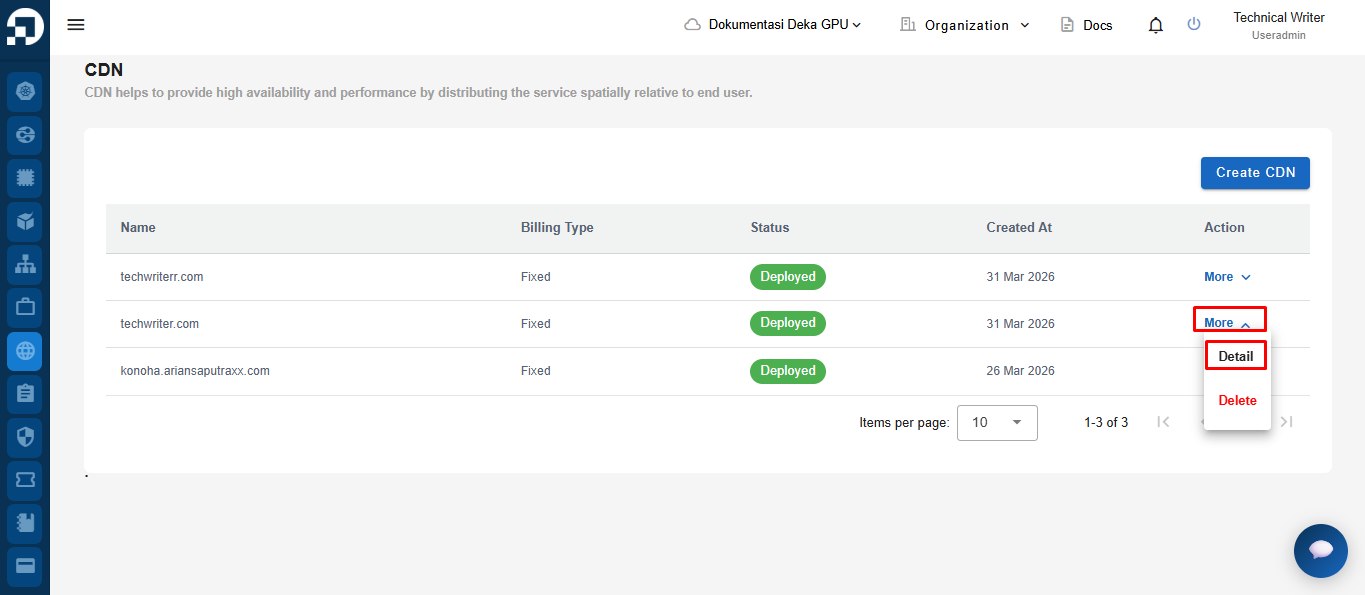
* On the CDN menu page, in the Action column click the More button and select Details.
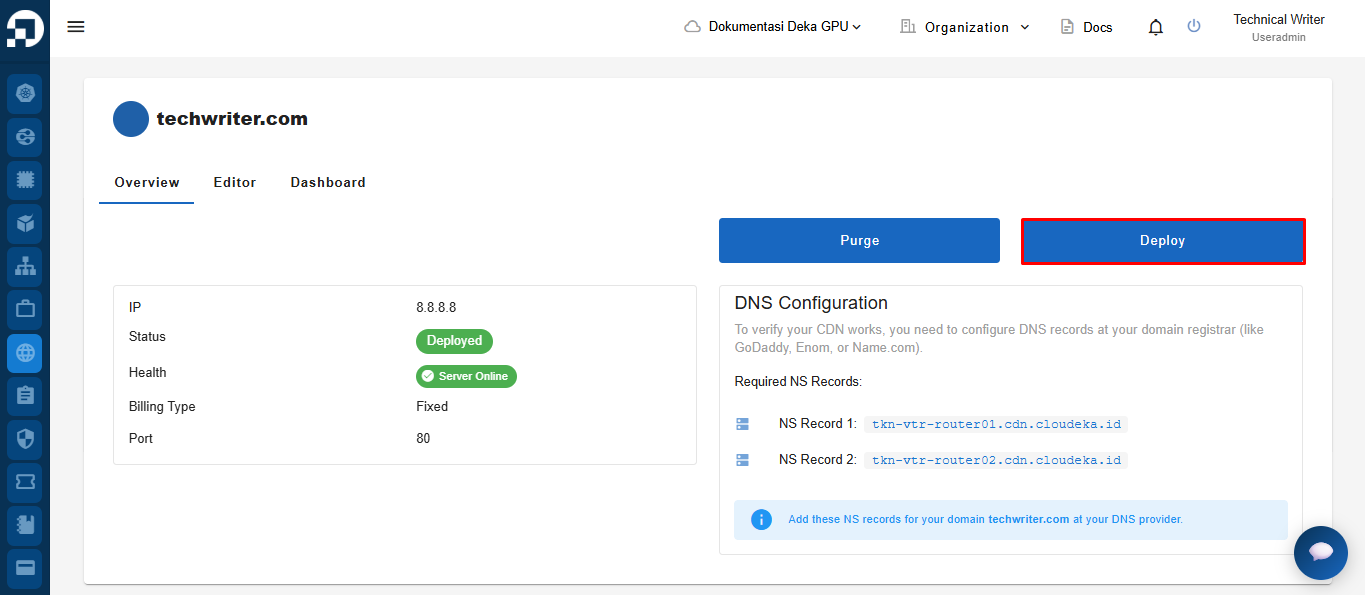
* On the Overview tab click the Deploy button.
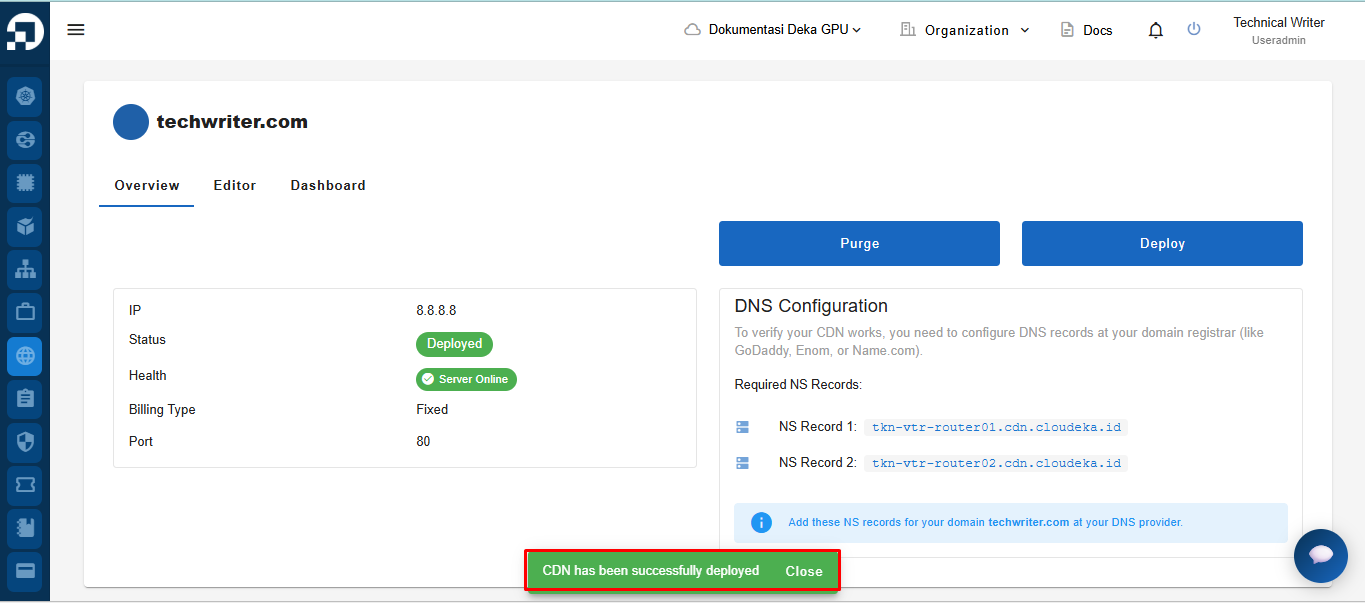
* The "Deploying CDN" notification displays wait until the process completes until the "CDN techwriter.com has been successfully deployed" notification displays stating that the techwrite CDN configuration has been saved.