> For the complete documentation index, see [llms.txt](https://docs.cloudeka.ai/llms.txt). Markdown versions of documentation pages are available by appending `.md` to page URLs; this page is available as [Markdown](https://docs.cloudeka.ai/guideline-for-individual/deka-claw/detail-deka-claw/agent/delete-agent.md).
# Delete Agent
The **Delete Agent** feature is used to permanently remove an existing Agent from a Deka Claw instance. This feature helps users manage Agent configurations by removing Agents that are no longer required.
Before the Agent is deleted, the system will display a confirmation dialog to prevent accidental deletion. Once confirmed, the Agent configuration will be permanently removed from the instance and will no longer be available for use.
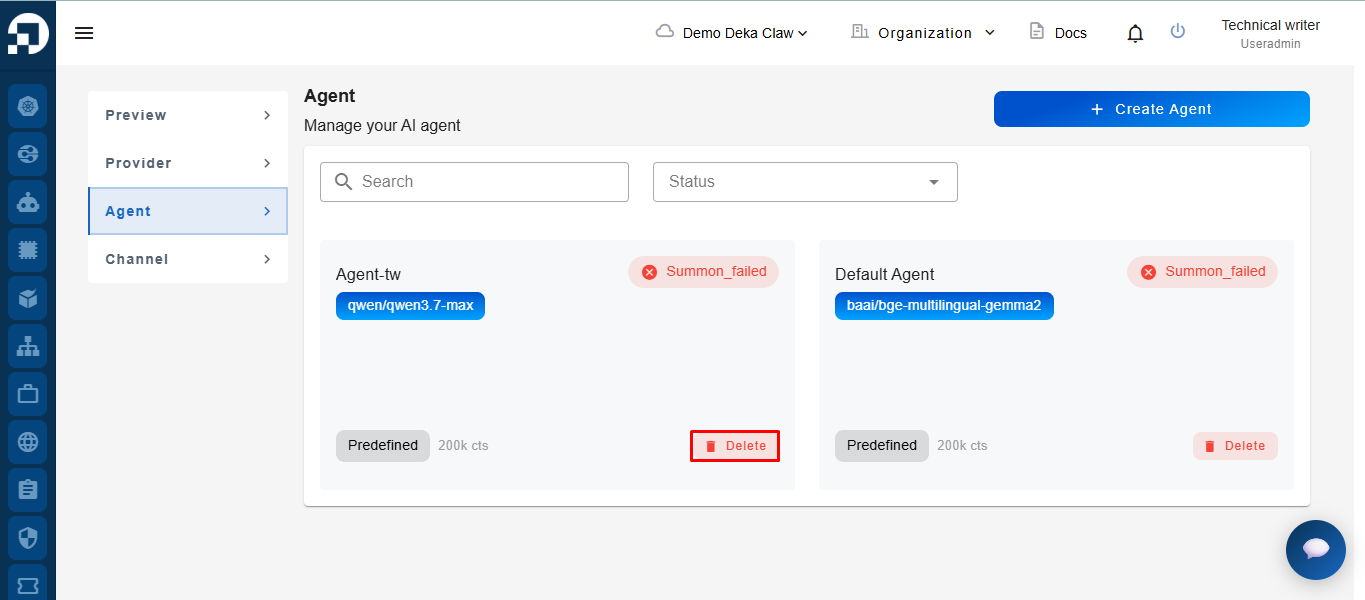
Click the **Delete** icon on the **Agent** you want to remove.
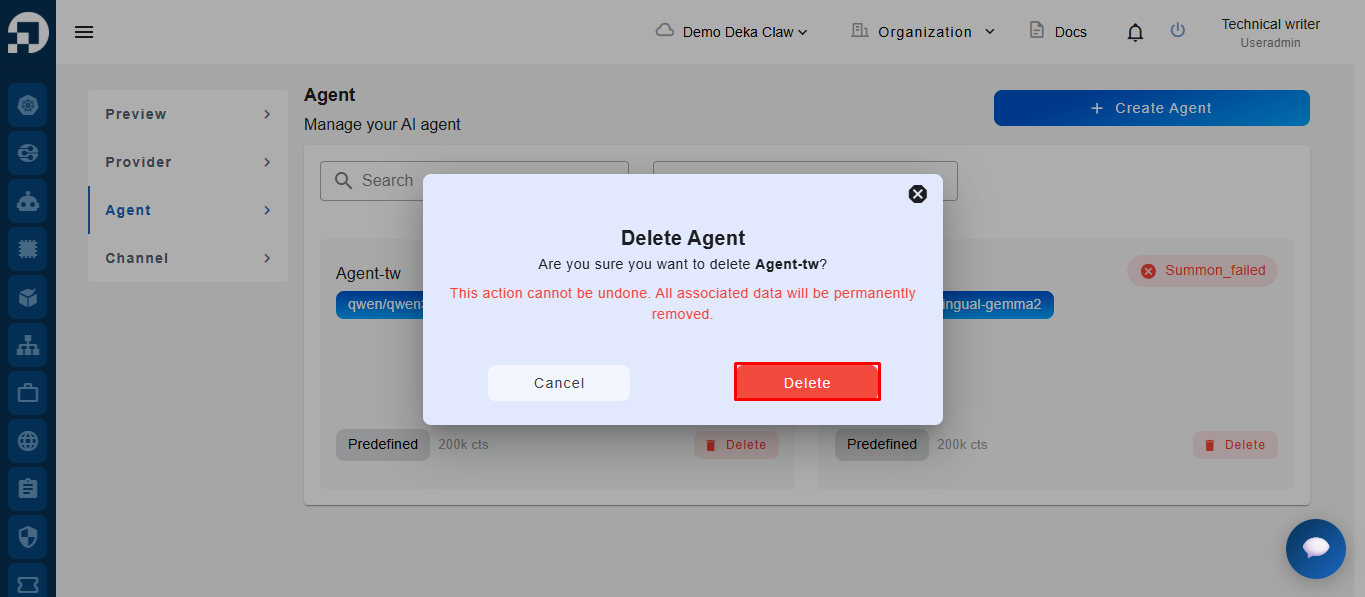
The system will display an **Agent** deletion confirmation notification. Click the **Delete** button to proceed. After the **Delete** button is clicked, the system will automatically remove the **Agent** from the list.
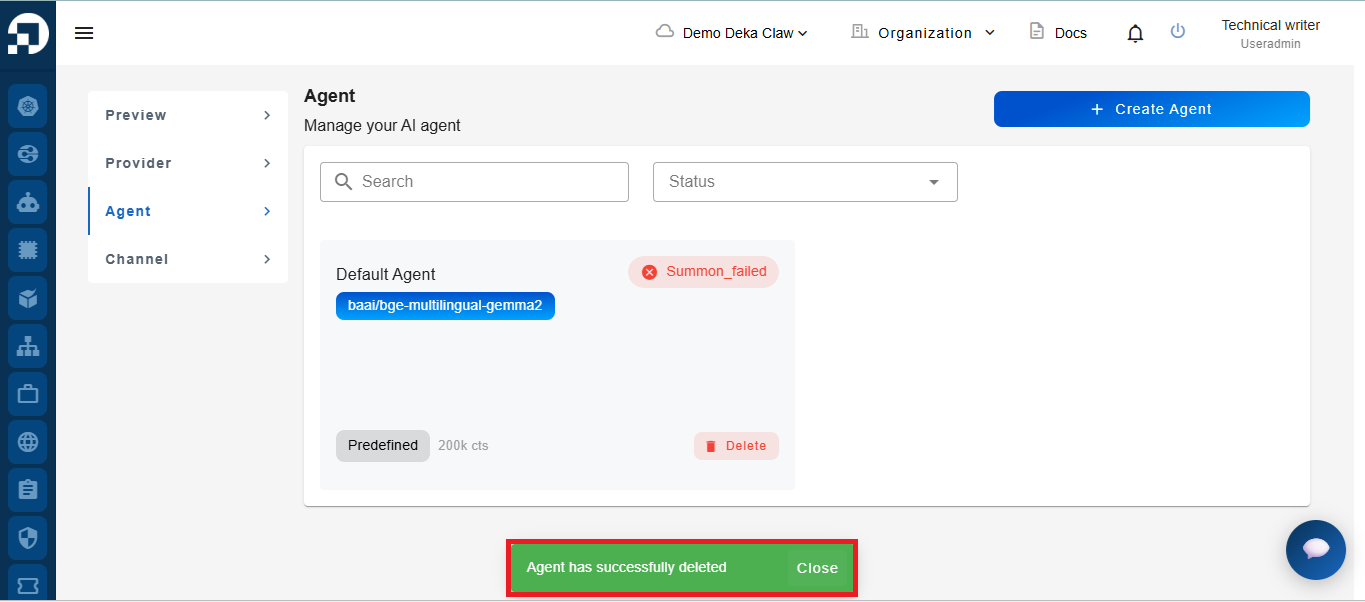
If successful, the system will display the notification message **"Agent has successfully deleted"**.