> For the complete documentation index, see [llms.txt](https://docs.cloudeka.ai/llms.txt). Markdown versions of documentation pages are available by appending `.md` to page URLs; this page is available as [Markdown](https://docs.cloudeka.ai/guideline-for-individual/deka-flexi/deka-flexi-network/vpc-network/delete-port.md).
# Delete Port
{% hint style="danger" %}
Before you delete a port in the VPC, make sure there are no instances using the port you want to delete.
{% endhint %}
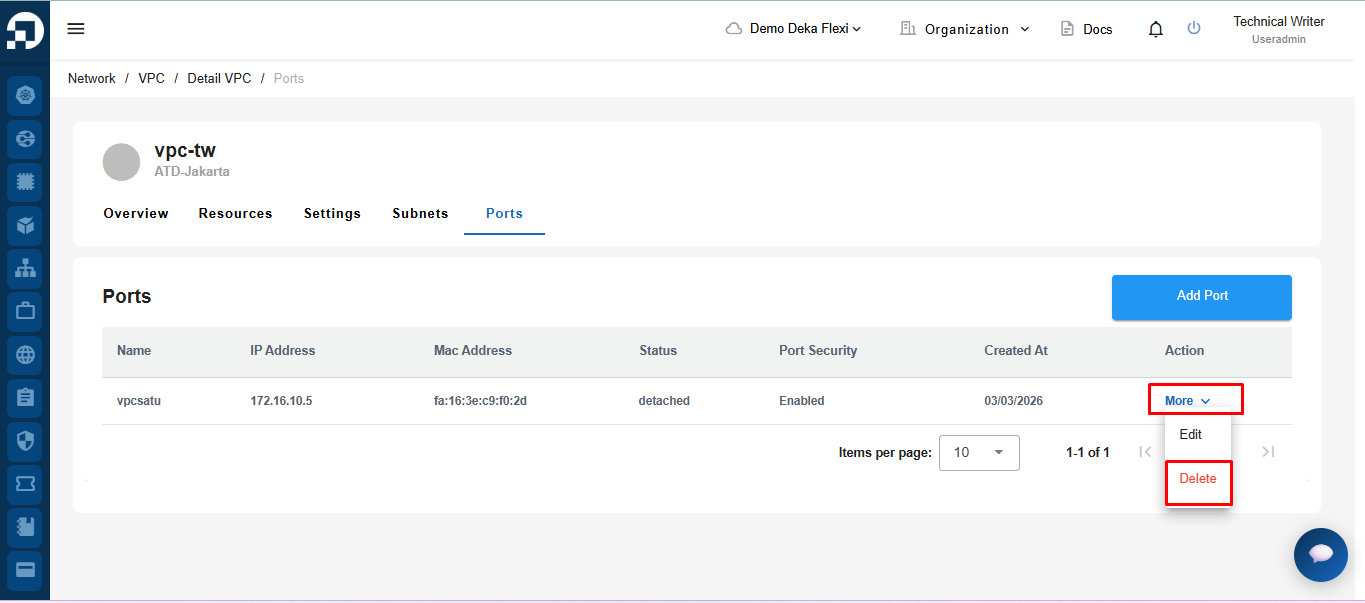
* On the Ports tab on the VPC Details page press the Delete button in the More column.
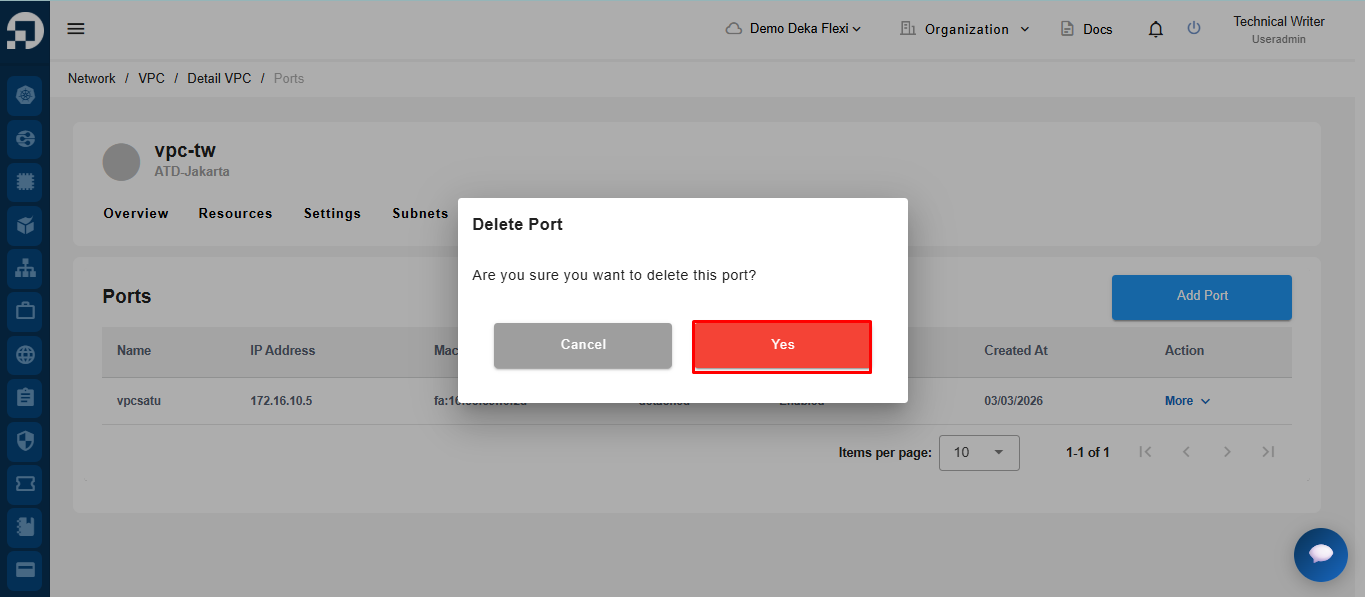
* Click the **yes button** to continue the deletion process.
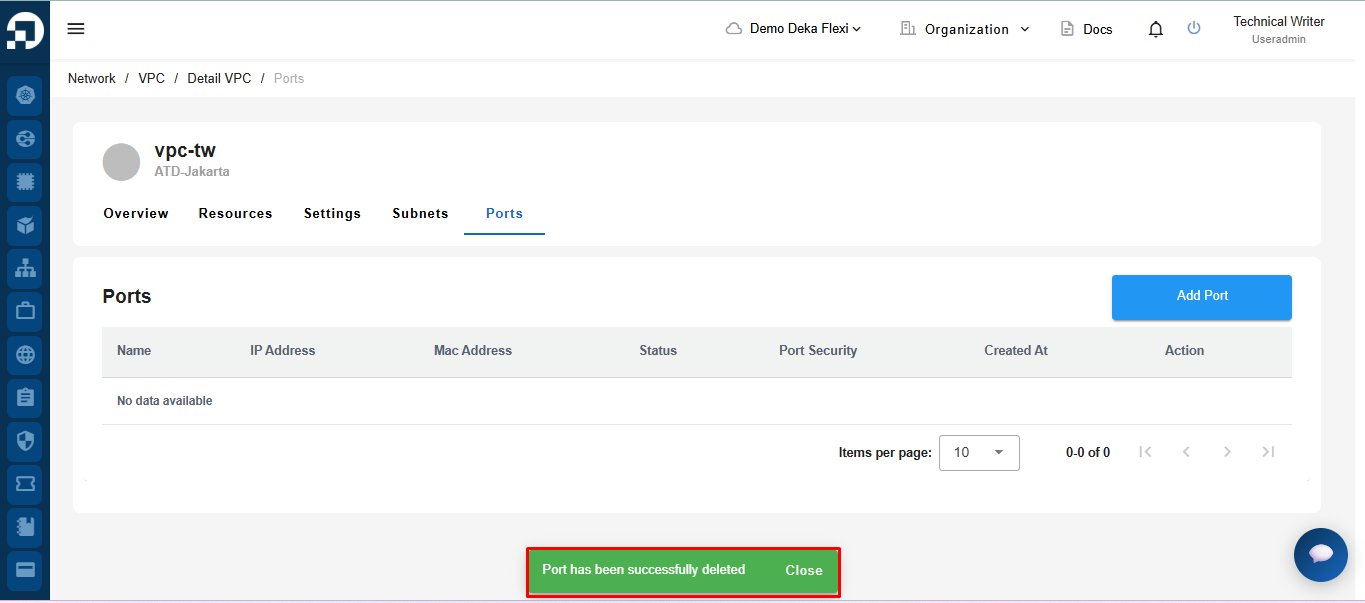
* The notification **"Port has been successfully deleted!"** that the port configuration has been successfully deleted.