> For the complete documentation index, see [llms.txt](https://docs.cloudeka.ai/llms.txt). Markdown versions of documentation pages are available by appending `.md` to page URLs; this page is available as [Markdown](https://docs.cloudeka.ai/guideline-for-individual/deka-gpu-mlops/introduction.md).
# Introduction
## Sign In
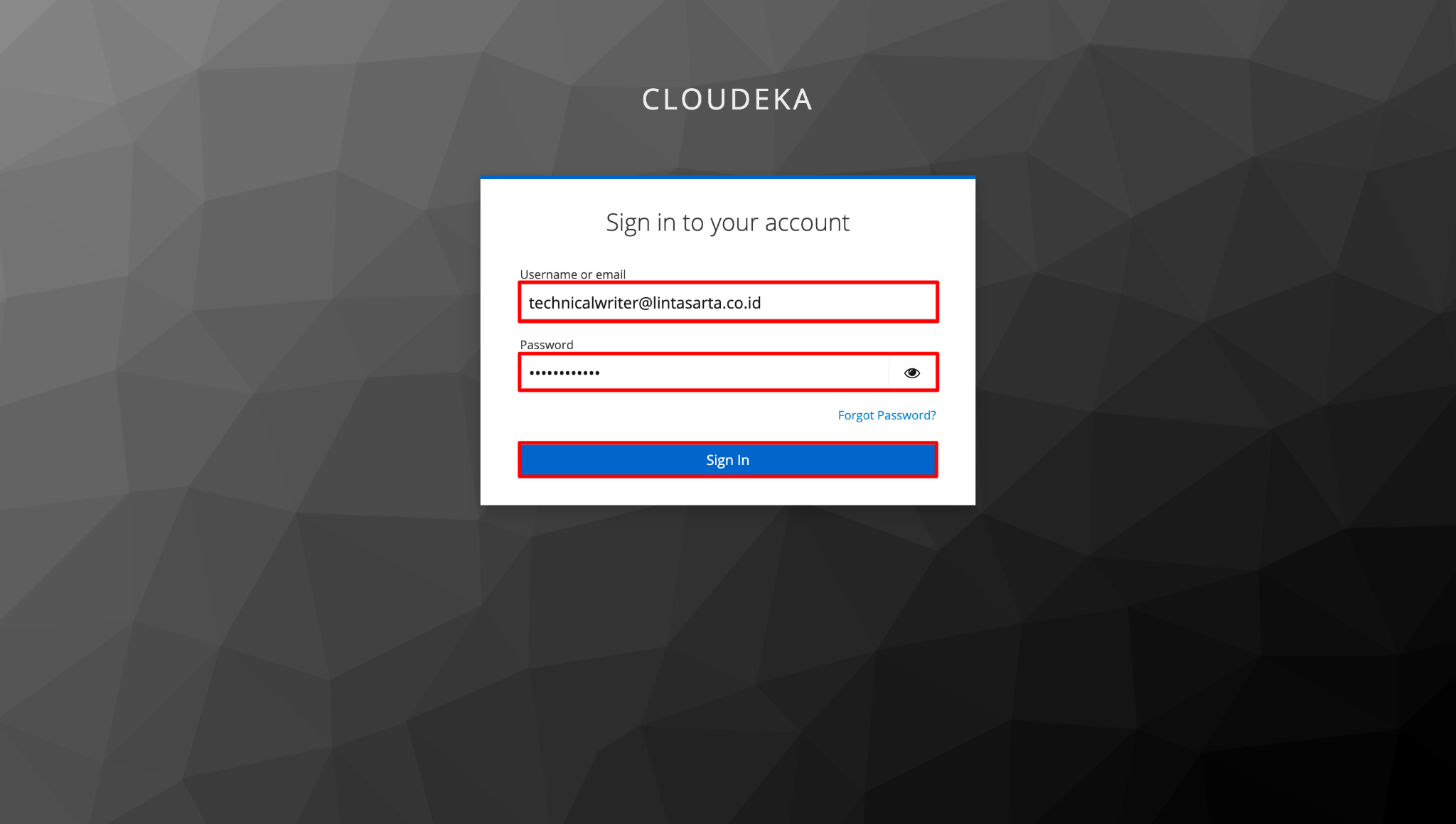
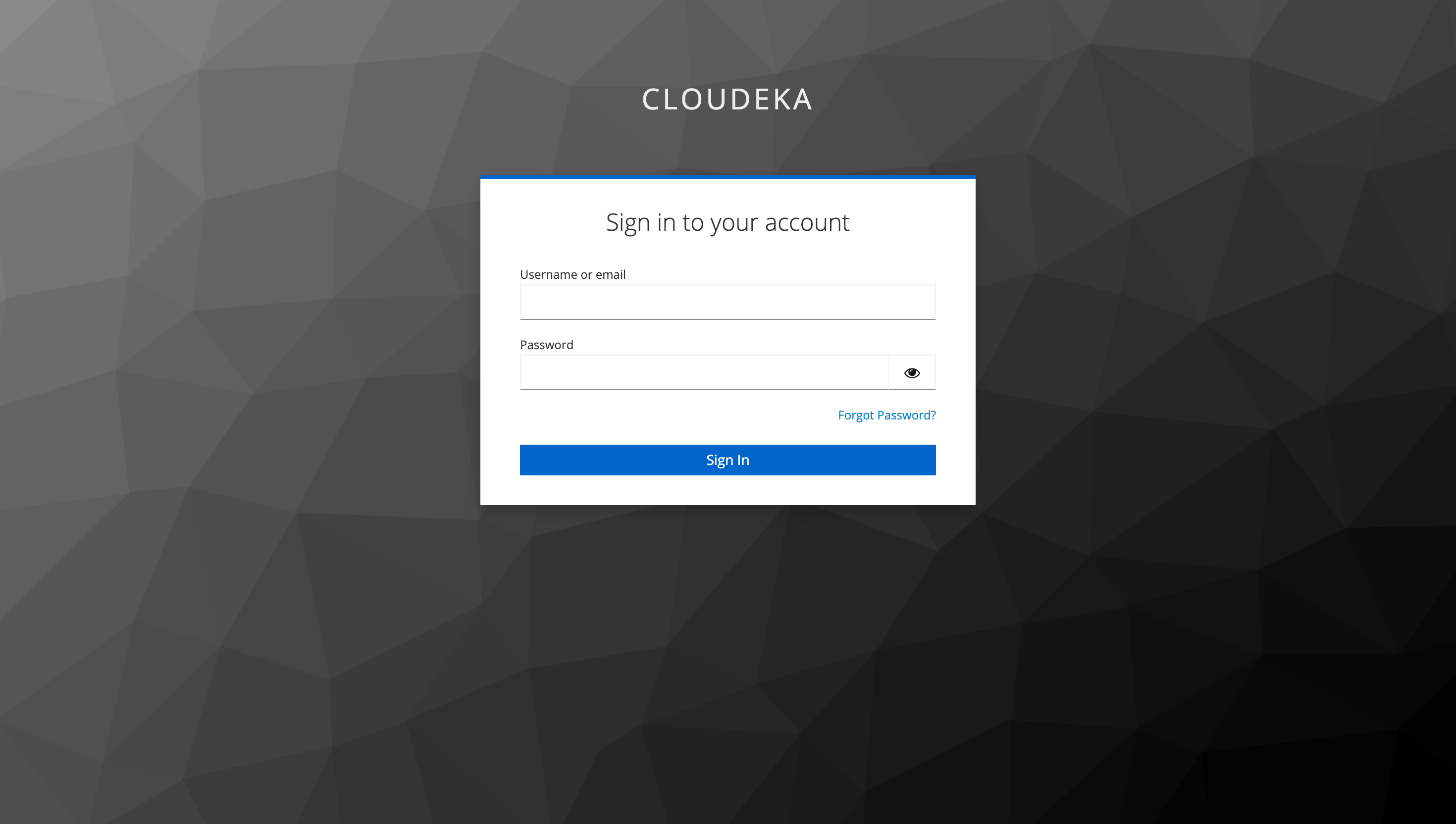
If you already have an account on the Cloudeka Deka MLOps Service Portal, then you need to access Portal [Deka MLOps](https://mlops.cloudeka.ai/) in your browser, the Sign In page will appear. Fill in the Email Address and Password, then click the Sign In button.
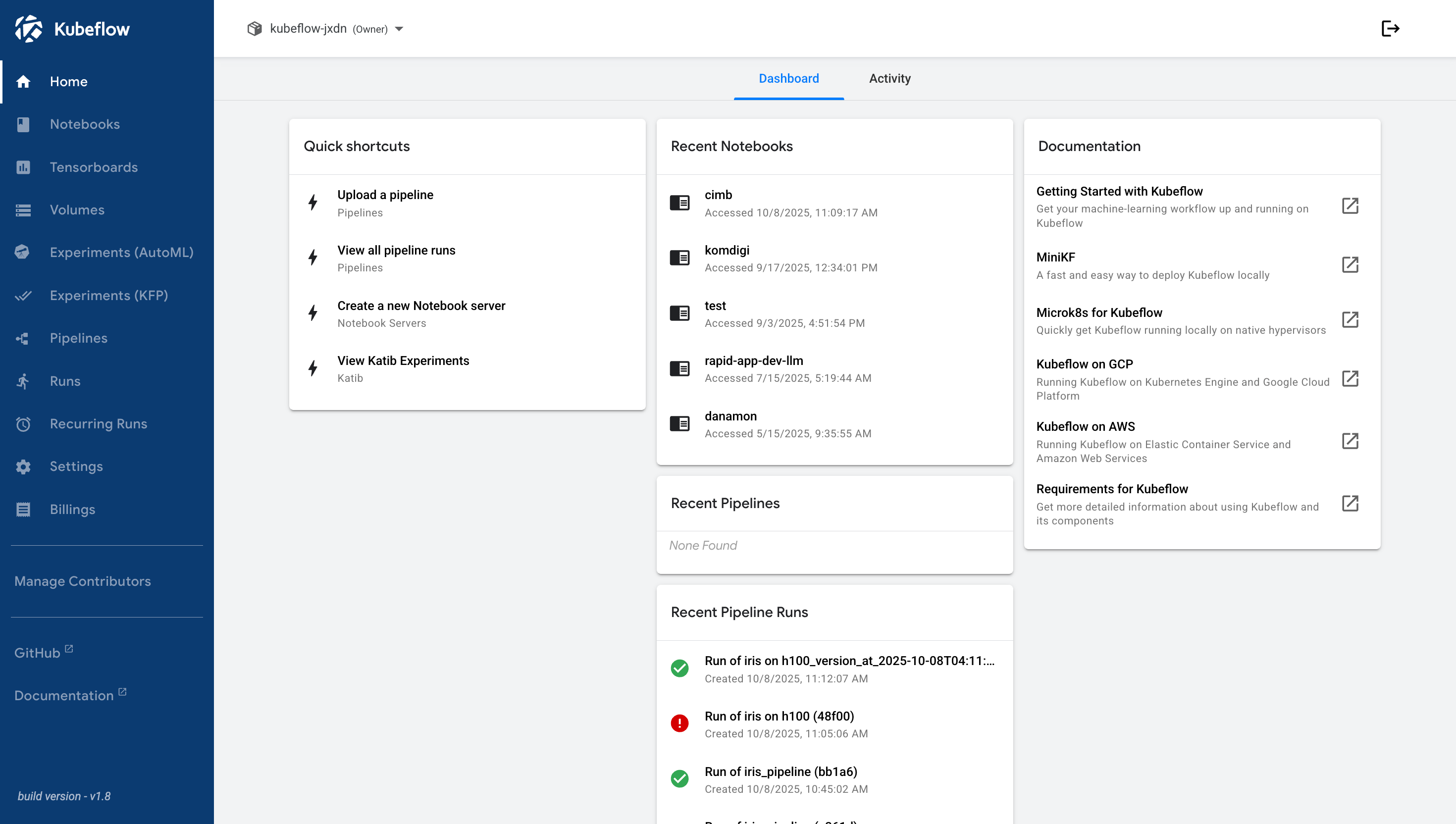
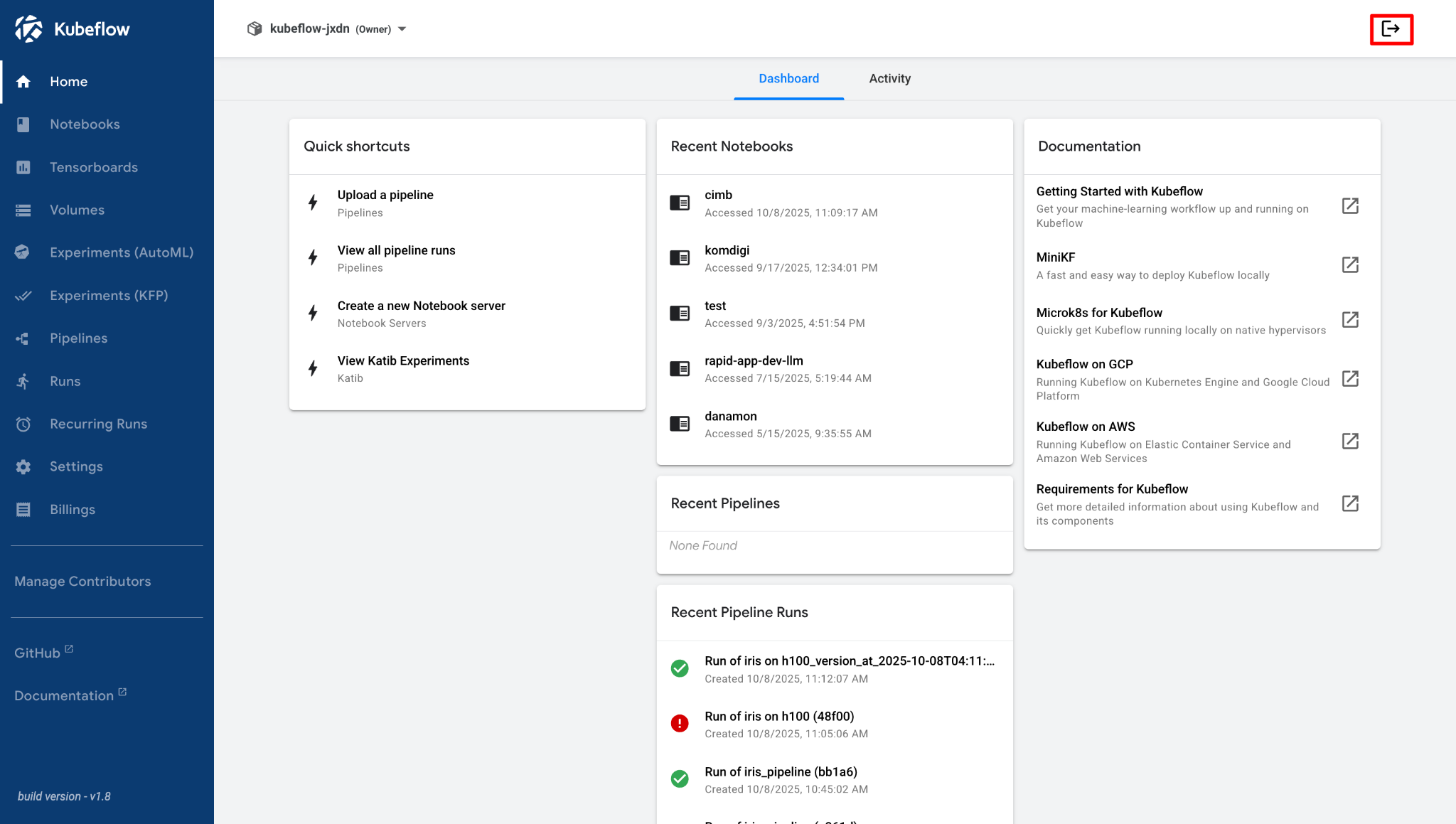
If you successfully log in to the Cloudeka Deka MLOps Portal Service, then you will be directed to the Home page on the Cloudeka Deka MLOps Portal Service.
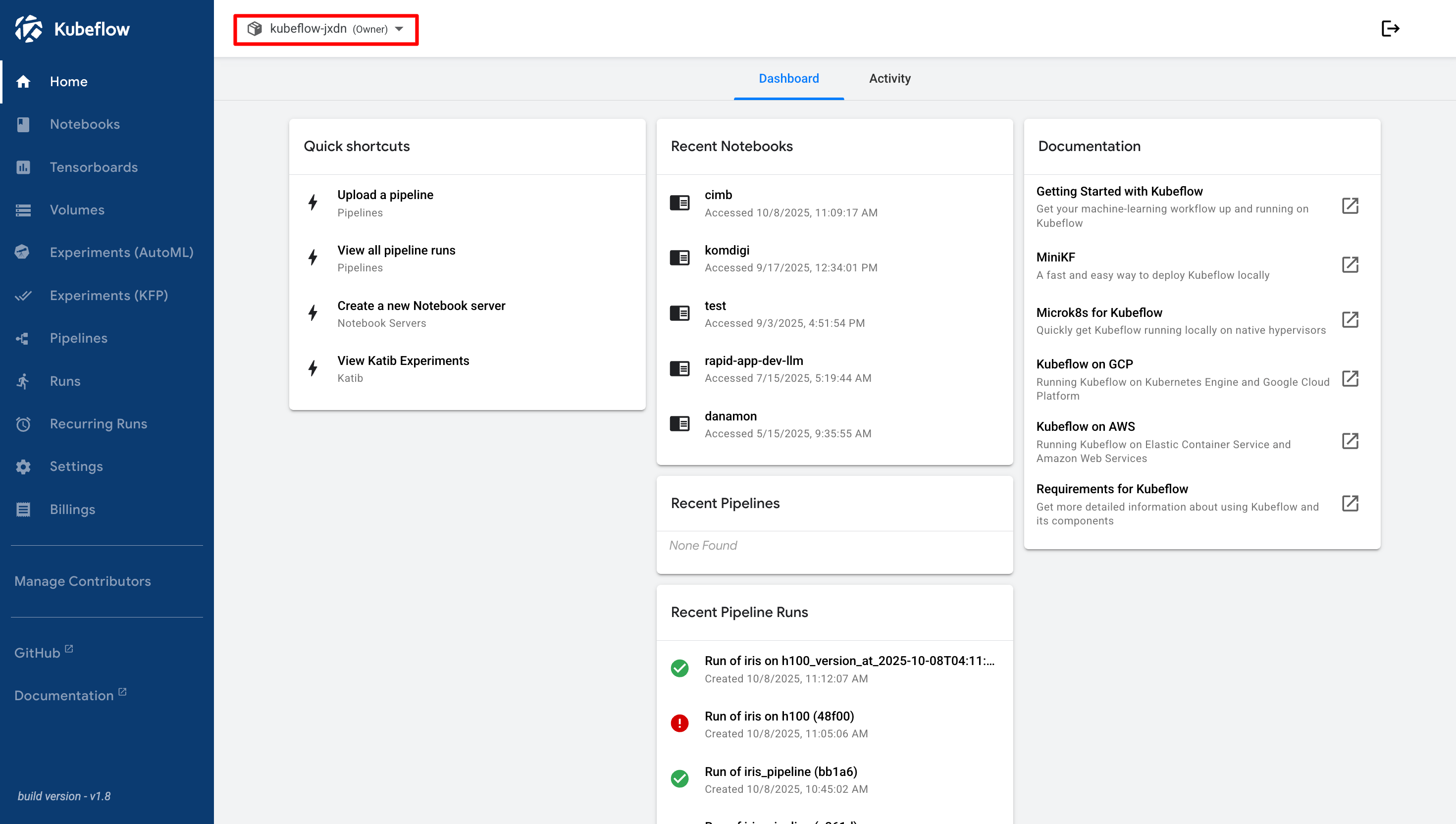
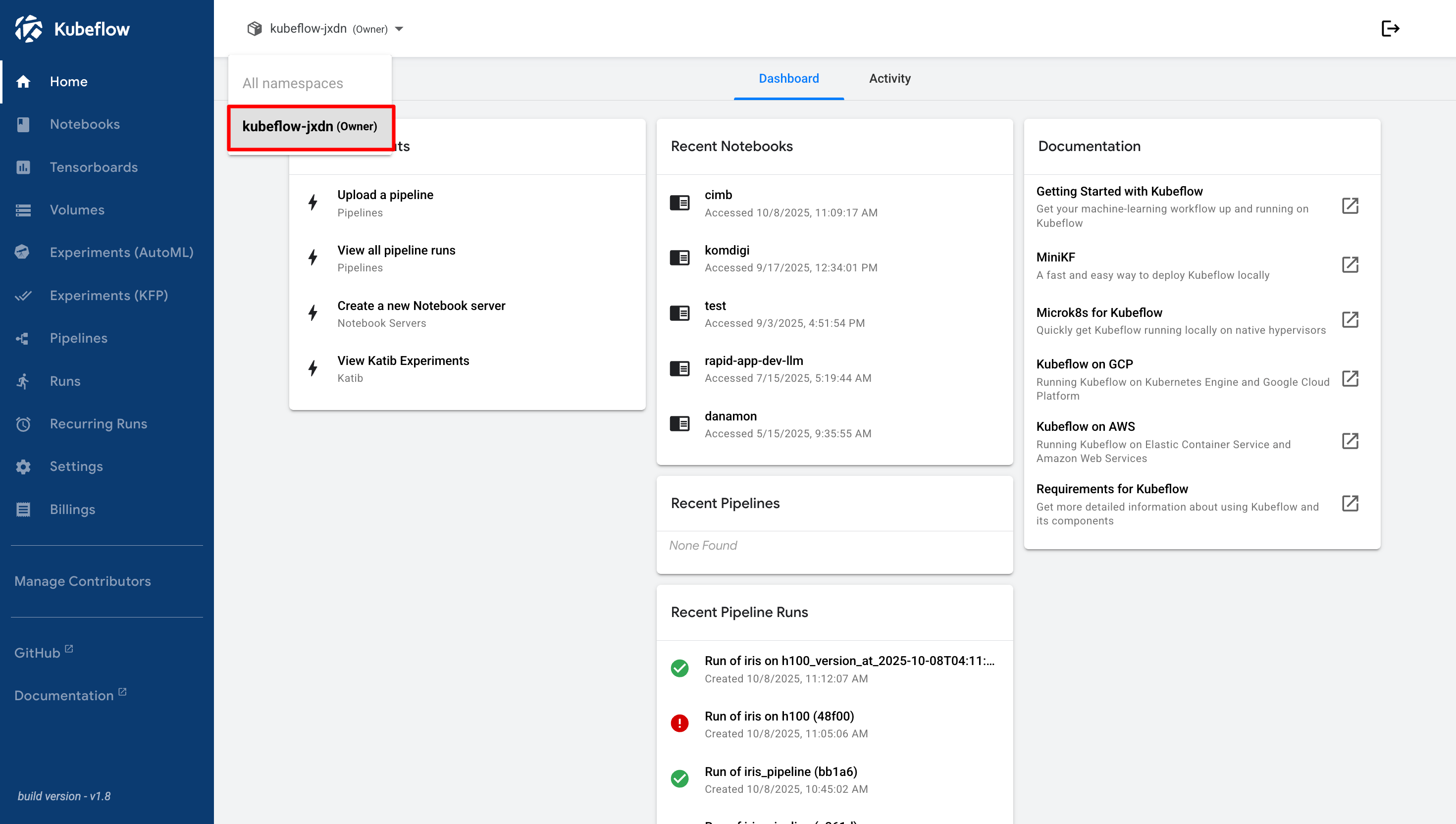
On each account, you can have several namespaces with resources that have been determined according to the agreement. You can see this in the Namespaces List
## Sign Out
When you have finished using the Cloudeka Deka MLOps Portal Service, you can exit the Cloudeka Deka MLOps Portal Service by pressing the Logout button.
Automatically, you will be directed to the Cloudeka Deka MLOps Portal Service Sign In page.