> For the complete documentation index, see [llms.txt](https://docs.cloudeka.ai/llms.txt). Markdown versions of documentation pages are available by appending `.md` to page URLs; this page is available as [Markdown](https://docs.cloudeka.ai/guideline-for-individual/deka-gpu/deka-gpu-kubernetes/resources/ingresses-classes/create-a-new-ingresses-classes.md).
# Create a New Ingresses Classes
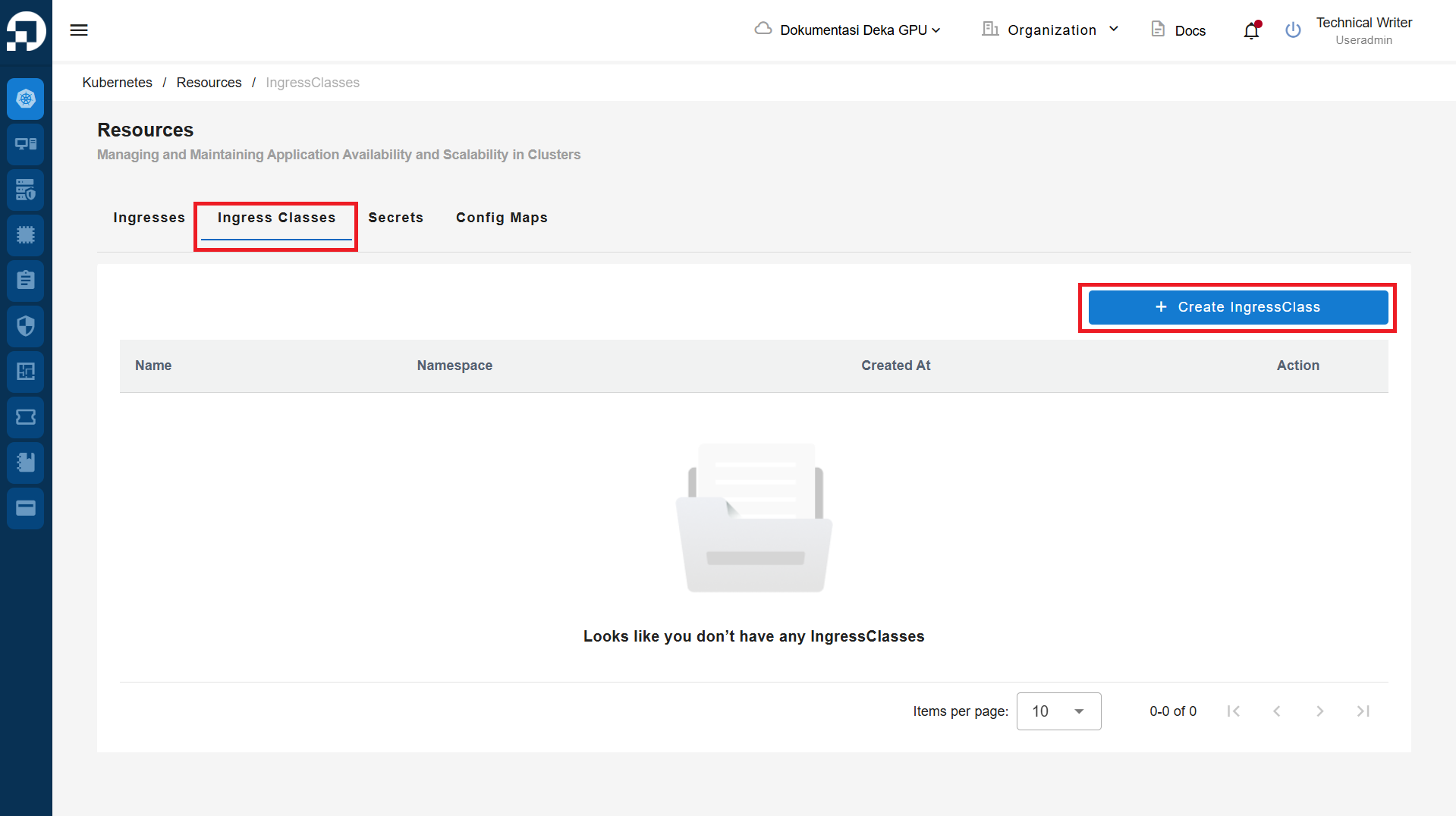
Create a New Ingresses is a feature used to create new Ingresses in the Service Portal Cloudeka. On the Ingress tab of the Resources page press the "+Create Ingresses" button.
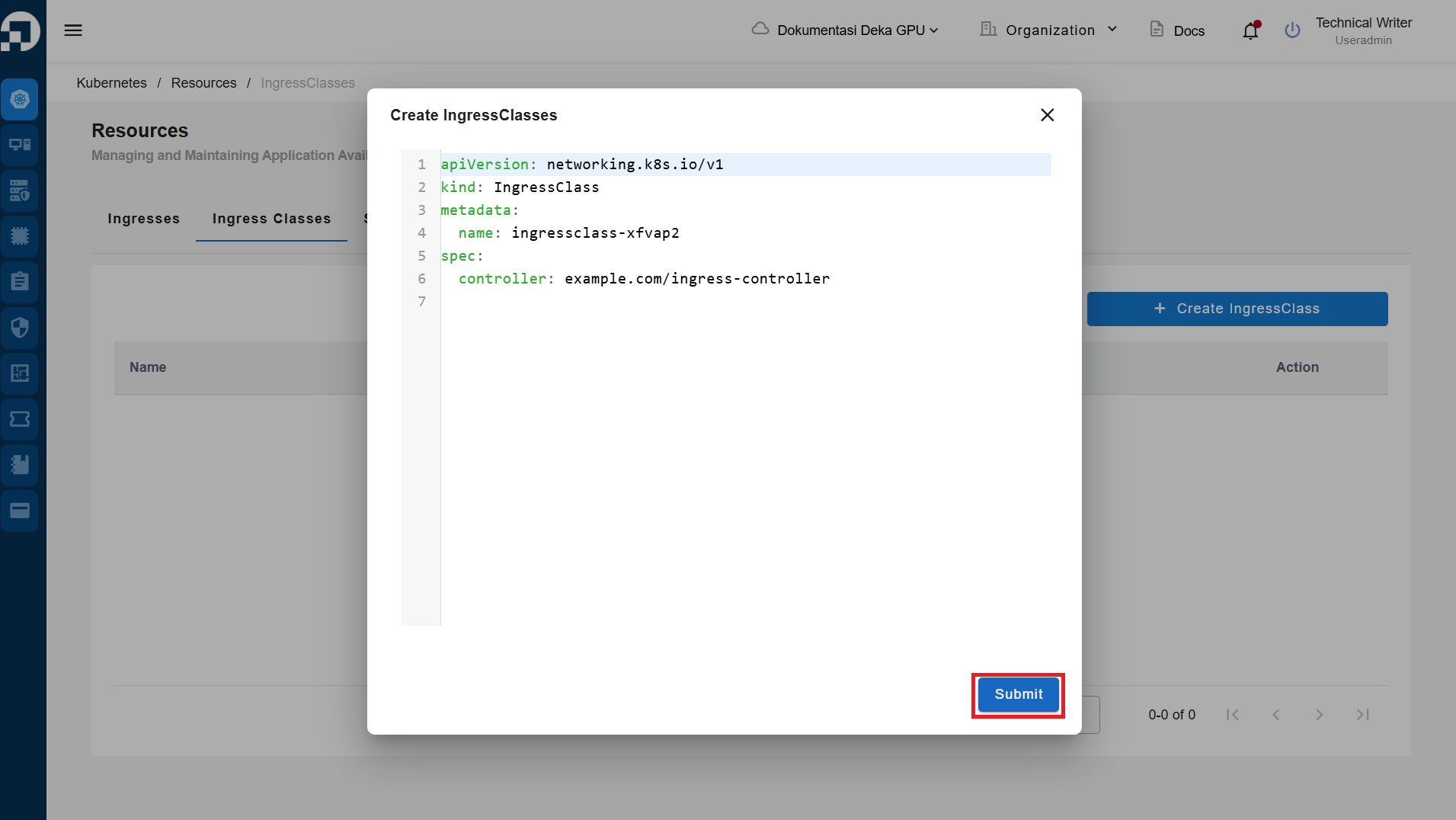
The Create Ingresses window displays the YAML form for creating Ingress objects in Kubernetes. Click the Submit button to create a new Ingress Classes.
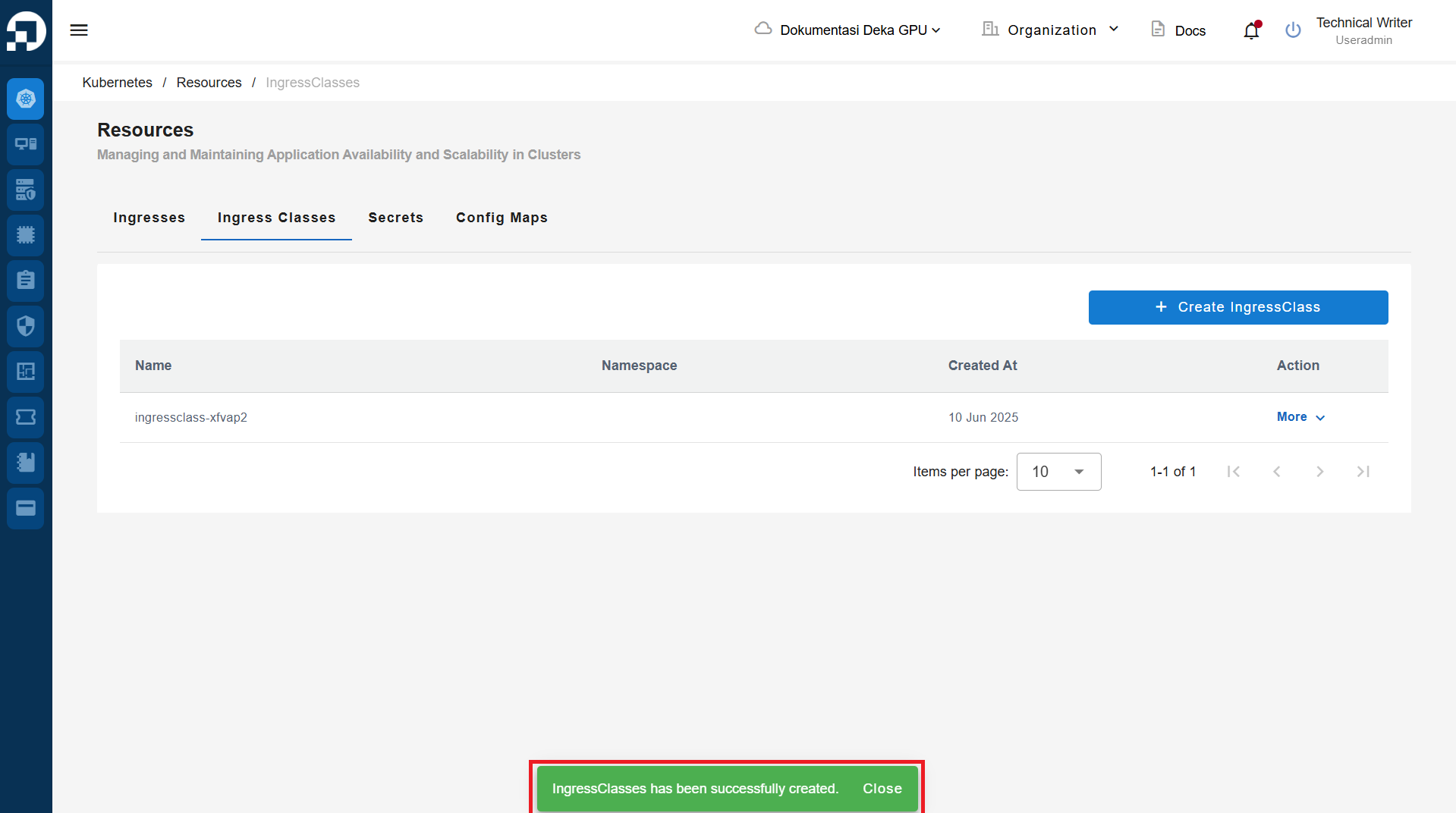
The "Ingress Classes has been successfully created" notification displays.