> For the complete documentation index, see [llms.txt](https://docs.cloudeka.ai/llms.txt). Markdown versions of documentation pages are available by appending `.md` to page URLs; this page is available as [Markdown](https://docs.cloudeka.ai/guideline-for-individual/deka-gpu/deka-gpu-kubernetes/services-account/tab-service-accounts/create-service-accounts.md).
# Create Service Accounts
The *Create Service Account* feature is used to create a new service account that will be utilized by applications or workloads within a cluster to access resources based on the assigned permissions.
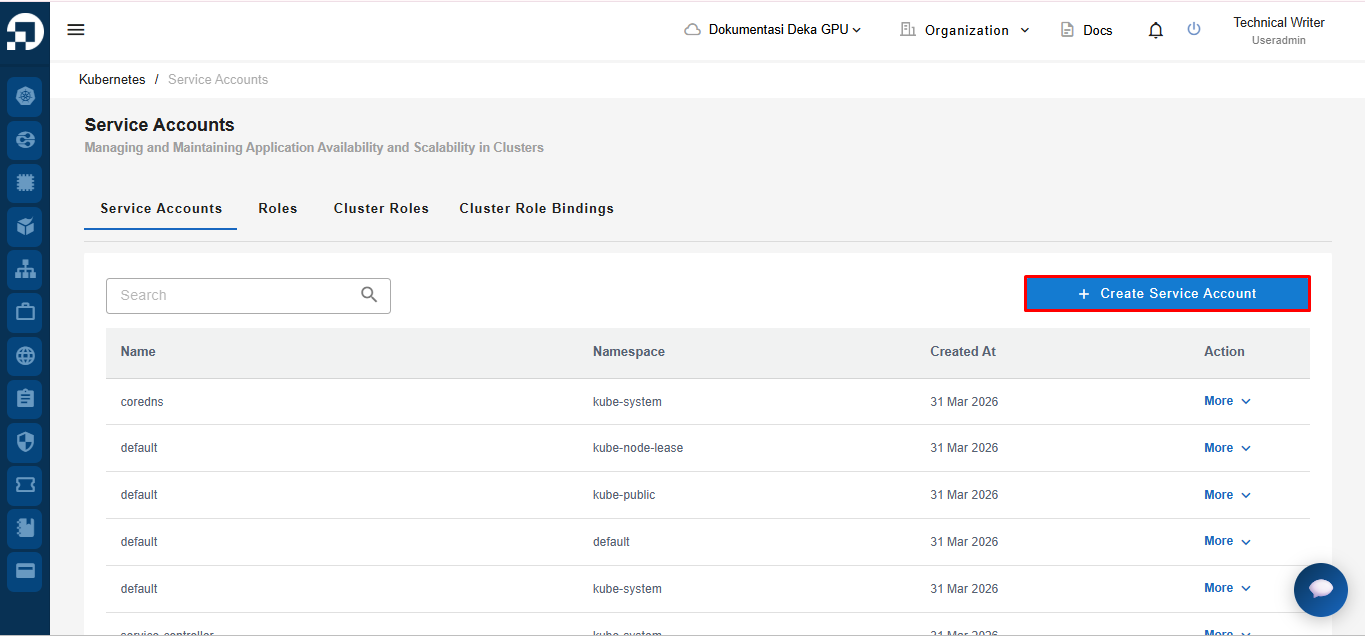
To add a new service account, click the ***Create Service Account*** button.
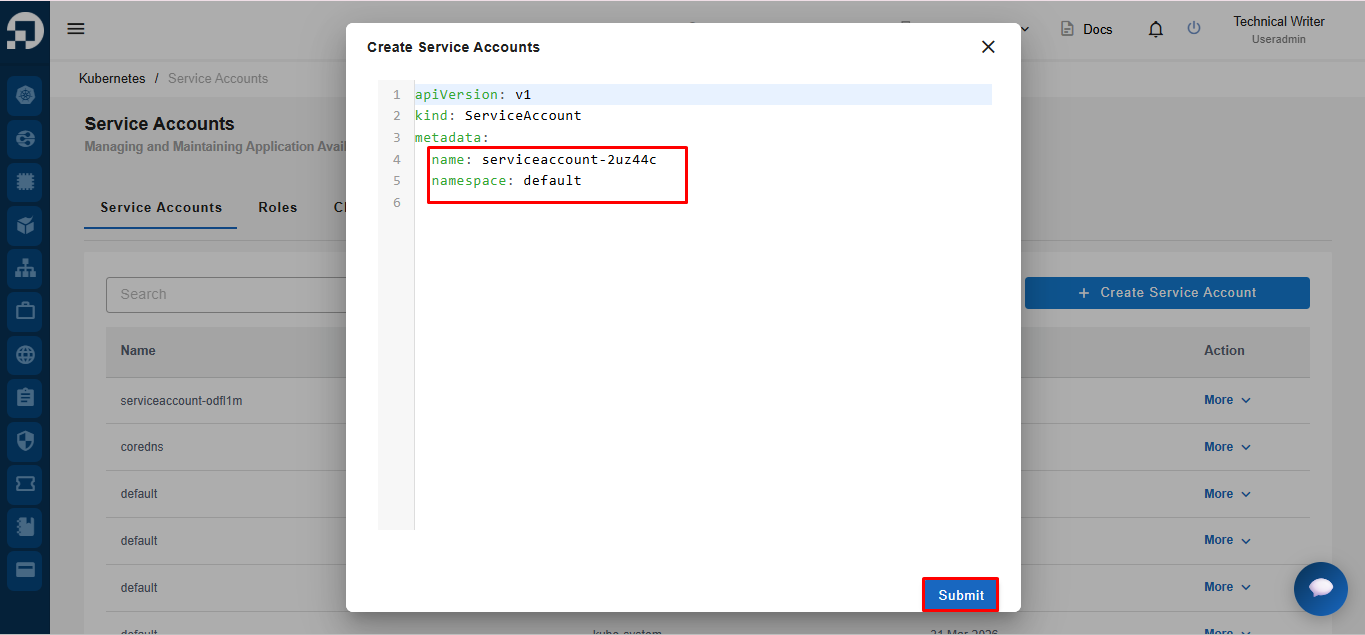
After clicking the *Create Service Account* button, the system will display an editable YAML form. Users can modify configurations such as *name* and *namespace* as needed. Once completed, click the ***Submit*** button to save the data.
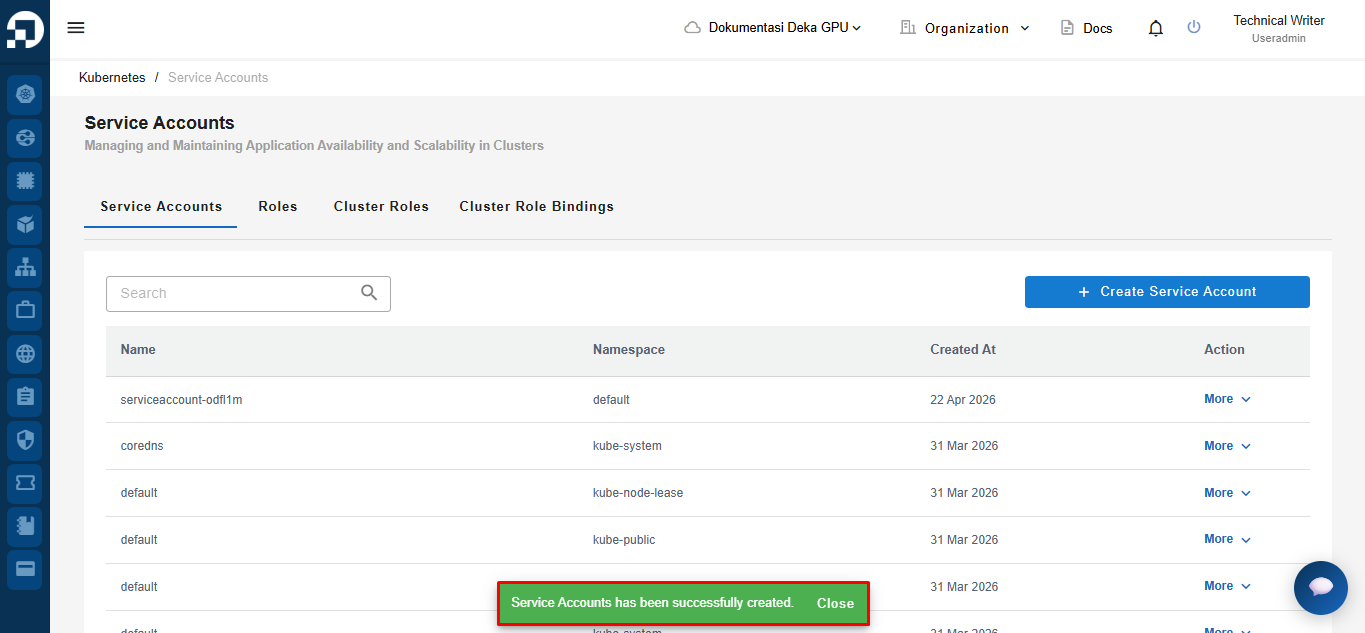
Once the process is successful, the system will display a notification stating that the *Service Account has been successfully created*.