> For the complete documentation index, see [llms.txt](https://docs.cloudeka.ai/llms.txt). Markdown versions of documentation pages are available by appending `.md` to page URLs; this page is available as [Markdown](https://docs.cloudeka.ai/guideline-for-individual/deka-guard/configuration-deka-guard.md).
# Configuration Deka Guard
You can configure the created Deka Guard in two ways including.
* [Update with YAML](#update-with-yaml)
* [Update with Forms](#update-with-form)
## Update with Form
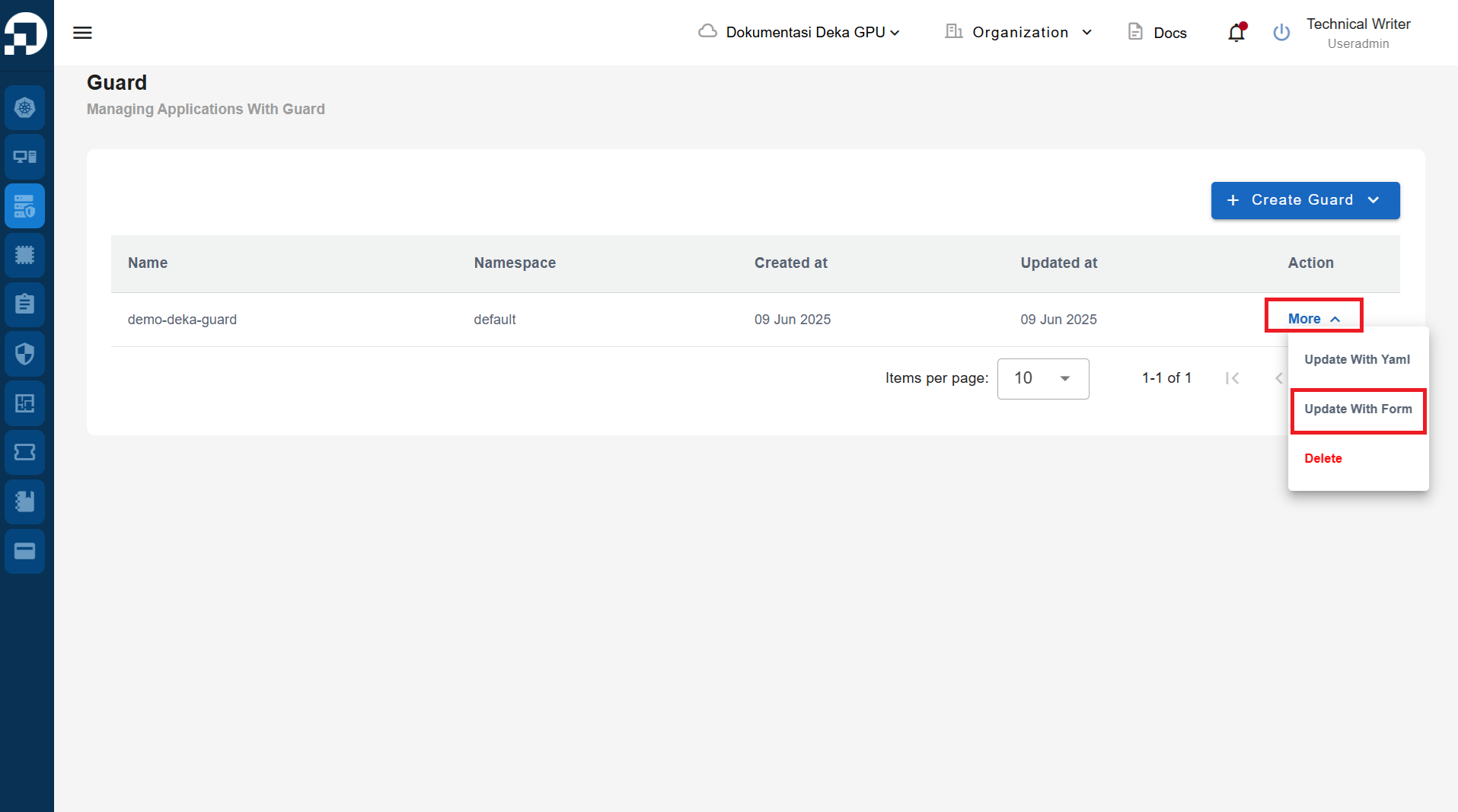
On the Deka Guard page in the Service Portal Cloudeka, select the Deka Guard to be updated by click the More button and selecting the Update with Form button.
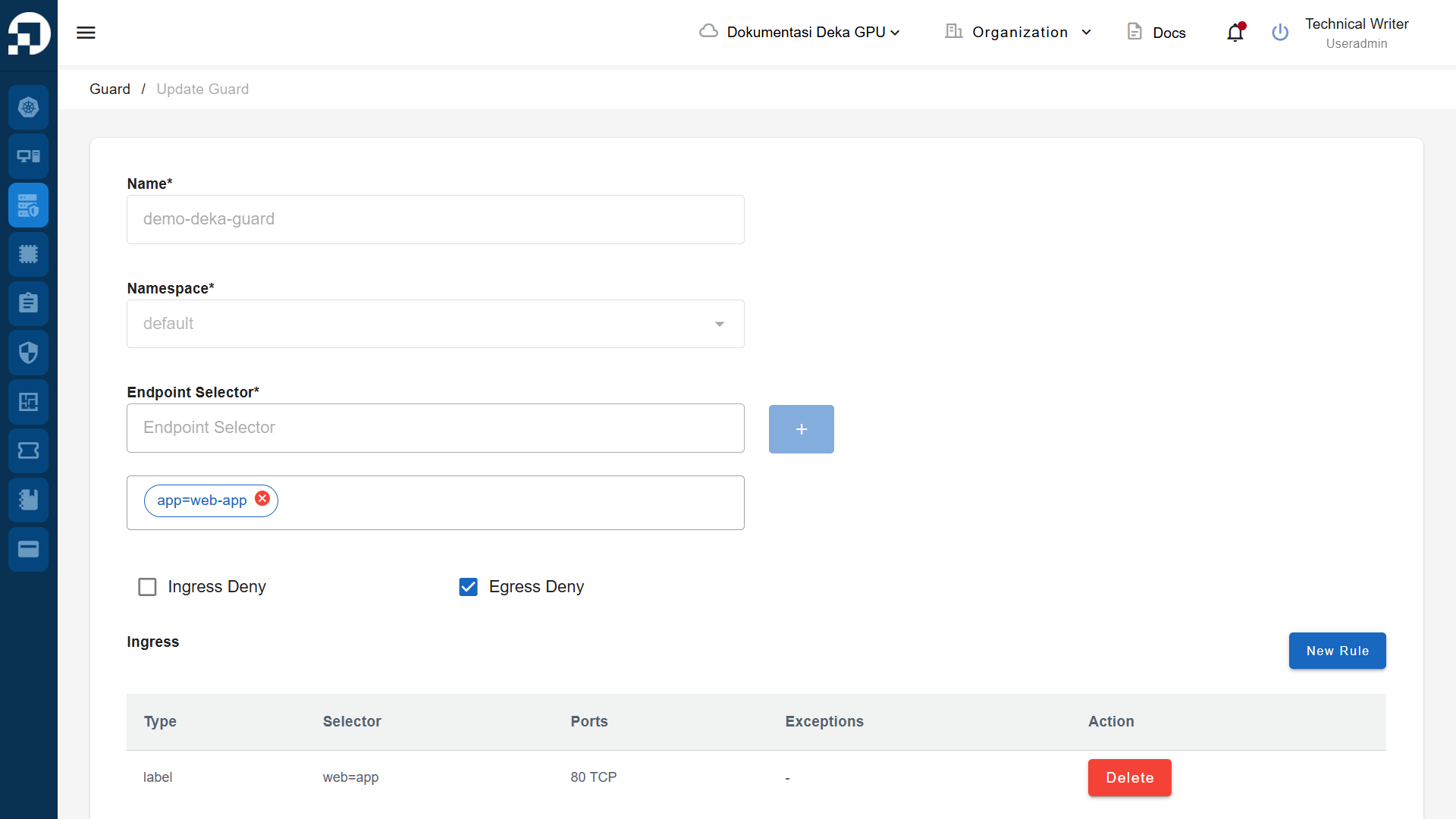
The Update Guard page appears, adjust the data that you will update.
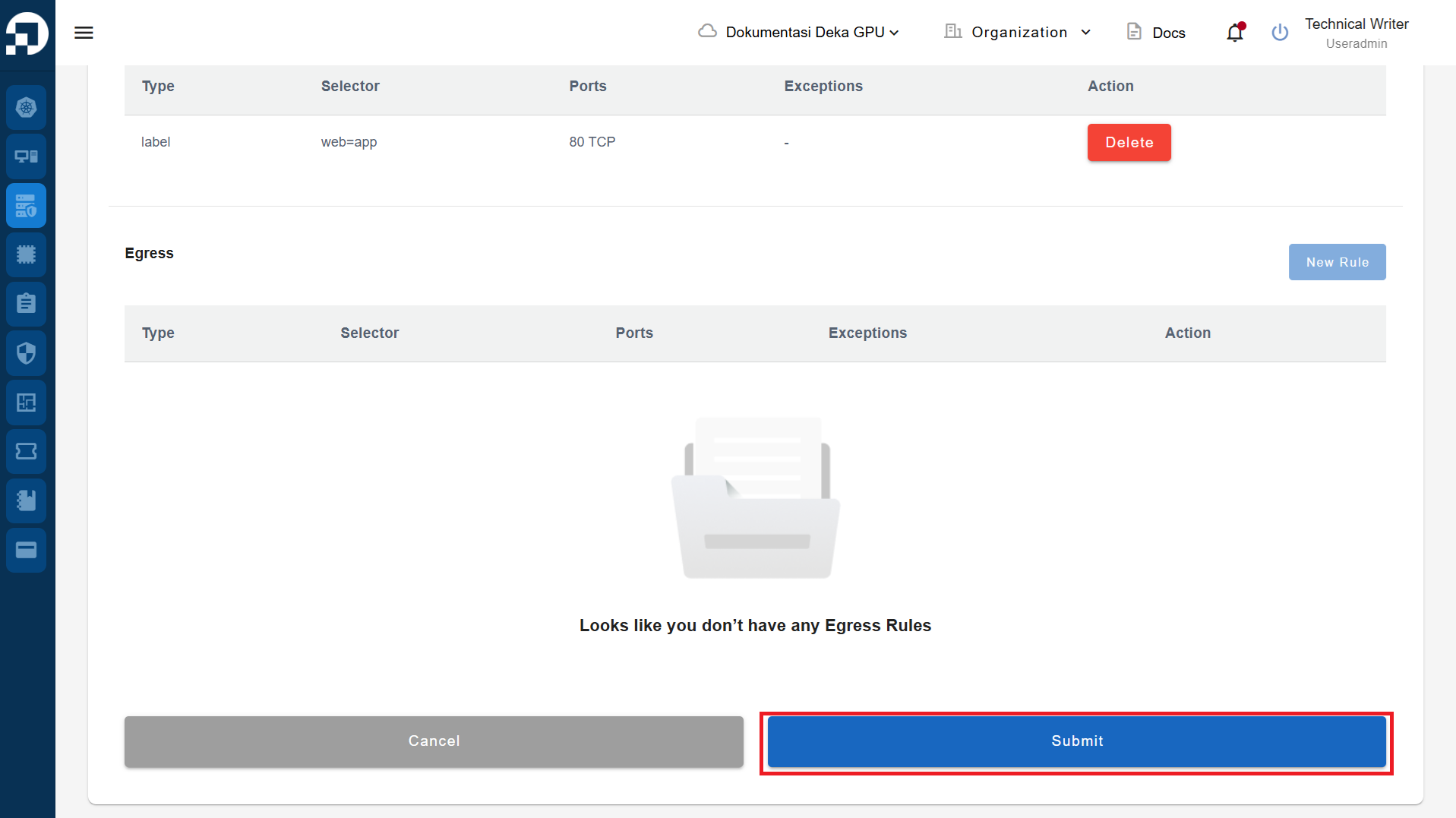
Click the Submit button, to save the changes.
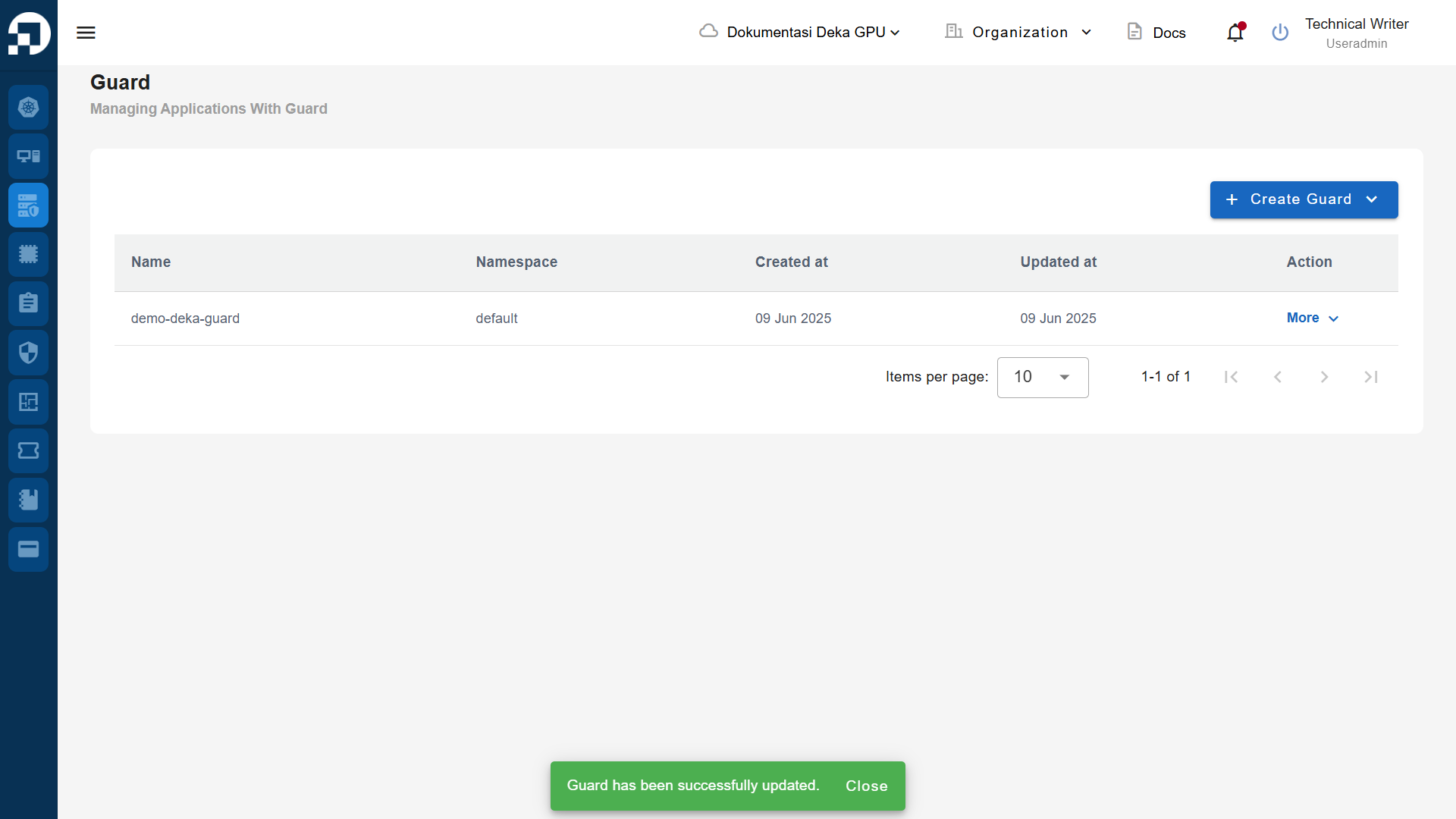
The notification “Guard has been successfully updated.” will appear if you have successfully made the update.