> For the complete documentation index, see [llms.txt](https://docs.cloudeka.ai/llms.txt). Markdown versions of documentation pages are available by appending `.md` to page URLs; this page is available as [Markdown](https://docs.cloudeka.ai/guideline-for-individual/deka-guard/create-deka-guard/create-with-yaml.md).
# Create with YAML
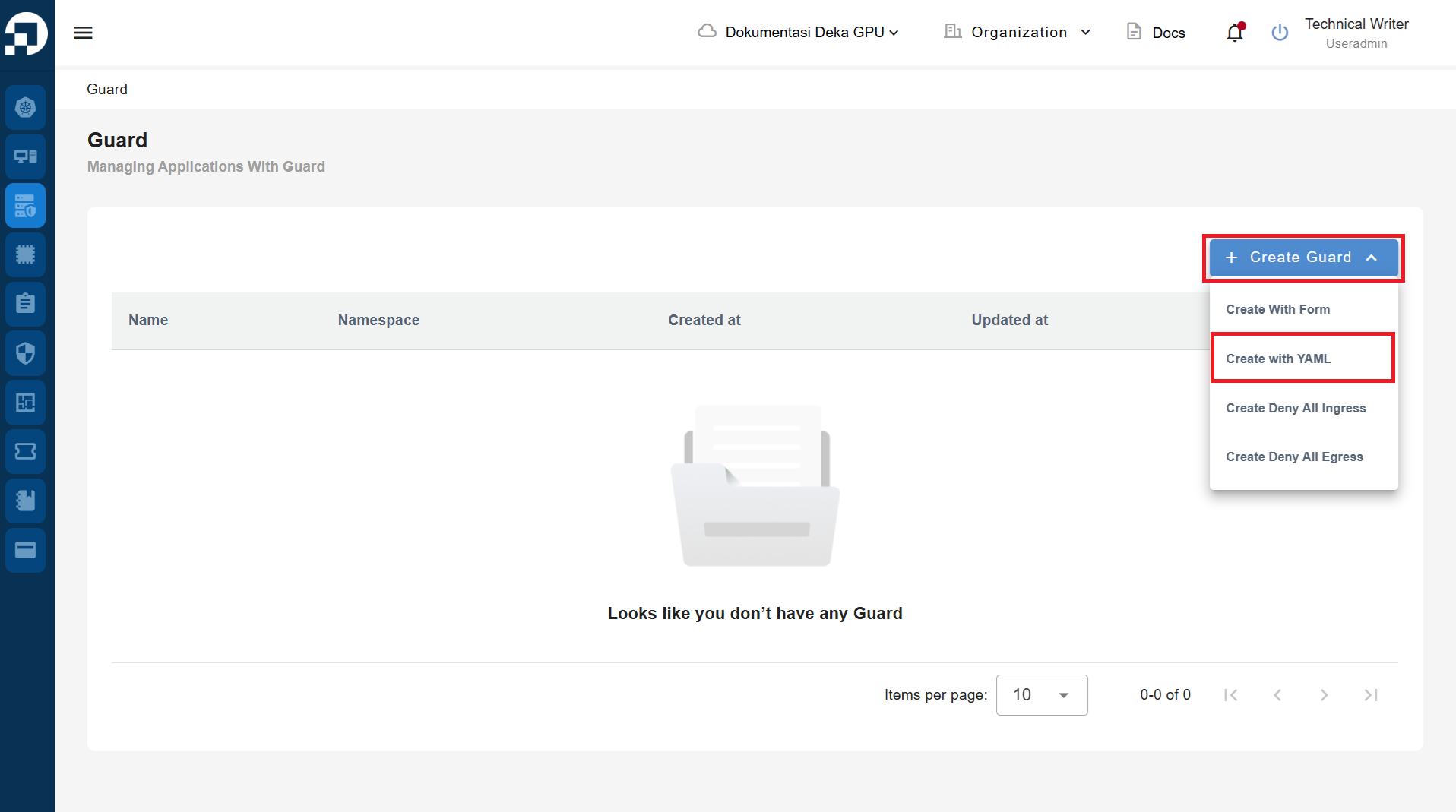
On the Deka Guard page, press the "+ Create Guard" button and select "Create with YAML".
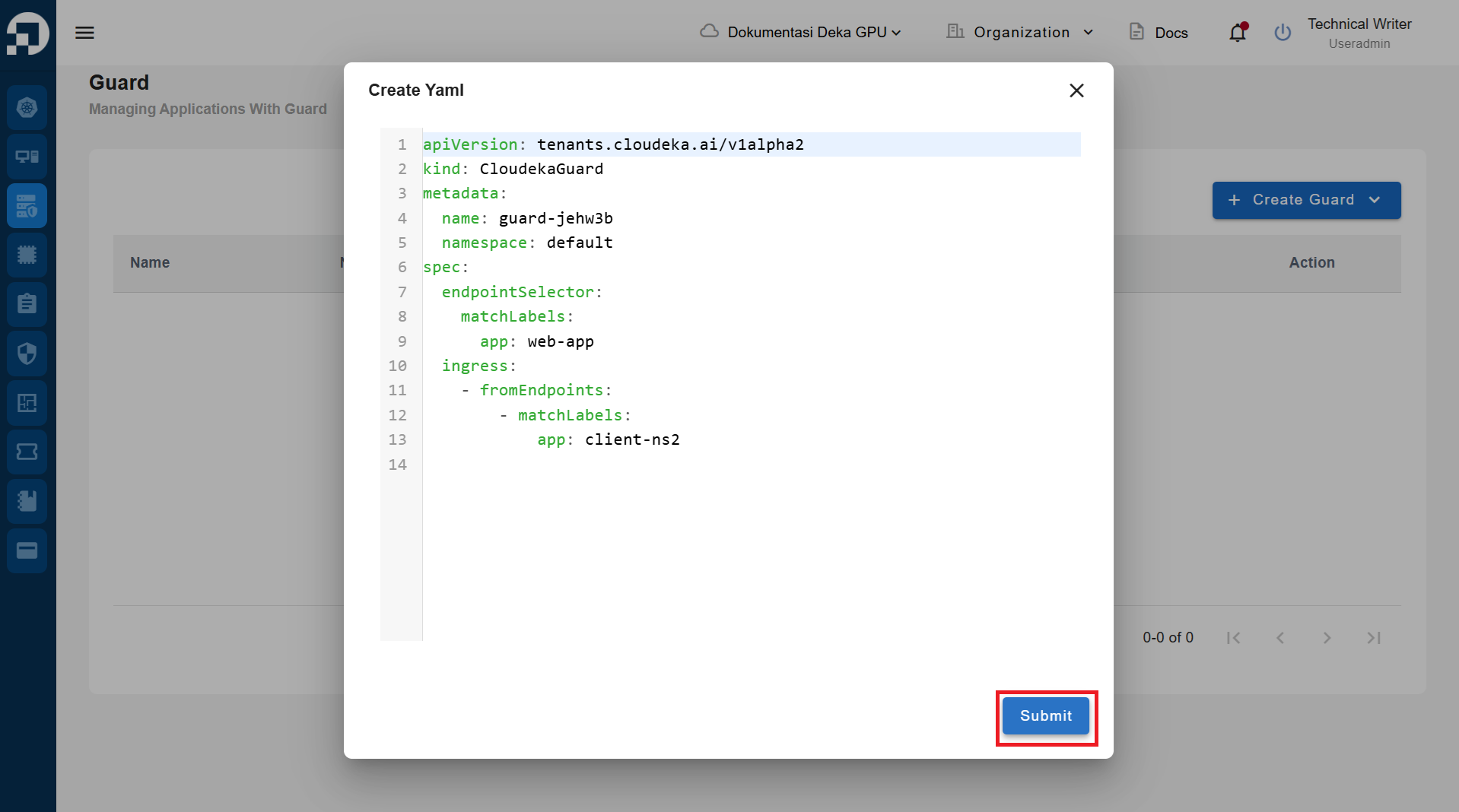
The Create Yaml window appears, customize what you need and press the Submit button to create the Deka Guard.
Prorcess
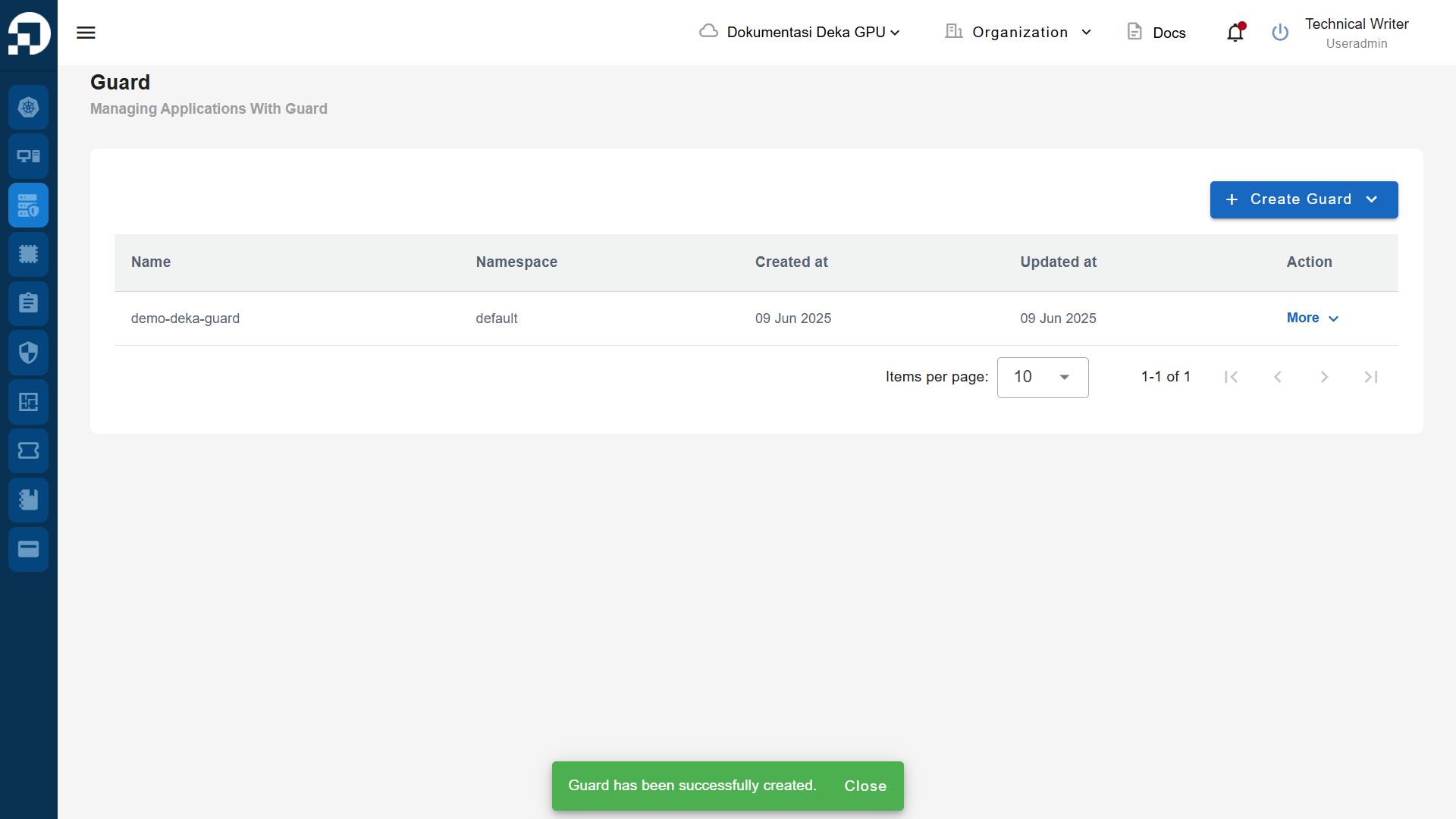
The notification "Guard has been successfully created" .