> For the complete documentation index, see [llms.txt](https://docs.cloudeka.ai/llms.txt). Markdown versions of documentation pages are available by appending `.md` to page URLs; this page is available as [Markdown](https://docs.cloudeka.ai/guideline-for-individual/deka-ssl/create-deka-ssl.md).
# Create Deka SSL
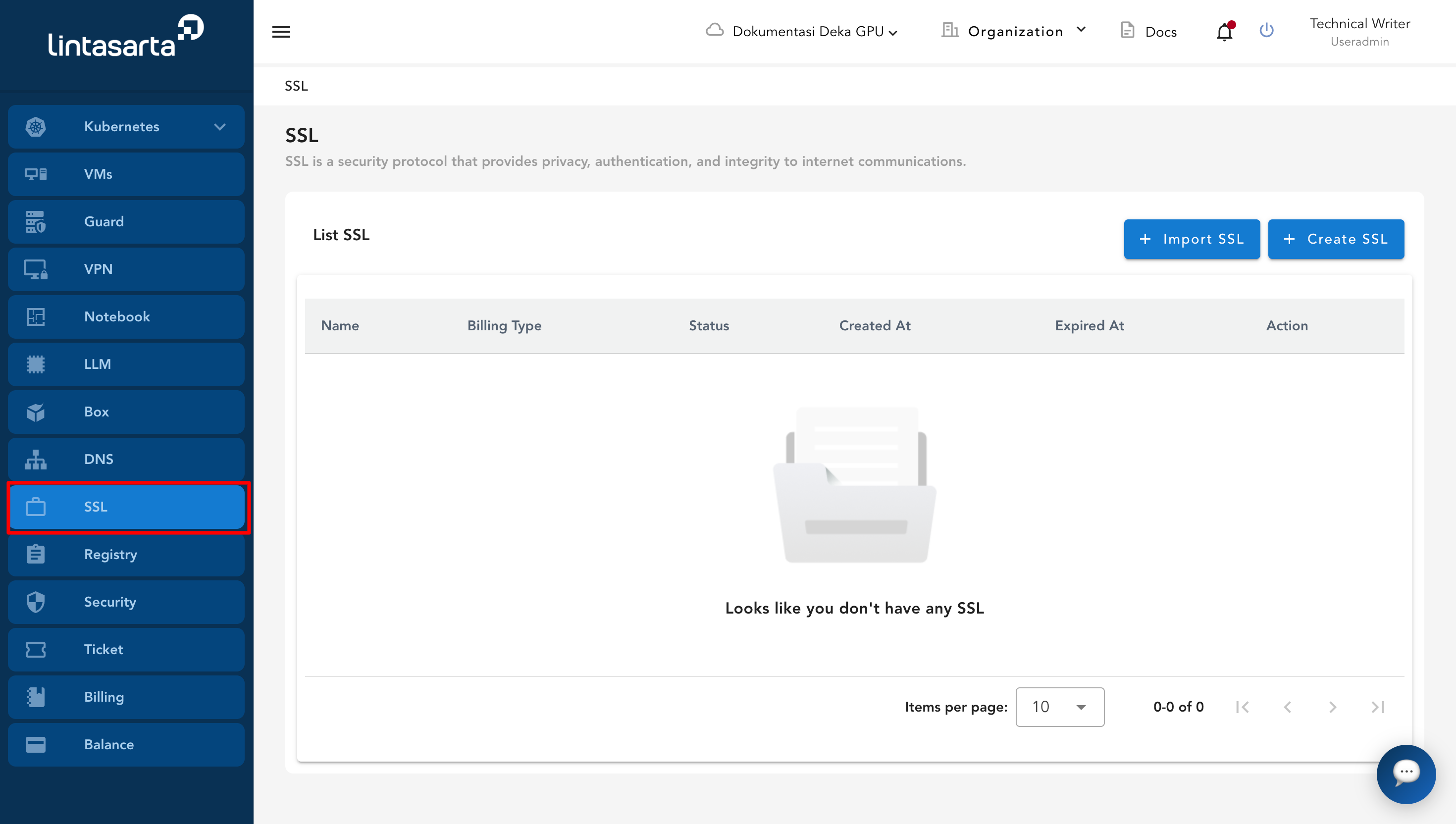
This section describes how to create Deka SSL. To begin, open the SSL menu to access the SSL page.
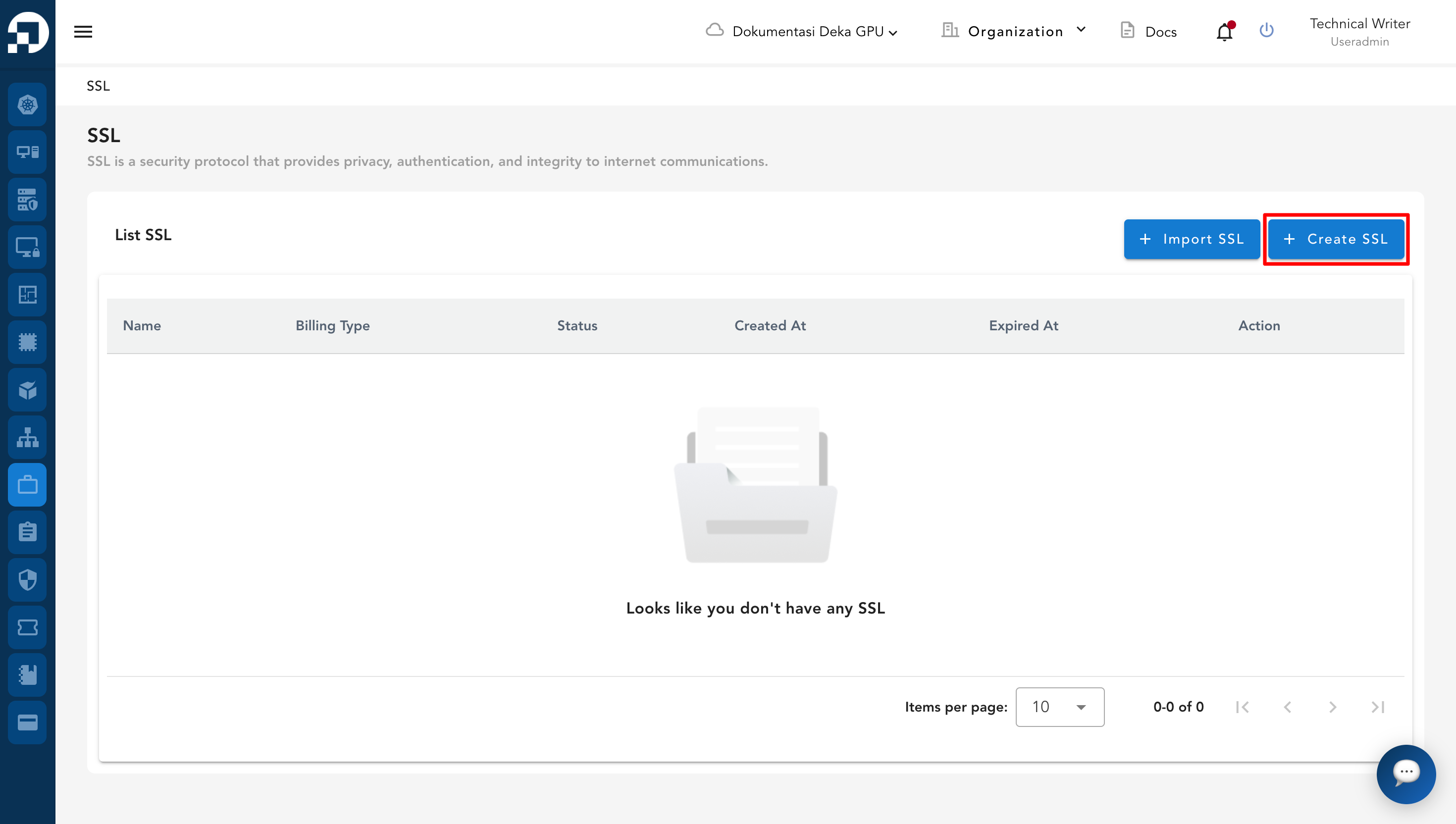
On the SSL page, click the **+ Create SSL** button to open the SSL creation form.
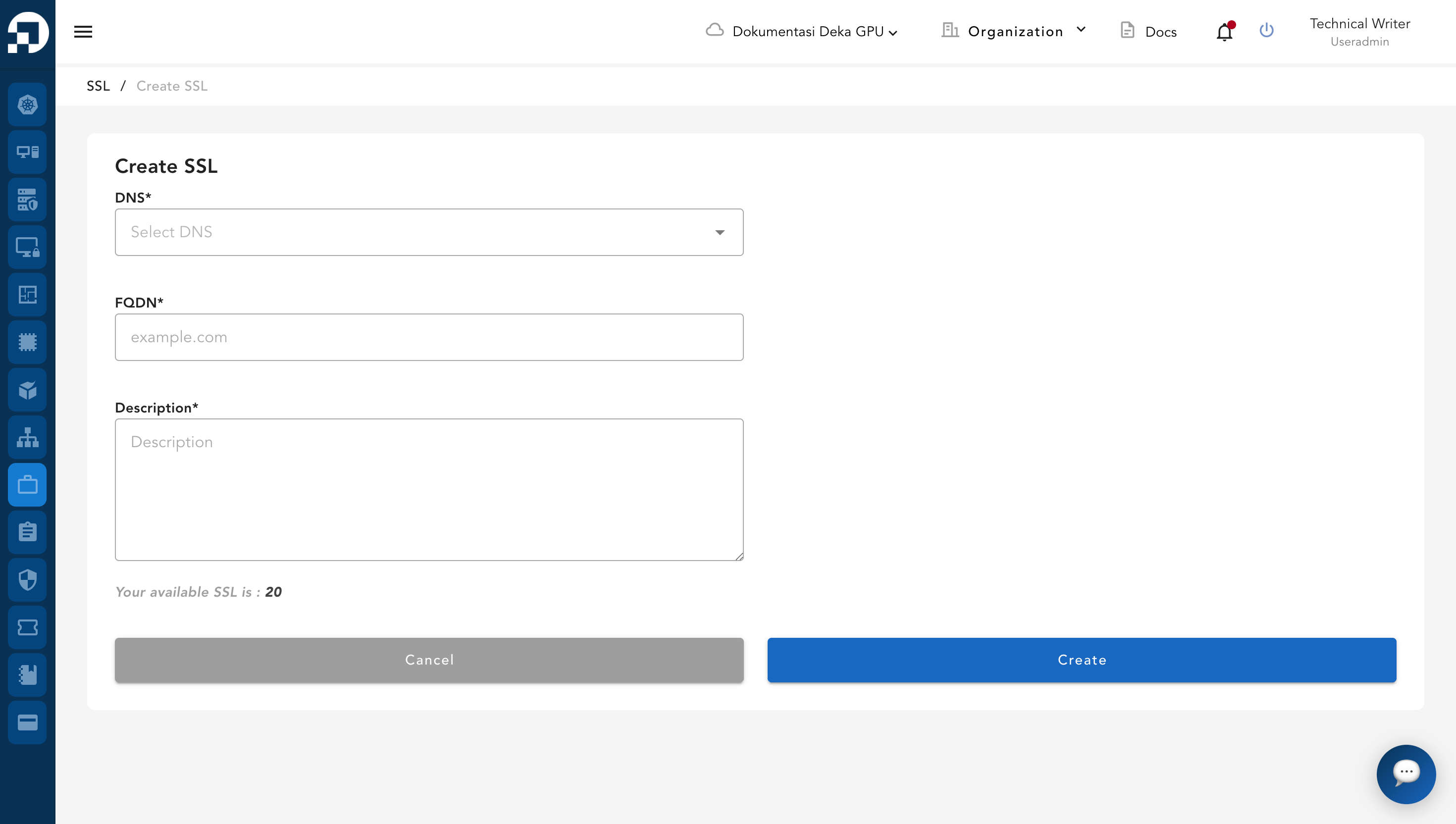
The Create SSL page will appear.
The following table describes the fields required to create Deka SSL.
| Column | Description |
| --------------- | ---------------------------------------------------------------------------- |
| **DNS** | The DNS zone that has been created and is currently active. |
| **FQDN** | The fully qualified domain name that will be secured by the SSL certificate. |
| **Description** | A brief description to help identify the SSL. |
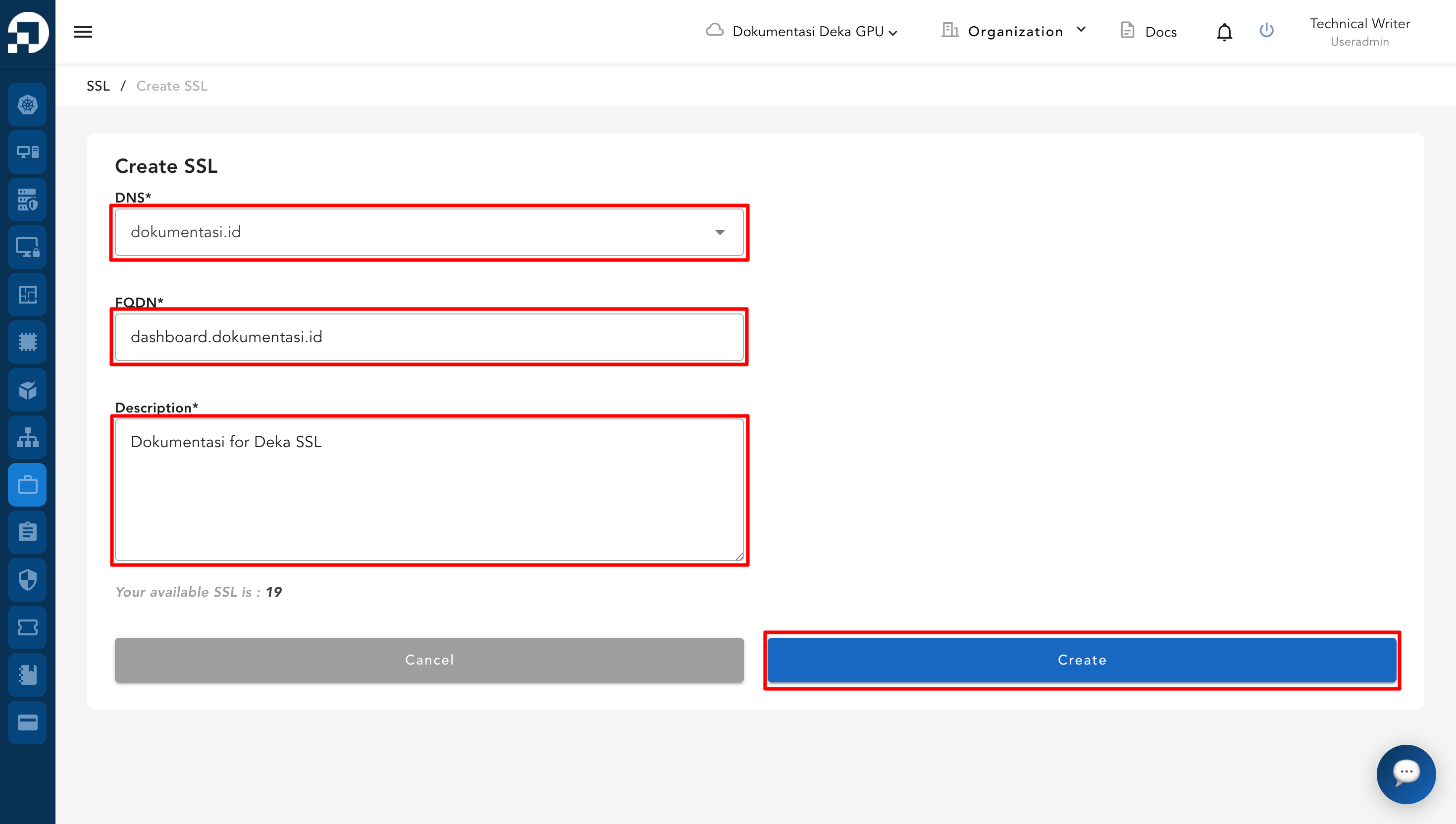
Select an active DNS and enter the FQDN. After that, provide a description and click **Create SSL**.
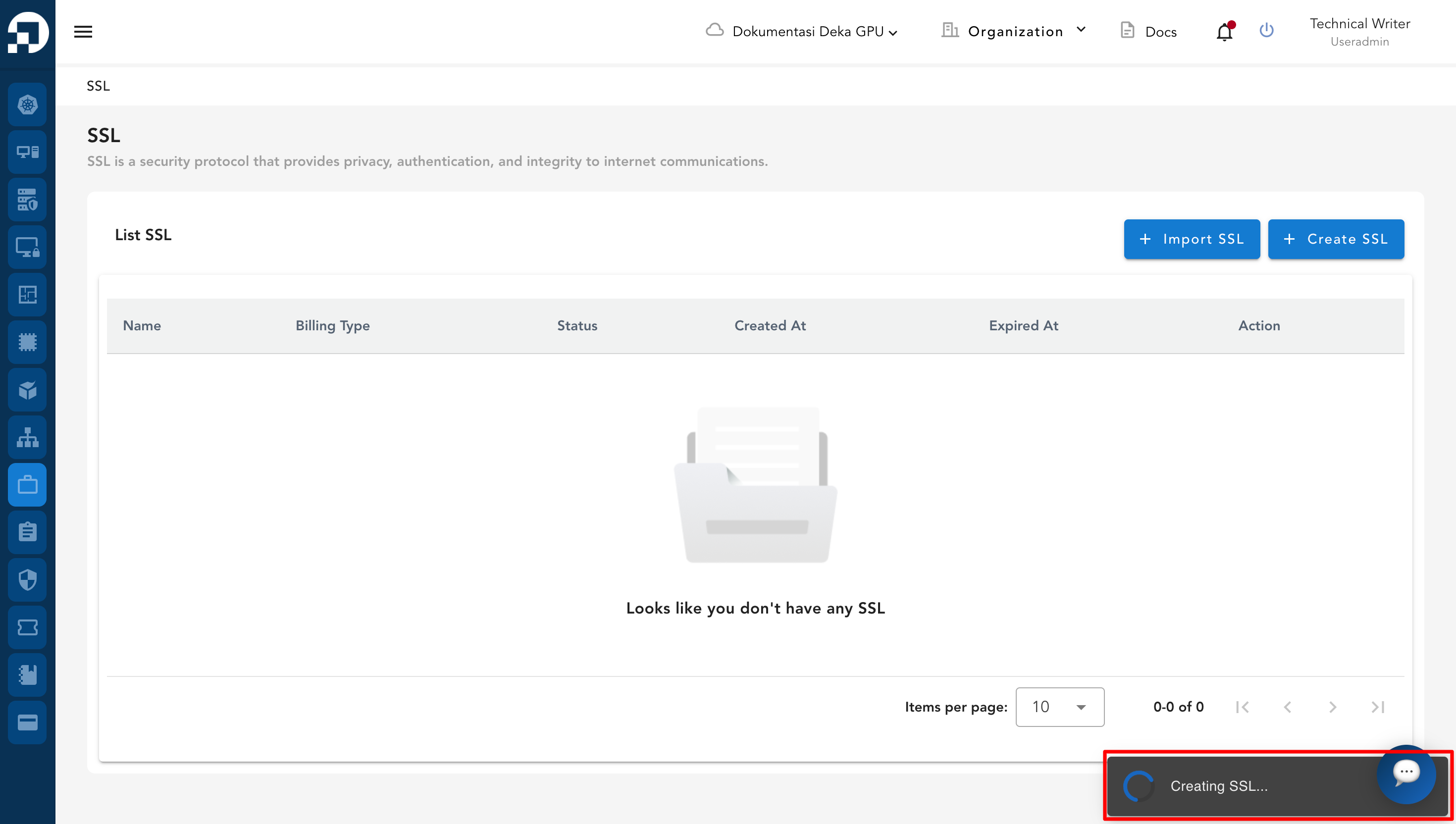
The SSL creation process is in progress.
A notification appears indicating that the SSL for the selected domain has been successfully created.
.png)