> For the complete documentation index, see [llms.txt](https://docs.cloudeka.ai/llms.txt). Markdown versions of documentation pages are available by appending `.md` to page URLs; this page is available as [Markdown](https://docs.cloudeka.ai/guideline-for-individual/deka-vpn/configuration-deka-vpn-ipsec/ipsec-tunnel/delete-ip-sec-tunnel.md).
# Delete IP Sec Tunnel
This option is used to remove an existing IPSec tunnel from the system. The following are the steps to delete the IPSec tunnel:
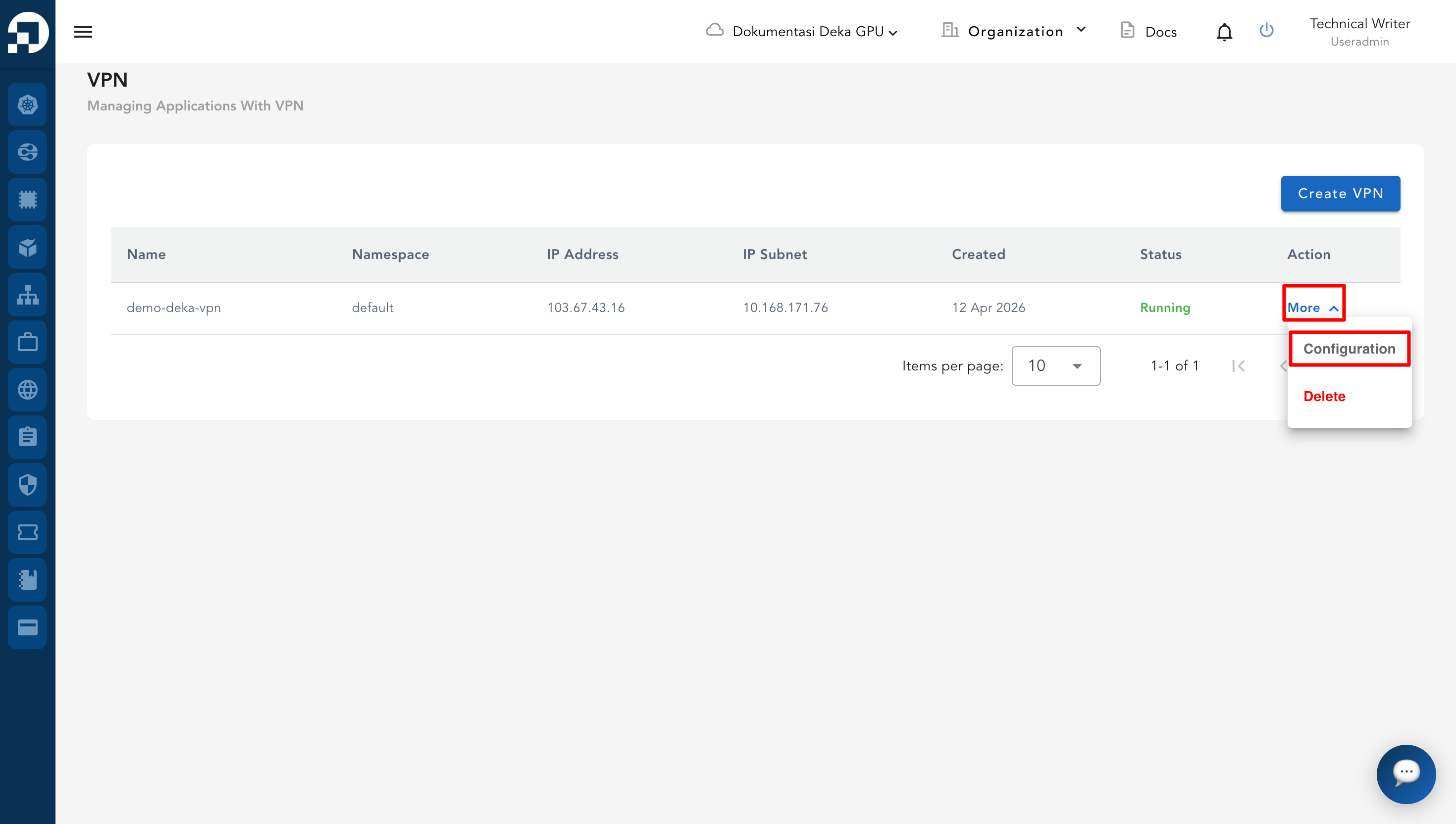
* Select one of the VPN data that has already been created, then click **More** then **Configuration** to display the IPSec details.
* On the IPSec page, scroll down to the **IPSec Tunnel** section. In the **Action** column, click **More** on the tunnel you want to remove. From the dropdown menu, select **Delete**.
%20copy%204.png)