> For the complete documentation index, see [llms.txt](https://docs.cloudeka.ai/llms.txt). Markdown versions of documentation pages are available by appending `.md` to page URLs; this page is available as [Markdown](https://docs.cloudeka.ai/guideline-for-individual/deka-vpn/configuration-deka-vpn-ipsec/ipsec-tunnel/view-pre-shared-key.md).
# View Pre Shared Key
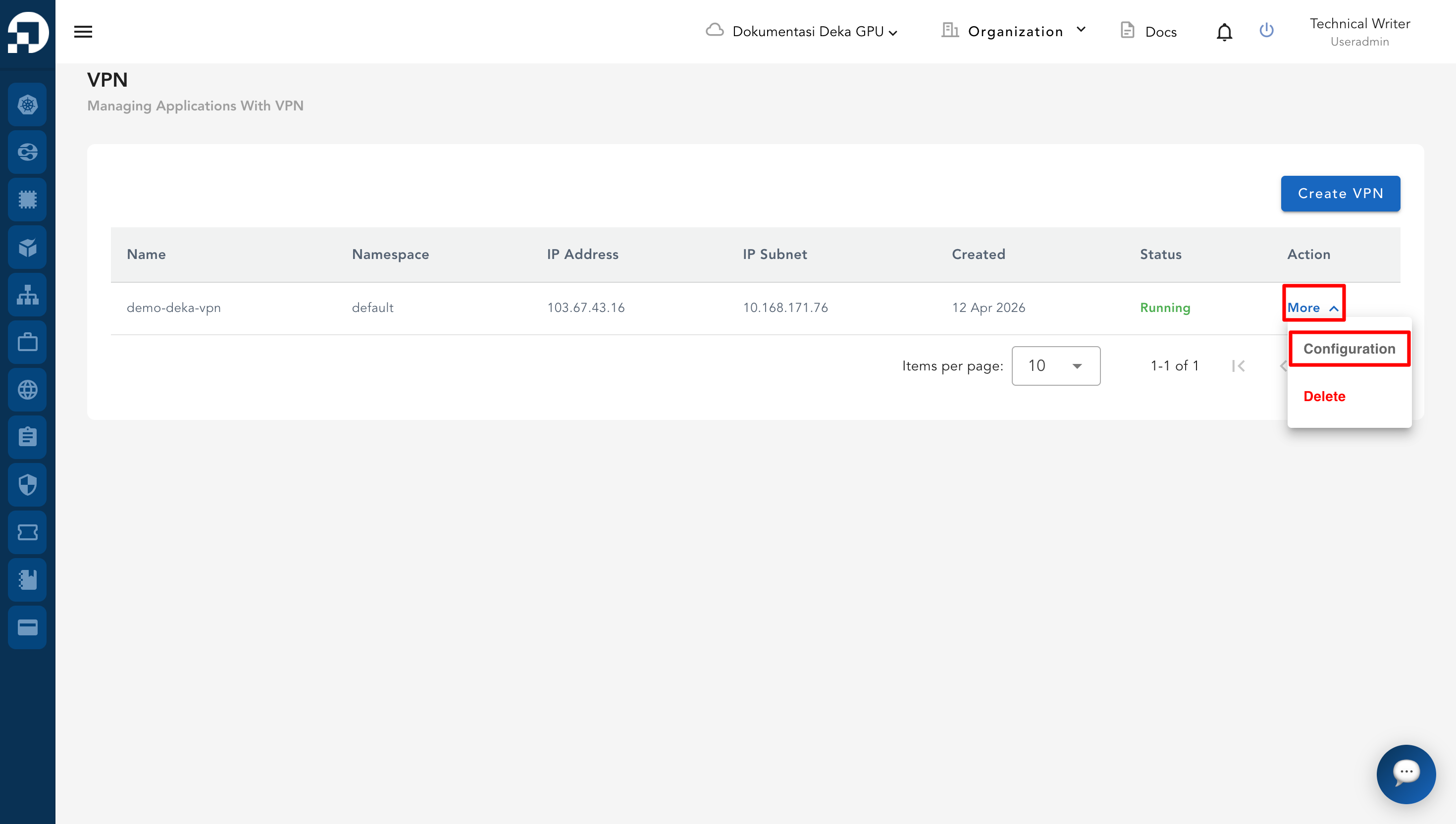
The Pre-Shared Key is a secret key used for authentication between VPN endpoints. Go to the **VPN** list table, click **More** button and then click **Configuration** on the selected VPN.
* In the **IPSec** tab, scroll down to the **IPSec Tunnel** section. Click the **View** button in the *Pre-Shared Key* column.
* The system will display the full Pre-Shared Key. If needed, click the **Copy** icon to copy the key for use in your VPN configuration.
.png)
.png)