> For the complete documentation index, see [llms.txt](https://docs.cloudeka.ai/llms.txt). Markdown versions of documentation pages are available by appending `.md` to page URLs; this page is available as [Markdown](https://docs.cloudeka.ai/guideline-for-individual/deka-vpn/configuration-deka-vpn-openvpn/download-component-client-export/download-for-windows.md).
# Download for Windows
The following are the steps to download and install the OpenVPN Windows client from the Service Portal AI:
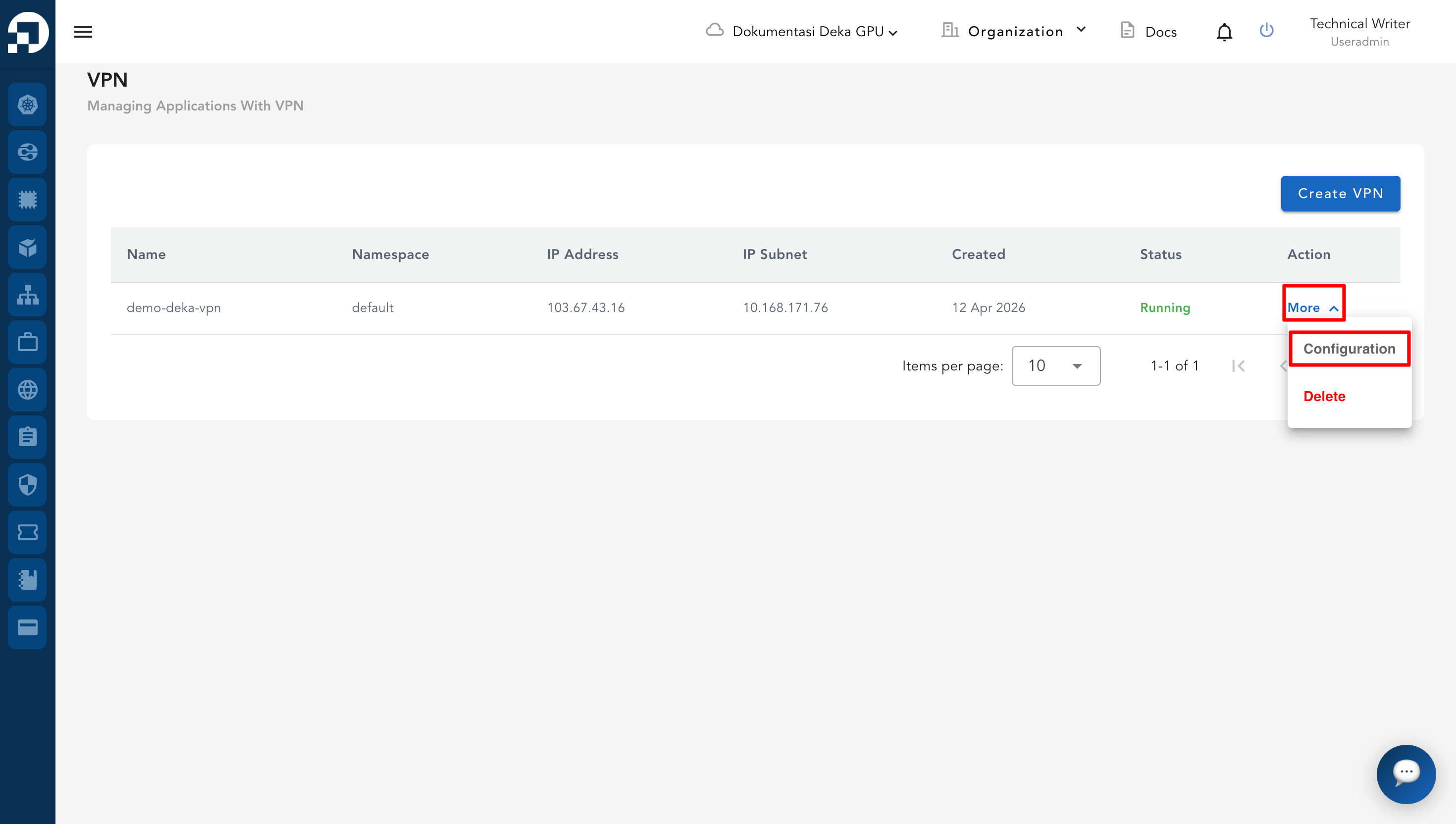
* From the **VPN List Table**, click **More** then **Configuration** on the VPN to be managed.
* On the configuration page, click the **OpenVPN** tab. In the **Download Component Client Export** section, click **Installer Windows**.
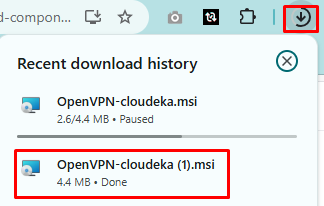
* The OpenVPN installer file (e.g., *OpenVPN-cloudeka.msi*) will be downloaded.
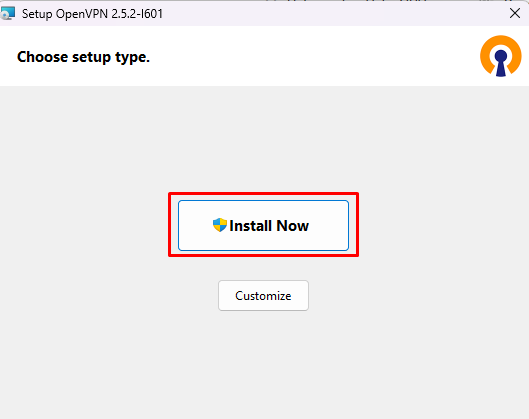
* Once the download is complete, open the installer file from your browser’s download history or from your download folder. In the setup window, click **Install Now** to begin the installation process.
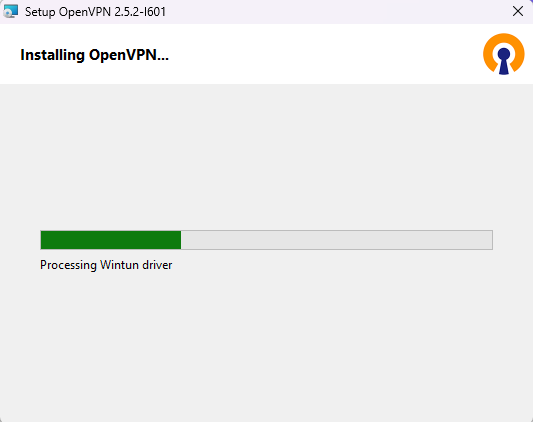
* The system will process the installation.
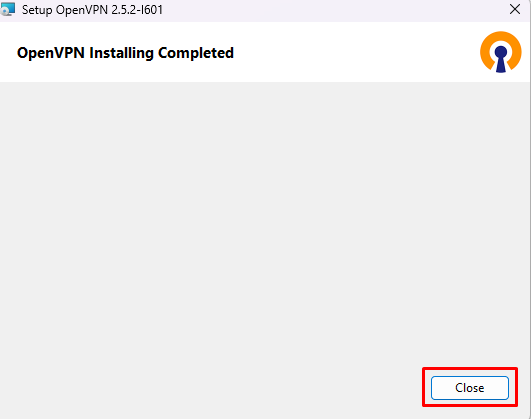
* When the installation is finished, a message will appear: *OpenVPN Installing Completed*. Click **Close** to exit the installer.
.png)