> For the complete documentation index, see [llms.txt](https://docs.cloudeka.ai/llms.txt). Markdown versions of documentation pages are available by appending `.md` to page URLs; this page is available as [Markdown](https://docs.cloudeka.ai/guideline-for-individual/service-portal-ai/audit-log.md).
# Audit Log
This menu is used to view all events, actions and changes that occur in your organization in the Service Portal Cloudeka.
## Download Audit Log
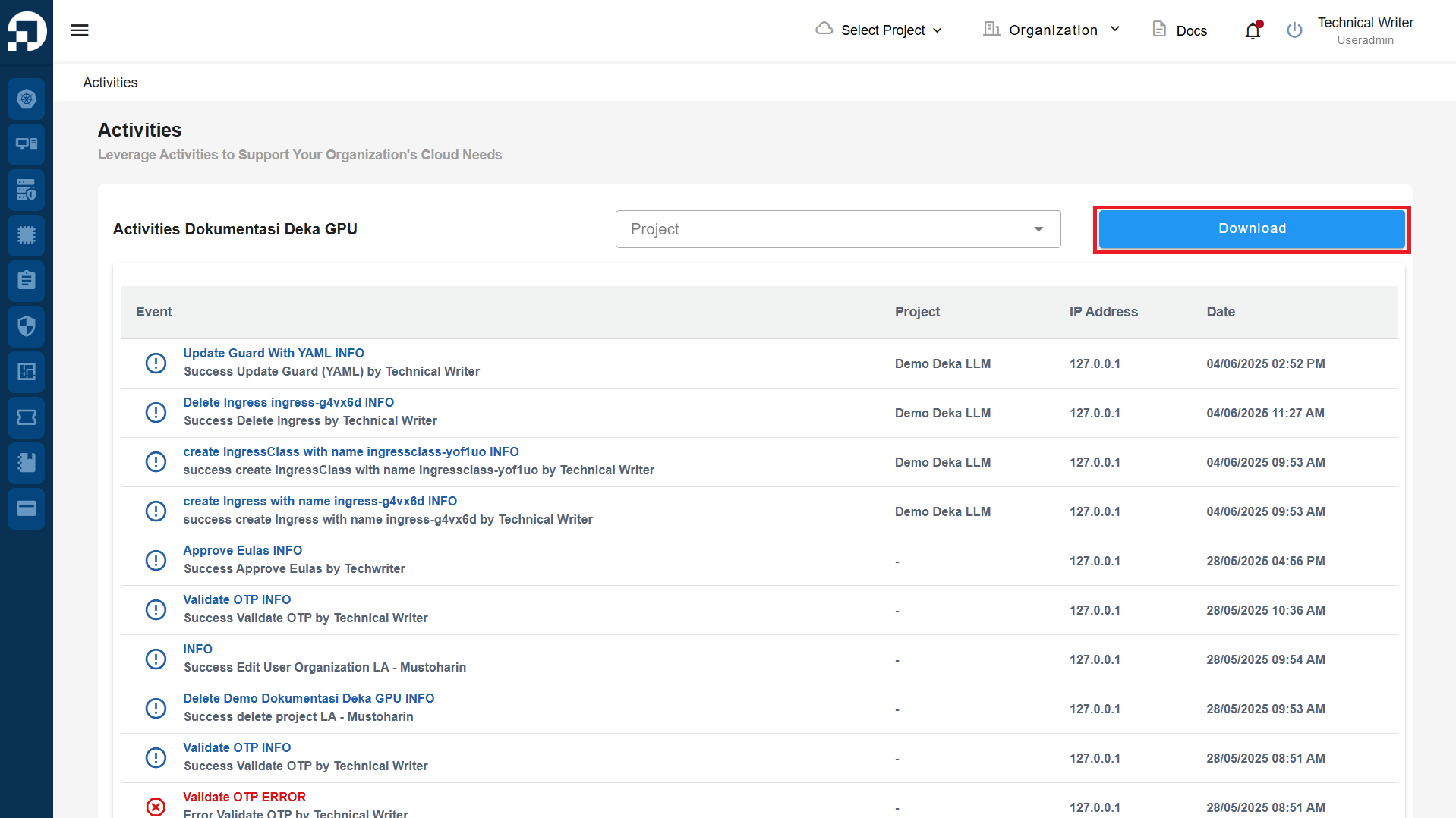
On the **Activities** page, you can download the activity history by clicking the **Download** button.
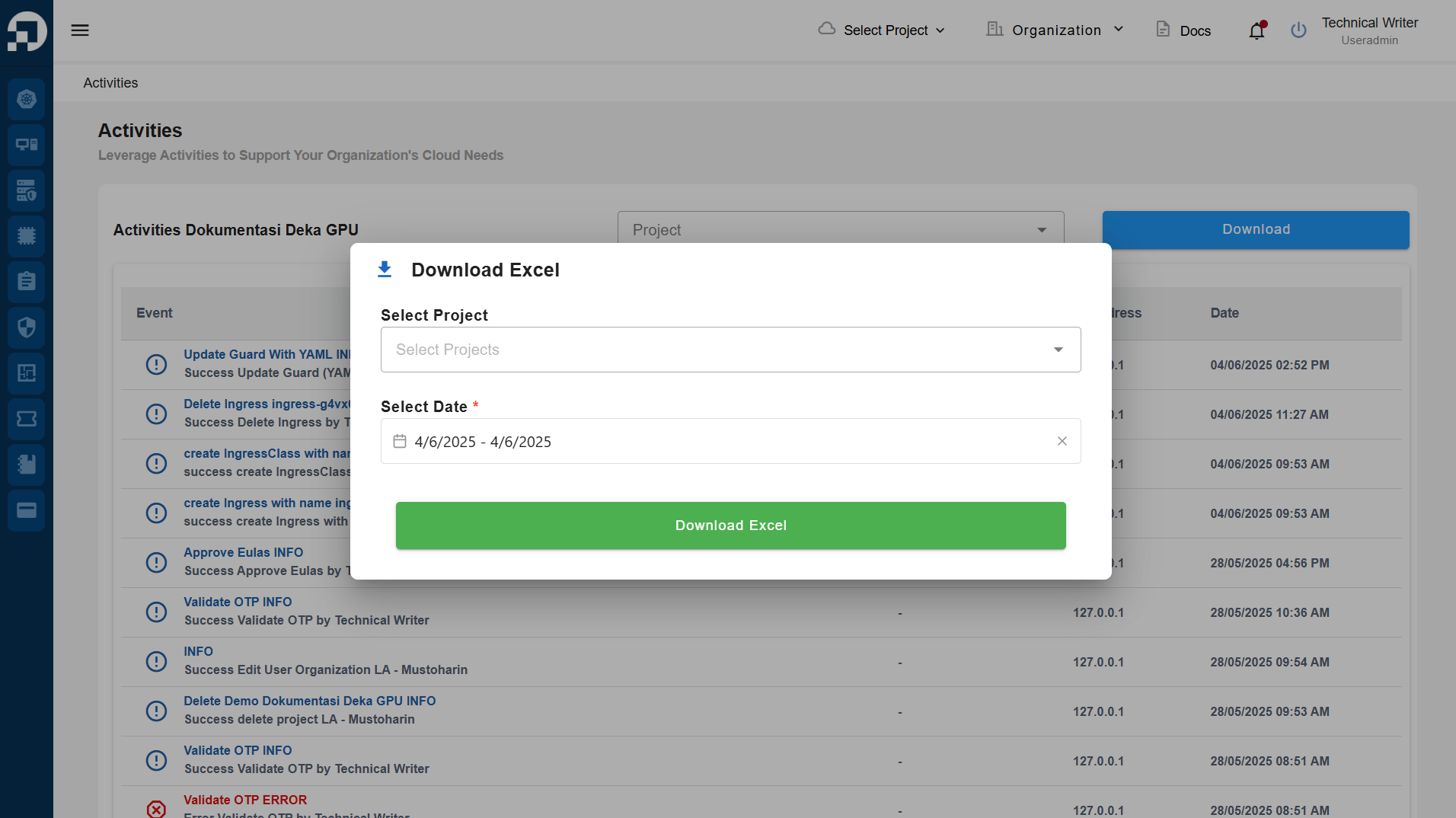
A **Download Excel** window will appear, containing two available fields: **Select Project** and **Select Date**. If you do not specify a project to view its activity history, the system will automatically download the entire organization's activity history.
Download Excel
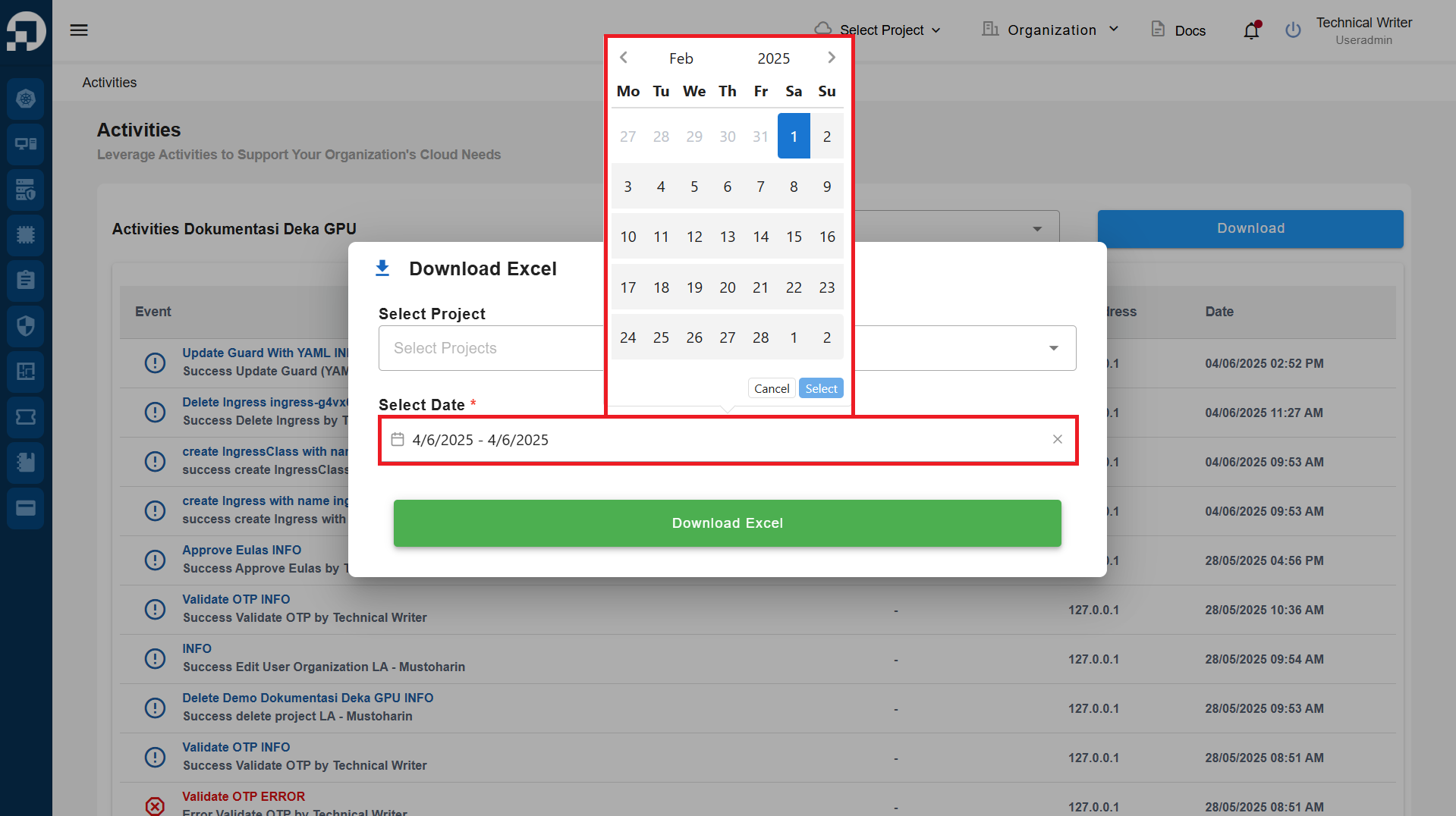
You are required to specify the date range of the activity history in the **Select Date** field before clicking the **Download Excel** button.
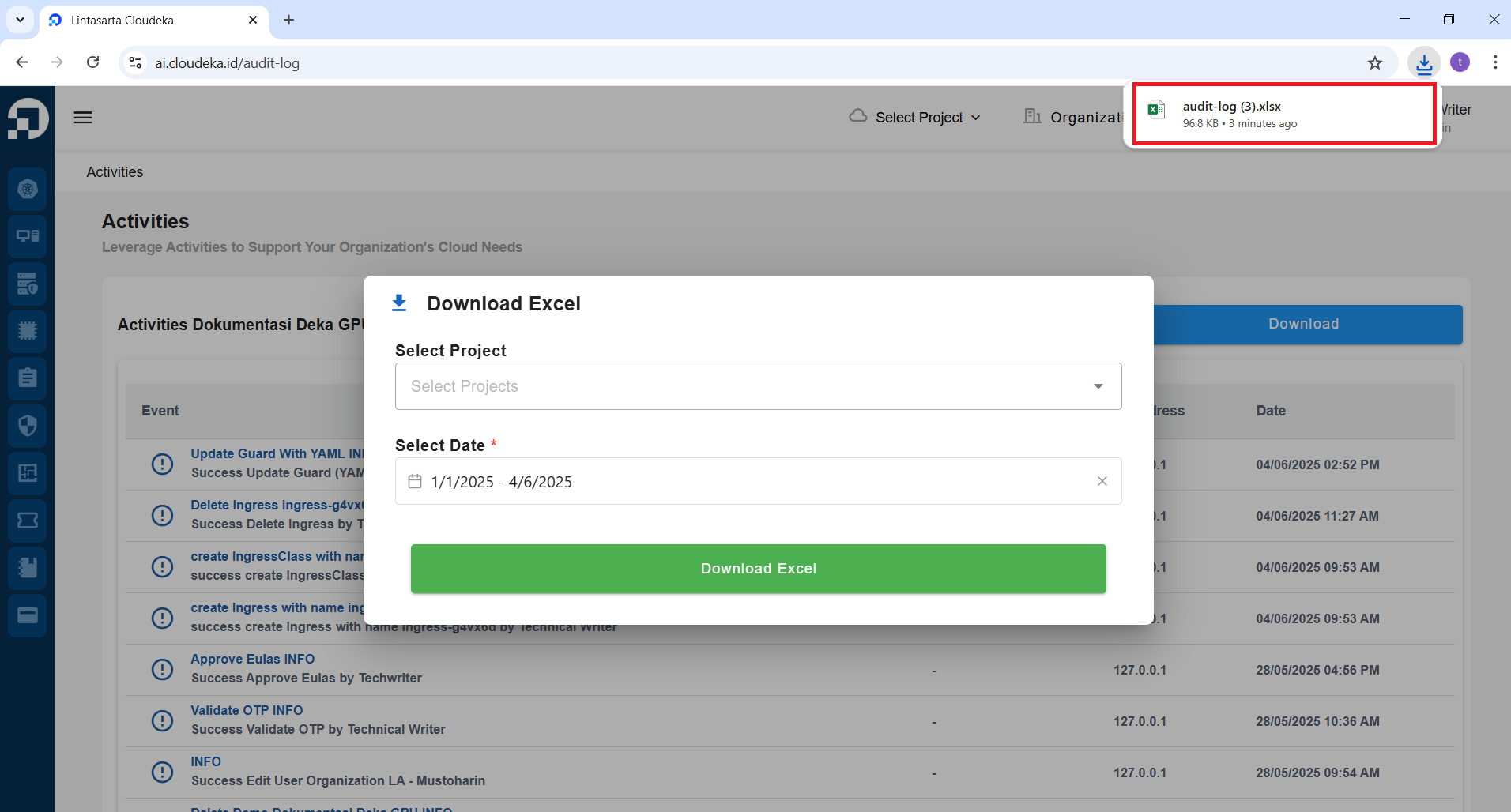
Wait until the download process is complete. You can view the downloaded file in the **Download** menu.
Success Download Audit Log
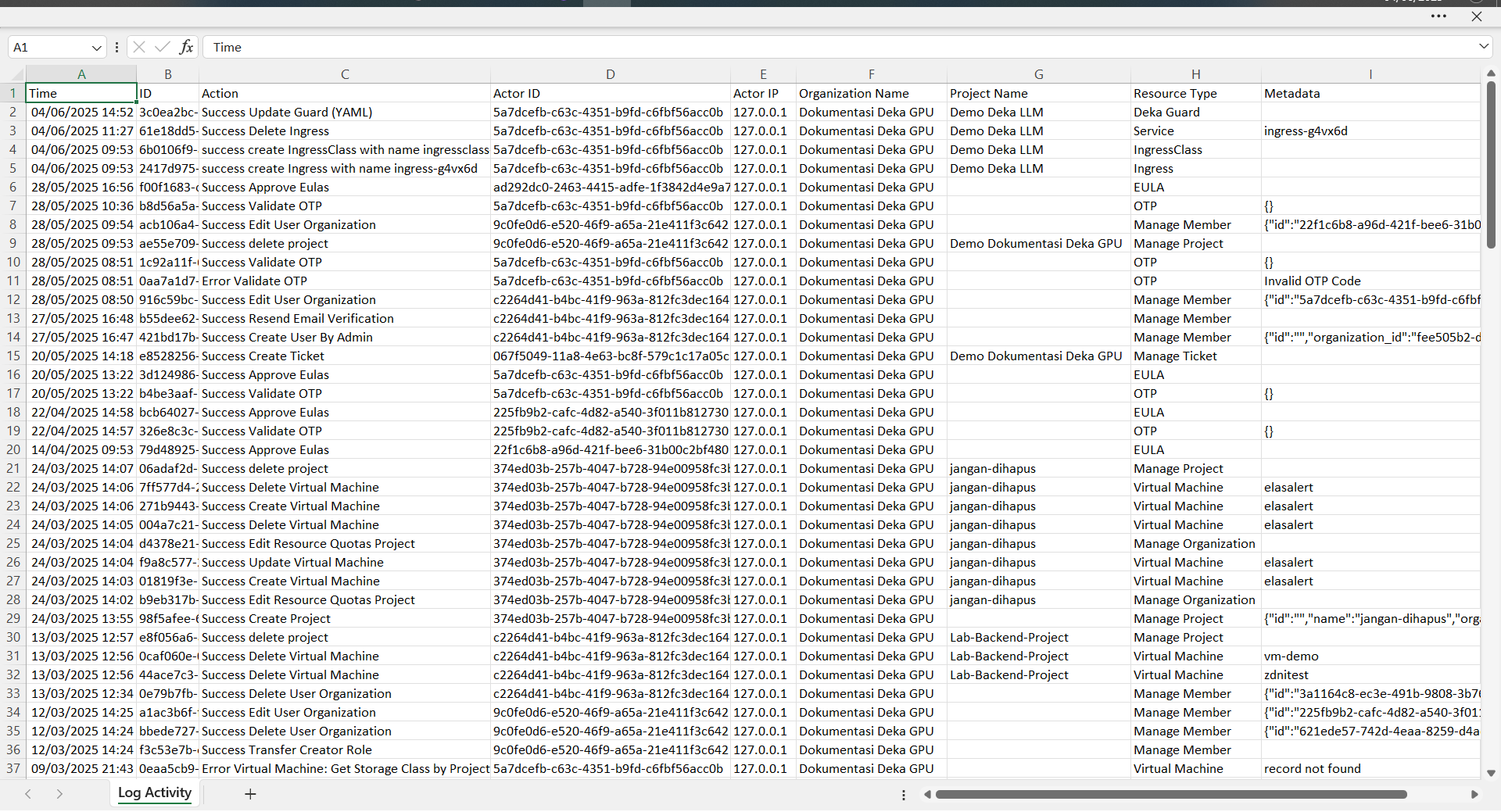
Open the downloaded Excel file. It will display as shown in the image below.