> For the complete documentation index, see [llms.txt](https://docs.cloudeka.ai/llms.txt). Markdown versions of documentation pages are available by appending `.md` to page URLs; this page is available as [Markdown](https://docs.cloudeka.ai/guideline-for-individual/service-portal-ai/billing/invoice/view-detail-invoice.md).
# View detail invoice
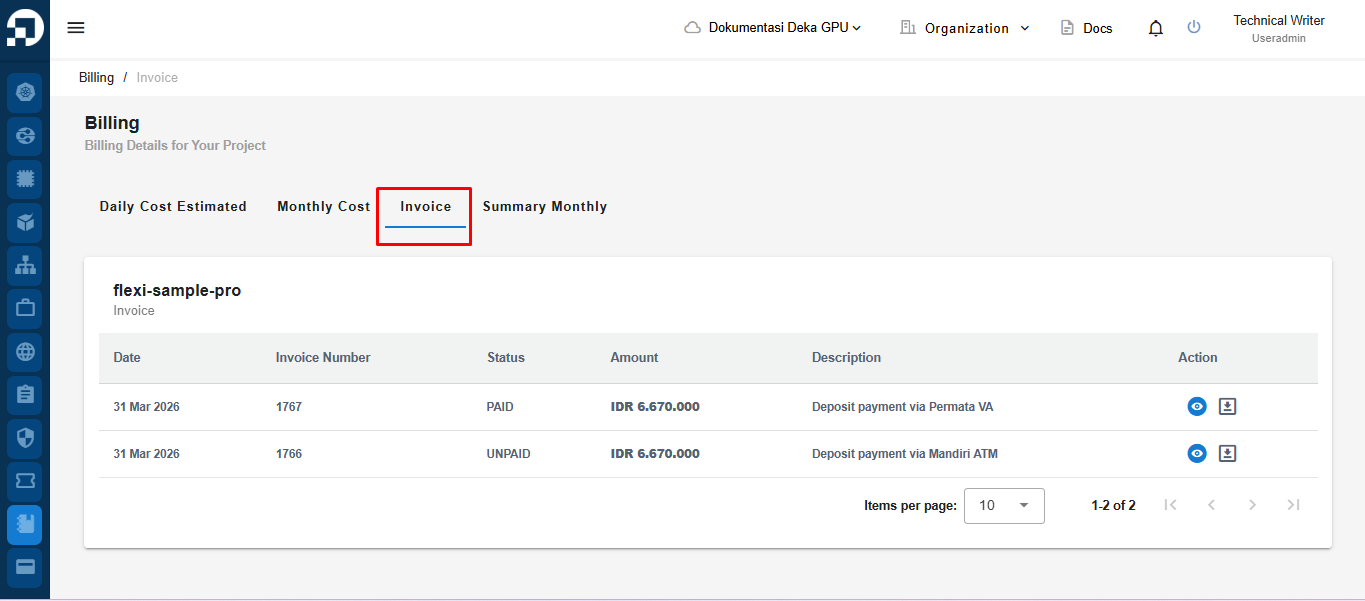
On the Deka GPU Service page in the Cloudeka Portal Service, select the Billing menu and then choose the Invoice tab.
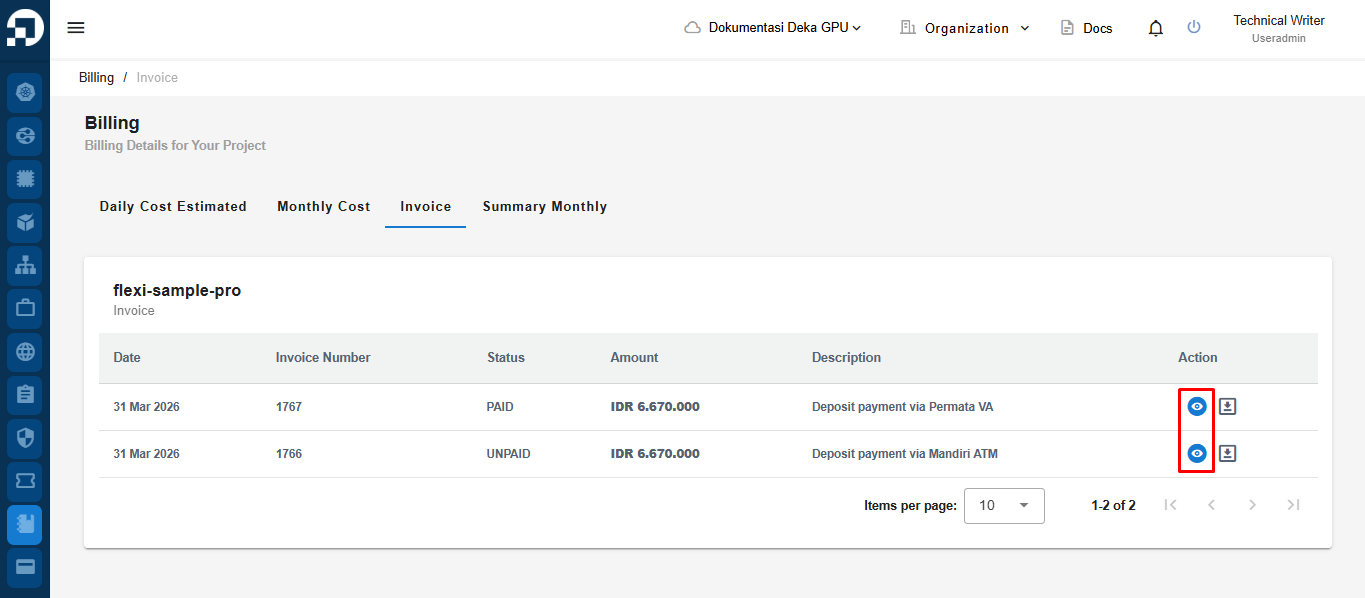
On the Invoice page, in the Action column, you can view the invoice details by clicking the Detail button.
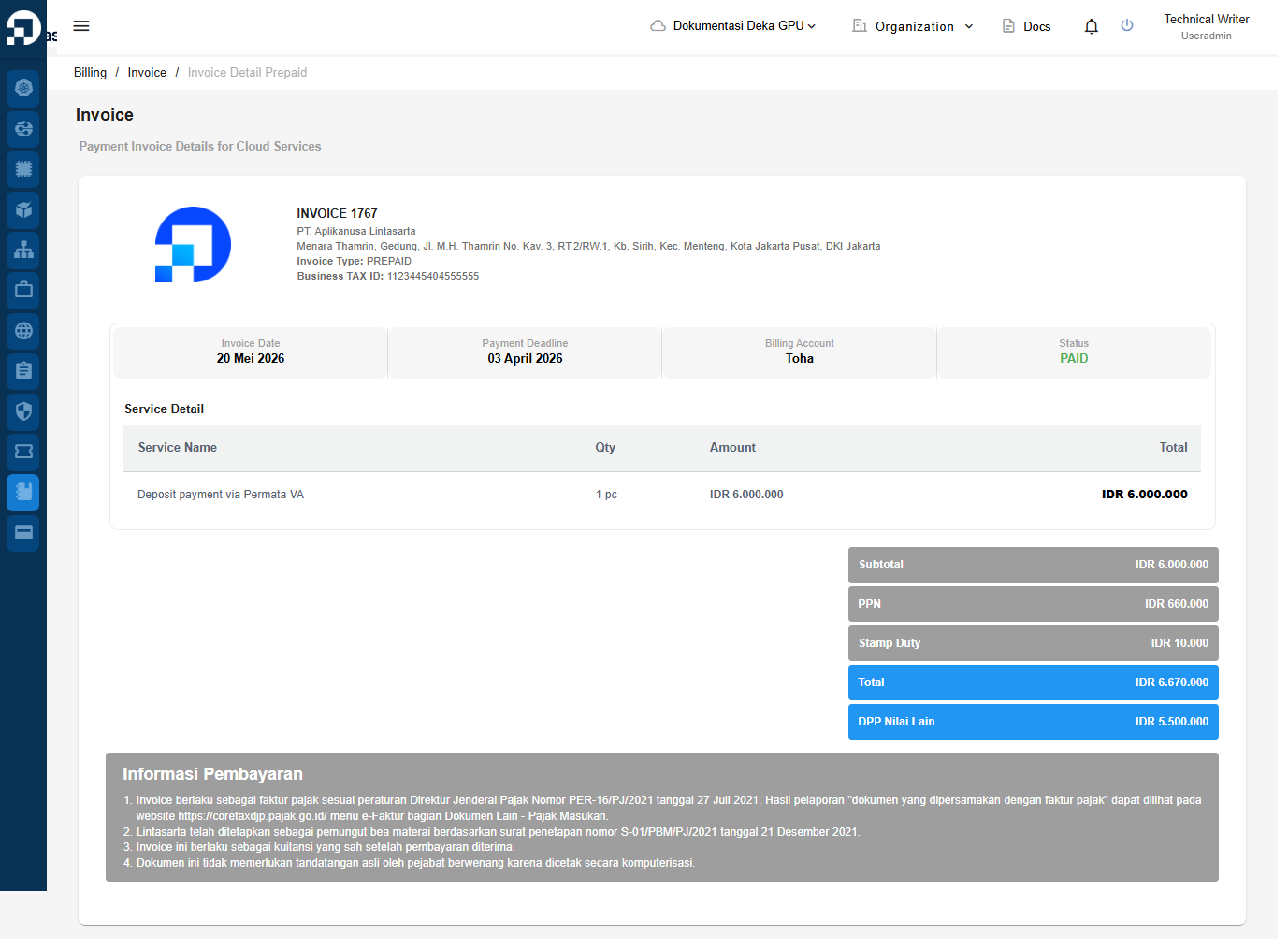
After the **View** button in the **Action** column is clicked, the system will display the invoice detail page for the selected transaction, including billing information, payment status, billing amount, and related transaction details.