> For the complete documentation index, see [llms.txt](https://docs.cloudeka.ai/llms.txt). Markdown versions of documentation pages are available by appending `.md` to page URLs; this page is available as [Markdown](https://docs.cloudeka.ai/guideline-for-individual/service-portal-ai/project/add-project.md).
# Add Project
{% hint style="info" %}
For the **Prepaid project type**, you can **only have 1 project**, while for the **Postpaid project type** **you can only add it via a Super Admin account.**
{% endhint %}
The following are the steps for adding a project to the Deka GPU Service Cloudeka Portal page:
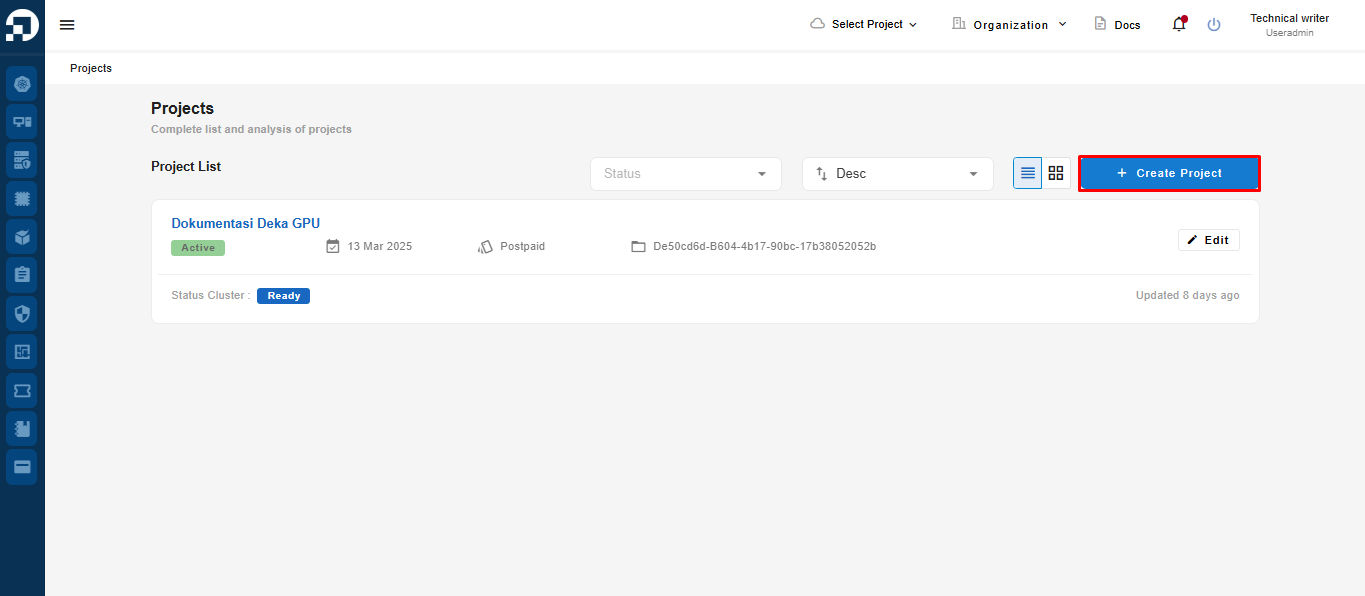
* On the Project List page, press the Create Project button.
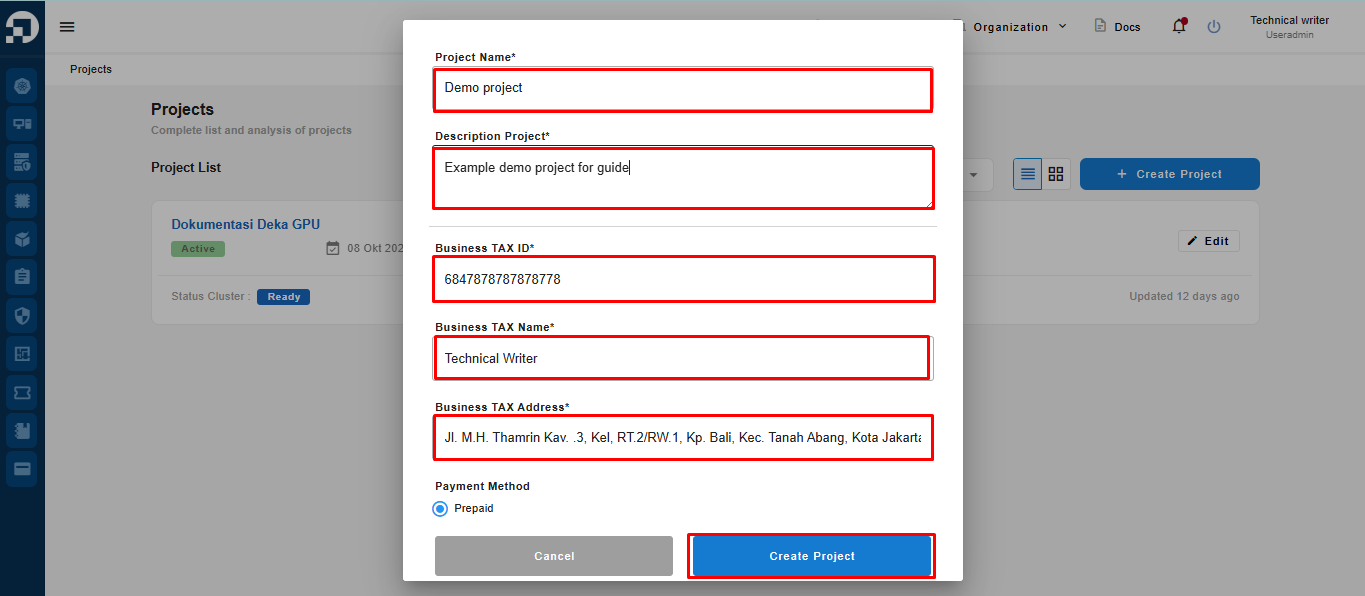
The Create Project window appears, there are several columns that must be filled in. After filling in all the columns, press the Create Project button.
Create project
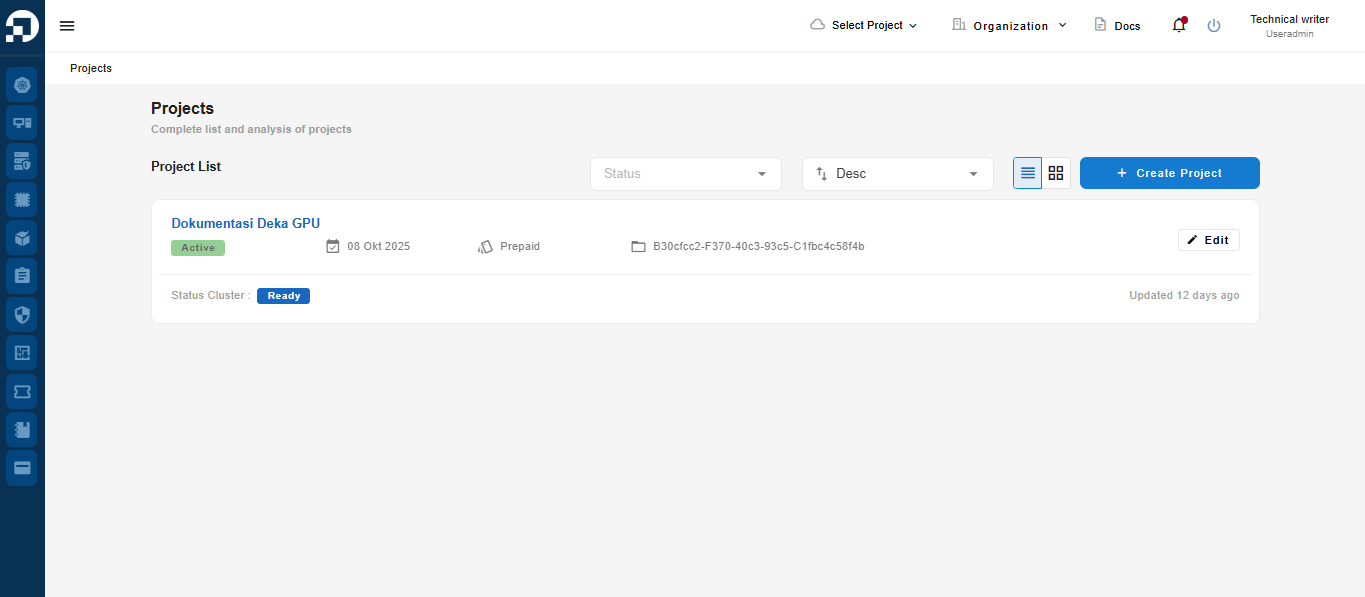
Projects that have been created will appear on the Project List page.