> For the complete documentation index, see [llms.txt](https://docs.cloudeka.ai/llms.txt). Markdown versions of documentation pages are available by appending `.md` to page URLs; this page is available as [Markdown](https://docs.cloudeka.ai/reference/deployment-llama-3.1-70b-with-vllm-on-kubernetes/requesting-access-to-the-llama-model.md).
# Requesting Access to the LLaMA Model
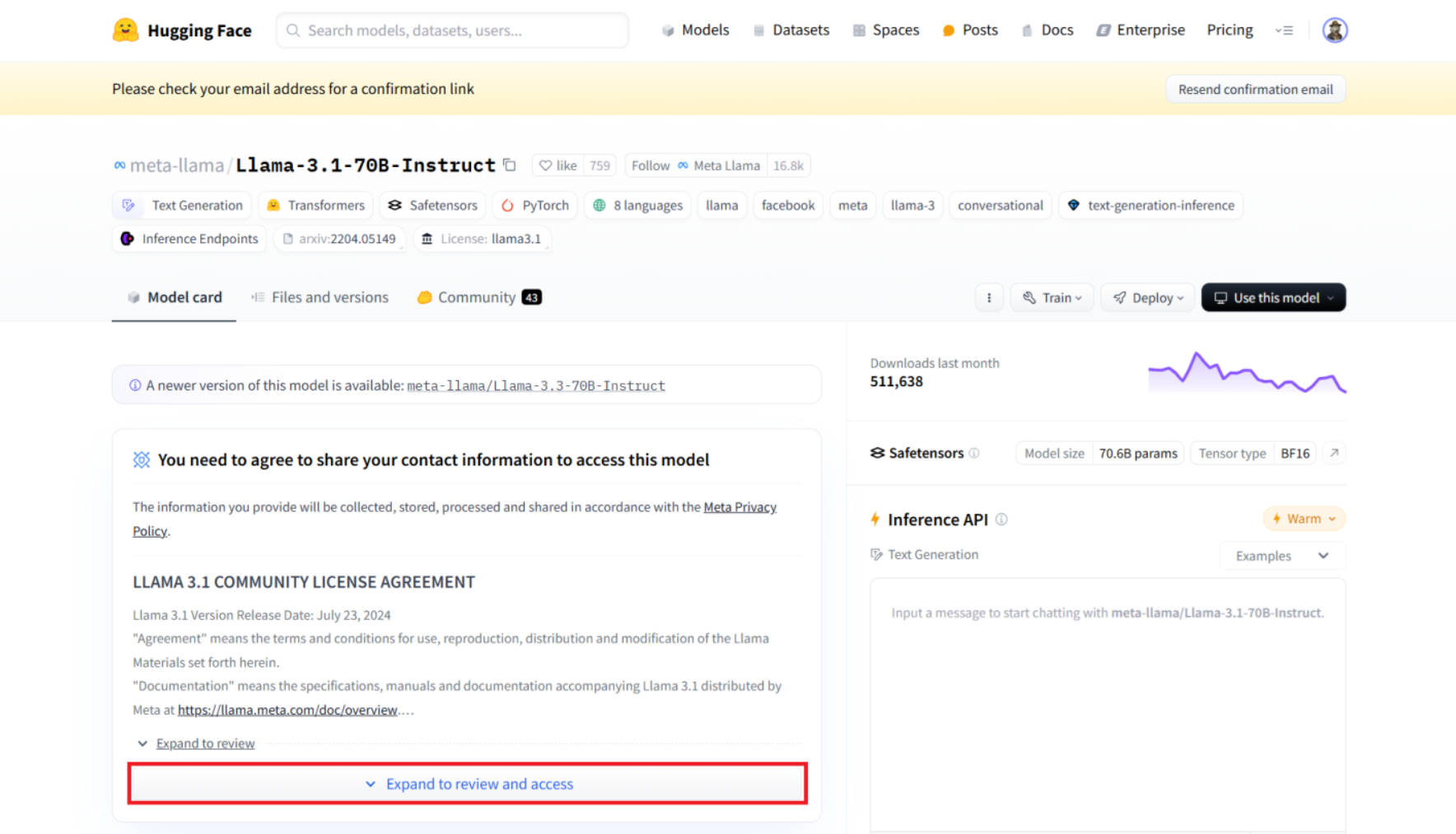
Before you can use the LLaMA model, you need to request access to it on the Hugging Face website. Go to the [LLaMA model page on Hugging Face](https://huggingface.co/meta-llama/Llama-3.1-70B-Instruct). Pada bagian You need to to agree to share your contact information to access this model tekan Expand to review and access.
LLaMA Model
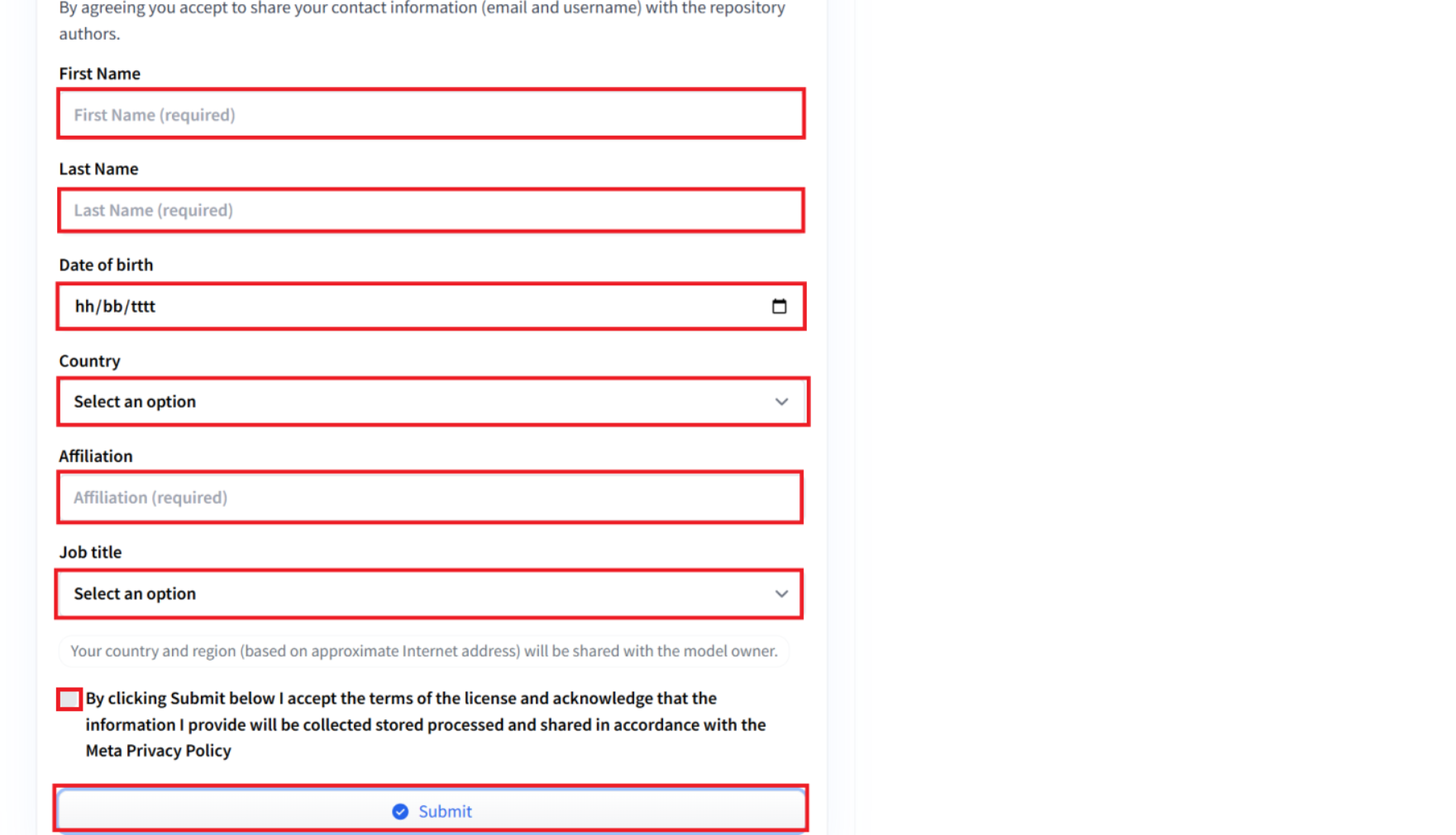
If you have just accessed the LLaMA model page on Hugging Face, then you are asked to agree to share your contact information to access the LLaMA model. Fill in the fields provided completely and press the Submit button.
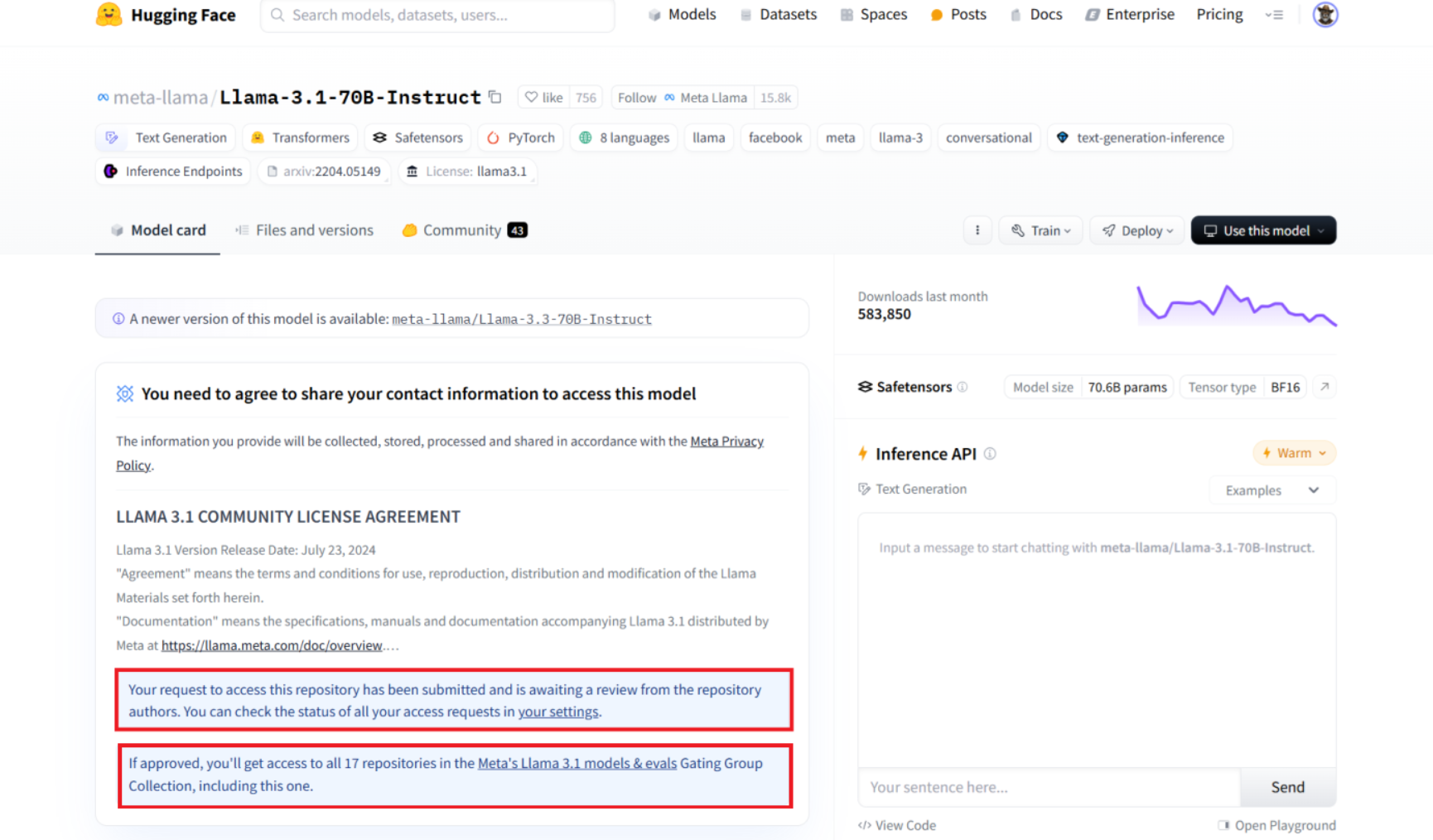
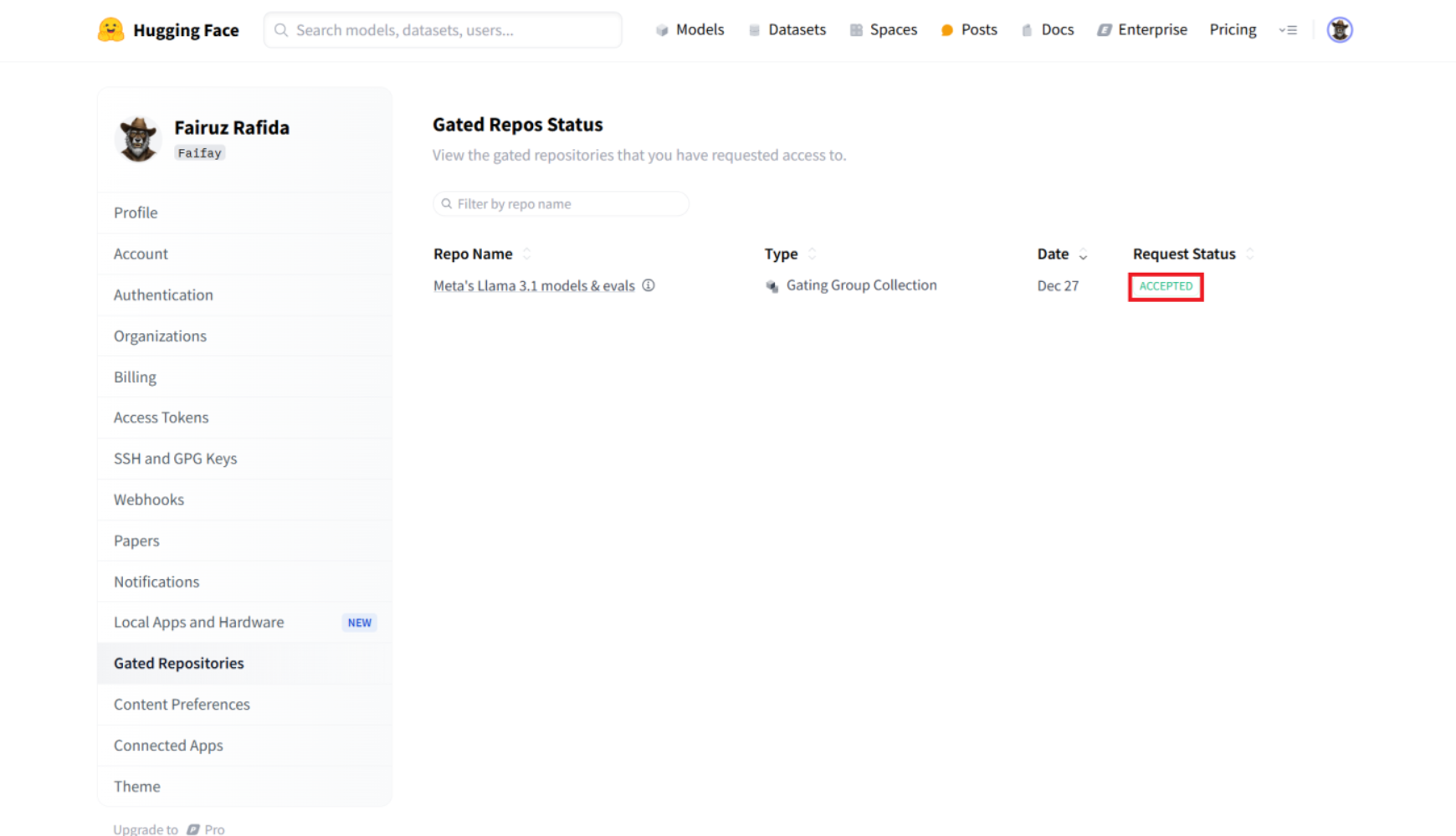
Your request to access this repository has been submitted and is awaiting review from the repository author. You can check the status of all your access requests in Hugging Face settings and will be redirected to the page [Gated Repos Status](https://huggingface.co/settings/gated-repos).